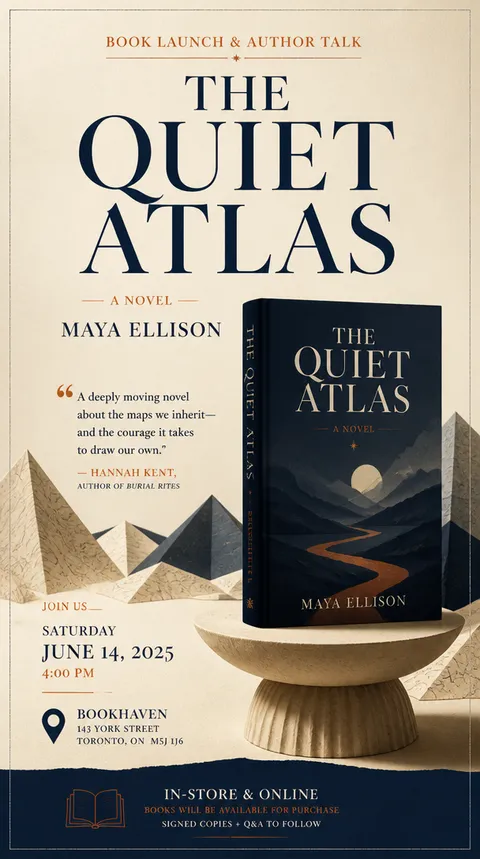
Book Poster
Practical AI image prompts for book poster design and promotion.
2026.07.15
Fai «Book Poster» esattamente come lo vuoiCrea il tuo «Book Poster»
Chiedilo con parole tue: Carat genera per te immagini e video ottimizzati.

Inizia subito con 100 crediti gratis al giorno
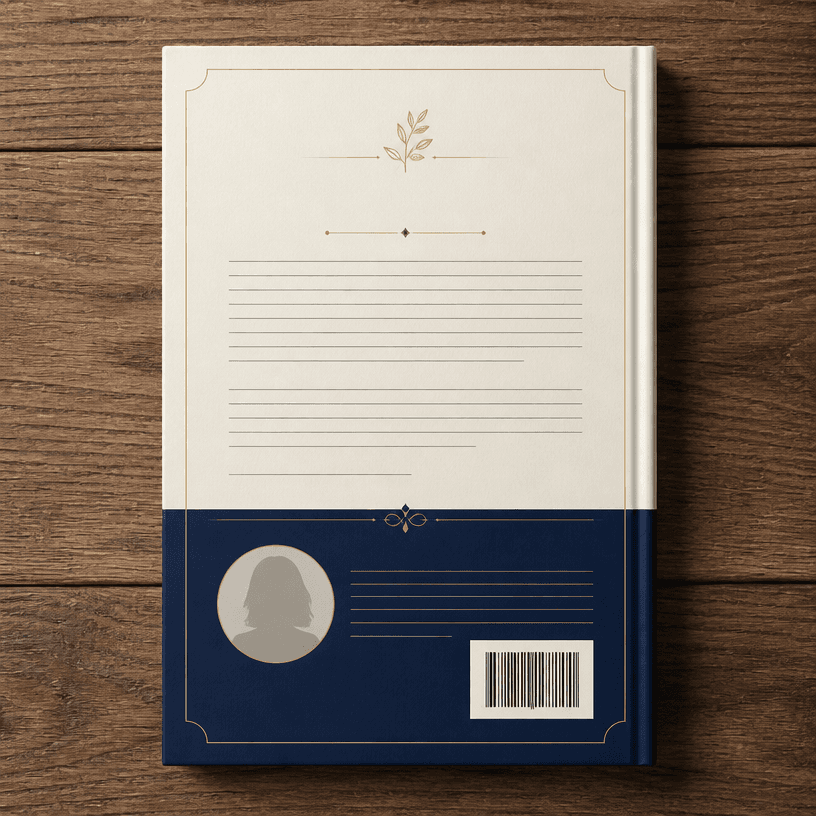
Back Cover Design

E-book Cover
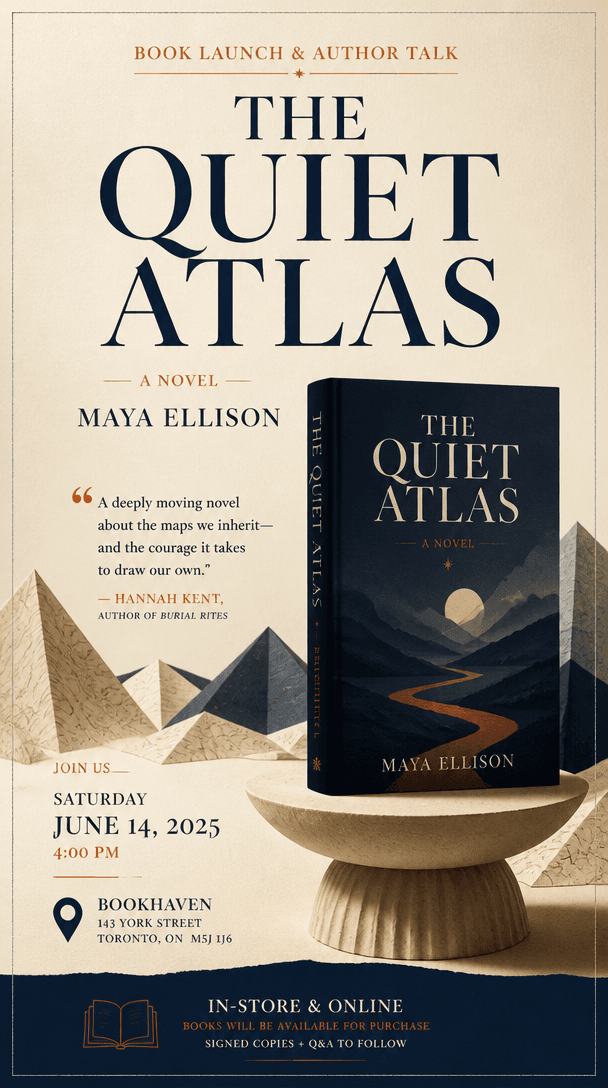
Book Promotion Poster
What Is a Book Poster AI Prompt?
A book poster is 책 포스터는 책의 장르와 정서, 핵심 메시지를 표지나 대표 장면과 함께 보여 주는 독서·출판 홍보 이미지. A useful prompt defines more than a topic name: it specifies the audience, viewing context, first-read message, visual hook, palette, and available space for text. Existing examples help you compare compositions and choose a direction that fits the intended channel.
Visual Elements and Hierarchy
Start with 책 제목, 저자명, 장르를 먼저 읽히게 하고 표지 오브젝트나 상징 장면으로 독자가 내용을 상상하도록 만드는 정보 계층. Keep one hero element at the center, then separate the title and supporting details through scale, placement, and spacing so the message survives at thumbnail size. Limit decoration to what reinforces the idea and preserve a deliberate area for important wording.
Practical Uses
It can support 신간 홍보, 북토크, 독서 모임, 도서관 프로그램, 전자책 출시, 서점 진열과 SNS 카드. When adapting one concept for feeds, stories, posters, and banners, keep the core palette and hero visual consistent while reducing information to suit each ratio.
Prompt Construction Tips
Begin with 책의 분위기를 대표하는 사물 하나를 고른 후 제목과 행사 정보를 분리해 작은 화면에서도 읽히게 구성. Then add the illustration or photography treatment, light direction, camera angle, background texture, typography zone, and output ratio. Since generated lettering may be inaccurate, plan to replace critical names and numbers in an editing tool.
Final Review
Reduce the result to its real display size and check whether the title and hero visual lead the reading order. Do not rely on color alone; use scale, spacing, lines, and icons as additional signals. For print, verify bleed and safe margins. For online use, avoid areas covered by interface controls. Before release, check spelling, schedules, prices or venues, contact information, QR codes, and image rights. This process turns an attractive draft into a dependable book poster for its real audience.