GPT Image 2
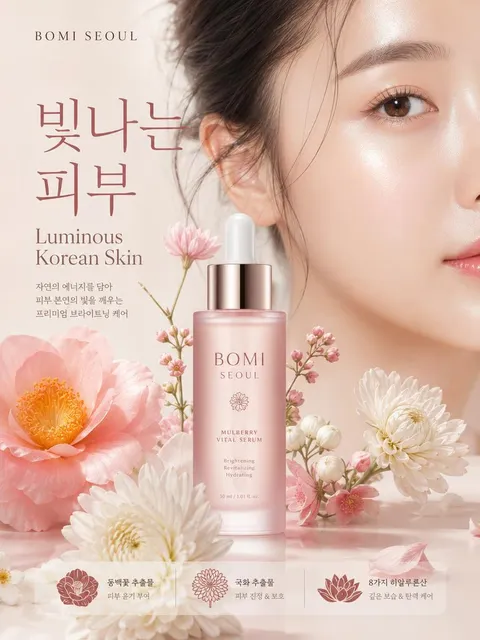
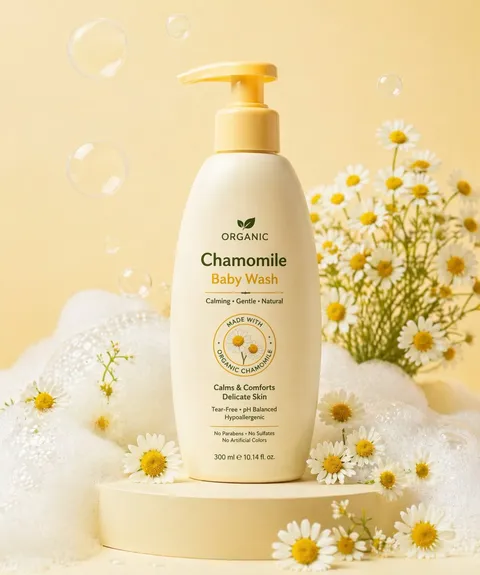
AI GPT Image 2 prompts you can use right away for visual content built on a high-quality image model. Quickly create posters, product ads, characters, and card news images.
2026.05.28
Fai «GPT Image 2» esattamente come lo vuoiCrea il tuo «GPT Image 2»
Chiedilo con parole tue: Carat genera per te immagini e video ottimizzati.

Inizia subito con 100 crediti gratis al giorno
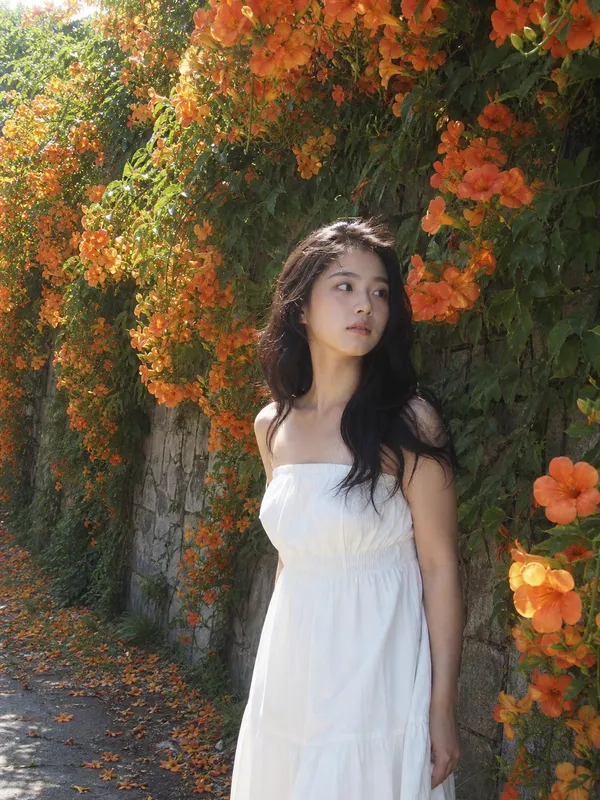
Campsis White Midi Dress
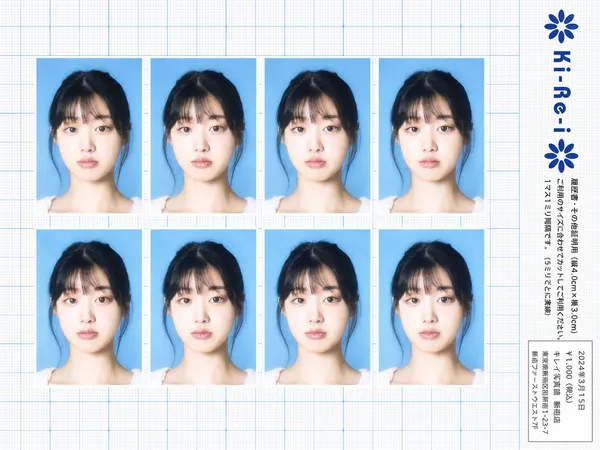
Ki-Re-i ID Photo Sheet
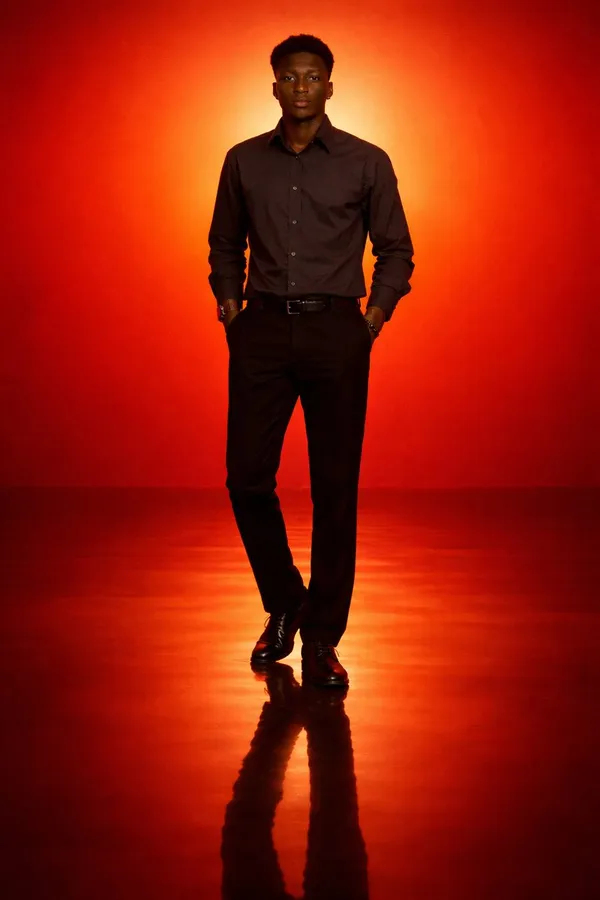
Cinematic Minimal Portrait of a Solitary Man Standing in an Intense Orange to Red
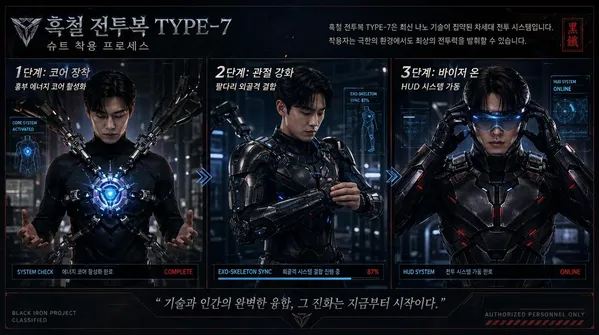
{"type":"Korean Sci-fi Armor Suit-up Process Infographic"
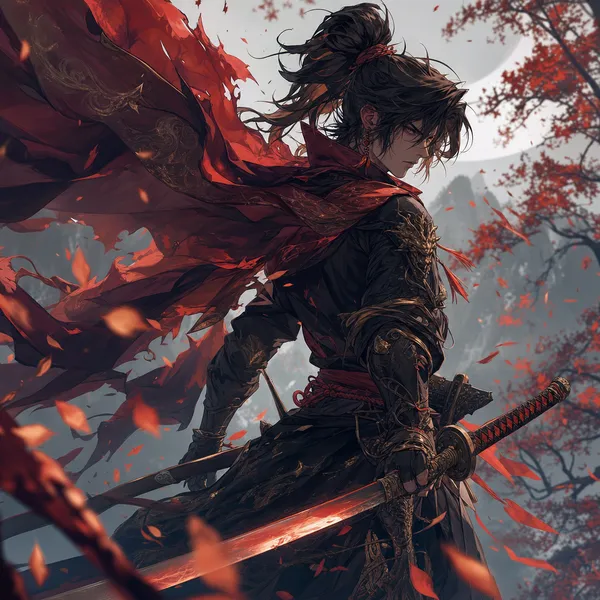
Fan Art
Crisp Technology Startup Logo for an AI Productivity App Named 'FLOWKIT'
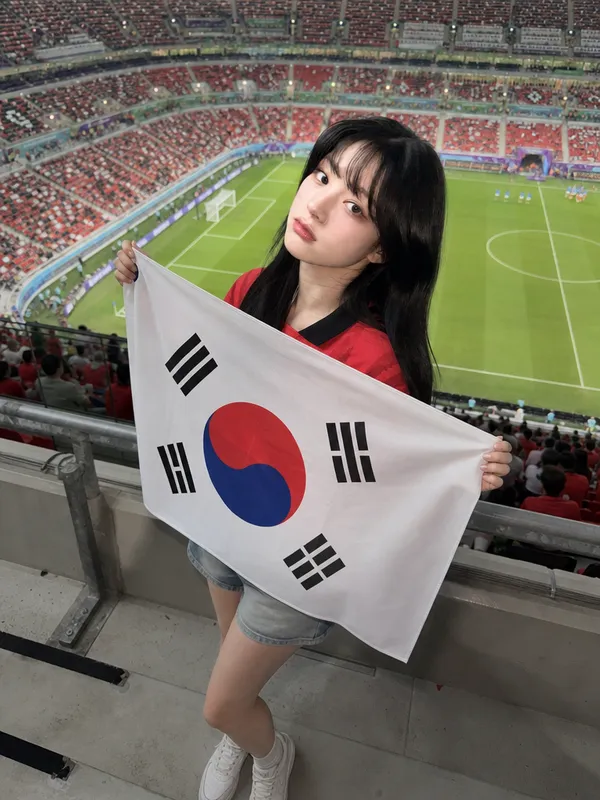
Full-Body Flag Cheering Shot
잠자는 이모지
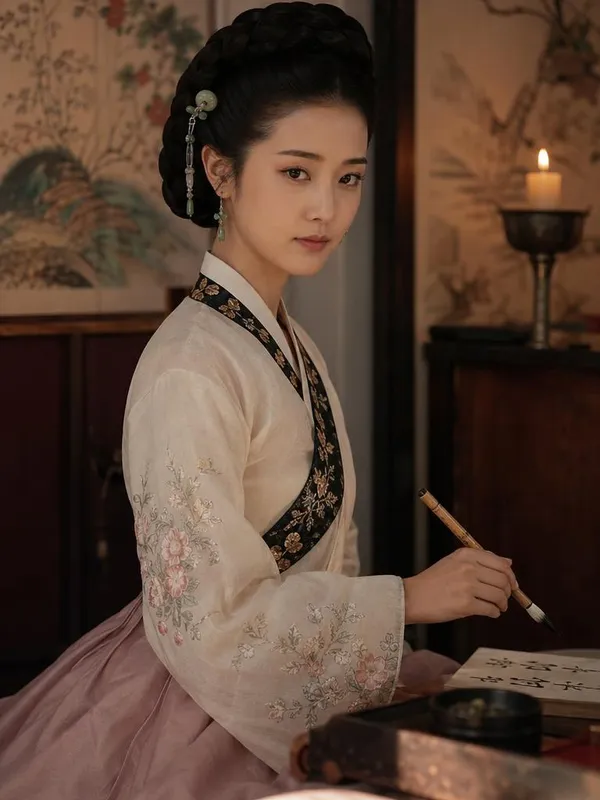
Photorealistic Portrait of Hwang Jini (), the Legendary Joseon-era Korean Gisaeng Poet
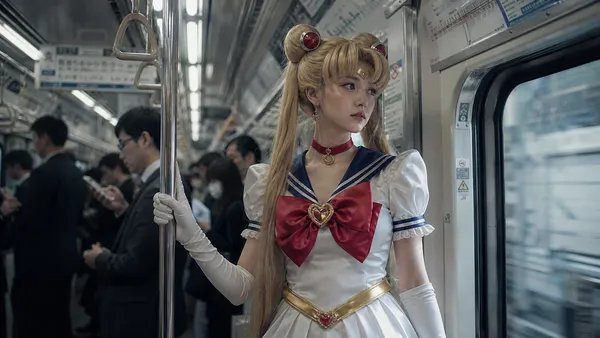
Sailor Moon Subway Cosplay
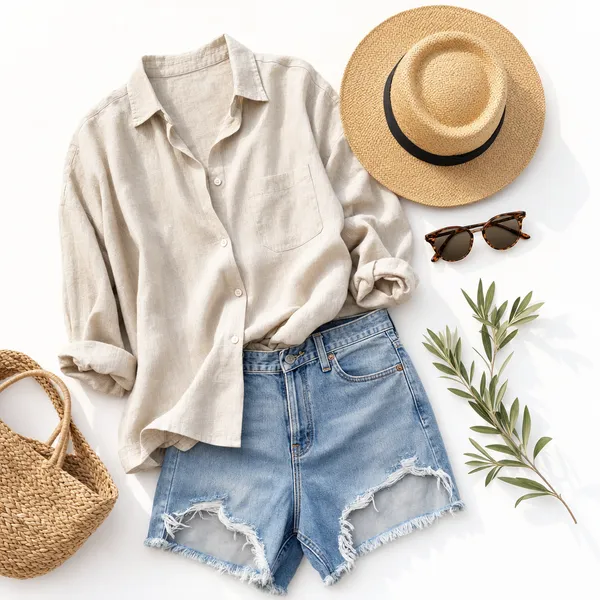
Summer Outfit
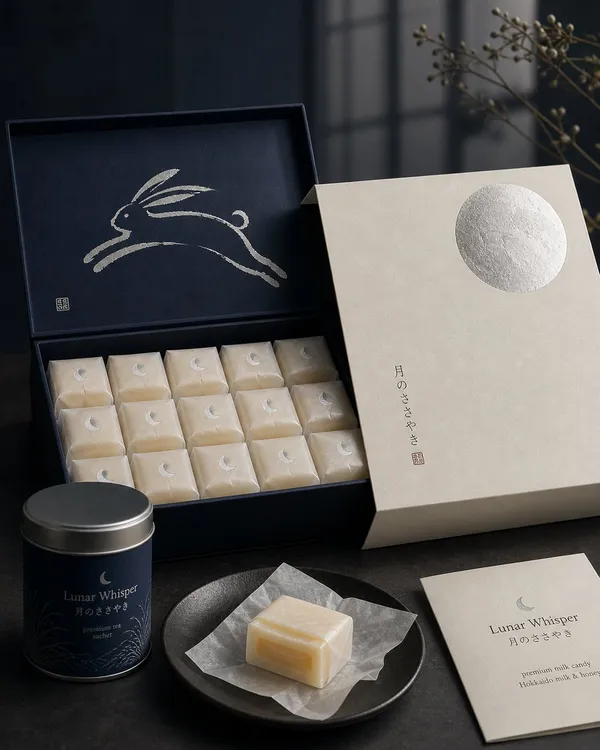
Japanese Confectionery Packaging
What Are GPT Image 2 AI Prompts?
GPT Image 2 prompts are AI prompts for quickly shaping visual content built on a high-quality image generation model. In Carat, you can generate images or video with models like GPT Image 2, then keep going with follow-up work such as editing the result, changing the aspect ratio, removing the background, upscaling, or converting to video.
Where You'll Use It
- Product ad images
- Posters and thumbnails
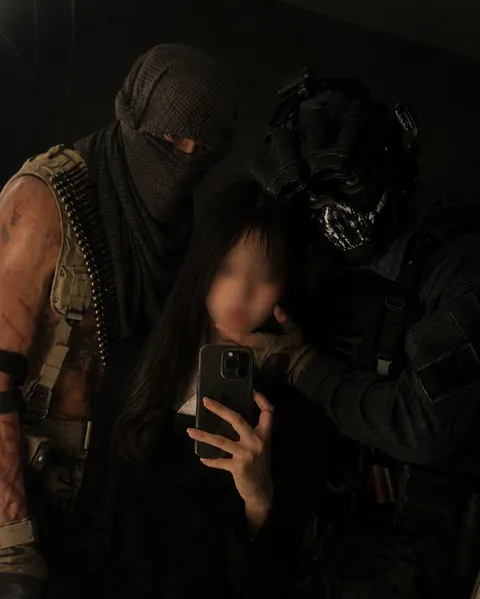
- Character and portrait images
- Card news and infographics
- Brand mockups and packaging
Why This Tag Is Useful
GPT Image 2 work is less about simply making something that looks good and more about its purpose. GPT Image 2 is a model good for experimenting broadly—from a single polished image to design drafts that include text. Once you nail down the prompt's purpose and the type of result, it's easy to carry it straight into marketing, commerce, and social content. When choosing a prompt, look first for examples that show the subject, composition, style, text placement, and intended channel together.
Tips for Building Your Prompt
- Decide the channel and aspect ratio the result will be used in first.
- Spell out the key subject, background, lighting, and camera composition.
- If needed, separate out the brand name, product name, character traits, and color palette.
- After generating, check for text errors, logo accuracy, and likeness/copyright issues.
In Carat, once you run a prompt you can refine from the result you like, or continue with follow-up work like changing the aspect ratio, removing the background, upscaling, or converting to video.
Domande frequenti
GPT Image 2 prompts suit visual content built on a high-quality image generation model. They're useful for posters, product ads, characters, and card news images.
Yes. Enter the prompt in Carat to generate an image or video, then continue with follow-up work like editing the result, changing the aspect ratio, removing the background, or upscaling.
Yes. Run an example prompt as-is, then just swap in your own brand name, character, product, colors, and aspect ratio.
It fits work that needs a single finished image well—posters, product ads, characters, card news, and mockups.
Yes. In Carat you can build on the generated result with follow-up work like partial edits, changing the aspect ratio, removing the background, or upscaling.
It's well suited to practical content like ad images, social content, product detail pages, thumbnails, and short-form video. That said, logos, real people, and copyrighted material need separate checks.
In Carat you can refine from the result, or change the background, ratio, text, or style and regenerate. Narrowing toward a direction you like works better than trying to nail it in one shot.