Calendar Design
AI prompts for designing monthly calendar templates with seasonal accents.
2026.07.08
Fai «Calendar Design» esattamente come lo vuoiCrea il tuo «Calendar Design»
Chiedilo con parole tue: Carat genera per te immagini e video ottimizzati.

Inizia subito con 100 crediti gratis al giorno
Calendar Design
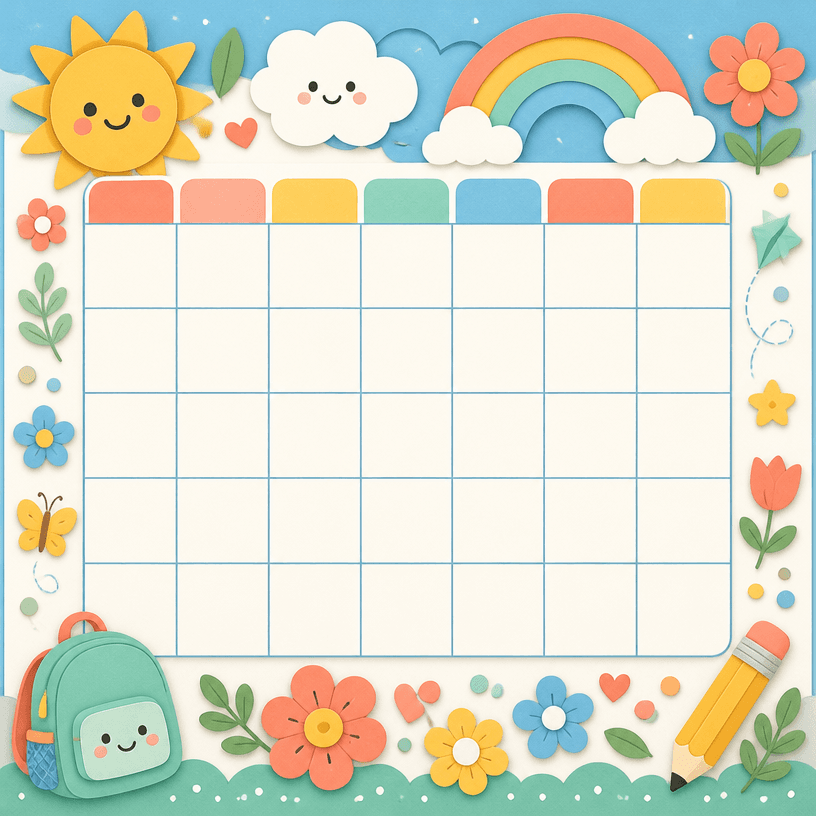
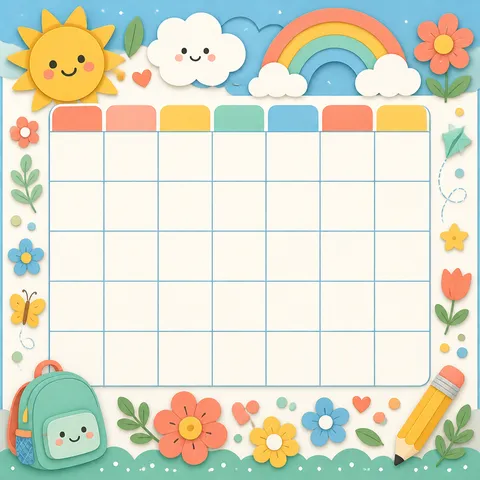
Children's Calendar
What Are Calendar Design Prompts?
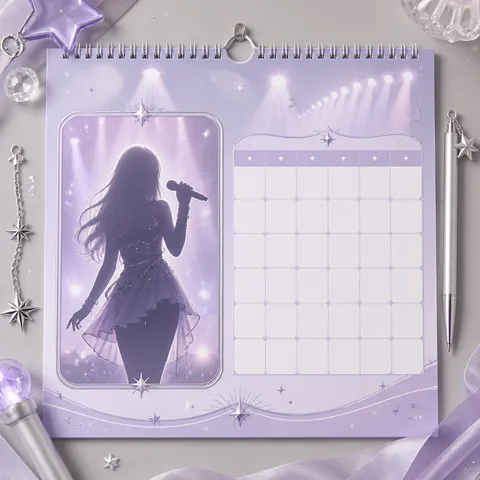
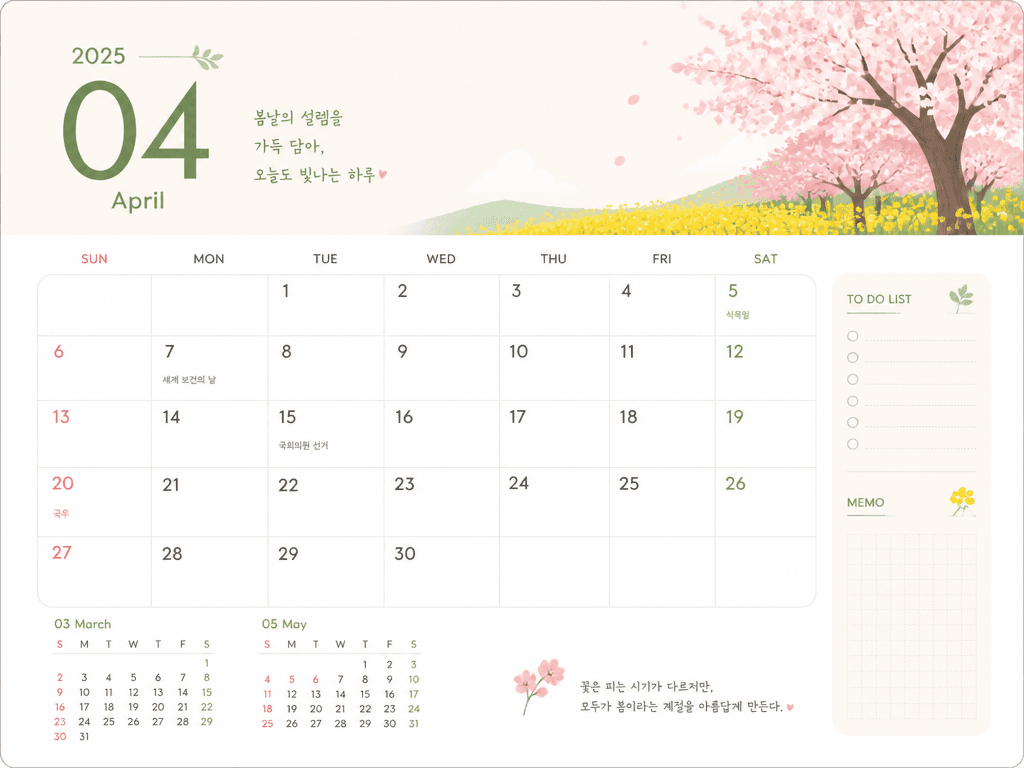
Calendar design prompts help you create monthly calendar templates using AI. By describing the date grid, header decoration, seasonal illustration, and typography style in a sentence, GPT Image 2 generates printable calendar designs in seconds. These prompts are ideal for personal diaries, company wall calendars, card news content, merchandise design, and school newsletters.
Key Use Cases
- Monthly calendar pages for personal diaries and planners
- Calendar designs for company newsletters and bulletins
- Card news format monthly schedule announcement images
- Calendar designs for fancy goods and merchandise
- Monthly schedule tables for schools and institutions
Why This Tag Is Useful
Calendars need fresh designs every year, but creating them manually requires date arrangement, font selection, decorative elements, and seasonal mood, making it time-consuming. AI prompts let you specify the month and style in text: "April calendar, cherry blossom accents, pastel tones, minimal typography," "December calendar, snowflake decorations, warm red color, handwritten font" and get polished designs instantly. This is especially valuable for content creators, designers, marketers, teachers, and goods planners who can generate a 12-month series for an annual calendar set.
Related Prompts
Prompt Composition Tips
- Specify the month and season: "April spring," "August summer," "December winter" to naturally reflect seasonal mood.
- Set the date grid: "7-column grid," "Mon-Sun layout," "large date font" for better readability.
- Add decorative elements: "cherry blossom illustration," "snowflake pattern," "botanical motif" for a refined calendar.
- Choose colors and typography: "pastel tones," "monochrome," "handwritten font," "serif font" to achieve your desired mood.
Try creating a 12-month series. This works great as an annual calendar set or diary inserts.