Cinematic Photo
AI prompts for creating cinematic still images with dramatic lighting, emotional framing, and a film-like sense of story. Use them for portrait images that feel like film stills, dramatic scenes with controlled shadows and highlights, and polished visual concepts in Carat.
2026.05.22
Fai «Cinematic Photo» esattamente come lo vuoiCrea il tuo «Cinematic Photo»
Chiedilo con parole tue: Carat genera per te immagini e video ottimizzati.

Inizia subito con 100 crediti gratis al giorno
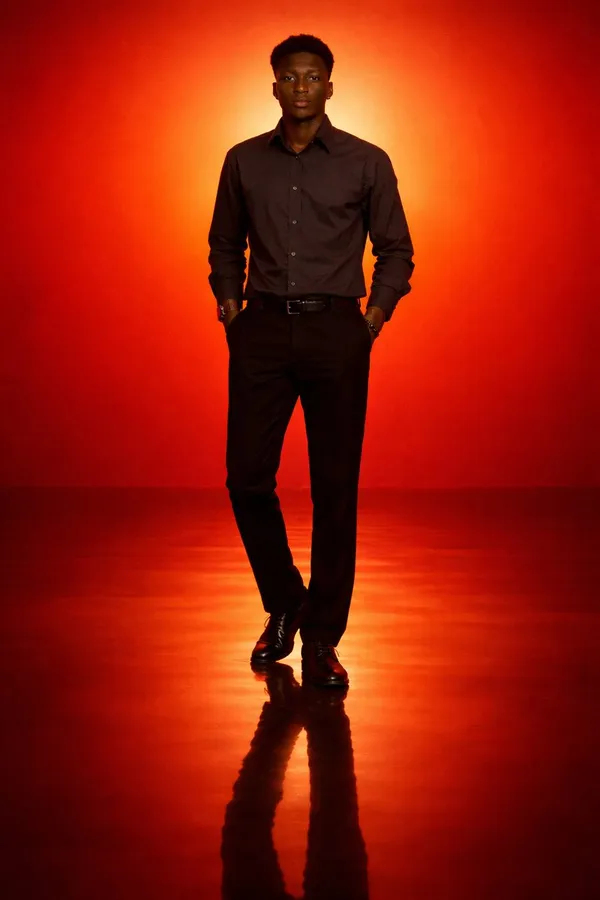
Cinematic Minimal Portrait of a Solitary Man Standing in an Intense Orange to Red
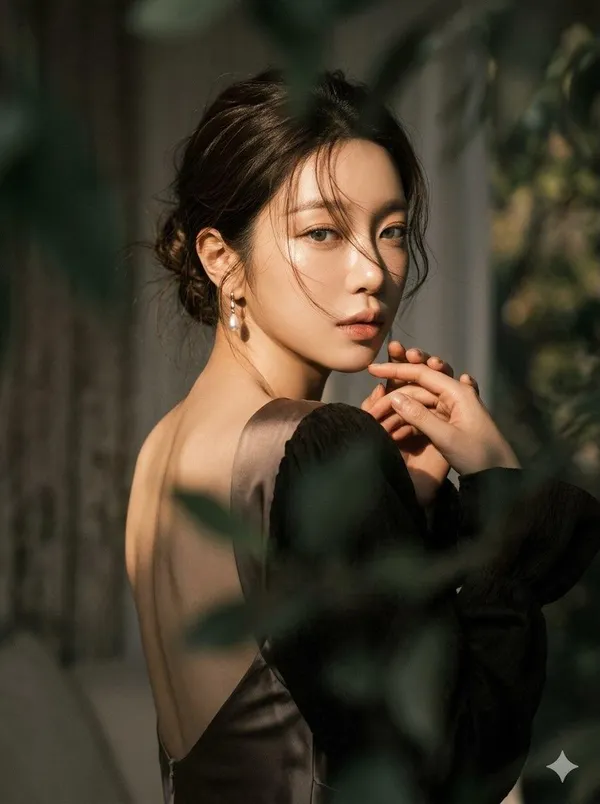
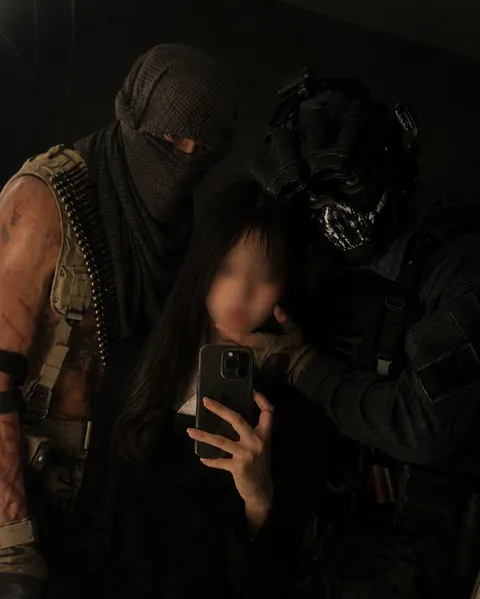
Over-the-Shoulder Moody Portrait
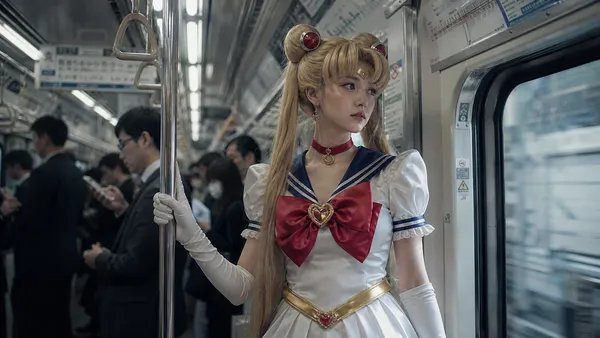
Sailor Moon Subway Cosplay
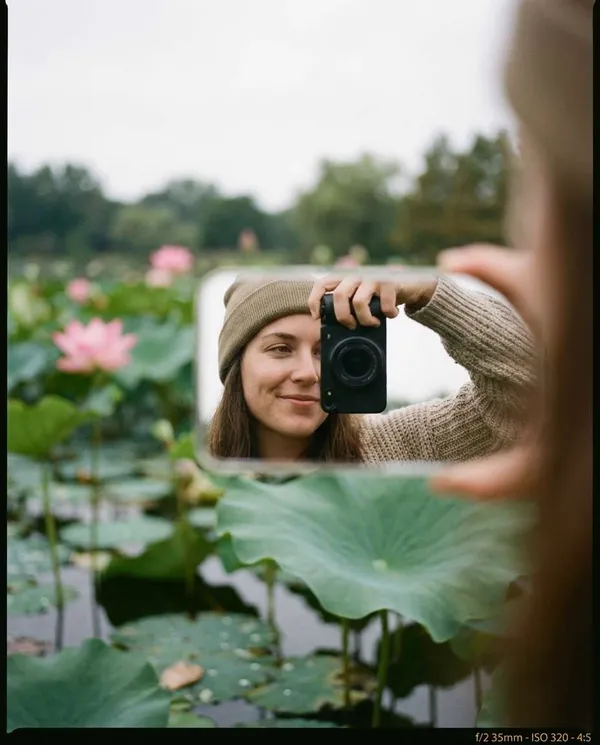
Lotus Pond Reflection Selfie
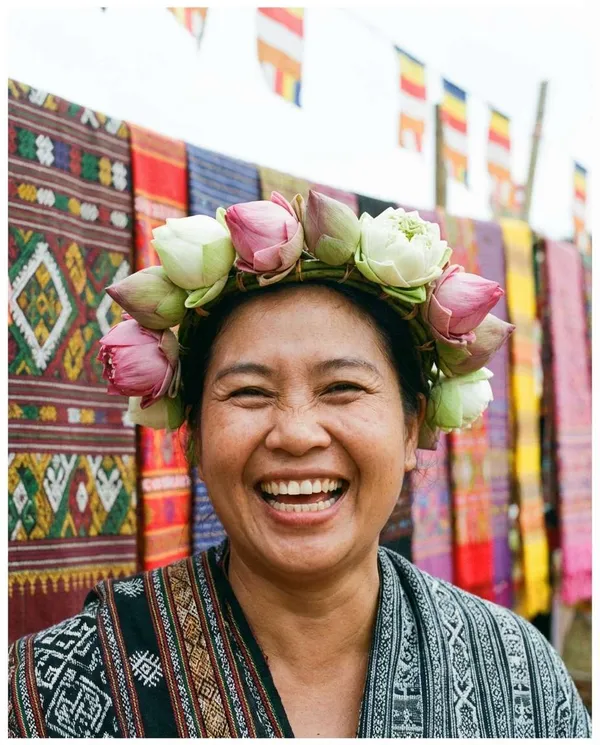
Lotus Crown Festival Portrait
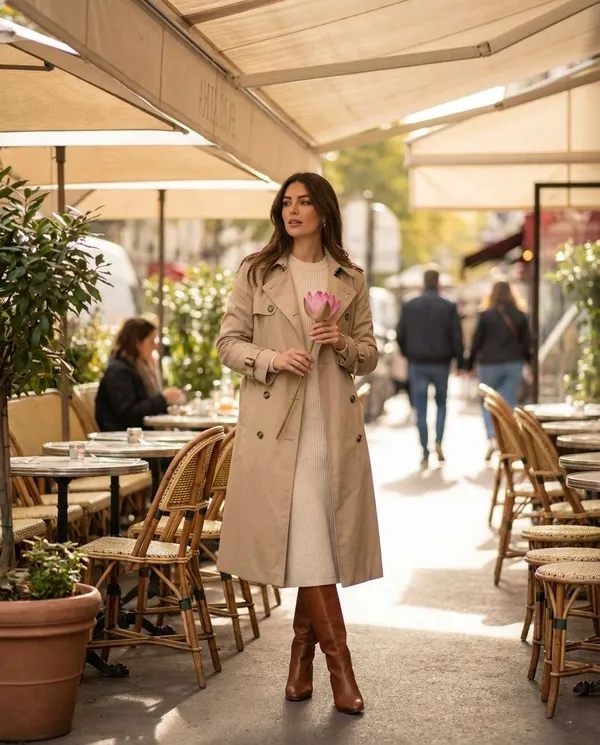
Cafe Lotus Daily Look
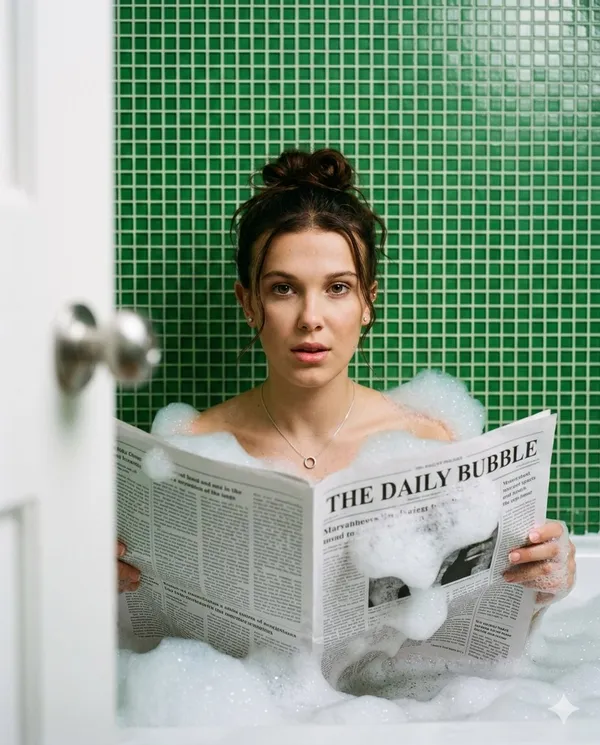
Bathtub Newspaper Cinematic Portrait
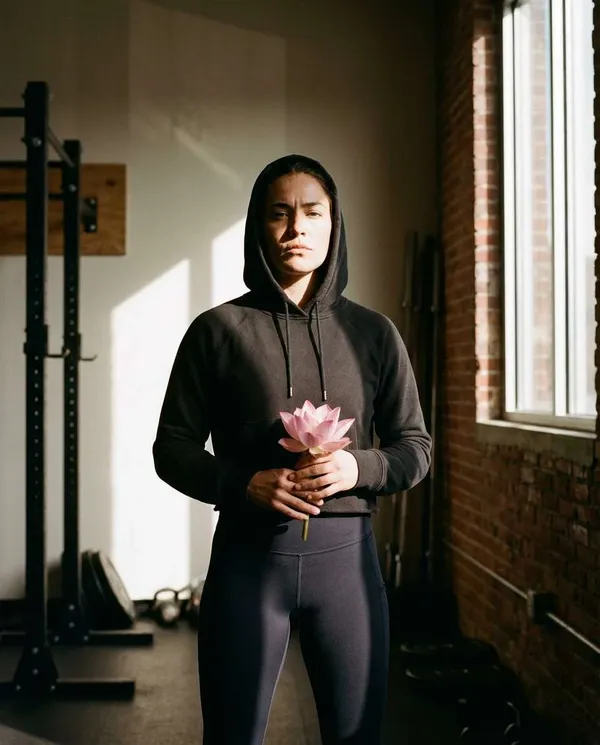
Post-Workout Lotus Portrait
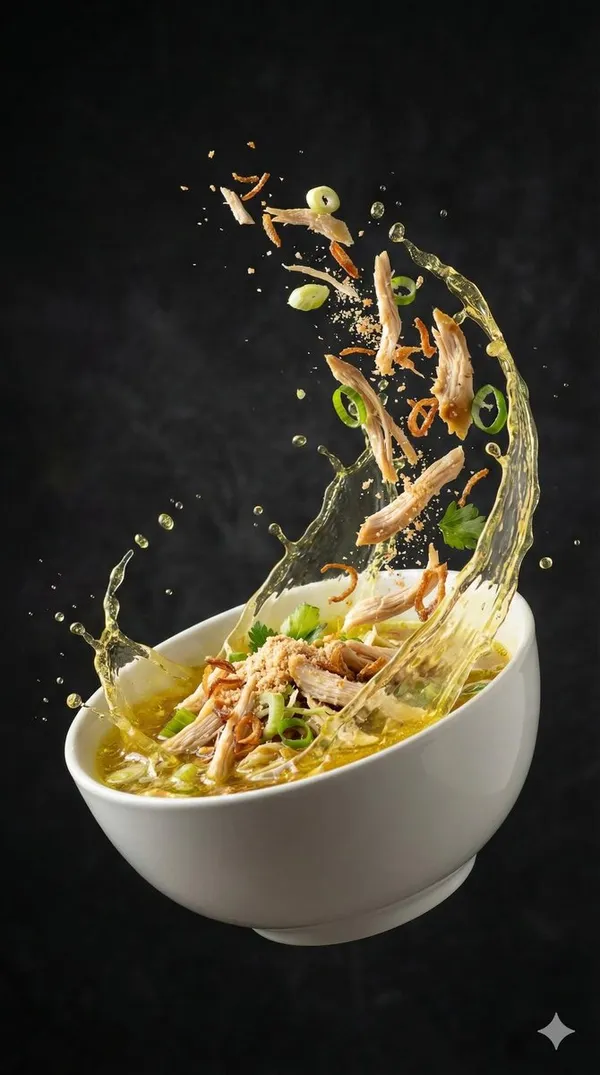
Seblak Food Twirl Motion
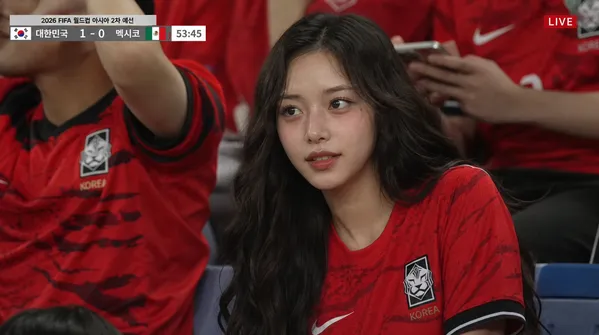
Football Broadcast Crowd Shot
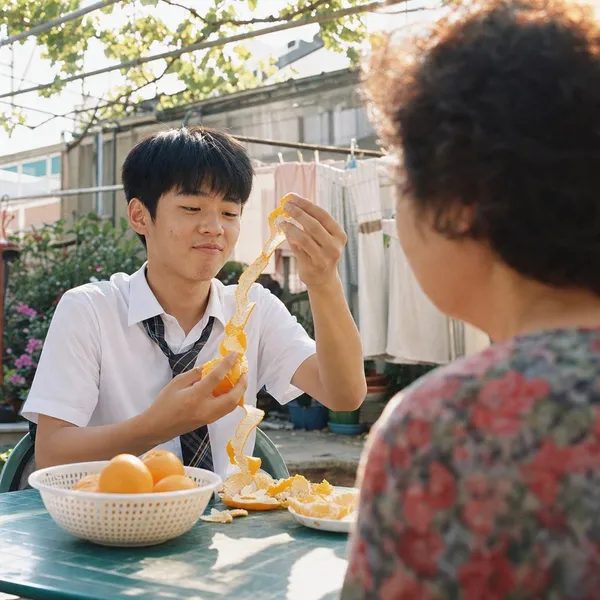
Summer Courtyard Tangerine
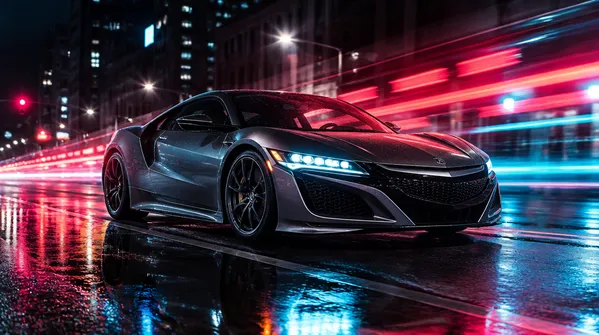
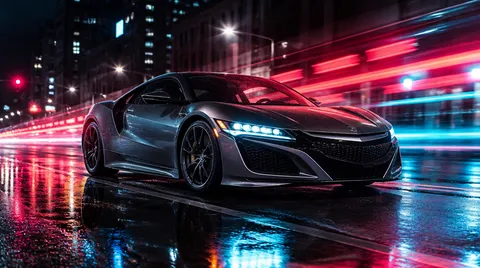
Night City Sports Car Ad
What Are Cinematic Photo AI Prompts?
Cinematic Photo AI prompts help you quickly create images that feel like film stills, with dramatic lighting, emotional framing, and a clear sense of story. They do more than make a pretty picture: they lock in the subject, background, lighting, shooting distance, camera angle, and overall mood at once. In Carat you can generate the result with image models such as GPT Image 2, Nano Banana Pro, or Nano Banana 2, then continue with follow-up work like changing the aspect ratio, cleaning up the background, editing details, improving resolution, or converting the still into a short video.
Where You'll Use It
- portrait and profile images that look like film stills
- dramatic, emotional scenes with controlled shadows and highlights
- magazine-style fashion and editorial visuals
- poster-style images for stories, characters, and campaigns
- product ad shots and food photography with a strong cinematic mood
Why This Tag Is Useful
Cinematic Photo prompts raise the quality of the same subject or product using little more than lighting and composition. Because they turn an ordinary snapshot into something that reads like a single film frame, they fit work where the first impression matters most, such as profiles, editorials, ad drafts, and moodboards. The more precisely you specify location, time of day, lighting, and camera distance, the less flat the result looks.
Tips for Crafting Prompts
- Start with the subject and the camera relationship: who is in the frame, where they are, and how they are seen.
- Add a concrete setting such as a rain-soaked street, a quiet room, a subway platform, or a night exterior so the image has a real place.
- Describe lighting and texture with visible words like rim light, practical lamps, soft haze, deep shadows, and film grain instead of broad style labels.
- Control the shot with cues like medium close-up, over-the-shoulder angle, wide establishing shot, and shallow depth of field.
Keep the mood focused on one or two strong ideas rather than stacking conflicting references. After the first result in Carat, you can ask for targeted changes such as softer lighting, a vertical crop, or cleaned-up faces and hands, so a single prompt can expand into several usable images and video source material.
Domande frequenti
They are used to create images that feel like film stills, with dramatic lighting, emotional framing, and a strong sense of mood. They fit work where lighting, composition, and atmosphere matter, such as film-style portraits, dramatic emotional scenes, editorial fashion visuals, poster-style images, and product ad shots.
Yes. You can run them directly in Carat with image models such as GPT Image 2, Nano Banana Pro, or Nano Banana 2, then continue with follow-up edits like changing the aspect ratio, refining the background, editing details, improving image quality, or turning the still into a short video.
For still images, GPT Image 2 is a strong default. Nano Banana Pro and Nano Banana 2 are also common for product shots and detail-heavy scenes. A finished image can then be used as a reference for a video model if you want motion later.
Most prompts run from text alone. Some prompts that keep a specific face or product consistent ask you to attach a reference photo. If a prompt mentions an uploaded photo, attached image, or reference, add an input image before running it.
Keep the core composition, then adjust details that show up in the result such as location, time of day, lighting, camera distance, and color palette. Small changes to lighting, background, or pose usually land closer to the mood you want than rewriting the whole prompt.
Yes. The prompts are written so you can run them as-is and still get a usable result. Once you are comfortable, you can swap details like wardrobe, location, color palette, camera distance, and mood words to make the image feel more personal.
Try regenerating with a clearer subject and fewer competing style references. In Carat you can also ask for targeted edits, expand or crop the frame, remove distracting elements, or sharpen the final image to improve quality.