Gem Illustration
Create gem illustration visuals with practical AI prompt examples, style tips, and use cases.
2026.07.04
Fai «Gem Illustration» esattamente come lo vuoiCrea il tuo «Gem Illustration»
Chiedilo con parole tue: Carat genera per te immagini e video ottimizzati.

Inizia subito con 100 crediti gratis al giorno
Gemstone Illustration
What are Gem Illustration AI prompts?
Gem Illustration prompts help you generate a clear visual asset by describing the subject, symbolic details, composition, line style, color palette, texture, background density, and intended use. A strong prompt is more useful than a single keyword because it tells the image model what the final output should become. This makes the result easier to reuse in posters, stickers, worksheets, thumbnails, presentations, classroom materials, social posts, branding drafts, editorial layouts, or product mockups.
Main use cases
- 주얼리 이벤트 그래픽
- 게임 보상 아이콘
- 판타지 소품 디자인
- 스티커 굿즈
- 브랜드 장식 요소
Why this tag is useful
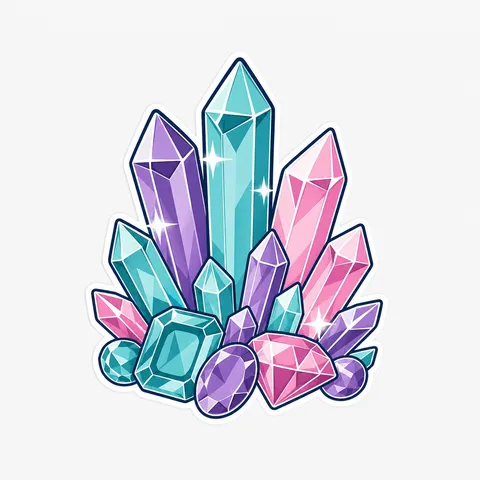
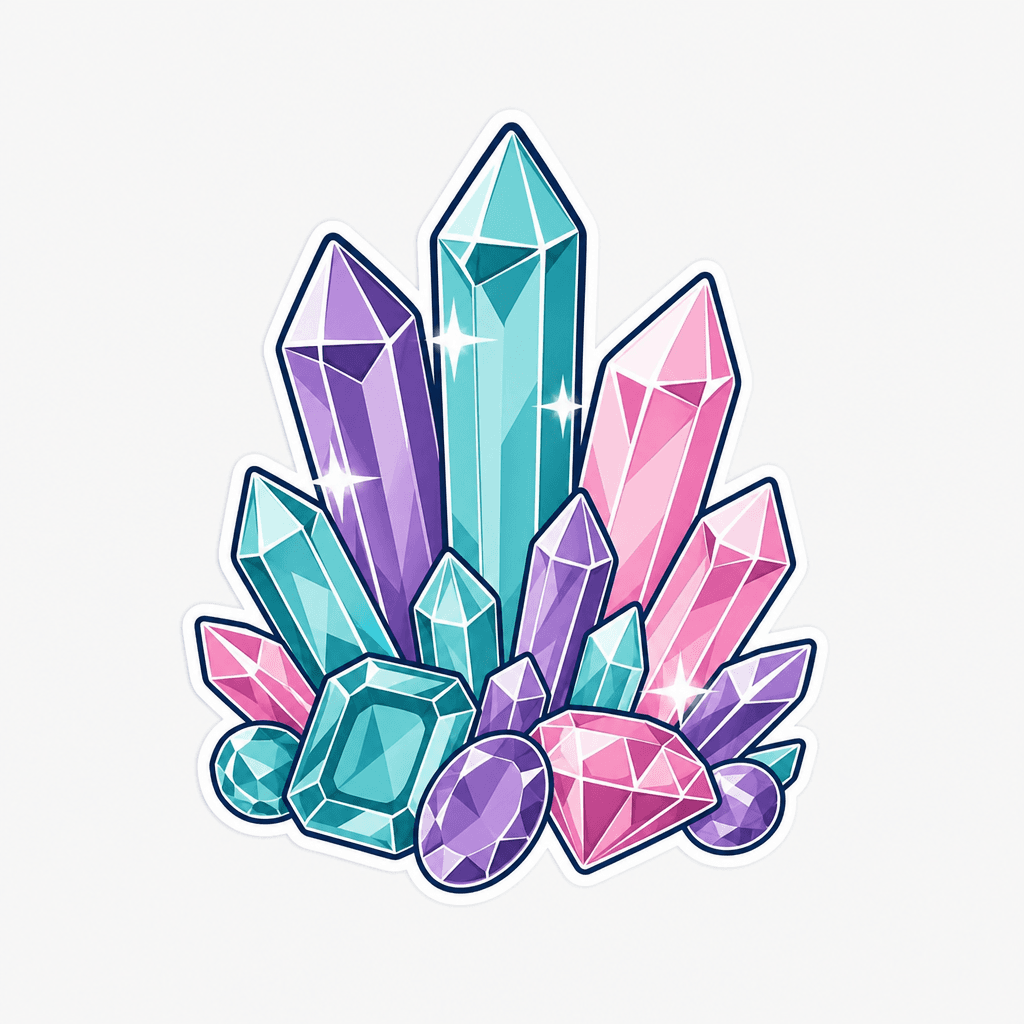
보석은 다면체 절단면, 간단한 하이라이트, 선명한 보석색이 핵심입니다. 사진처럼 반짝임을 과하게 만들기보다 벡터 하이라이트로 정리하면 재사용성이 높습니다. For reusable production results, add constraints such as clean vector illustration, bold outline, flat colors, centered composition, simple light background, subtle paper texture, no readable text, no logo, and no watermark. These details reduce ambiguity and help the generated image stay editable and safe for design workflows. The tag is especially useful when you need one clear subject that reads immediately without relying on captions.
Related prompts to explore
Useful related tags include illustration, sticker-design, character-illustration, poster, book-cover, comic-book-cover. Combine this tag with sticker-design for cutout assets, educational-poster for classroom or campaign visuals, poster for public layouts, or character-illustration when the same topic should become a mascot or story element.
Prompt writing tips
- Start with the output format, such as sticker, poster, card news, worksheet, icon, thumbnail, cover, or presentation image.
- Add observable details such as silhouette, pose, symbolic props, outline, palette, texture, and background simplicity.
- Keep production constraints explicit: no readable text, no logo, no watermark, and a clean background.
- Generate variations by changing only the palette, expression, background, or detail level, then choose the most reusable result.