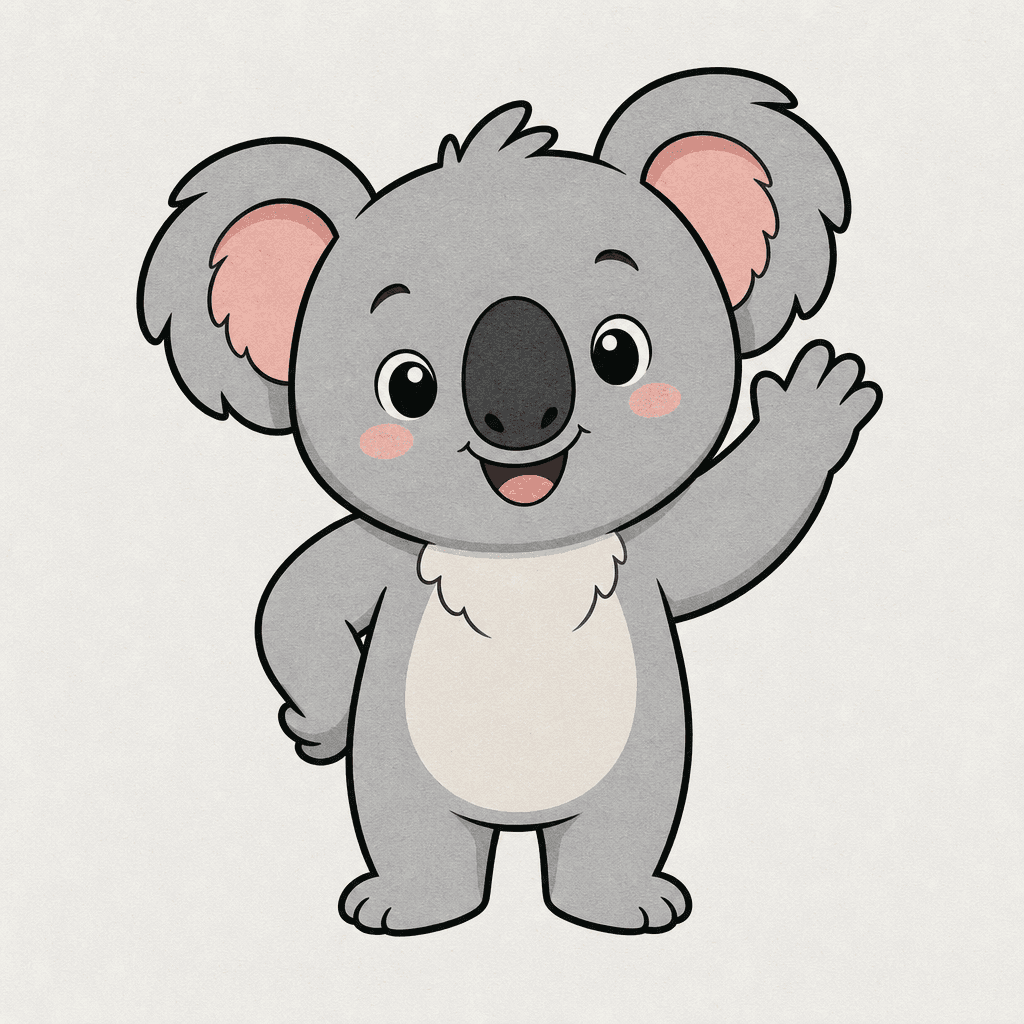
Koala Character
Create koala character visuals with practical AI prompt examples, style tips, and use cases.
2026.07.03
Fai «Koala Character» esattamente come lo vuoiCrea il tuo «Koala Character»
Chiedilo con parole tue: Carat genera per te immagini e video ottimizzati.

Inizia subito con 100 crediti gratis al giorno
Koala Character
What are Koala Character AI prompts?
Koala Character prompts help you generate a clear visual asset by describing the subject, composition, line style, color palette, texture, background density, and intended use. A strong prompt is more useful than a single keyword because it tells the image model what the final asset should be used for. This makes the result easier to reuse in cards, posters, stickers, worksheets, thumbnails, menus, presentations, classroom materials, or social posts.
Main use cases
- 동물 캐릭터 시안
- 어린이 학습 카드
- 마스코트 디자인
- 굿즈 스티커
- 환경 캠페인 이미지
Why this tag is useful
둥근 귀, 큰 코, 부드러운 회색 몸처럼 코알라의 핵심 특징을 과장하면 캐릭터성이 살아납니다. For production-ready results, add constraints such as clean outline, flat colors, centered composition, soft paper texture, simple background, no readable text, no logo, and no watermark. These details reduce ambiguity and help the generated image stay reusable. The tag is useful when you need one clear asset that works across multiple design contexts without heavy retouching.
Related prompts to explore
Useful related tags include illustration, sticker-design, food-illustration, character-illustration, poster, coloring-page. Combine this tag with sticker-design for cutout-style assets, educational-poster for classroom-ready visuals, or poster when the same idea should become a campaign or event image.
Prompt writing tips
- Start with the output format, such as card, poster, sticker, coloring page, worksheet, icon, thumbnail, or presentation image.
- Add observable details such as shape, outline, color palette, texture, and background simplicity.
- Keep production constraints explicit: no readable text, no logo, no watermark, and a clean background.
- Generate variations by changing only the palette, background, or detail level, then choose the most reusable result.