Pop Art
Pop art AI prompts alive with bold color and graphic elements. Quickly create comic, retro, and neon visuals.
2026.06.02
Fai «Pop Art» esattamente come lo vuoiCrea il tuo «Pop Art»
Chiedilo con parole tue: Carat genera per te immagini e video ottimizzati.

Inizia subito con 100 crediti gratis al giorno
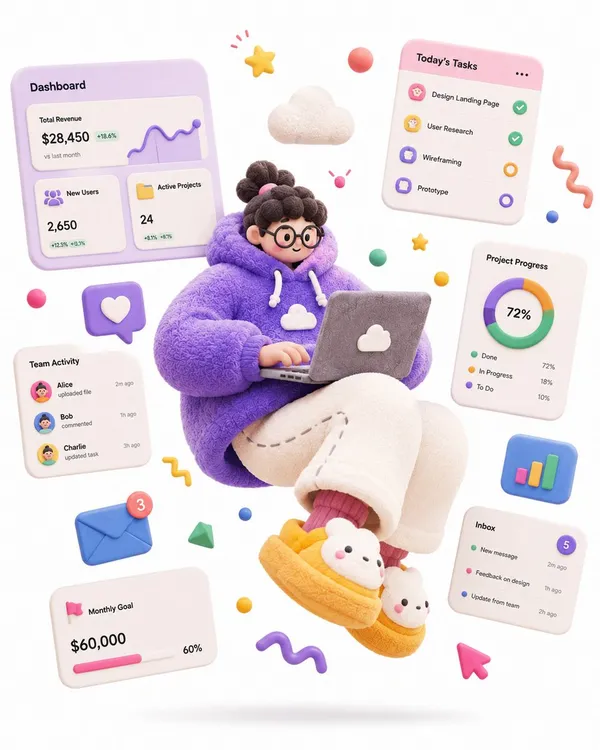
Soft Sculpture Jumping Character
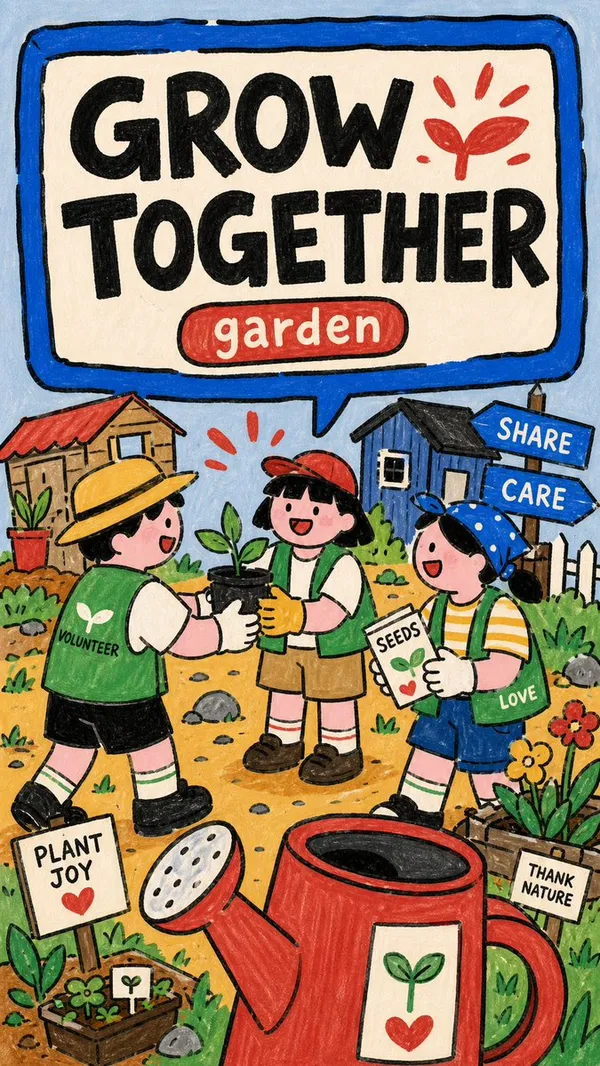
Naive Marker PSA Poster
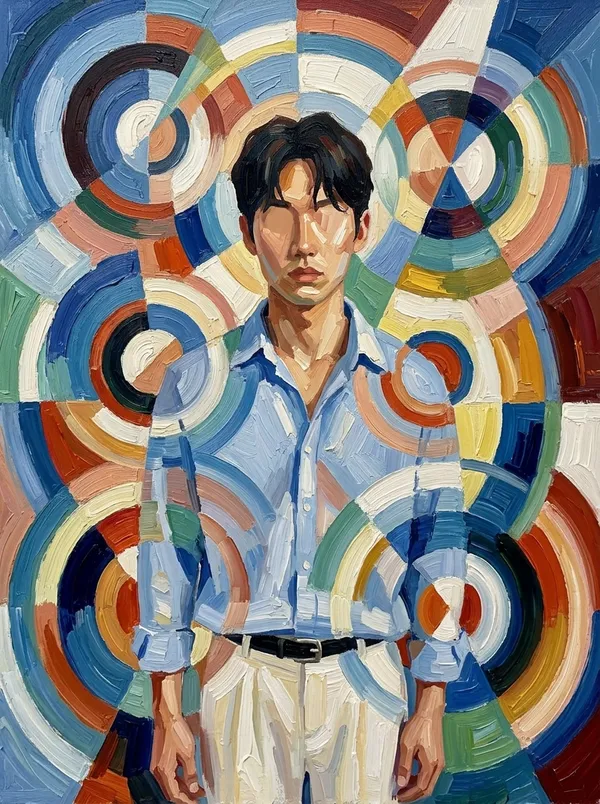
Orphism Circular Color Abstraction
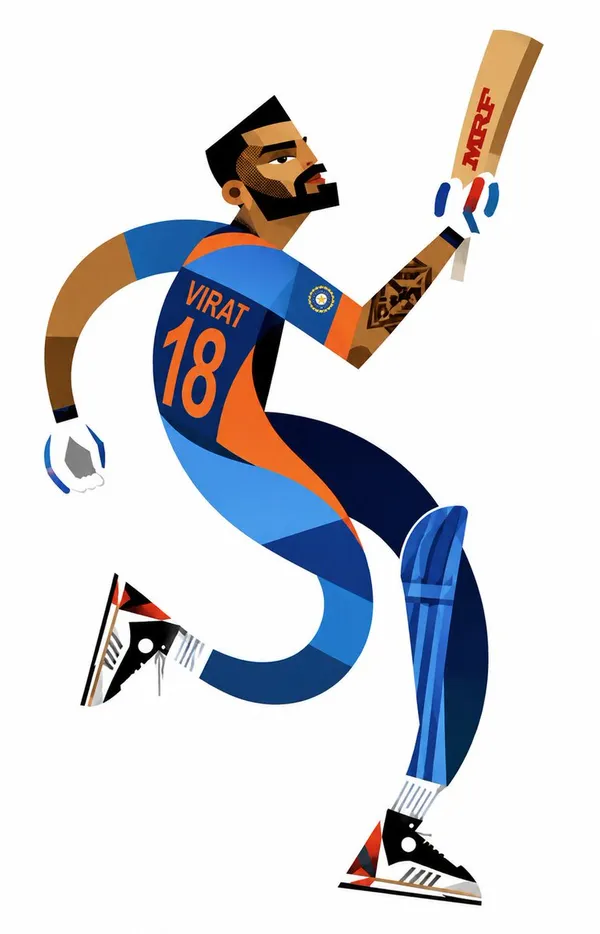
Cubist Sports Illustration Poster
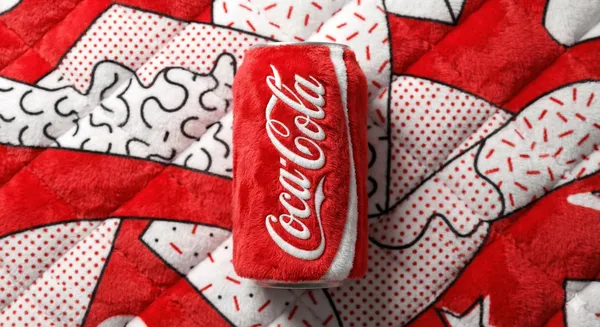
Plush Beverage Can Pop Art
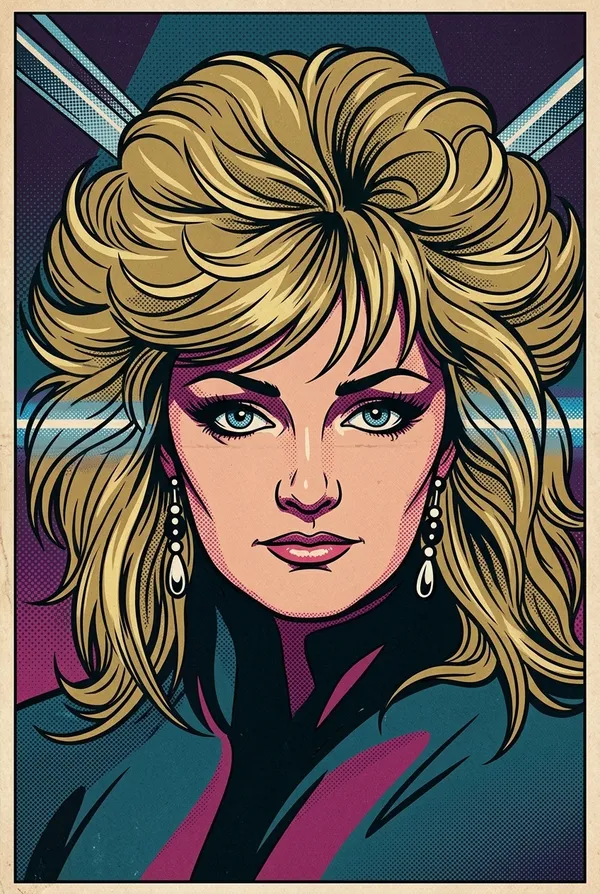
1960s Pop Art Transformation
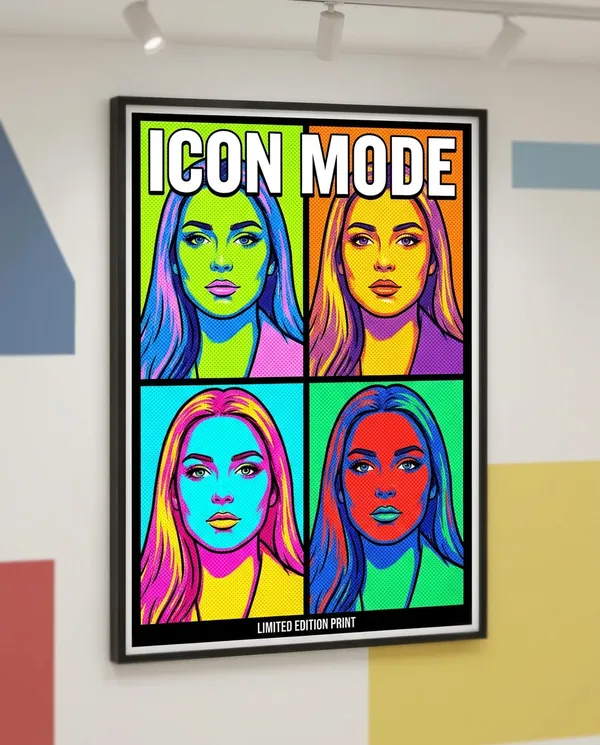
Warhol-Style Four-Panel Pop Art Portrait
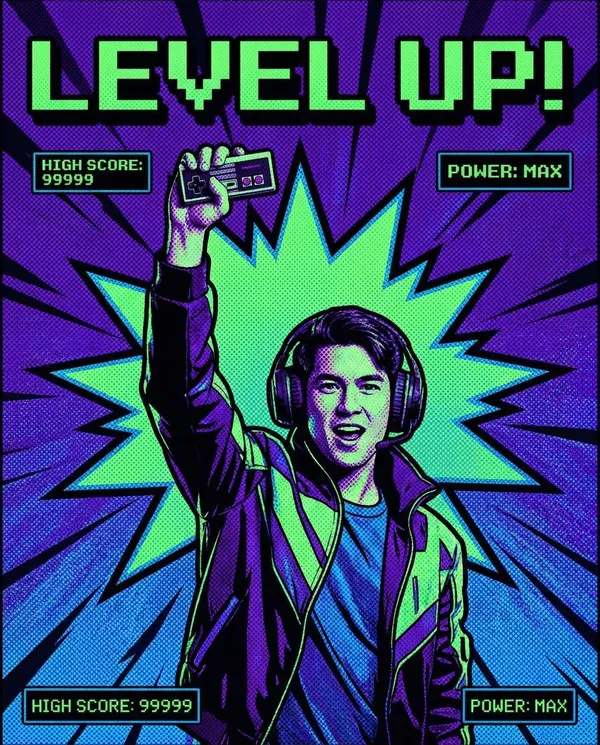
Gamer Victory Screen Poster
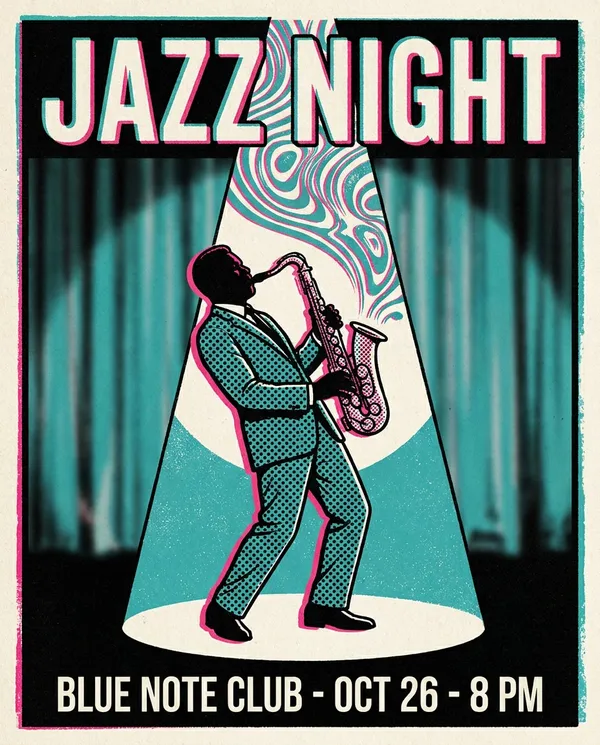
Jazz Club Saxophone Poster
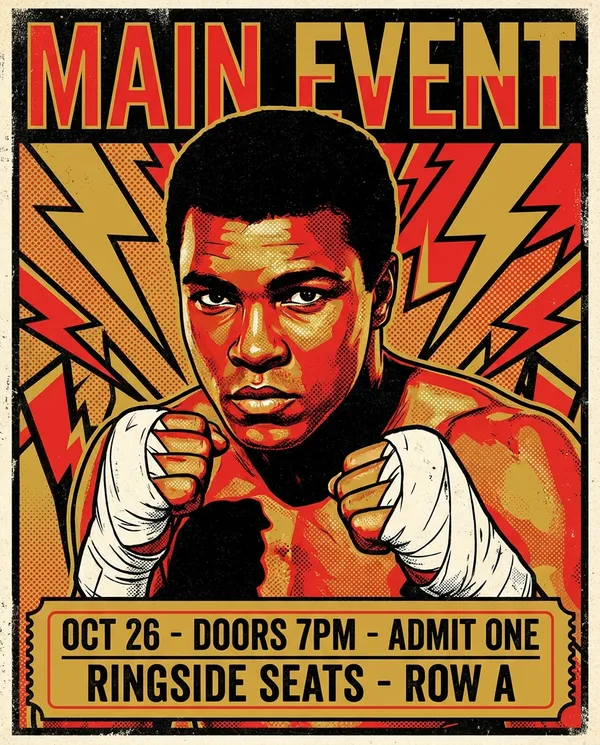
Championship Boxer Pop Art Poster
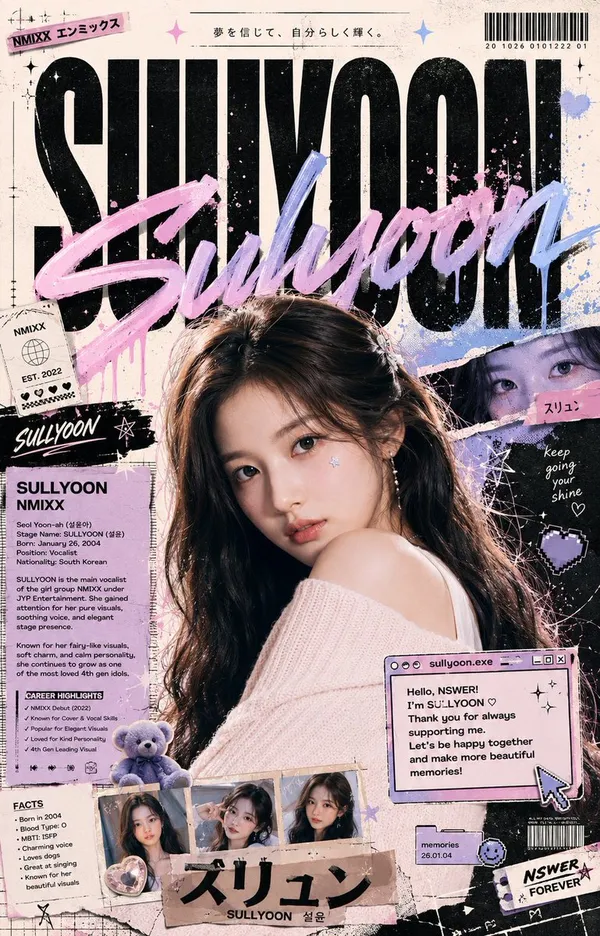
K-pop Idol Street Art Poster
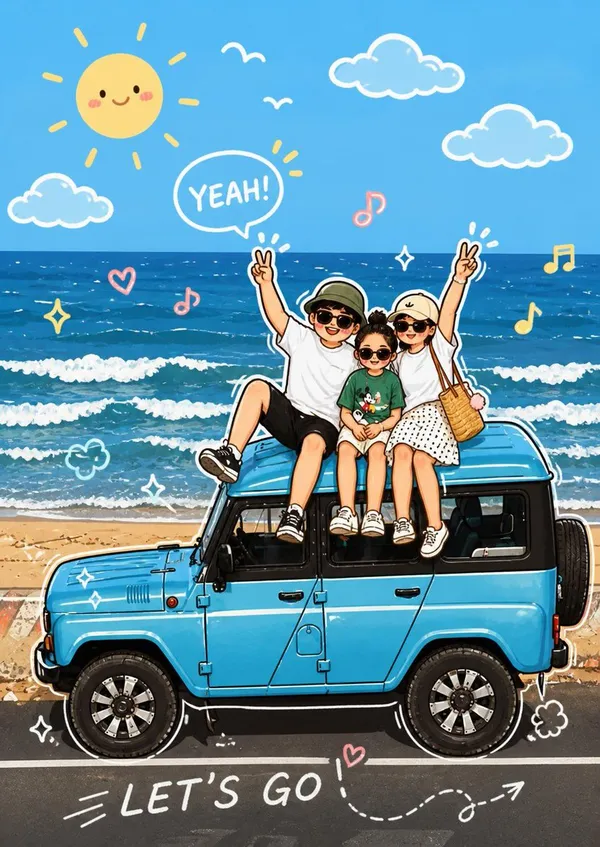
Photo Doodle Cartoon Transform
What Are Pop Art AI Prompts?
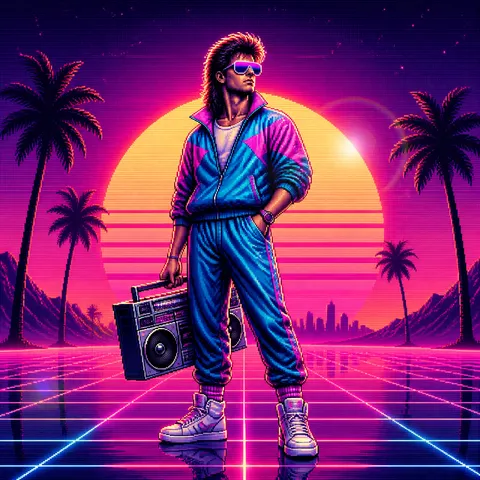
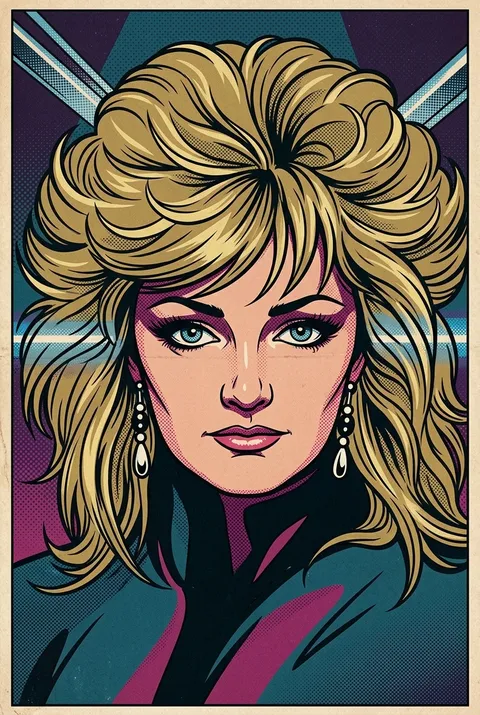
Pop art leans on bold primary colors, halftone dots, thick outlines, and comic-book energy. In Carat you can build character shots that fuse people with graphic elements using GPT Image 2, reimagine products as vivid pop objects with Nano Banana Pro, or transform photos into cubist and Orphism painting styles with Nano Banana 2. Once a piece is made, you can keep editing it, adjusting colors, changing the aspect ratio, or adding new elements.
Where You'll Use It
- Fashion and beauty campaign key visuals
- Social profile and feed graphic content
- Album covers and event posters
- Product ad graphics and pop-object mockups
- Turning photos into comic or doodle styles
Why This Tag Is Useful
Pop art hinges on strong color contrast and the placement of graphic elements, so it delivers eye-catching results even on a tight timeline. You can layer shapes, typography, and doodles over a portrait for a trendy visual, or reinterpret a photo in the style of painters like Picasso or Delaunay for a distinctive portrait. Its punchy look also reads clearly on small screens.
Tips for Crafting Prompts
- Specify a main color and its complementary contrast.
- Request graphic elements like halftone dots, thick outlines, shapes, and doodles.
- Add high contrast and crisp shadows for a comic-book texture.
- Name a mood such as retro, neon, or Y2K.
Combining bold color with graphic layers produces campaign-grade pop art visuals. From there, continue in Carat to fine-tune the colors or reformat the piece into a poster ratio.
Domande frequenti
They work for fashion and beauty campaign visuals, social profile and feed graphics, album covers, event posters, and product ad graphics.
Yes. Some prompts transform an uploaded photo into a comic or doodle style, or reinterpret it in a painter's style like Picasso or Delaunay, so you supply an input image.
It depends on the prompt. Items that convert a portrait or photo need a source image, while text-only prompts that create new art from scratch do not.
GPT Image 2 is strong for vivid color and graphics, Nano Banana Pro suits turning products into pop objects, and Nano Banana 2 handles painterly conversions.
Specify a main color together with its complementary contrast and request high contrast to bring out pop art's signature punchy palette.
Yes. Name a mood such as retro, neon, or Y2K in your prompt to steer the result toward that vibe.
Yes. In Carat you can continue with follow-up edits like adjusting colors, changing the aspect ratio, or adding elements.