Nano Banana Pro· Immagine
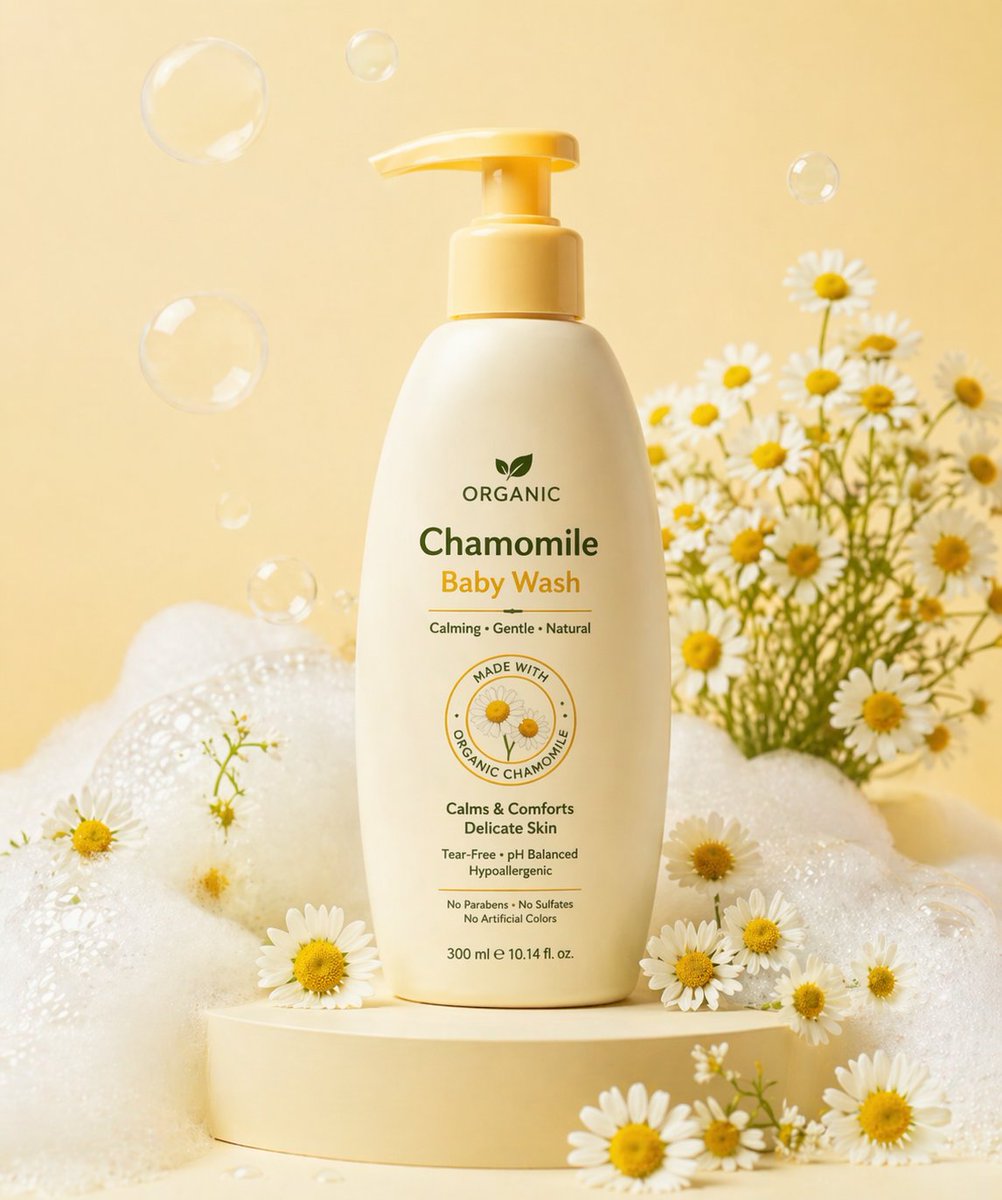
{"scene_description":"A photorealistic, high-end 3D product visualization of a perfectly assembled packaging box derived from a dieline, set in a pristine minimal studio.","subject":{"type":"Assembled Packaging Box","material":"Premium matte paperboard","features":{"structure":"Perfectly folded, accurate panel placement, sharp clean edges","surface":"Smooth matte texture with high-fidelity print rendering"},"position":"Upright, angled at a refined ¾ perspective view to show front and side panels","artwork_state":"Undistorted typography, preserving original design exactly"},"action":{"primary":"Standing static on a surface","secondary":"Casting a gentle shadow","effect":"Demonstrates structural integrity and design elegance"},"environment":{"setting":"Minimalist High-End Studio Void","foreground_elements":["Clean, smooth surface","Soft contact shadows"],"background_elements":["Soft neutral seamless backdrop (light grey/cream)","Zero distractions","No extra props"]},"lighting":{"style":"Soft Commercial Product Lighting (Global Illumination)","key_light":{"type":"Large Diffused Softbox","color":"Neutral White (5500K)","illuminates":["The face of the box evenly","The matte texture of the paper"]},"fill_light":{"type":"White Reflector","effect":"Softens shadows to ensure artwork visibility"},"shadows":"Subtle, soft gradient shadows anchoring the object"},"style":{"medium":"3D Rendering / Product Photography","aesthetic":"Premium Editorial, Mockup Style, Minimalist Luxury","quality":"8k resolution, ray-traced optics, physically based rendering (PBR)","details":"Crisp folds, zero distortion, matte paper grain visibility"},"scene_composition":{"subject_action":"Static presentation","camera_behavior":"Locked-off tripod shot","depth_layering":"Sharp Subject -> Infinite Soft Background"},"visual_description":{"core_subject":"A flawless 3D box assembled from a flat dieline.","attire_physics":"N/A - Rigid Body physics.","surface_rendering":"Non-reflective matte finish that absorbs light softly, ensuring text is readable and colors are true."},"lighting_and_atmosphere":{"type":"Clean Studio","specifics":"Even light distribution, ambient occlusion in the creases.","color_grade":"Natural, color-calibrated, neutral tones."},"attire_customization":{"current_clothing":"N/A","customizable_clothing":"N/A"},"brand_product_customization":{"current_brand_product":"Packaging Design","customizable_brand":"User: Insert Brand Name/Logo for the box","customizable_product":"User: Describe the box type (e.g., cosmetic box, tuck-end box)","product_placement_area":"All visible panels (Front, Side, Top)"},"objects_and_props":{"main_objects":["The 3D Box"],"secondary_objects":[]},"camera_and_lens":{"focal_length_feel":"85mm or 100mm (Telephoto to eliminate perspective distortion)","aperture_effect":"f/16 (Deep depth of field for edge-to-edge sharpness)","camera_angle":"Isometric or ¾ perspective","lens_type":"Studio Macro Lens","bokeh_style":"None (Smooth gradient background)"},"technical_tags":"--v 6 --ar 4:5 --stylize 150 --no warping, distortion, messy background, props, glossy reflection, low poly"}