Product Cutaway
AI product cutaway prompts ready for appliance, automotive, and electronics detail pages — quickly create cutaway and exploded-view images that reveal internal structure.
2026.07.01
Fai «Product Cutaway» esattamente come lo vuoiCrea il tuo «Product Cutaway»
Chiedilo con parole tue: Carat genera per te immagini e video ottimizzati.

Inizia subito con 100 crediti gratis al giorno
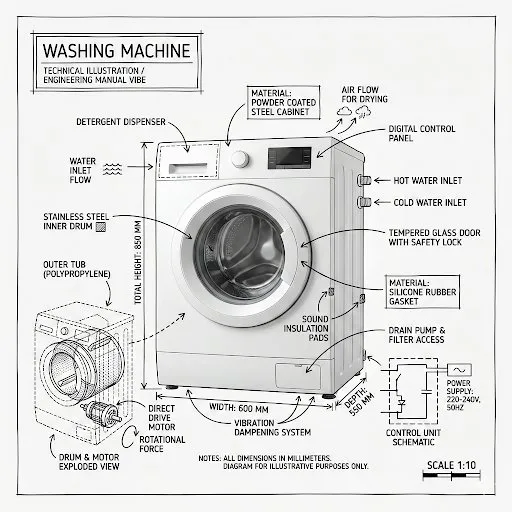
Washing Machine Technical Infographic
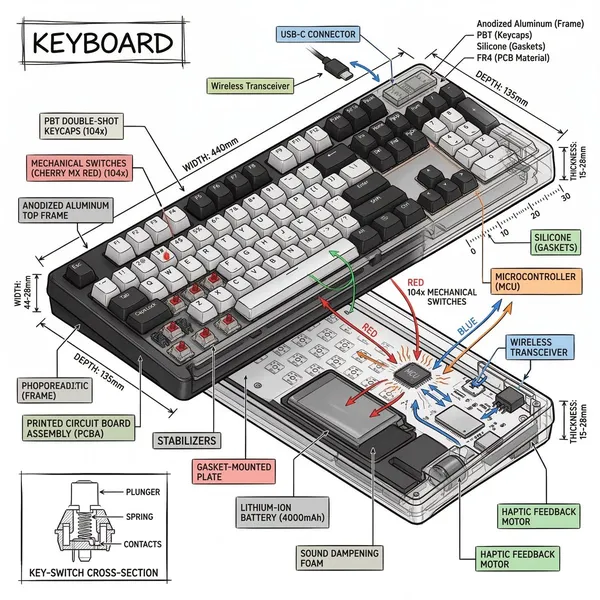
Isometric Technical Infographic
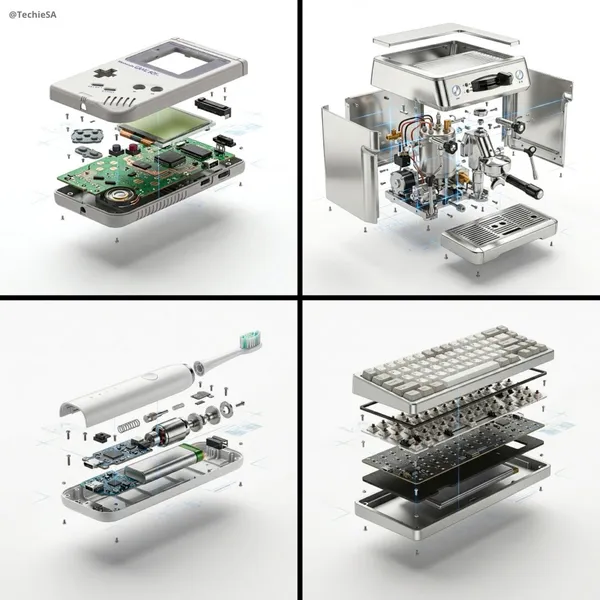
Product Exploded View Ad
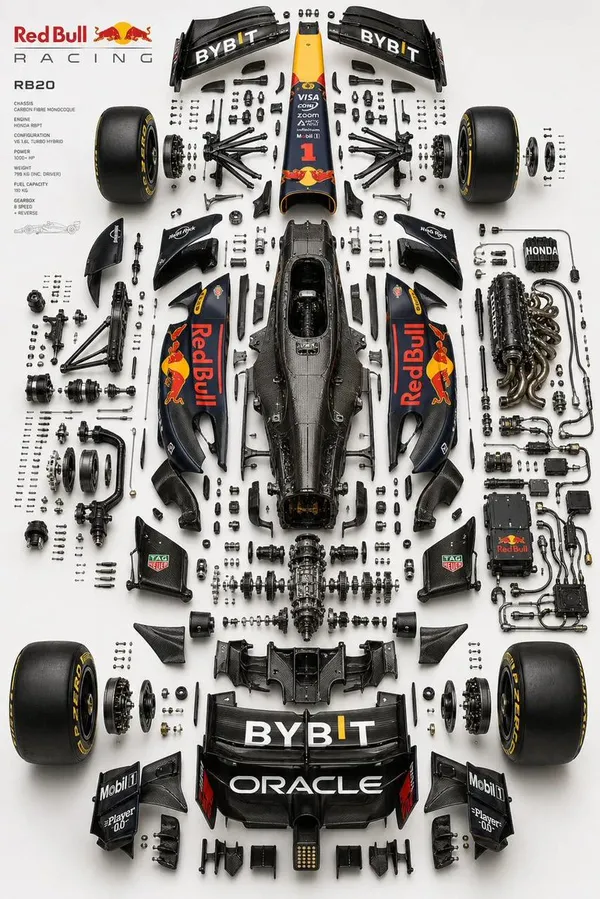
Exploded View Automotive Diagram
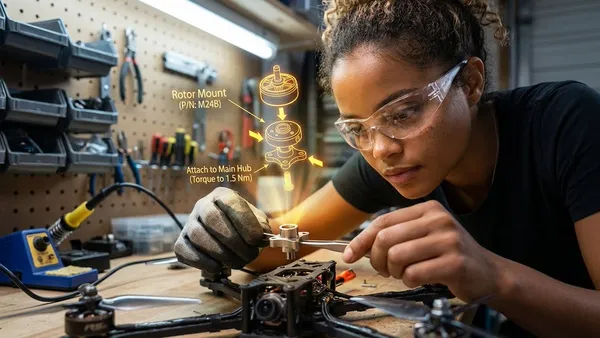
AR Assembly Guide Workshop
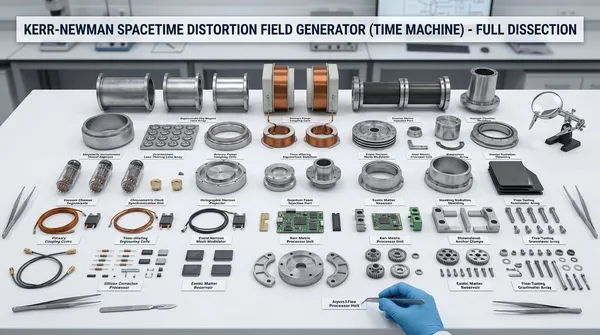
Object Disassembly Science Lab Shot
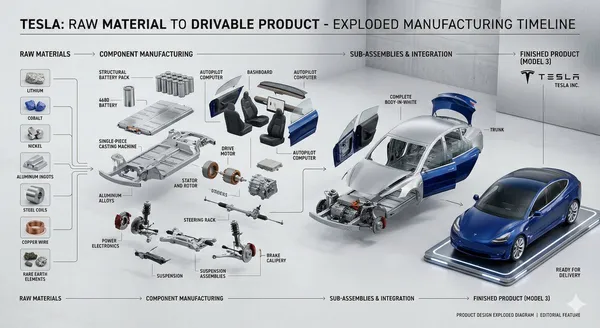
Product Cross-Section Cutaway Design
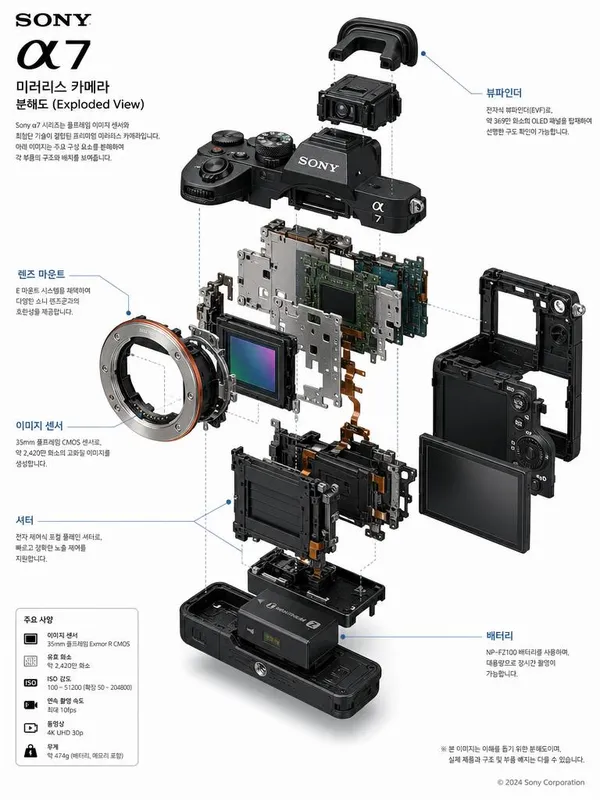
Detailed Exploded View Technical Diagram Poster of Sony A7 Mirrorless Camera
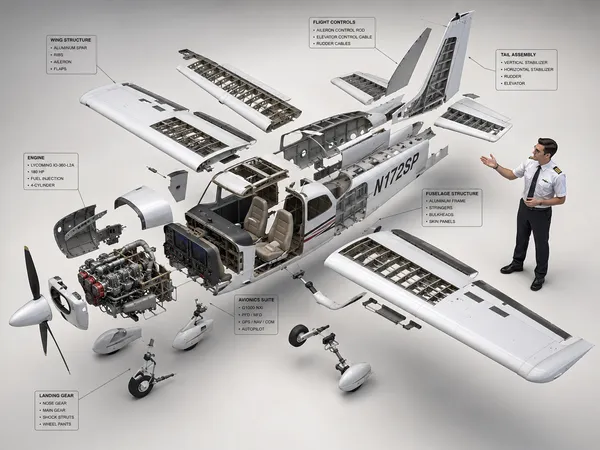
Cessna 172 Exploded View Diagram
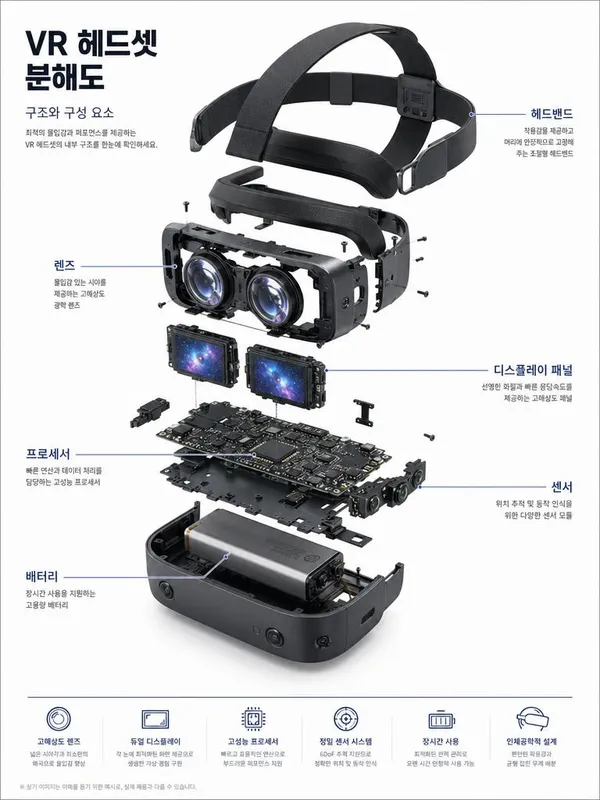
VR Headset Exploded-View Poster
What Are Product Cutaway AI Prompts?
Product cutaway AI prompts generate images that slice away a product's outer shell or separate its parts to reveal the internal structure at a glance. They visualize the inner mechanics, component layout, and material makeup that a plain exterior shot cannot explain, helping detail pages communicate a product's build quality and engineering. From exploded arrangements where the outer shell hovers above the core on a white background, to cross-section cutaways revealing internal anatomy, to technical diagrams with labeled components — a range of formats can be produced easily with models like GPT Image 2, Nano Banana Pro, and Nano Banana 2.
Where You'll Use It
- Cutaway images that explain internal parts and technology on appliance and electronics detail pages
- Chassis and body exploded views for automotive and mobility products to emphasize structure and build
- Labeled technical diagram posters for precision devices such as cameras and VR headsets
- Infographics that showcase engineering for crowdfunding and product launches
- Internal-structure illustrations for manuals and product introduction materials
Why This Tag Is Useful
A product cutaway is a powerful persuasion tool that lets shoppers see the internal design and part quality they cannot judge from the outside, building trust. Especially for appliances, cars, and electronics — where internal technology drives purchase decisions — AI can quickly create sliced cross-sections and exploded structures that are hard to reproduce with real photography, dramatically cutting shooting and CG costs and time. By specifying a white background, an organized part layout, and a labeled-diagram style in your prompt, you get consistent results that drop straight into detail pages and posters.
Explore Related Prompts
- Cutaway Diagram
- Exploded View
- Blueprint Sheet
- Product Detail Page
- Product Ad Image
- Infographic
- Package Design
Tips for Building Your Prompt
- Specify the cutaway method clearly. A "cross-section cutaway" and an "exploded view" produce very different results, so pin down the exact form you want.
- Keep the background and lighting consistent. A "white seamless background" with a soft shadow yields a clean tone that fits directly onto detail pages.
- List component names if you need labels. Naming parts like lens, sensor, and battery in your prompt turns the image into a labeled technical diagram.
- Use quality keywords to raise fidelity. Phrases such as "ultra realistic, macro product photography, technical blueprint" steer the model toward polished, ad-ready quality.
Decide which part of the product you want to reveal first, then specify the cutaway method, background, and labels in order to complete a product cutaway you can use right away on detail pages.
Domande frequenti
They are especially effective for appliances, cars, cameras, and VR headsets — products where internal structure or engineering influences the purchase. They reveal the interior design and parts that an exterior shot cannot show, strengthening a detail page's persuasiveness.
A cutaway slices the product's surface to reveal the interior in place, while an exploded view separates the parts and floats them apart. Specify "cross-section cutaway" or "exploded view" in your prompt depending on the form you want.
Yes. List the parts you want labeled — such as lens, sensor, and battery — in your prompt, and the image will include leader lines and labels for each component as a technical diagram.
Copying and using the prompts from the gallery is free. When you generate an image in Carat with a copied prompt, credits are consumed depending on the model you use.
The examples for this tag were made with GPT Image 2, Nano Banana Pro, and Nano Banana 2. These models give stable results for precise part layouts and labeled diagrams.
Pairing quality keywords like "ultra realistic, macro product photography" with a white background and soft shadows yields near ad-quality results. Note that the internal structure won't match a real product 100%, so it's best used as a reference image.
Specify a white background, an organized part layout, and consistent lighting in your prompt, and the output drops straight onto detail pages and posters. Making several cuts in the same tone works well for placing them as a series.