Vai al contenuto principale

resume-background

resume-background prompts. Copy and use resume-background image generation prompts from Carat right away.

2026.07.16

Fai «resume-background» esattamente come lo vuoiCrea il tuo «resume-background»

Chiedilo con parole tue: Carat genera per te immagini e video ottimizzati.

Inizia subito con 100 crediti gratis al giorno
·
AI-generated Infographic Resume Design made with GPT Image 2

Infographic Resume Design

GPT Image 2· Immagine
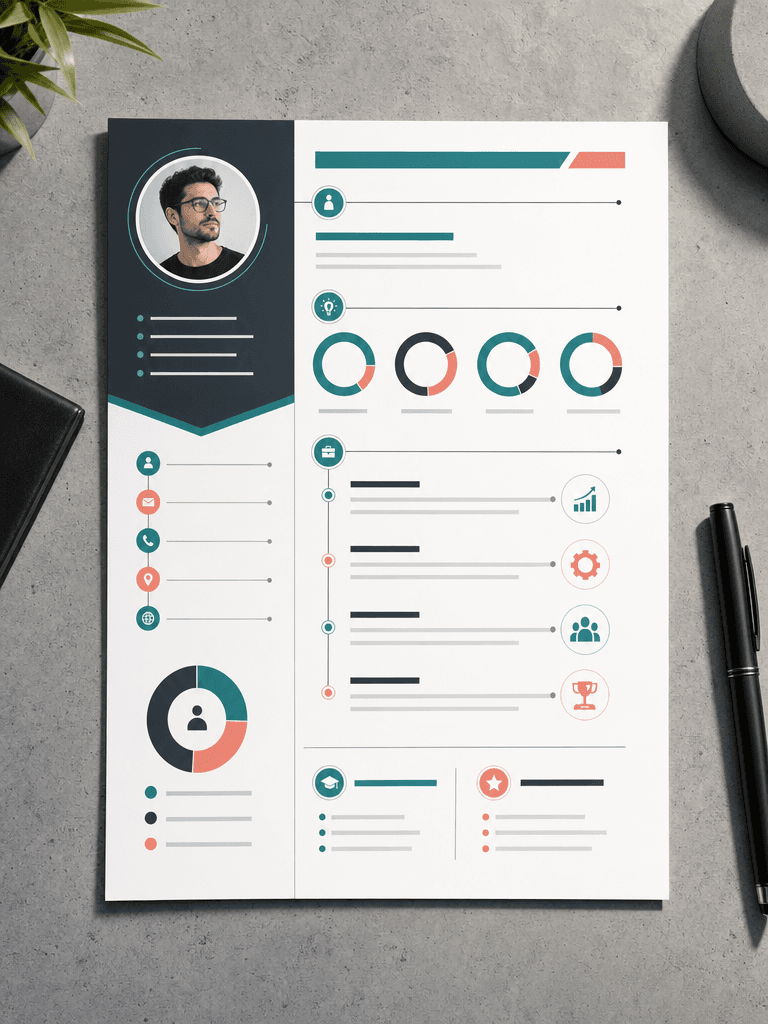
A creative infographic-style resume design on a single A4 page, viewed from above on a concrete desk surface. Visual elements include circular progress charts for skills, timeline graphics for work experience, and icon-based contact section. Modern color palette of teal, charcoal, and soft coral. Clean geometric layout with generous white space. Thin lines connecting sections. Flat lay photography with directional lighting creating soft shadow on one edge. No readable text, no watermark.
AI-generated Minimal Resume Template made with GPT Image 2

Minimal Resume Template

GPT Image 2· Immagine
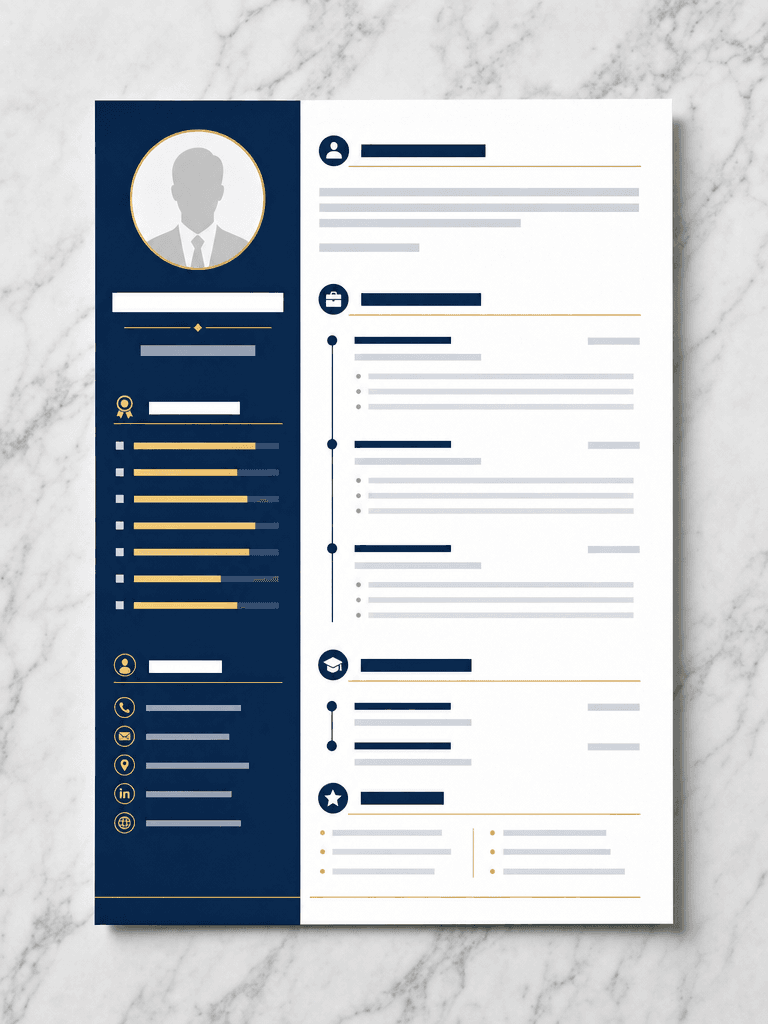
A single A4 resume template design viewed from directly above on a light gray marble surface. Clean two-column layout: left sidebar with circular profile photo placeholder, skill bars, and contact icons; right main area with section headers and timeline entries. Professional navy blue and white color scheme with thin gold accent lines. Modern sans-serif typography placeholder blocks. Crisp flat lay photography with even studio lighting and subtle paper shadow. No readable text, no watermark.
AI-generated Infographic Resume made with GPT Image 2

Infographic Resume

GPT Image 2· Immagine
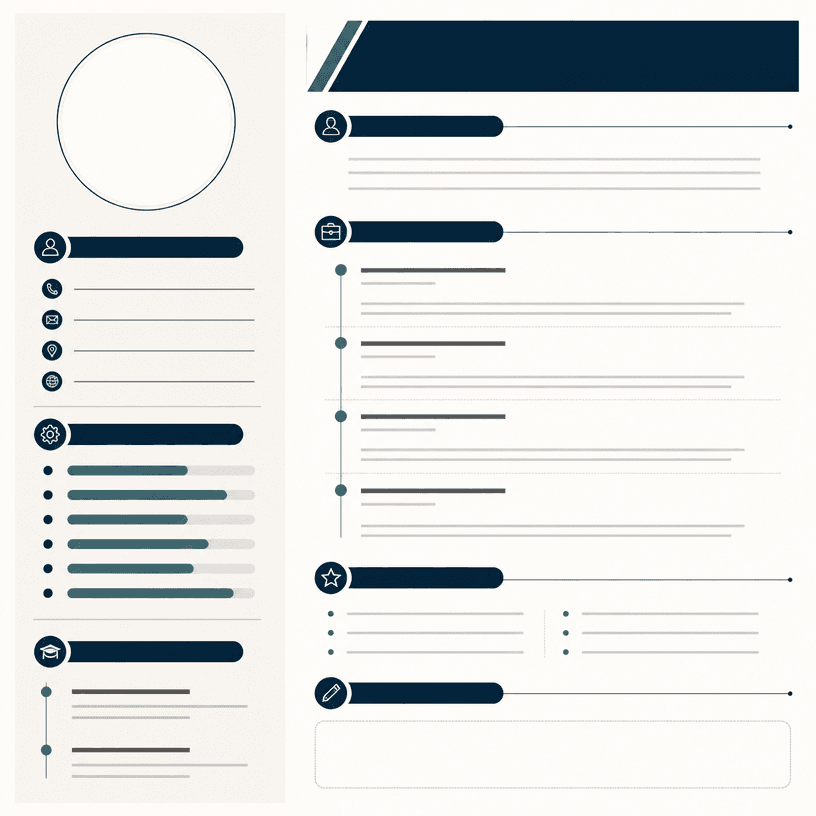
Square professional resume infographic template on a clean ivory background, structured two-column layout with circular portrait placeholder, timeline for experience, horizontal skill bars, education and contact icon sections, restrained navy teal and warm gray palette, crisp editorial hierarchy, blank text areas, no readable text, no logo, no watermark.

What are resume-background Prompts?

A collection of AI prompts for generating resume-background images. Copy the resume-background prompts provided by Carat and paste them into an AI image generation tool to get professional-grade results.

How to Use resume-background Prompts

  1. Select and copy your desired prompt.
  2. Paste it into the Carat agent.
  3. Modify colors, styles, and composition as needed.
  4. Download the generated image and use it in your project.

Tips for Writing resume-background Prompts

Specify lighting, texture, composition, and lens information in detail for more precise results. Add "No text, no watermark" to prevent unwanted text overlays.

resume-background Prompt Applications

resume-background prompts are used across content creation, marketing, design, and educational resources. AI-generated images dramatically reduce production time while maintaining professional quality.

resume-background Prompt Optimization Guide

Choose the aspect ratio based on your use case: vertical (9:16) for social media, horizontal (16:9) for web banners, and square (1:1) for product images.


Domande frequenti