Smartphone Photo
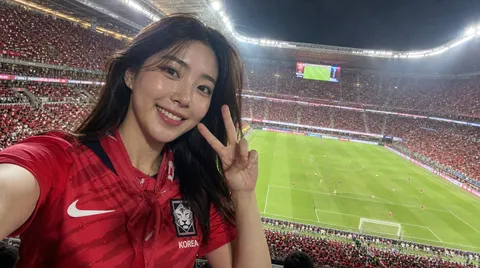
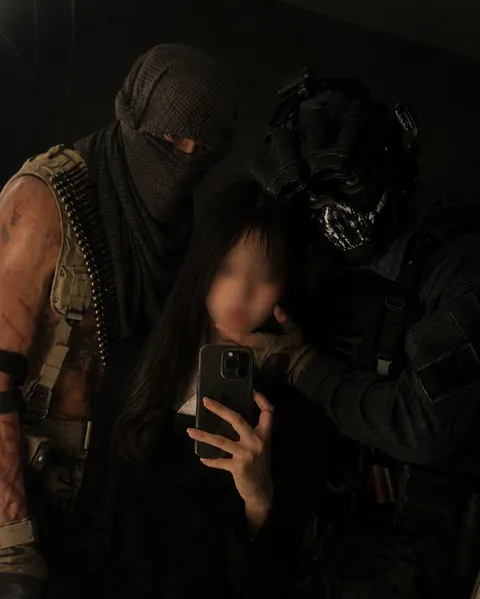
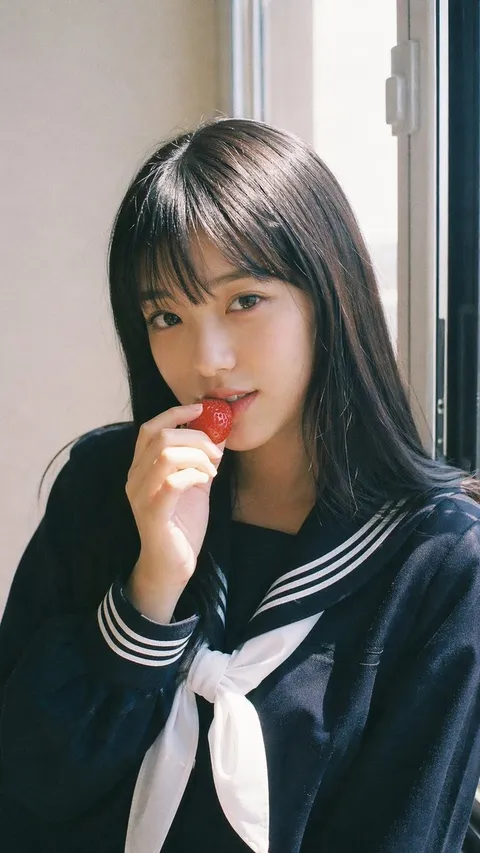
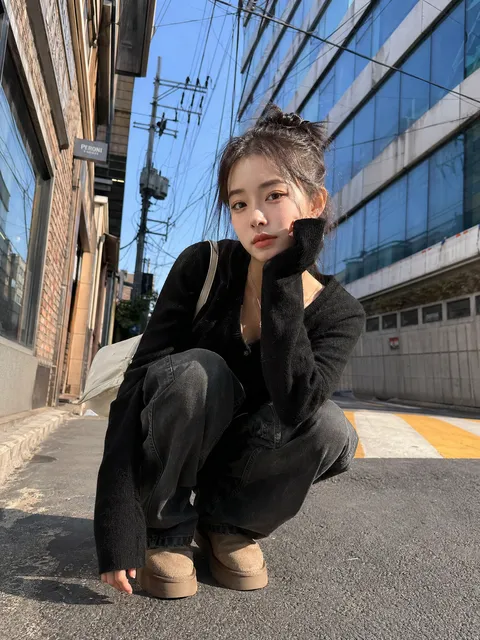
폰카로 찍은 듯한 자연스러운 이미지를 만드는 Smartphone Photo AI 프롬프트. 셀피, 여행 스냅, 거울 사진, 일상 컷, SNS 피드용 현실감 있는 사진을 만들 수 있습니다.
2026.05.28
Fai «Smartphone Photo» esattamente come lo vuoiCrea il tuo «Smartphone Photo»
Chiedilo con parole tue: Carat genera per te immagini e video ottimizzati.

Inizia subito con 100 crediti gratis al giorno
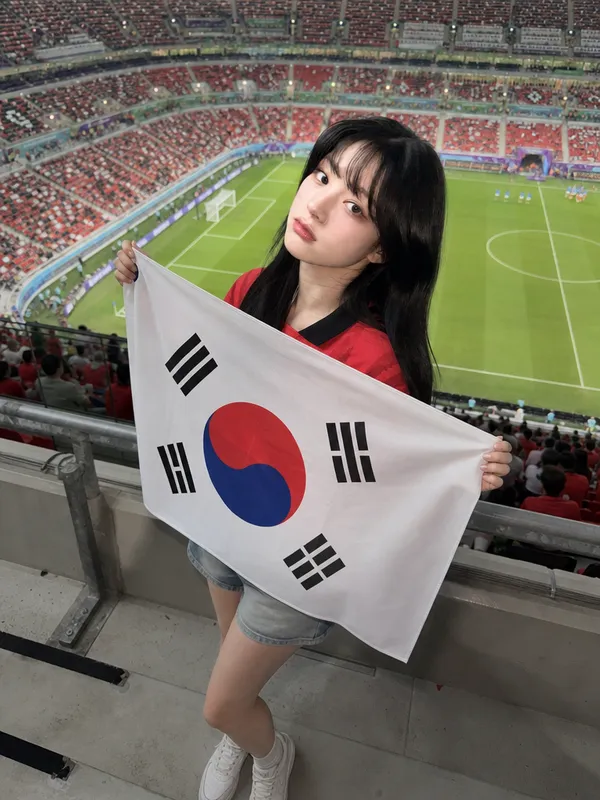
Full-Body Flag Cheering Shot
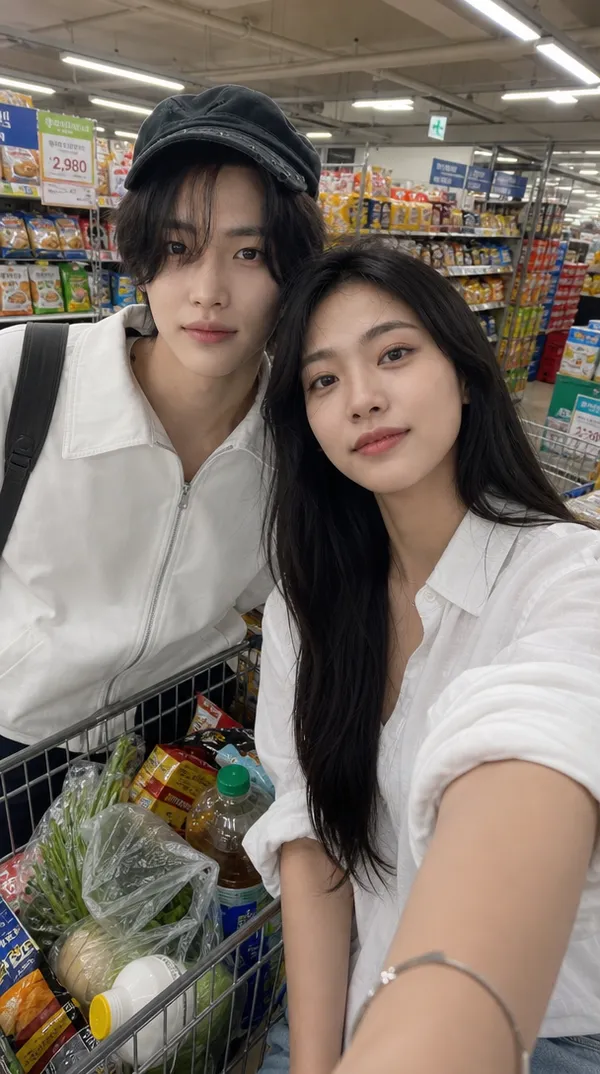
Supermarket Couple Selfie Prompt
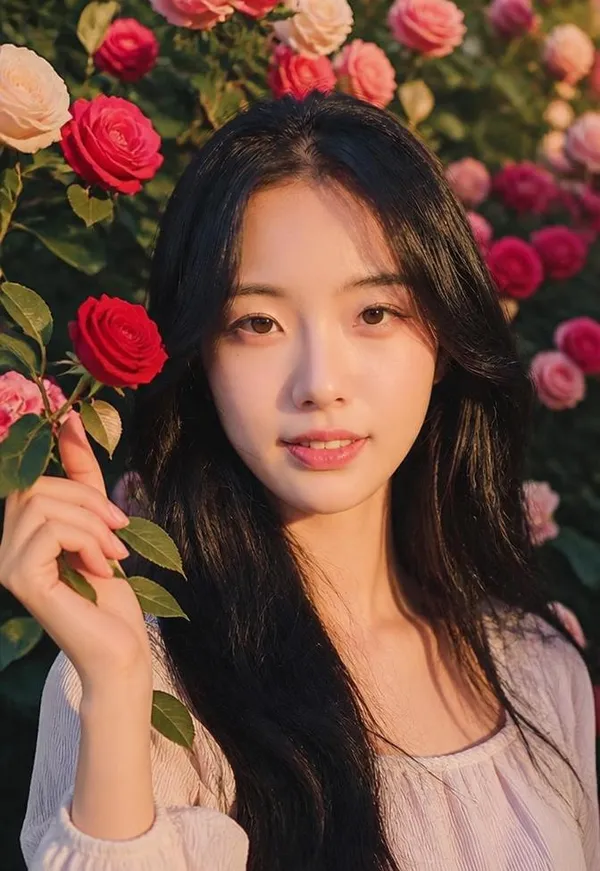
Rose Wall Portrait
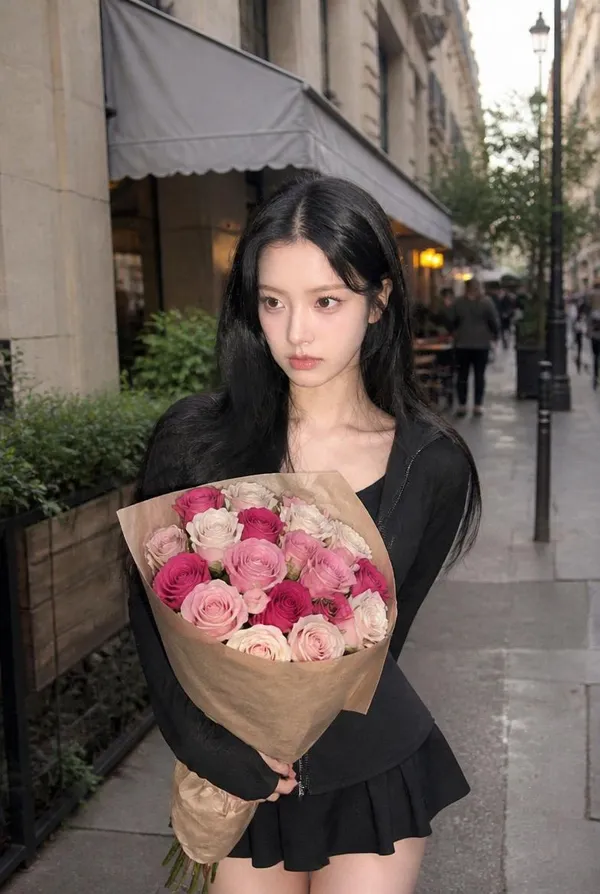
City Street Rose Bouquet Snap
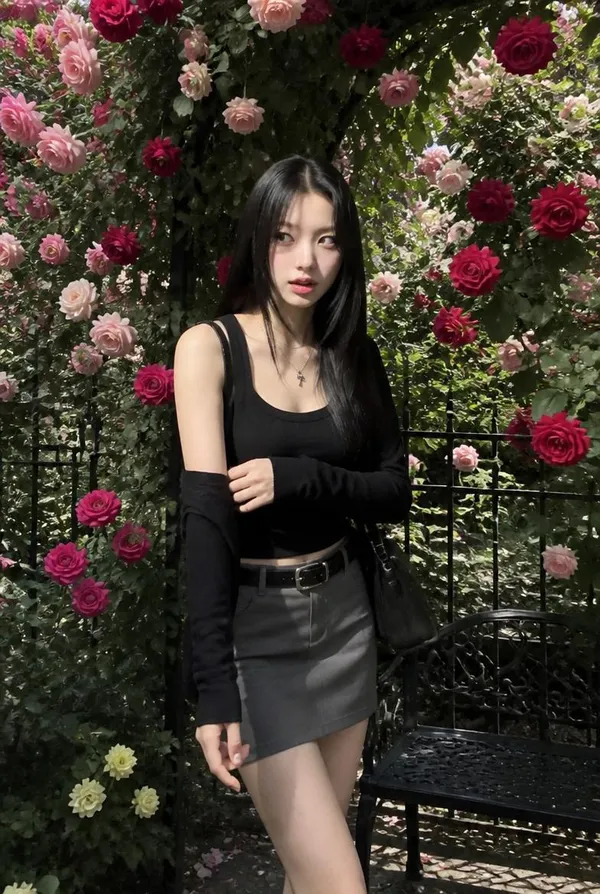
Rose Arch Full-Body Snap
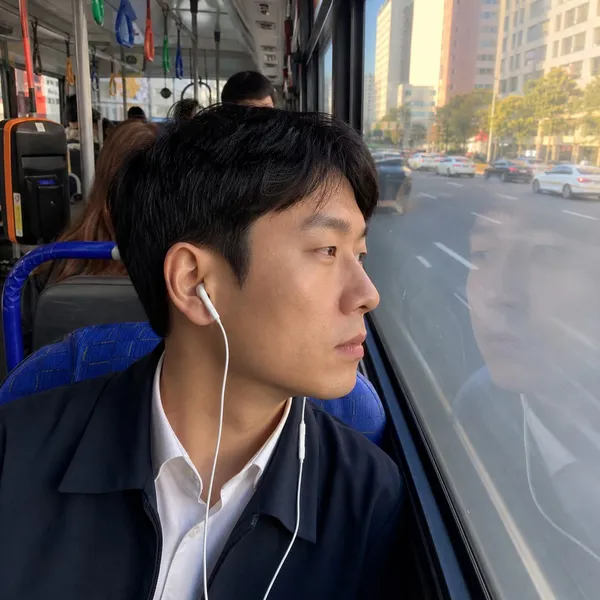
City Bus Window Commute

Apple Watch Series 11 Luxury Poster
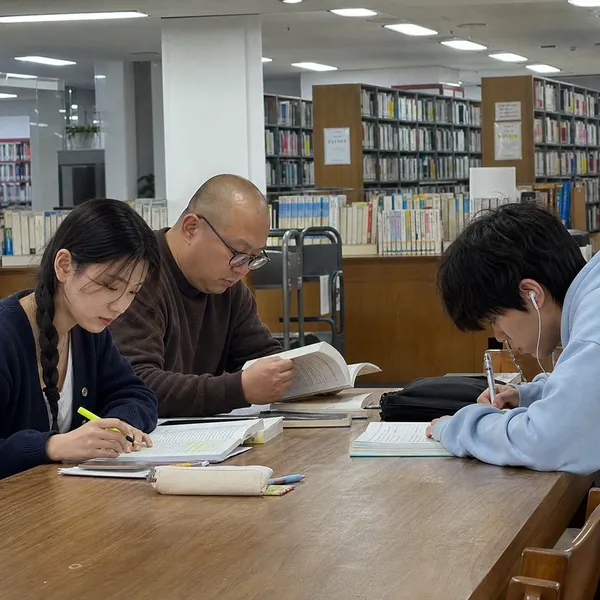
Library Study Table
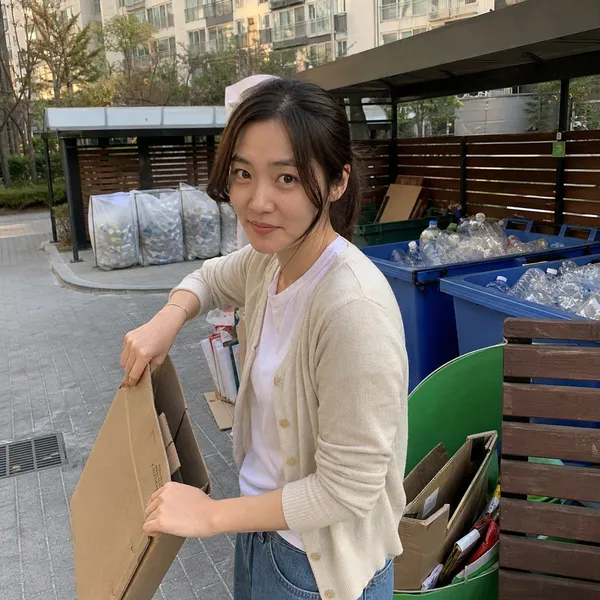
Recycling Day Candid Snap
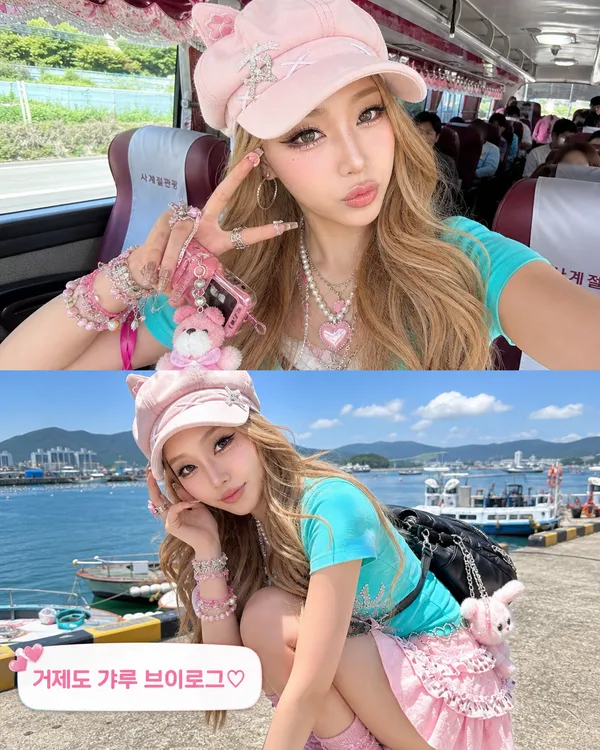
Geoje Gyaru Vlog Screenshot
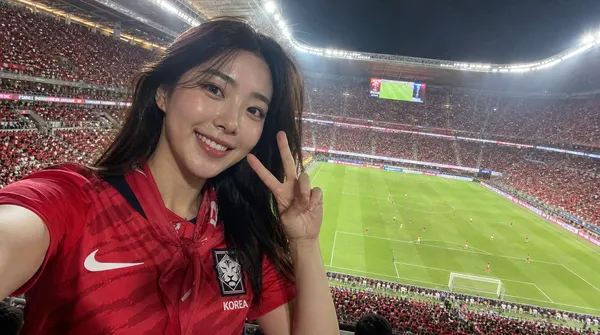
World Cup Broadcast Camera Reaction

Gothic Bunny Nurse Selfie
What Are Smartphone Photo AI Prompts?
Smartphone Photo prompts create images that feel captured by a phone camera rather than a studio setup or a polished render. Selfies, mirror selfies, travel snaps, and everyday scenes all look like someone actually took the picture in the moment. In Carat you can generate these with GPT Image 2, either uploading your own photo to keep the same face while changing the scene, or building a scene from text alone. Afterward you can continue with follow-up edits such as changing the aspect ratio, cleaning up the background, or improving quality.
Where You'll Use It
- realistic selfies, mirror selfies, and outfit checks
- travel snaps at streets, stations, cafes, stadiums, and beaches
- casual feed images, photo dumps, and carousel posts
- keeping your own face while placing yourself in a new situation
- brightening dark shots and restoring low-quality photos
Why This Tag Is Useful
Phone photos feel real precisely because they are not perfect. A slightly wide-angle face, a hand entering the frame, clipped highlights, and an ordinary background all signal that a real person took the shot. If a result looks too smooth or too retouched, adding phone-camera texture and a casual composition makes it far more believable, and that is what separates a convincing phone snap from an obvious AI render.
Tips for Crafting Prompts
- Decide the channel and aspect ratio first, such as Instagram 4:5 or Shorts 9:16.
- Name the camera style: iPhone selfie, rear-camera travel snap, or mirror selfie.
- Describe observable details, not style words alone, such as natural light, cropped shoulders, or an ordinary background.
- To keep your own face, upload your photo as a reference image and state which features to preserve.
These prompts work best when you refine rather than expect a perfect first result. If only the framing, expression, or color feels off, fix that part with follow-up edits in Carat instead of regenerating the whole image.
Domande frequenti
They create realistic images that look shot on a phone, such as selfies, travel snaps, and everyday scenes, plus social media content. You specify the scene, framing, style, and aspect ratio in text and generate directly in Carat.
Both ways work. Upload your photo as a reference image if you want to keep the same face while changing the scene, or generate a person and setting entirely from text if you prefer.
Yes. Run the prompt to create the image, then continue with follow-up edits such as changing the aspect ratio, cleaning up the background, or improving image quality.
Run an example prompt as is, then change only the person, place, colors, and aspect ratio. Generating once and refining is more reliable than writing a complex prompt from scratch.
Ask for less retouching, a casual crop, natural skin texture, and an ordinary background. Adding a bit of phone-camera texture also makes the image far more believable.
GPT Image 2 handles both face-preserving edits and text-based generation well. If you need motion, use the generated image as a reference for a video model.
You can use results for concept images, marketing mockups, and social media. Just verify logos, real people, copyrighted material, and product-efficacy claims before publishing.