Studio Portrait
Create AI studio portrait prompts with controlled lighting, clean backdrops, polished styling, and professional composition.
2026.07.02
Fai «Studio Portrait» esattamente come lo vuoiCrea il tuo «Studio Portrait»
Chiedilo con parole tue: Carat genera per te immagini e video ottimizzati.

Inizia subito con 100 crediti gratis al giorno
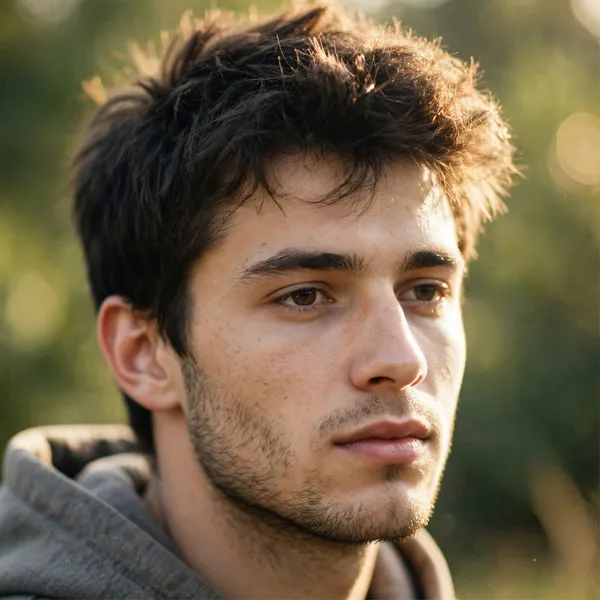
Editorial Film Portrait
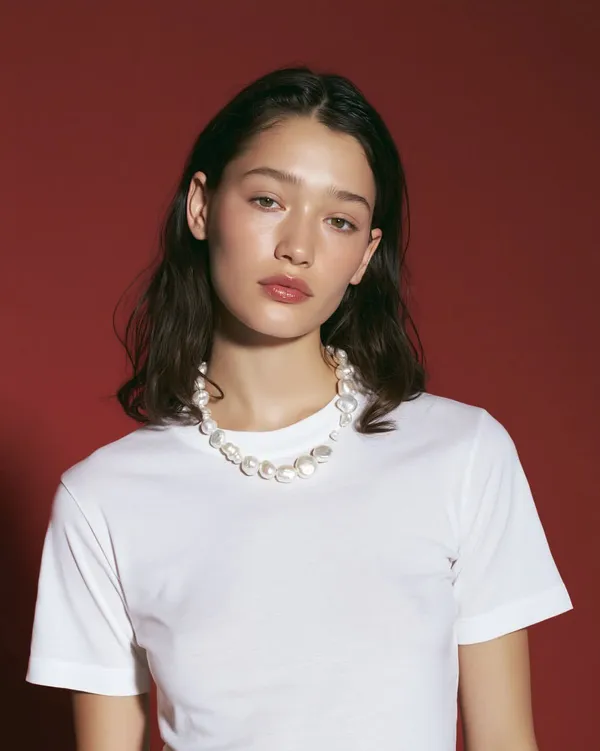
Pearl Necklace Beauty Editorial
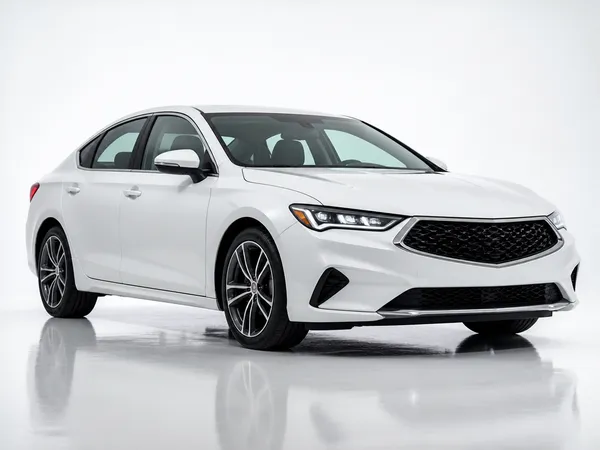
Studio Sedan Product Shot
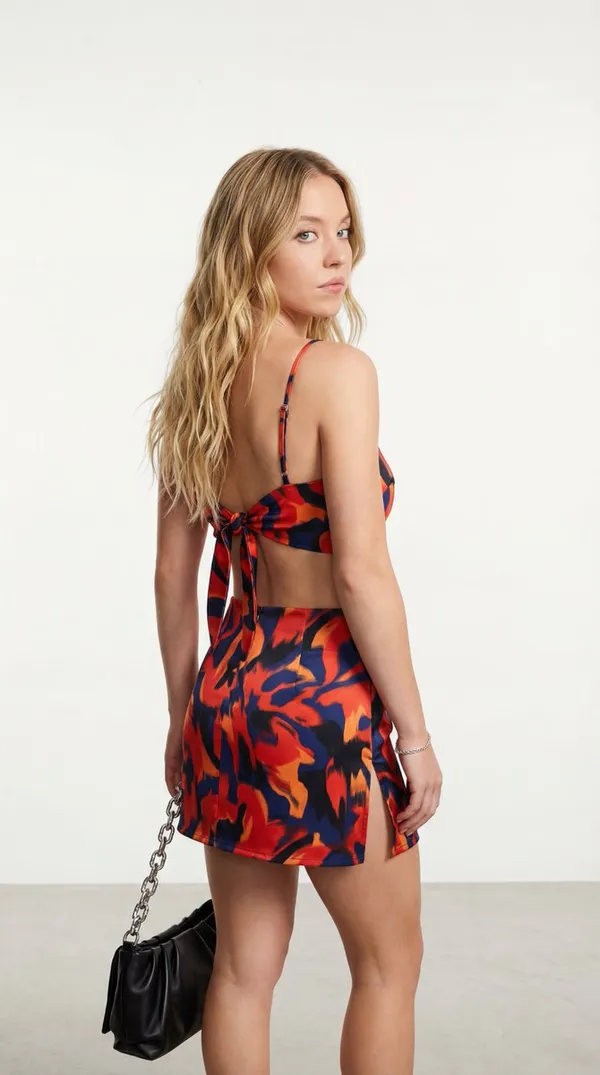
Studio Fashion Portrait with Abstract Pattern
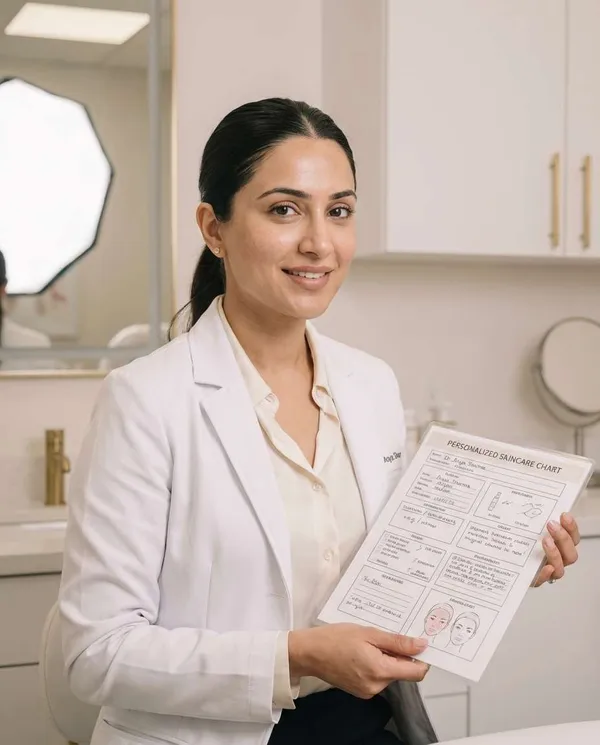
Clean Dermatology Studio Portrait
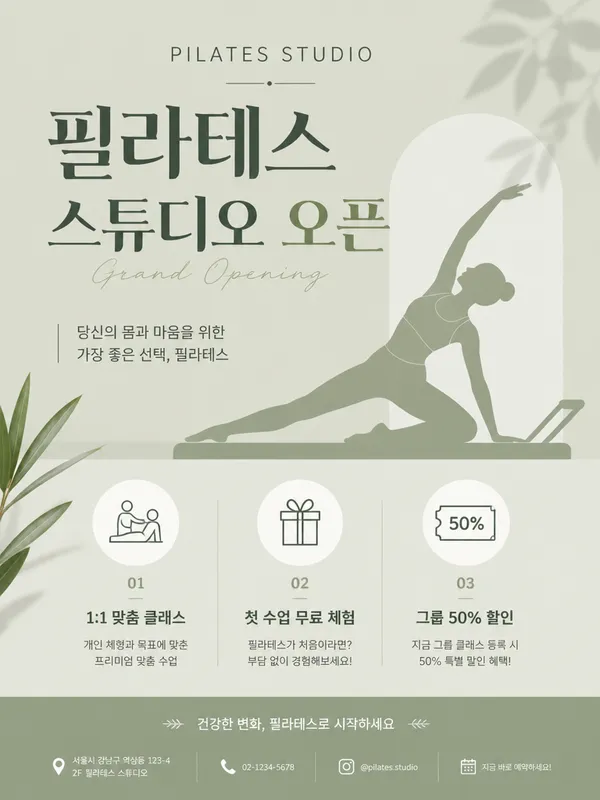
Pilates Studio Grand Opening Poster
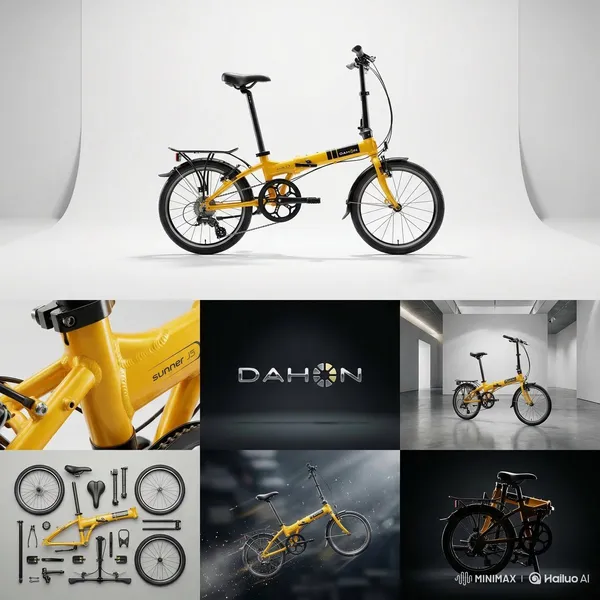
7-Panel Product Studio Grid
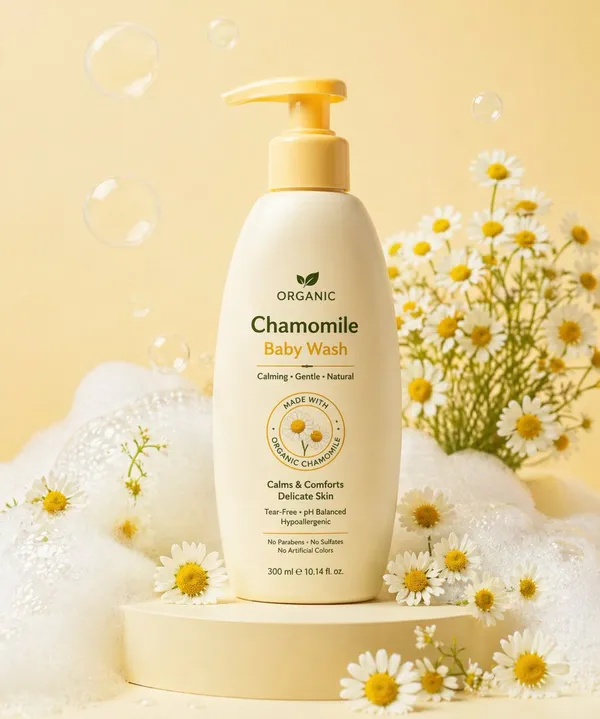
Soft Cream-colored Bottle
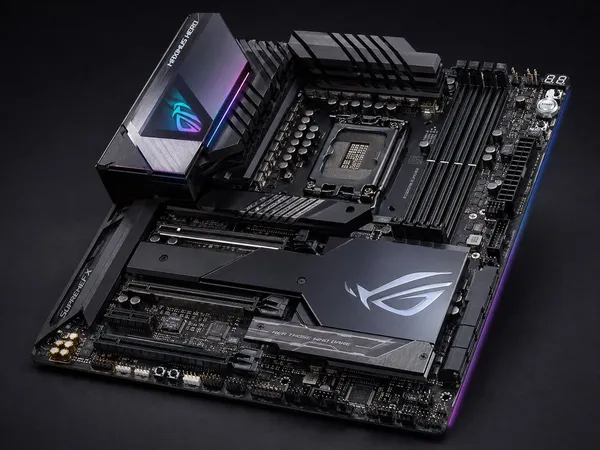
High-end Enthusiast ATX Gaming Motherboard Product Photo on a Dark Studio Background

Doctor in Lab Coat and Glasses
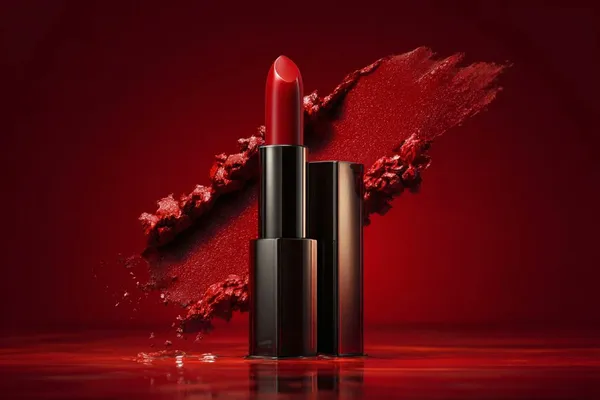
Studio Product Photo Template
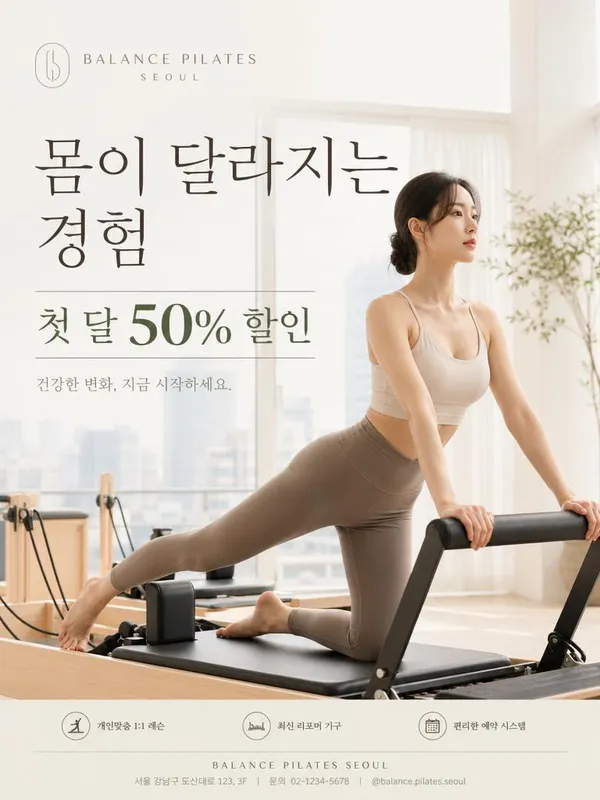
Korean Pilates Studio Advertisement
What Are Studio Portrait AI Prompts?
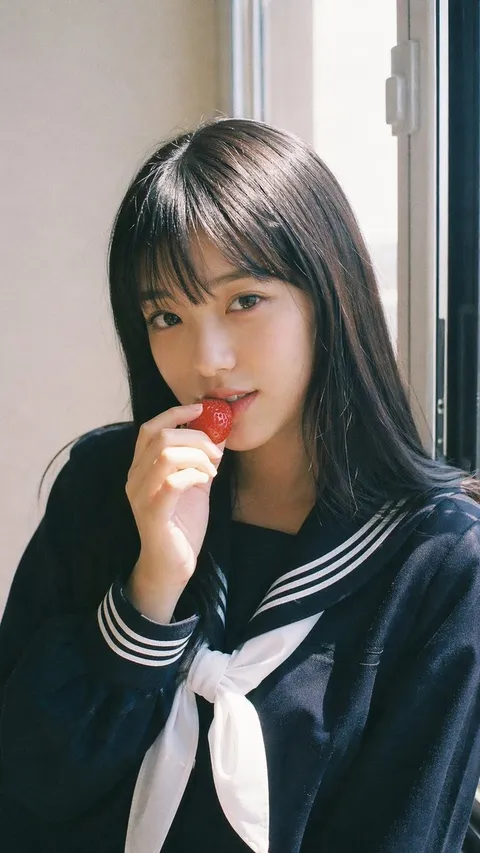
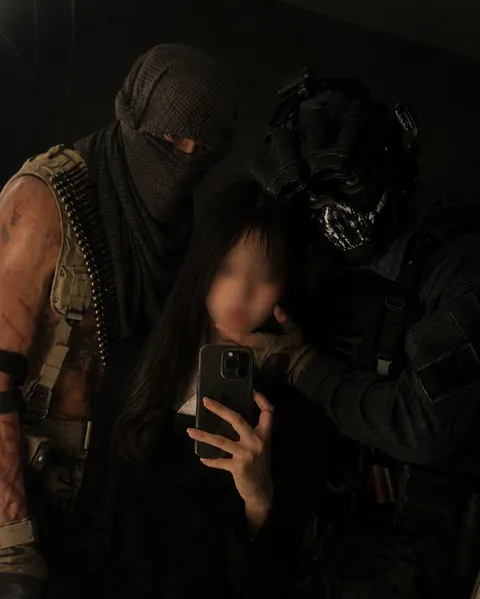
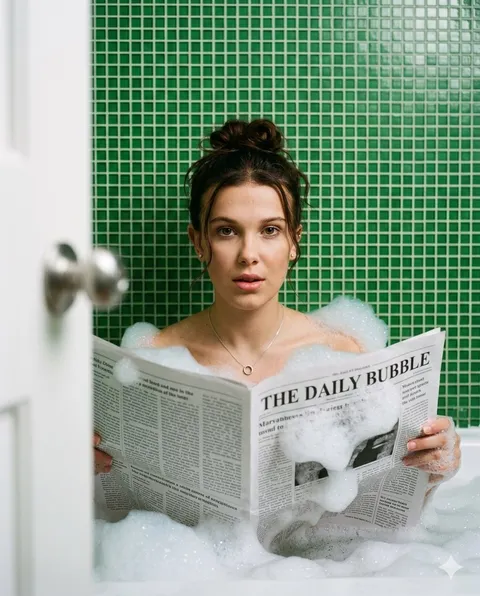
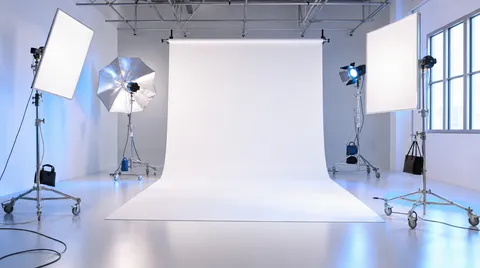
Studio Portrait prompts are structured instructions that guide an AI model toward a specific visual or video result. A short topic alone often produces inconsistent outputs, so a stronger prompt defines the subject, environment, composition, lighting, color palette, material quality, and finishing style. The examples in Carat prompt gallery are designed to be copied, adapted, and reused in real creative workflows. They can support campaign drafts, social media content, portfolio experiments, client proposals, and reusable reference libraries. By adjusting aspect ratio, brand tone, camera distance, and platform context, one prompt pattern can become several distinct creative directions.
Key Use Cases
- 프로필 사진: quickly shape a usable concept for this channel
- 브랜드 대표 이미지: quickly shape a usable concept for this channel
- 배우 포트폴리오: quickly shape a usable concept for this channel
- 패션 룩북: quickly shape a usable concept for this channel
- 전문가 헤드샷: quickly shape a usable concept for this channel
Why This Tag Is Useful
Studio Portrait work depends on small prompt choices that strongly affect quality and usability. A useful prompt explains what should be visually dominant, how the viewer’s eye should move through the frame, what level of polish is expected, and which details should be avoided. This structure makes repeated generations easier to compare and helps teams give more precise feedback. Instead of searching through broad prompt categories, this tag gathers focused examples that can be adapted quickly for a real project. Beginners can start by replacing the subject, colors, and background, while advanced users can keep the composition and lighting consistent across a larger series.
Explore Related Prompts
- Profile Photo
- Cinematic Portrait
- Editorial Photo
- Close Up Portrait
- Full Body View
- Selfie
- Candid Snap
Tips for Building Your Prompt
- 조명 종류와 배경색을 정한다
- 얼굴 각도와 시선 방향을 적는다
- 의상 소재와 헤어 스타일을 구체화한다
- 피부 보정 정도를 자연스럽게 제한한다
For the best results, separate scene description, style direction, and technical constraints instead of writing one vague sentence. Once you find a strong base result, keep the composition and lighting stable while changing props, materials, facial expression, product details, or color palette. This creates controlled variations without losing the visual logic of the original concept.
Domande frequenti
They help create image concepts for ads, social media, presentations, and portfolio experiments.
You can use generated results commercially as long as you follow the terms of the generation tool you use.
Yes. You can copy the prompt text, while actual AI generation may consume credits depending on the model.
Change one element at a time, such as subject, background, lighting, color palette, or camera distance, then regenerate.
Yes. Add brand colors, product names, materials, logo placement, and avoid-list details for a more branded result.
Yes. Include ratios such as 9:16, 1:1, 4:5, or 16:9 and mention the target platform.
Yes. Start by replacing the topic, colors, and background in an example prompt, then refine details step by step.