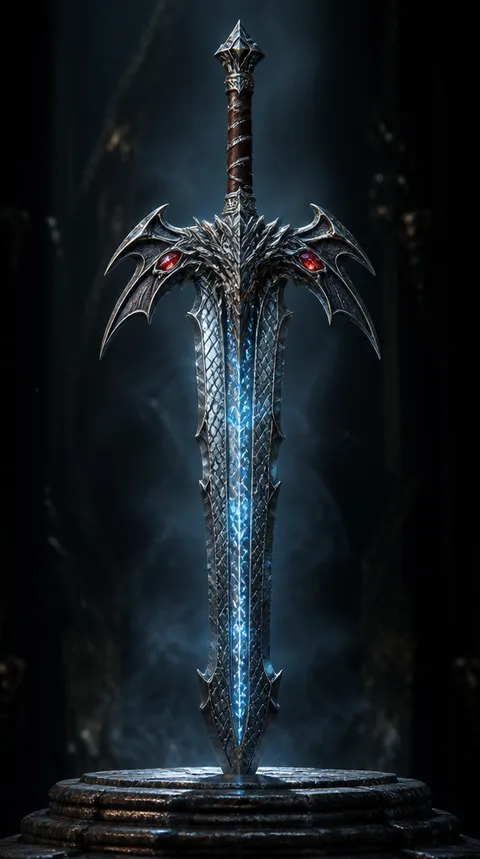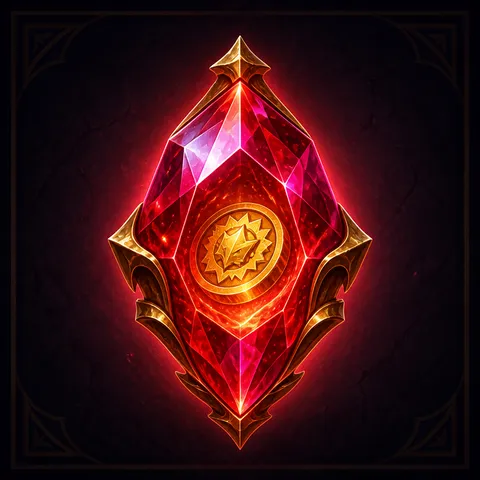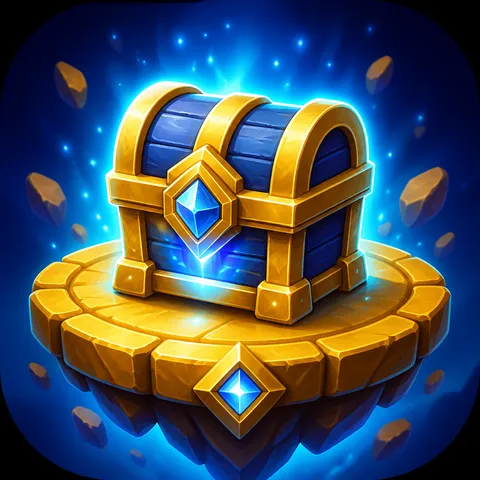
Game Weapon
Prompts for fantasy game weapon design. Copy and use Game Weapon prompts from Carat right away.
2026.07.09
「Game Weapon」を思いどおりに作りましょう自分だけの「Game Weapon」を作る
ふだんの言葉で伝えるだけで、Caratが最適な画像や動画を生成します。

毎日100クレジット無料で今すぐ始められます
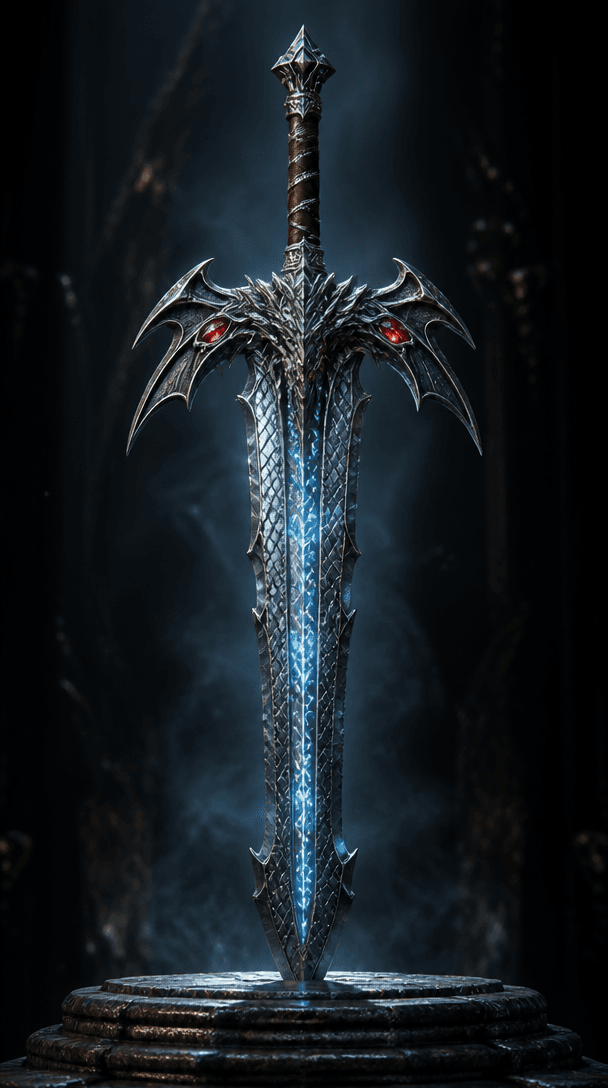
Fantasy Game Weapon
What are Game Weapon Prompts?
Prompts for fantasy game weapon design. Copy the Game Weapon prompts provided by Carat and paste them into an AI image generation tool to get professional-grade results. Each prompt includes detailed visual descriptions that game developers, illustrators, marketers, and designers can use immediately.
How to Use Game Weapon Prompts
- Select and copy your desired prompt.
- Paste it into the Carat agent or any GPT Image 2 compatible tool.
- Modify keywords such as colors, styles, and composition as needed.
- Download the generated image and use it in your project.
Tips for Writing Game Weapon Prompts
For best results, specify lighting, texture, composition, and lens information in detail. Technical terms like "Rembrandt lighting," "85mm f/1.8 lens," and "macroscopic texture" yield more precise results. Describe observable, concrete characteristics rather than abstract expressions.
Game Weapon Prompt Applications
Game Weapon prompts are used across game development, content creation, marketing materials, educational resources, and product page design. AI-generated images dramatically reduce production time while maintaining professional quality, making them especially valuable for startups, indie developers, and solo creators.
Game Weapon Prompt Optimization Guide
Add "No text, no watermark" at the end of your prompt to prevent unwanted text overlays. Choose the aspect ratio based on your use case: vertical (9:16) for social media, horizontal (16:9) for web banners, and square (1:1) for product images. Experiment with combining multiple styles for unique results.
よくあるご質問
Prompt text is free to copy. Image generation consumes credits.
Yes, images generated through Carat can be freely used for commercial purposes.
Yes, you can customize colors, lighting, composition, and other keywords to achieve your desired style.
GPT Image 2 is the default model, optimized for high-quality image generation.
Images are generated at 1024x1024 or higher resolution, with selectable aspect ratios.
Each run generates one image. For multiple images, run separately or automate with a script.
Unless explicitly specified in the prompt, no text is generated. Add text separately if needed.