carat

プロンプトギャラリー

/

Weapon Icon Set

ログイン
新規登録

Weapon Icon Set

Weapon Icon Set prompts. Copy and use Weapon Icon Set image generation prompts from Carat right away.

2026.07.12

「Weapon Icon Set」を思いどおりに作りましょう自分だけの「Weapon Icon Set」を作る

ふだんの言葉で伝えるだけで、Caratが最適な画像や動画を生成します。

毎日100クレジット無料で今すぐ始められます
·
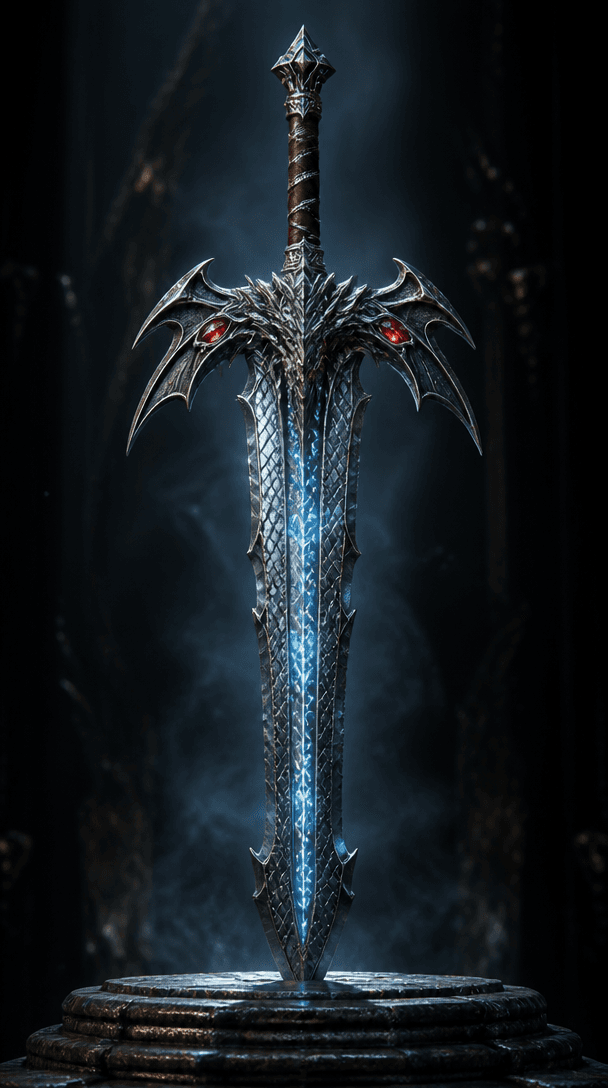
GPT 이미지 2로 생성한 판타지 게임 무기

판타지 게임 무기

GPT Image 2· 画像
An ornate fantasy RPG weapon: a legendary greatsword with a dragon-scale pattern blade, glowing runic inscriptions in icy blue along the fuller, crossguard shaped like dragon wings with ruby eye inlays, leather-wrapped grip with silver wire. Displayed vertically on a dark stone pedestal with dramatic rim lighting. Cinematic 3D render, metal material with anisotropic reflections. No text, no watermark.
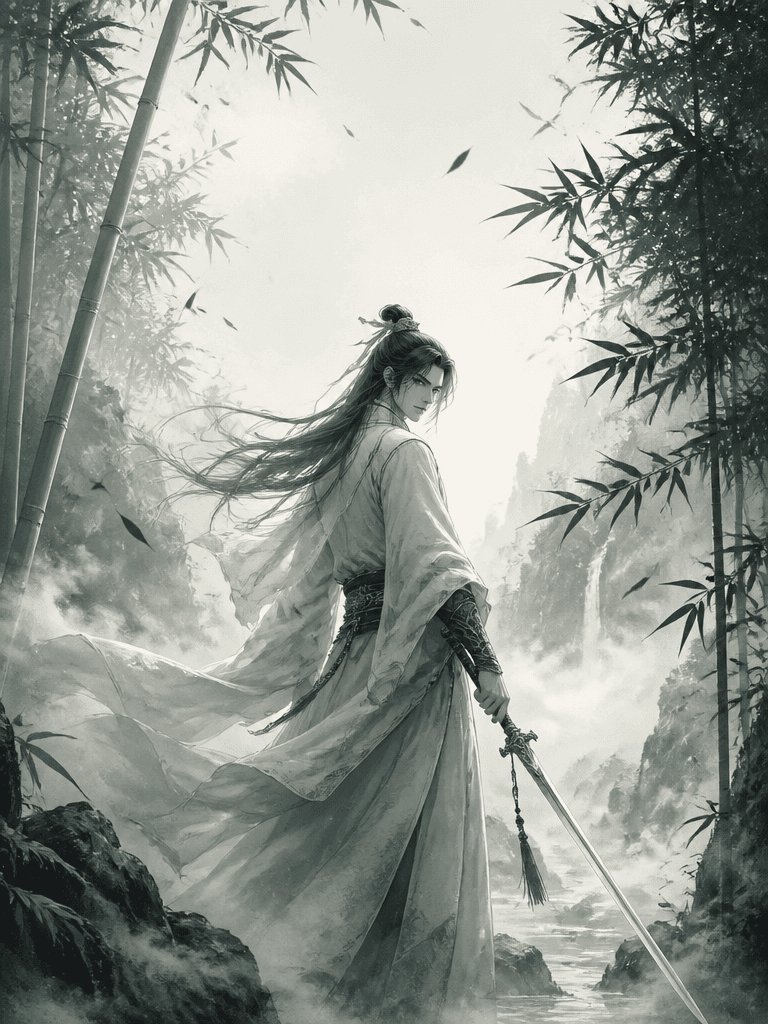
Wuxia Swordsman Cover created with GPT Image 2

Wuxia Swordsman Cover

GPT Image 2· 画像
Korean martial-arts (wuxia) web novel cover, vertical 2:3 ratio. A cold-eyed swordsman in flowing white hanbok-inspired robes holds a slender sword, standing in a misty bamboo forest at dawn, falling leaves and drifting fog. Ink-wash-meets-digital-painting style, restrained palette of jade green, ink black and pale mist white, dramatic backlight, elegant negative space, dynamic yet serene mood. Reserve top space for a bold calligraphic title reading '검화'. Highly detailed, refined cover art.
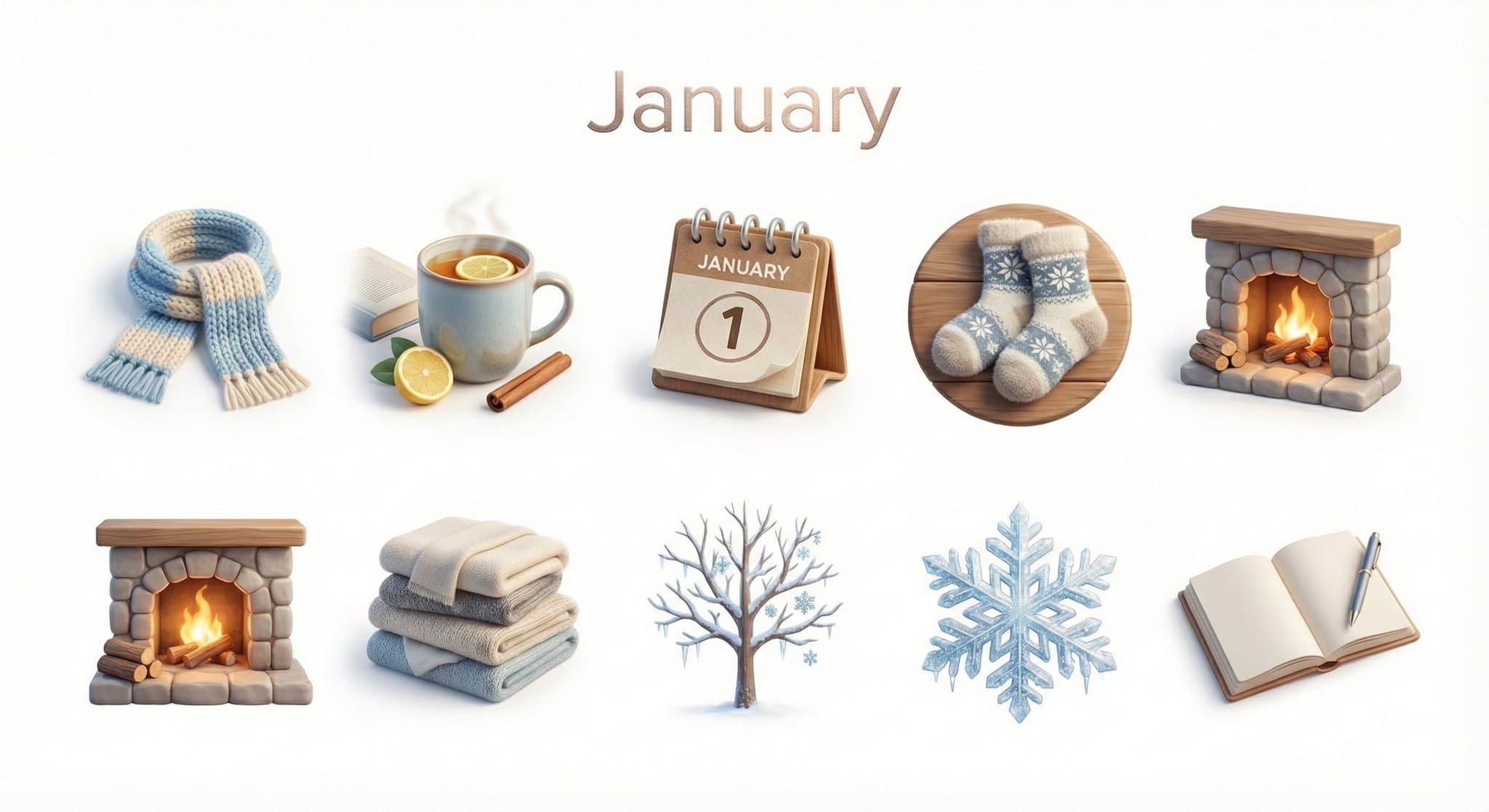
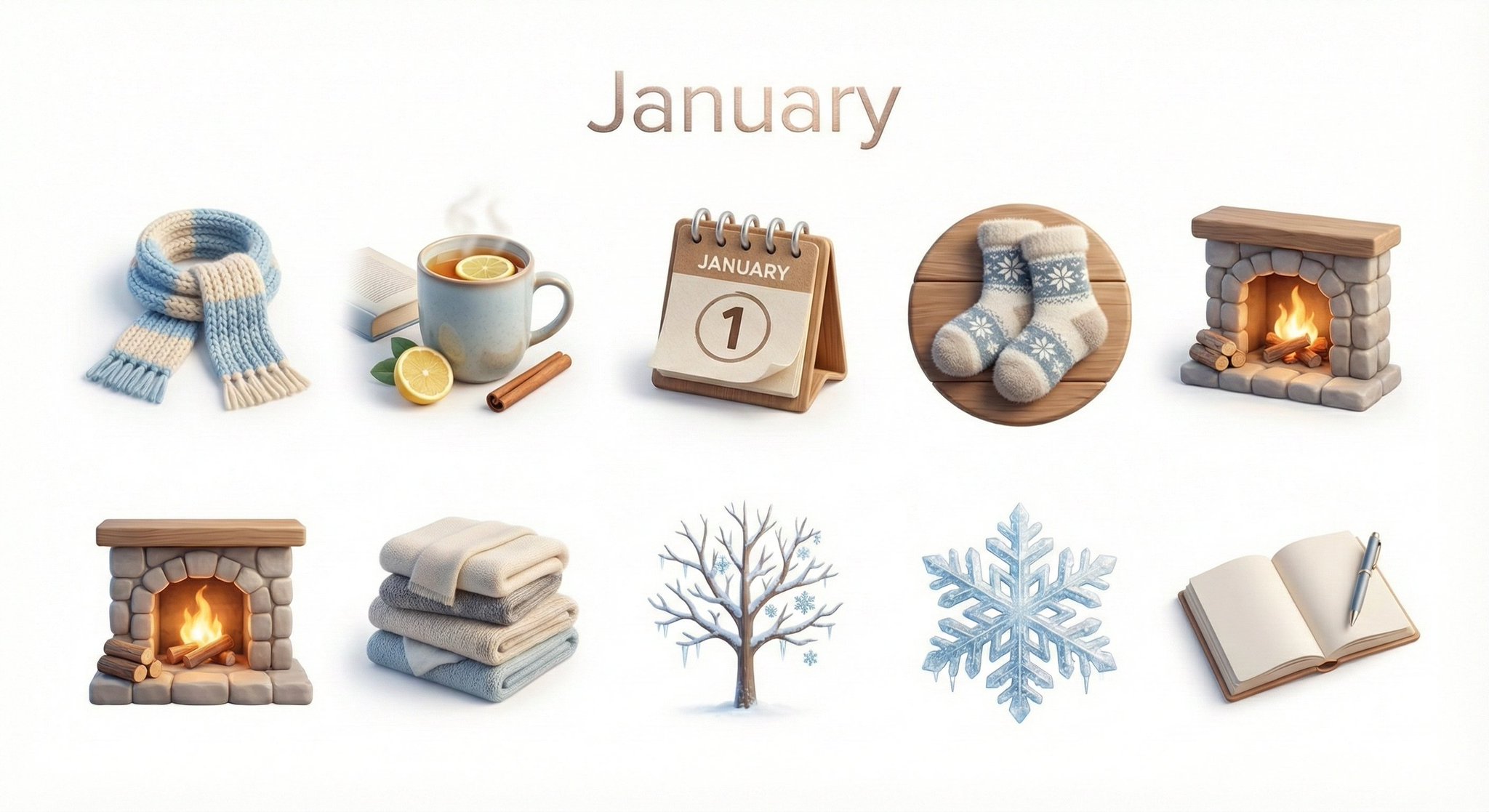
AI-generated Monthly Icon Set made with Nano Banana Pro

Monthly Icon Set

Nano Banana Pro· 画像
Create a collection of icons representing [Month] through objects, symbols, and moods. They belong together as a single cohesive theme. The background is pure white. Place the month name “[MONTH]” at the top center of the image as a minimal, balanced title, aligned symmetrically above the grid and visually integrated with the overall design. Icons are rendered in a colorful yet calm 3D style, with season-appropriate textures and atmospheric lighting that reflect the essence of [MONTH]. Maintain consistent proportions, materials, and visual language across all icons and the title.
@aleenaamiir

What are Weapon Icon Set Prompts?

A collection of AI prompts for generating weapon icon set images. Copy the Weapon Icon Set prompts provided by Carat and paste them into an AI image generation tool to get professional-grade results.

How to Use Weapon Icon Set Prompts

  1. Select and copy your desired prompt.
  2. Paste it into the Carat agent.
  3. Modify colors, styles, and composition as needed.
  4. Download the generated image and use it in your project.

Tips for Writing Weapon Icon Set Prompts

Specify lighting, texture, composition, and lens information in detail for more precise results. Add "No text, no watermark" to prevent unwanted text overlays.

Weapon Icon Set Prompt Applications

Weapon Icon Set prompts are used across content creation, marketing, design, and educational resources. AI-generated images dramatically reduce production time while maintaining professional quality.

Weapon Icon Set Prompt Optimization Guide

Choose the aspect ratio based on your use case: vertical (9:16) for social media, horizontal (16:9) for web banners, and square (1:1) for product images.
よくあるご質問

関連プロンプト

Game Weapon

Game Weapon

プロンプト1件

Icon Set

Icon Set

プロンプト2件

App Icon

App Icon

プロンプト4件

App Icon Prompt

App Icon Prompt

プロンプト4件

Carat プロンプトギャラリー

話題のAIプロンプトをすぐに作れます

プロンプト

  • ロゴ
  • PPTデザイン
  • サムネイル
  • ポスター
  • ウェブ小説の表紙
  • 証明写真
  • 似顔絵
  • 商品詳細ページ
  • バナー

モデル

  • GPT Image 2
  • Seedance 2.0
  • Nano Banana Pro
  • Nano Banana 2

Carat

  • 始める
  • 会社概要
  • ブログ
  • 採用情報
  • お問い合わせ
  • パートナーシップ
  • 利用規約
  • プライバシー

© 2026 Paradot.Inc All rights reserved.