아이소메트릭 아트
입체적이고 아기자기하게 공간이나 구조를 묘사하는 3D 아이소메트릭 및 기술 인포그래픽 디자인 태그입니다.
2026.07.02
·
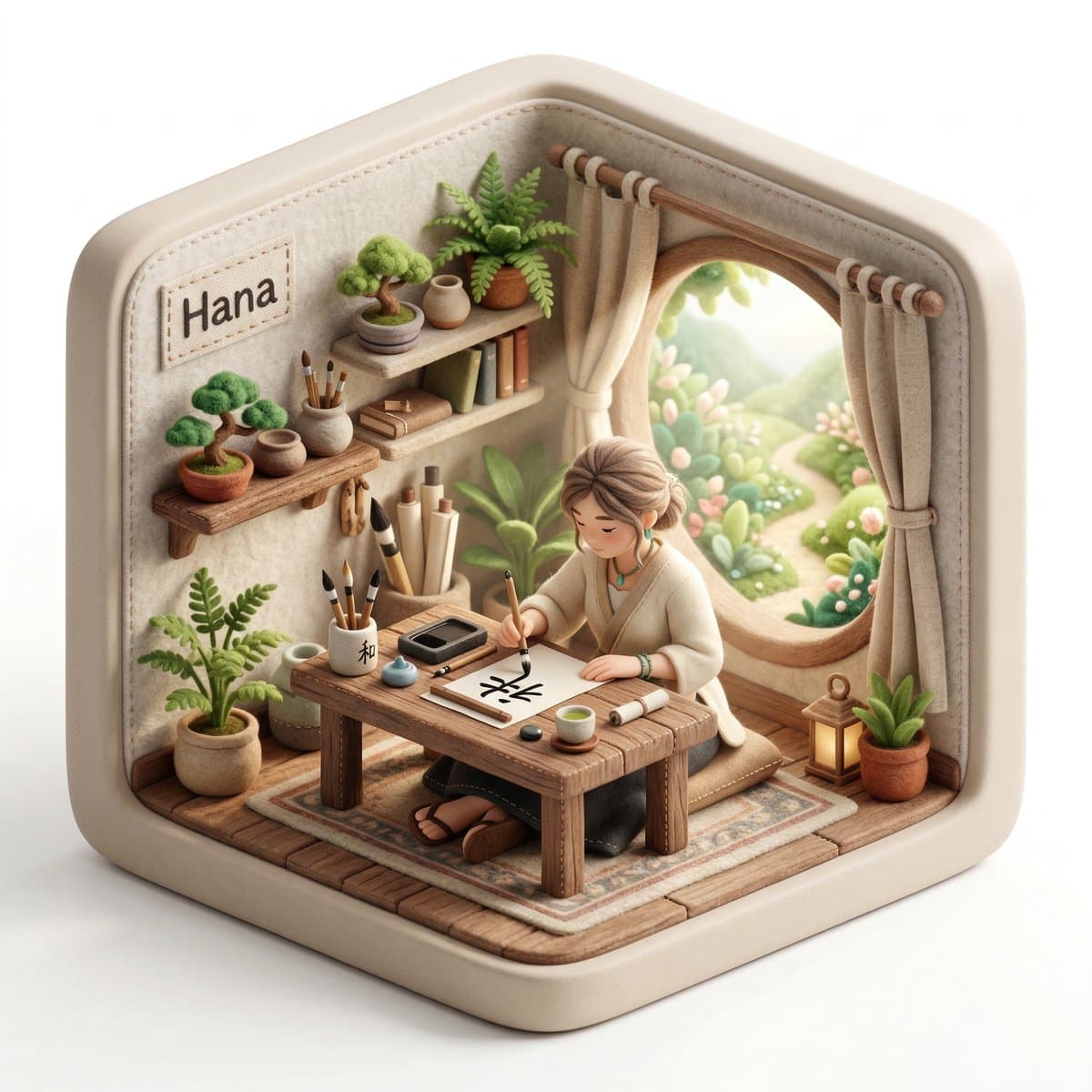
아이소메트릭 디오라마 캐릭터
나노바나나 프로· Image
Create a 3D isometric diorama illustration of an original character named [CHARACTER NAME], peacefully working or practicing a creative activity in a nature-inspired environment, sitting at a wooden desk near a large open window with sunlight flowing in and soft greenery visible outside.
The character should be inspired by [ARCHETYPE / PROFESSION – e.g. writer, painter, meditator, calligraphy artist, tea master] and have a unique visual identity, including soft, natural clothing, organic textures, and a calm, introspective personality.
The entire scene must have a handcrafted felt aesthetic, with soft rounded shapes, visible stitching details, and clean, polished textures.
The diorama is enclosed inside a rounded cube structure with subtle hexagonal proportions, made of [MATERIAL STYLE – e.g. soft matte ceramic, light frosted resin, natural wood finish].
The environment must strongly reflect a peaceful, nature-connected lifestyle, including plants, natural wood furniture, soft textiles, and minimalistic decor.
On the desk, include small detailed objects such as [OBJECT 1 – e.g. tea cup], [OBJECT 2 – e.g. brush or pen], [OBJECT 3 – e.g. notebook or scroll].
Lighting should be bright, soft, and natural, with warm sunlight beams entering through the window, creating a serene and airy atmosphere, with a clean white background outside the diorama.
Render in 1080x1080, ultra-detailed, photorealistic style.
Include a small stitched fabric name tag sewn onto the INNER wall of the diorama (top-left corner inside the cube), clearly integrated into the scene, not floating and not outside the structure, displaying the name: [CHARACTER NAME].
아이소메트릭 기술 인포그래픽
나노바나나 2· Image
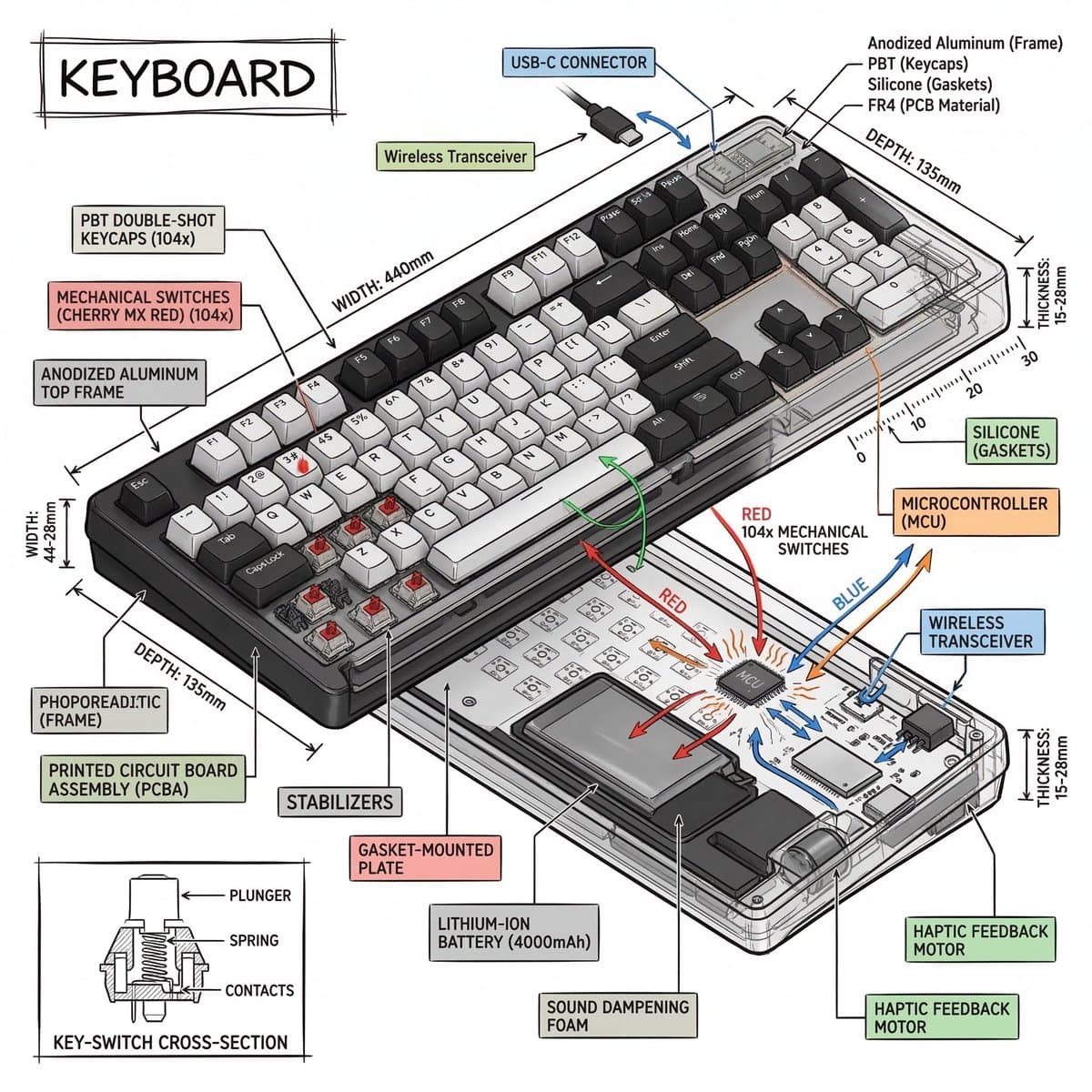
Create a technical infographic of [OBJECT] with a 45-degree isometric 3D perspective showing the device slightly tilted to reveal depth and dimension.
Combine a realistic photoreal render with black ink technical annotations on pure white background. Include:
Key component labels with color-coded callout boxes
Internal component visibility through transparent/cutaway sections
Measurements, dimensions, and precise scale markers
Material callouts and quantities
Color-coded arrows for function/flow: RED (power/battery), BLUE (data/connectivity), ORANGE (thermal/processor), GREEN (sensors/haptics)
Simple schematics or cross-sectional diagrams where relevant
Place “OBJECT” title in a hand-drawn technical box (top-left corner).
Style: Black linework (technical pen/architectural), sketched but precise. Object remains clearly visible. Educational museum-exhibit vibe. Clean composition, balanced negative space.
Perspective: Isometric 3D angle—tilted to show depth, dimension, and internal architecture dramatically. Like a professional product teardown or engineering manual.
Colors: ~10-15% accent density. Black dominant. White background.
Output: 1080×1080, ultra-crisp, social-feed optimized.
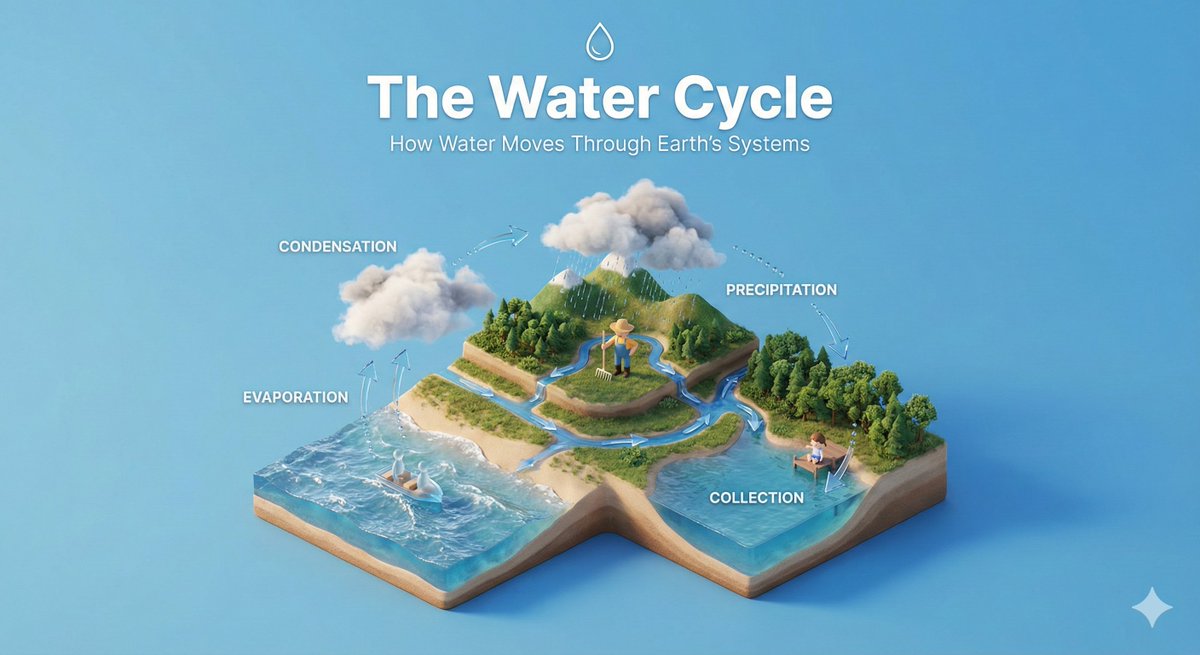
아이소메트릭 교육 디오라마
나노바나나 프로· Image
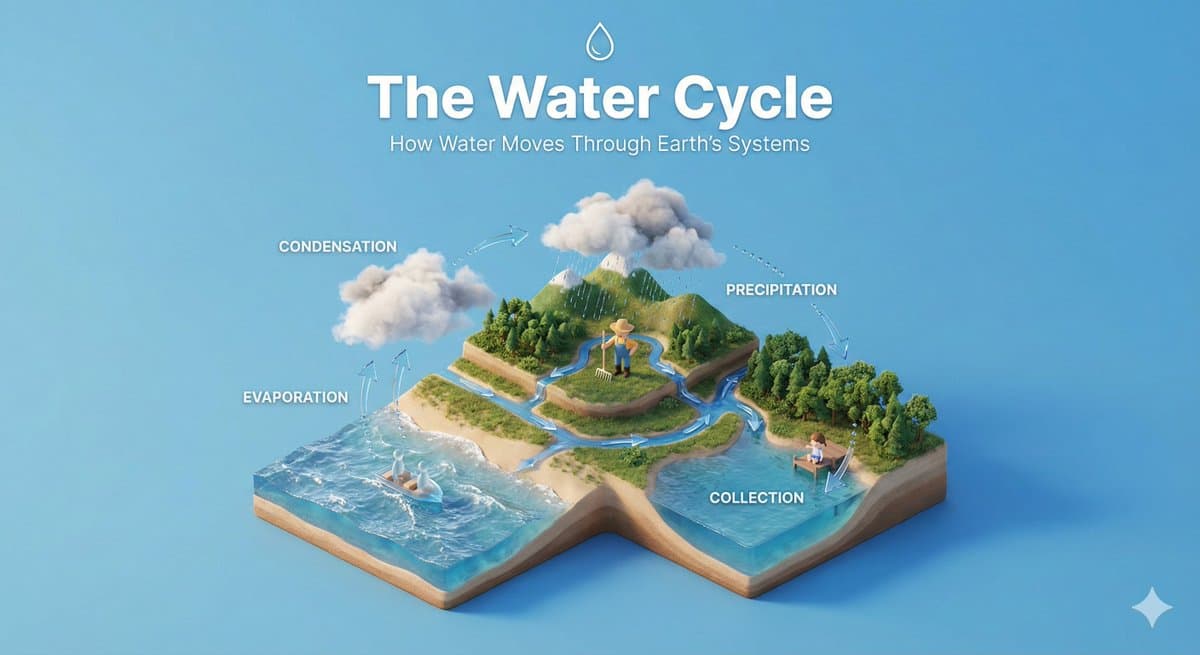
Create a clear, 45° top-down isometric miniature 3D educational diorama explaining [PROCESS / CONCEPT].
Use soft refined textures, realistic PBR materials, and gentle lifelike lighting.
Build a stepped or layered diorama base showing each stage of the process with subtle arrows or paths.
Include tiny stylized figures interacting with each stage (no facial details).
Use a clean solid [BACKGROUND COLOR] background.
At the top-center, display [PROCESS NAME] in large bold text, directly beneath it show a short explanation subtitle, and place a minimal symbolic icon below.
All text must automatically match the background contrast (white or black).
아이소메트릭 아트 AI 프롬프트란?
아이소메트릭 아트 프롬프트는 입체적이고 아기자기하게 공간이나 구조를 묘사하는 3D 아이소메트릭 및 기술 인포그래픽 디자인 태그입니다. 핵심은 단순히 피사체 하나만 나열하는 데 그치지 않고 배경 조명, 카메라 렌즈, 전경 요소, 대비, 후반 디자인 마감까지 자세하게 정의해 완성형 결과물을 만드는 데 있습니다. 이렇게 설계된 프롬프트 조합은 광고 배너, 브랜드 시안, SNS 마케팅 피드, 시각 보드 같은 실무 용도에 빠르게 활용 가능하도록 구성됩니다. 같은 피사체라도 브랜드가 원하는 고감도 레이아웃과 구도를 안정화해 줍니다.
주요 활용 장면
- 교육 디오라마
- 기술 인포그래픽
- 3D 도시 레이아웃
- 오피스 미니어처
- 아이소메트릭 캐릭터 세트
이 태그가 유용한 이유
아이소메트릭 아트 제작은 결과의 분위기가 아무리 화려해도 배치와 실제 구도의 조화가 맞지 않으면 사용하기 어렵습니다. 이 태그는 필요한 전경 디테일을 명확히 인지하고, 머신이 어떤 부위를 전면 배치하고 무엇을 배경 여백으로 밀어낼지 영리하게 지시하는 데 유용합니다. 프롬프트에 조명 무드, 카메라 앵글, 마감 질감 등을 구체적으로 세팅하면 여러 시안을 무수히 제작해도 흔들리지 않는 퀄리티 기준을 확보할 수 있습니다.
관련 프롬프트 더 보기
프롬프트 구성 팁
- 최종 배치될 레이아웃과 채널을 고려해 화면 비율을 먼저 선언합니다.
- 대상 피사체를 수식하는 주요 동작과 디테일을 묘사한 뒤 배경 소품, 주변 조명을 얹습니다.
- 흐릿한 왜곡, 어설픈 텍스트 배치 등 원치 않는 요소를 꼼꼼히 제외하도록 사전에 네거티브 조건도 함께 확인하세요.
- 반복 테스트를 진행할 때는 모든 문장을 수정하지 말고 주체, 조명, 렌즈감 처럼 핵심 파트를 한 번에 한 가지 항목씩만 조정하며 A/B 비교 단계를 밟아가는 것이 아이소메트릭 아트 활용의 지름길입니다.