School Poster
Create a practical school poster with AI prompts, layout guidance, and output checks.
2026.07.16
「School Poster」を思いどおりに作りましょう自分だけの「School Poster」を作る
ふだんの言葉で伝えるだけで、Caratが最適な画像や動画を生成します。

毎日100クレジット無料で今すぐ始められます
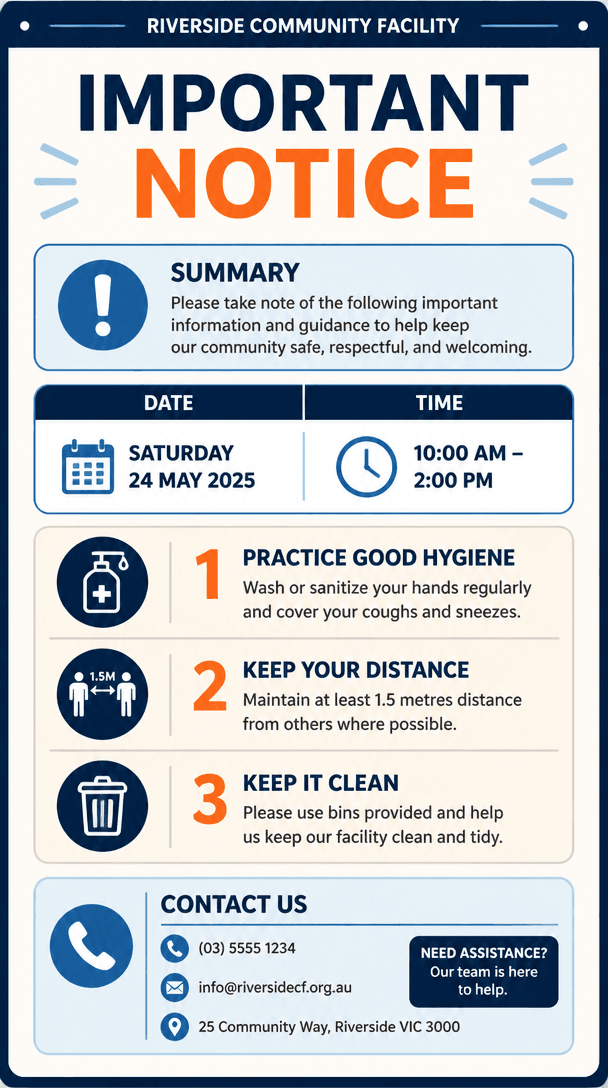
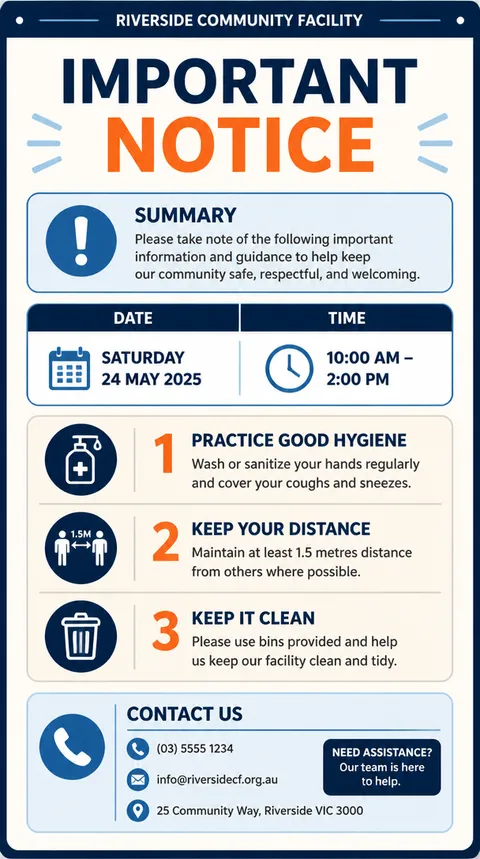
Notice

School Festival Poster

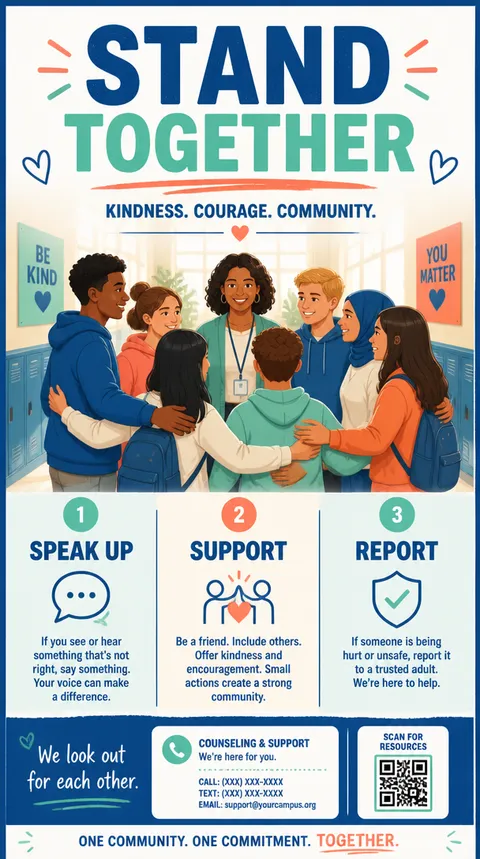
Anti-School-Violence Poster
What this prompt creates
School Poster prompts produce a notice that communicates school events, student guidance, and educational campaigns clearly to learners and guardians. They define a communication goal, viewing context, and desired action before choosing decorative elements, which keeps the result useful for real promotion.
Recommended use cases
Good applications include school festivals, prevention education, club recruitment, academic schedules, parent notices, and student competitions. Adapt audience, channel, and information density for every version instead of resizing one layout blindly.
Why the hierarchy works
The recommended system uses school name and notice title first, followed by audience, date, venue, required items, application route, and responsible department. This order helps viewers identify the subject, verify practical details, and respond without competing focal points.
Prompt details to control
Specify school level, grades, notice type, date, venue, supplies, deadline, QR code, school palette, board size, and department. Use confirmed facts where possible, preserve clear zones around critical copy, and change one visual axis at a time when generating alternatives.
Production and review workflow
Lock official facts, generate a layout draft, replace provisional copy, and test at final size. Review school name, dates, grade eligibility, venue, deadline, QR destination, contact details, student privacy, and logo rights. Keep one approved master before deriving channel variants.
Related prompts: