Studio Photo
AI prompts for clean studio-background portraits and fashion photos. Quickly create outputs such as white-background editorials, high-key lighting, and brand lookbooks.
2026.06.12
「Studio Photo」を思いどおりに作りましょう自分だけの「Studio Photo」を作る
ふだんの言葉で伝えるだけで、Caratが最適な画像や動画を生成します。

毎日100クレジット無料で今すぐ始められます
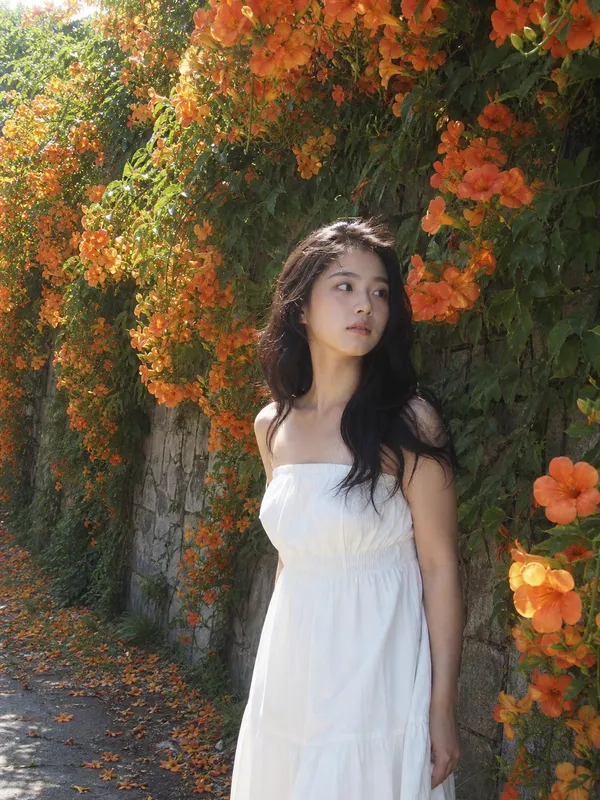
Campsis White Midi Dress
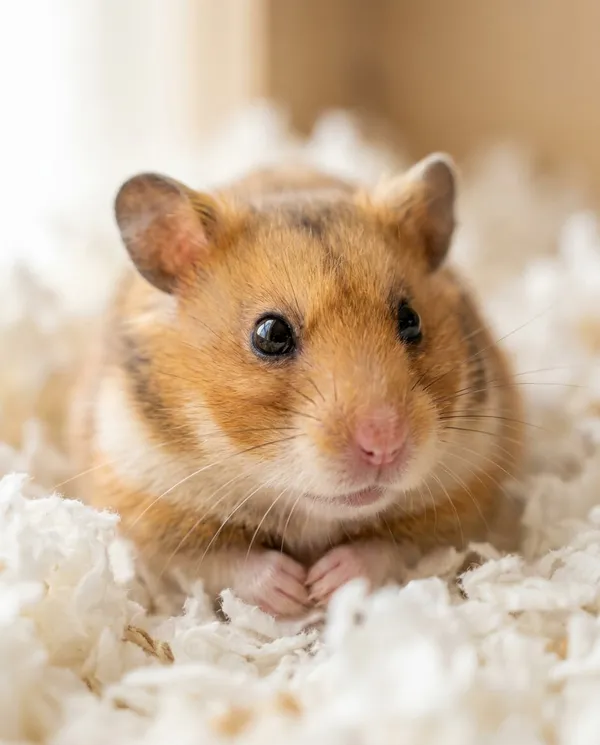
Cozy Bedding Hamster Close-Up
Late-Night Kitchen Animation Scene
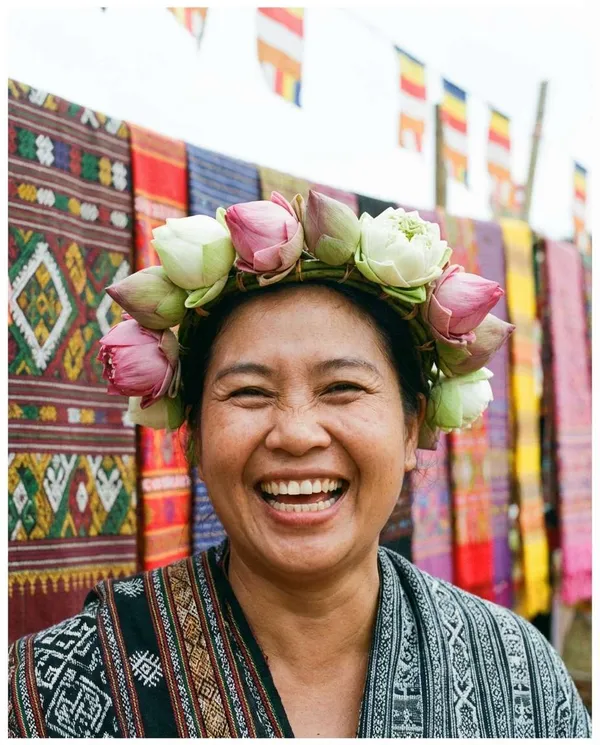
Lotus Crown Festival Portrait
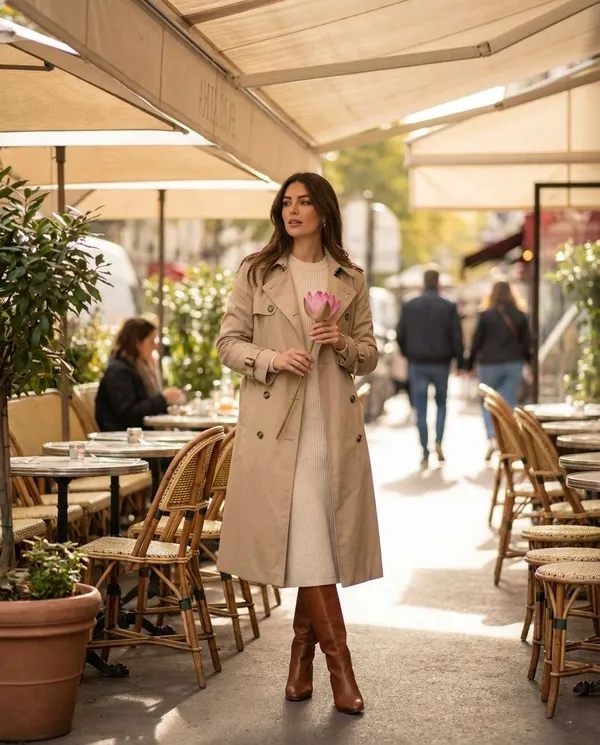
Cafe Lotus Daily Look
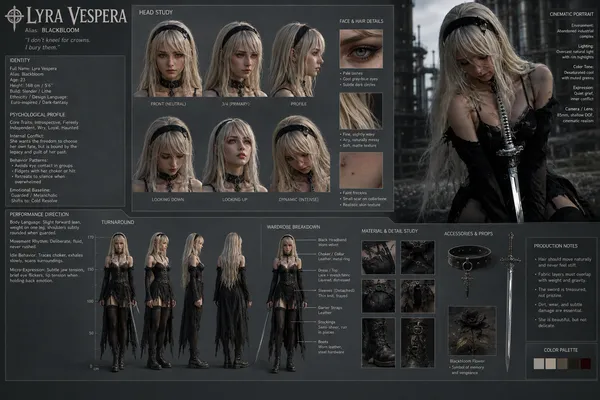
Cinematic Character Design Sheet
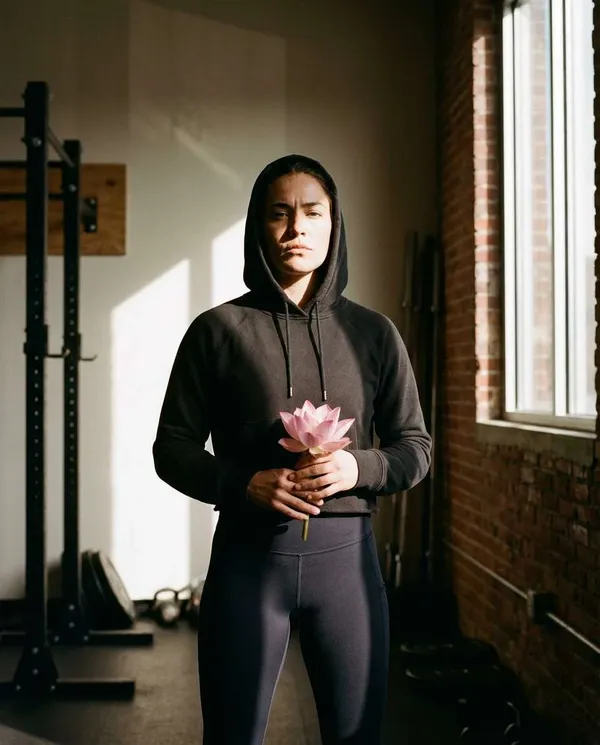
Post-Workout Lotus Portrait
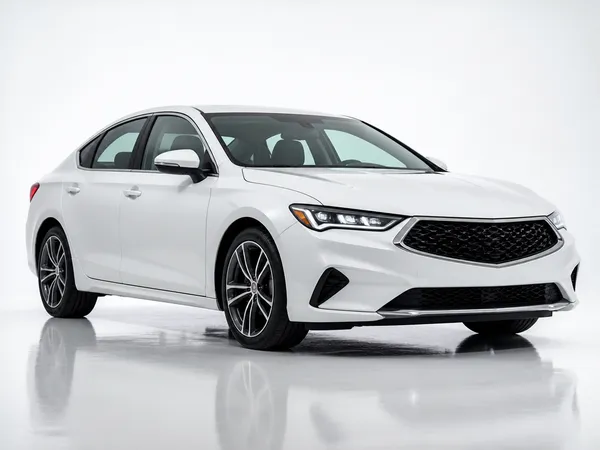
Studio Sedan Product Shot
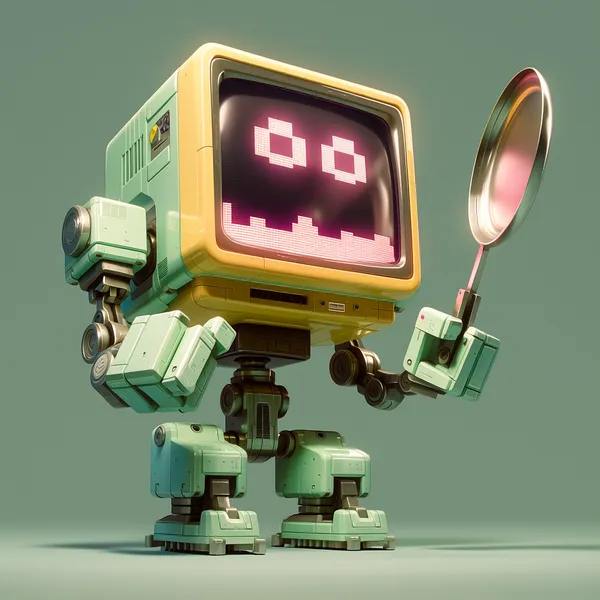
Retro Futuristic Robot Design
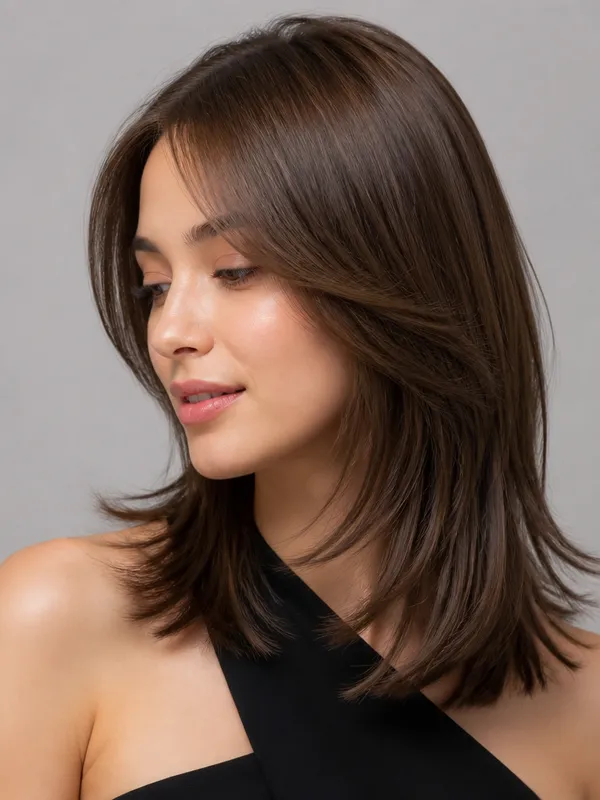
Hair Salon Editorial Model
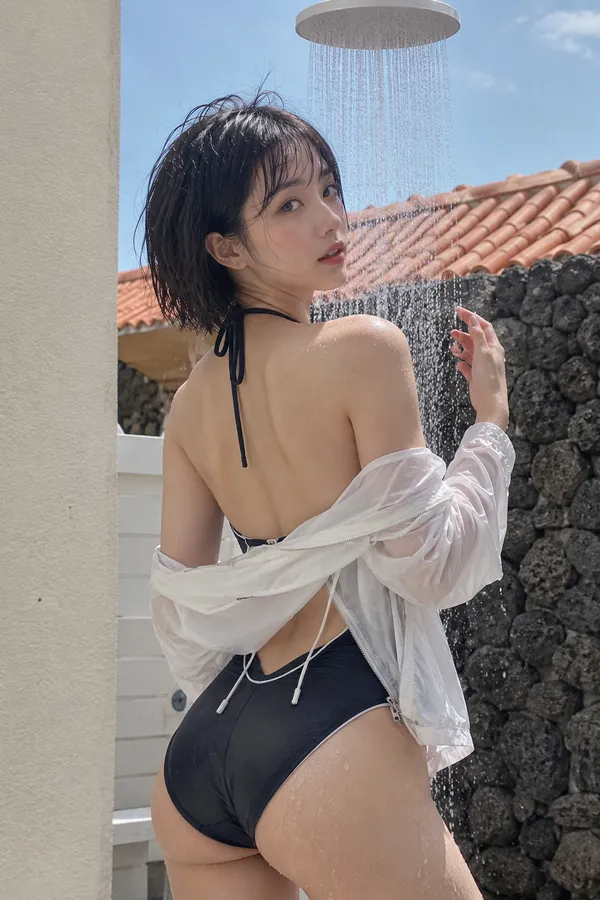
Atmospheric Portrait
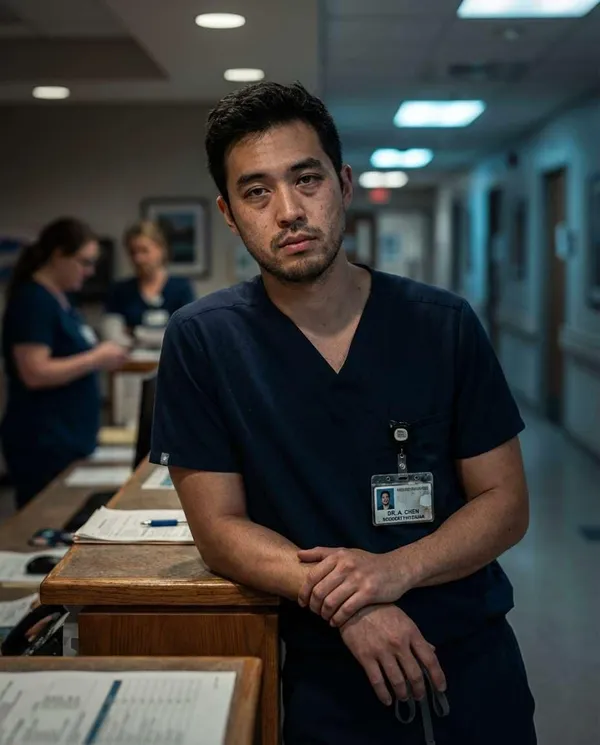
Night Shift Doctor Portrait
What Are Studio Photo AI Prompts?
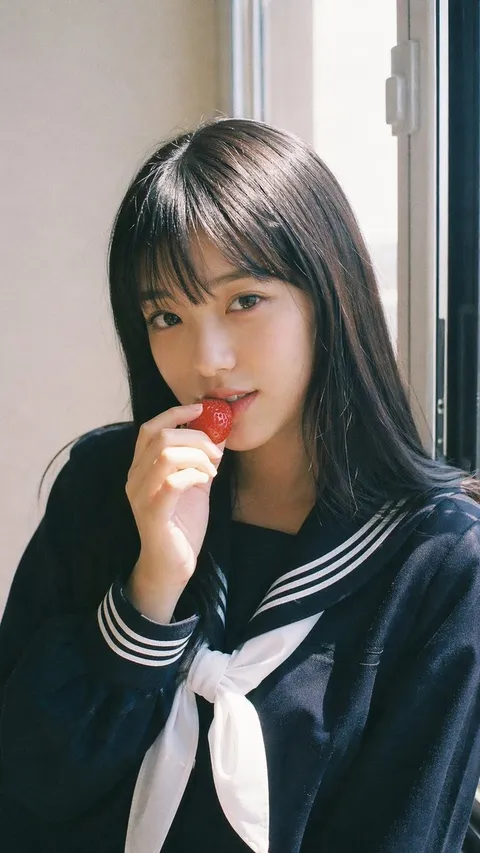
Studio Photo AI prompts create portraits, fashion shots, and product images that look like they were taken in a clean studio. Write out the lighting and background, such as white-background editorials, high-key portrait cuts, or packshot-style product photos, and you get consistent, polished results. In Carat these are made with GPT Image 2, and you can refine each shot afterward by cleaning up the background, changing the aspect ratio, or editing specific areas.
Where You'll Use It
- Fashion editorials and brand lookbook images
- Full-body portraits for social profiles and feeds
- Product packshots for cars, appliances, and small goods
- Hair catalog images and beauty close-ups
- Shopping-mall moodboards and styling references
Why This Tag Is Useful
Studio photography keeps the background simple and the lighting even, so a subject's expression, outfit, or a product's shape and texture read clearly. You never fight a busy background, which makes it ideal for editorials, profiles, and product shots where the subject must stand out. Locking the lighting and backdrop into the prompt also keeps the tone consistent across frames.
Tips for Crafting Prompts
- Specify the lighting precisely, using terms like high-key or flat beauty lighting.
- Keep the background simple and uniform, such as a white seamless studio.
- For people, describe outfit color, fabric, and pose; for products, describe material and angle.
- To preserve a face or a product, add a reference image with a keep-consistent instruction.
Once you have the shot you want, keep refining it in Carat by changing the aspect ratio, cleaning up the background, or editing specific parts.
よくあるご質問
They suit images that need a simple background and a standout subject, such as white-background fashion editorials, full-body profiles, hair catalog shots, and product packshots.
Yes. You can place products like cars, appliances, or small goods on a studio background for packshot-style images. Describe the material, angle, and lighting for best results.
Write out the lighting, background, pose, and fabric in detail and avoid heavy retouching language, and the output stays close to an actual studio shoot.
No, it is optional. You can generate from text alone, or add a reference image when you want to keep a specific person's face or a specific product.
Add a reference image with an instruction to preserve the facial features, and the model keeps the likeness and expression natural.
Yes. You can swap individual elements like top color, skirt length, shoes, or accessories to produce multiple variations.
In Carat these are made with GPT Image 2, and you can keep refining afterward by changing the aspect ratio or editing specific parts.