Bento Illustration
Create bento illustration visuals with practical AI prompt examples, style tips, and use cases.
2026.07.04
Make “Bento Illustration” exactly the way you wantCreate your own “Bento Illustration”
Just ask in plain language — Carat generates optimized images and videos for you.

Start now with 100 free credits daily
도시락 일러스트
What are Bento Illustration AI prompts?
Bento Illustration prompts help you generate a clear visual asset by describing the subject, symbolic details, composition, line style, color palette, texture, background density, and intended use. A strong prompt is more useful than a single keyword because it tells the image model what the final output should become. This makes the result easier to reuse in posters, stickers, worksheets, thumbnails, presentations, classroom materials, social posts, branding drafts, editorial layouts, or product mockups.
Main use cases
- 도시락 레시피 카드
- 푸드 블로그 삽화
- 식단 관리 콘텐츠
- 스티커 굿즈
- SNS 썸네일
Why this tag is useful
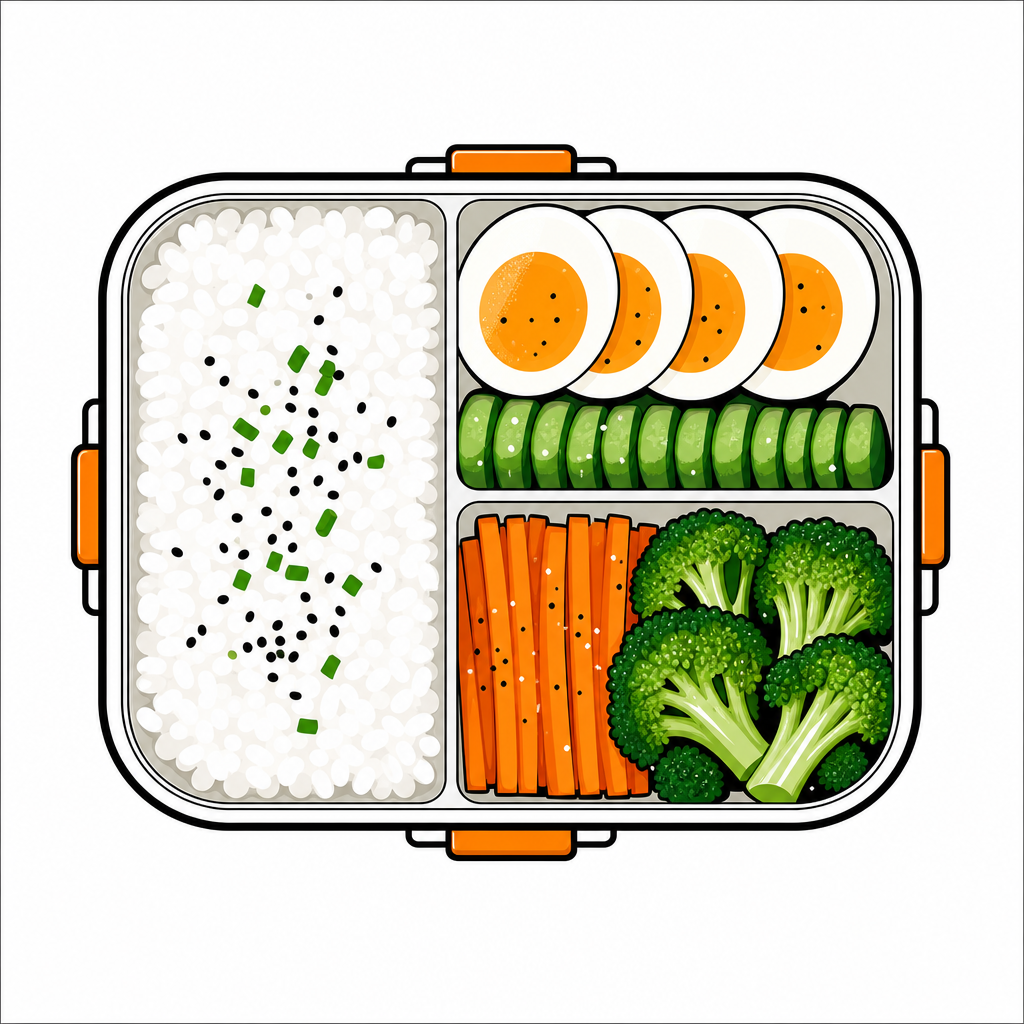
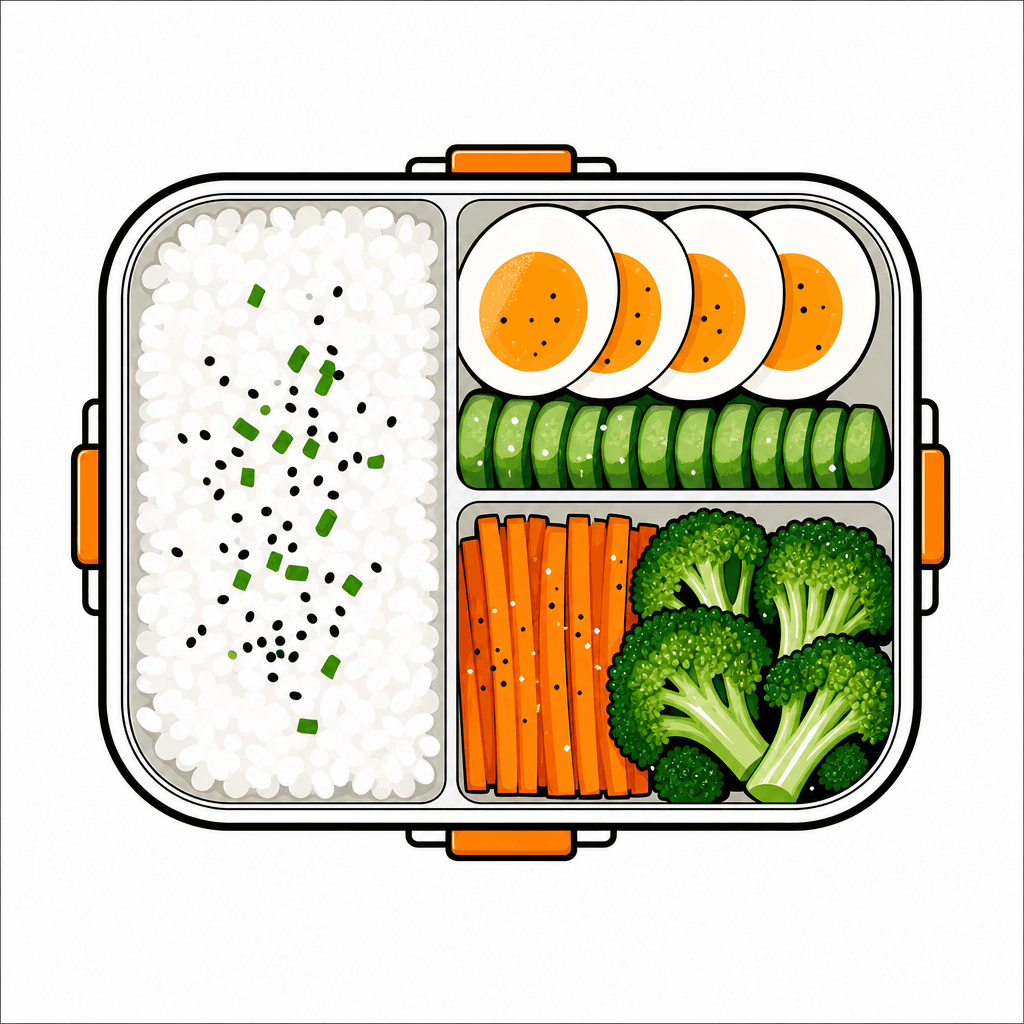
도시락은 구획된 상자, 밥, 계란, 채소 배치가 핵심입니다. 푸드 아이콘으로 쓸 때는 주황색/녹색 팔레트와 굵은 선이 좋습니다. For reusable production results, add constraints such as clean vector illustration, bold outline, flat colors, centered composition, simple light background, no readable text, no logo, and no watermark. These details reduce ambiguity and help the generated image stay editable and safe for design workflows. The tag is especially useful when you need one clear subject that reads immediately without relying on captions.
Related prompts to explore
Useful related tags include illustration, sticker-design, character-illustration, food-illustration, animal-illustration, coloring-page. Combine this tag with sticker-design for cutout assets, character-illustration when the same topic should become a mascot, animal-illustration for wildlife subjects, or food-illustration for edible items.
Prompt writing tips
- Start with the output format, such as sticker, poster, card news, worksheet, icon, thumbnail, cover, or presentation image.
- Add observable details such as silhouette, pose, symbolic props, outline, palette, texture, and background simplicity.
- Keep production constraints explicit: no readable text, no logo, no watermark, and a clean background.
- Generate variations by changing only the palette, expression, background, or detail level, then choose the most reusable result.