게임 스플래시 이미지
게임 스플래시 이미지 프롬프트. 캐럿에서 제공하는 게임 스플래시 이미지 이미지 생성 프롬프트를 복사해 바로 사용해보세요.
2026.07.12
「게임 스플래시 이미지」 원하는 대로 직접 만들어보세요「게임 스플래시 이미지」 직접 만들어보세요
대화로 요청만 하면 최적화된 이미지·영상을 만들어줘요

매일 무료 100크레딧으로 바로 시작
·
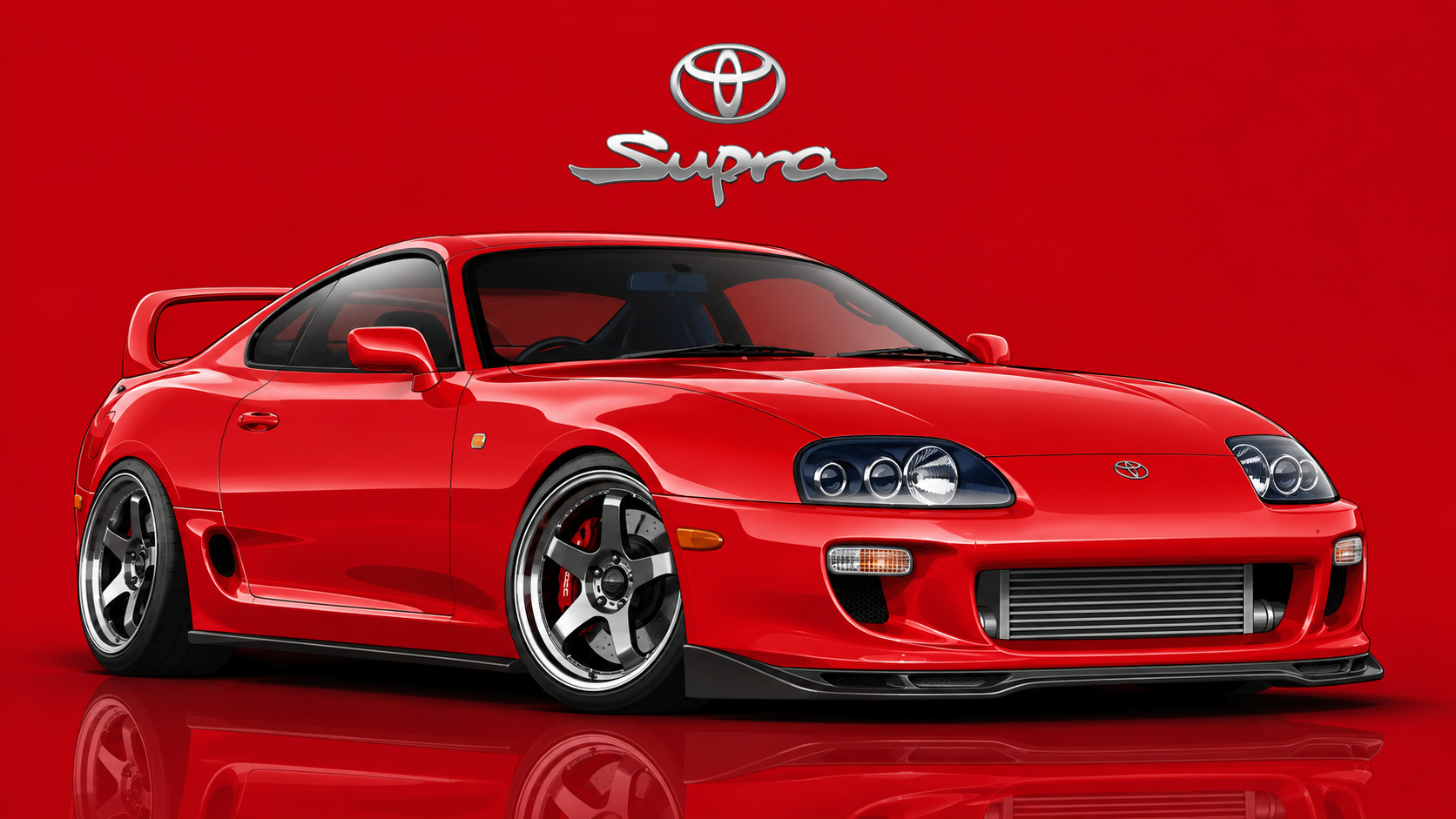
영화 자동차 벡터 일러스트
GPT 이미지 2· 이미지
[Car full description and movie-accurate details], three-quarter view, vector art style, clean bold lines with subtle gradients, lowered aggressive stance, detailed wheels and lights. Background solid [main car color] with soft glossy reflection on ground. Top center: [Brand] logo. Below logo: "[Model Name]" sleek modern font. Main car scaled huge dominating the frame, 16:9 aspect ratio, dynamic composition
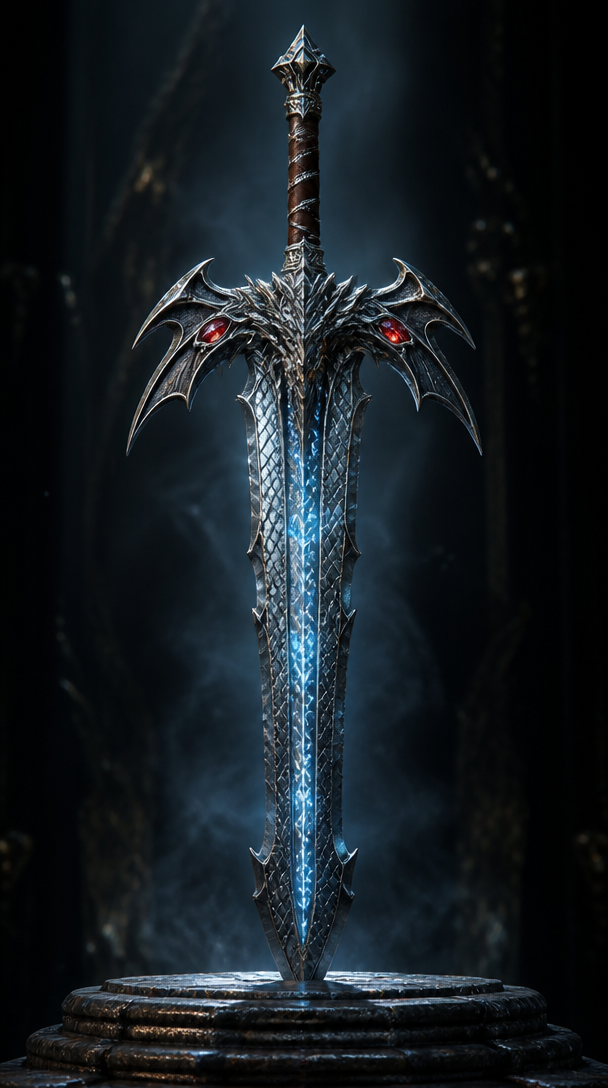
판타지 게임 무기
GPT 이미지 2· 이미지
An ornate fantasy RPG weapon: a legendary greatsword with a dragon-scale pattern blade, glowing runic inscriptions in icy blue along the fuller, crossguard shaped like dragon wings with ruby eye inlays, leather-wrapped grip with silver wire. Displayed vertically on a dark stone pedestal with dramatic rim lighting. Cinematic 3D render, metal material with anisotropic reflections. No text, no watermark.
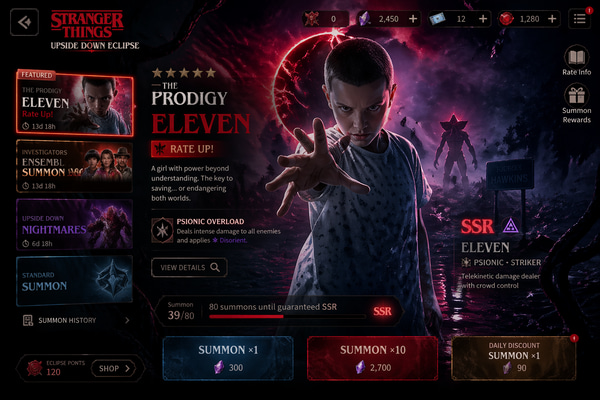
모바일 게임 가챠 소환 화면
GPT 이미지 2· 이미지
Design a high-end gacha summon page for a new mobile game titled [Game Title], inspired by the summon interfaces of popular mobile games. The page should present a dark, cinematic, premium ARPG aesthetic with a rich and immersive atmosphere. The featured banner character is [Featured Character]. The layout should include a dramatic character showcase in the center, layered summon UI panels, glowing visual effects, rarity indicators, currency icons, summon buttons, event banner elements, and elegant decorative details. The background and visual motifs should reflect the identity, mood, and world style associated with [Featured Character]. The overall design should feel polished, collectible, visually powerful, and similar to a top-grossing mobile game gacha screen.size 3:2.
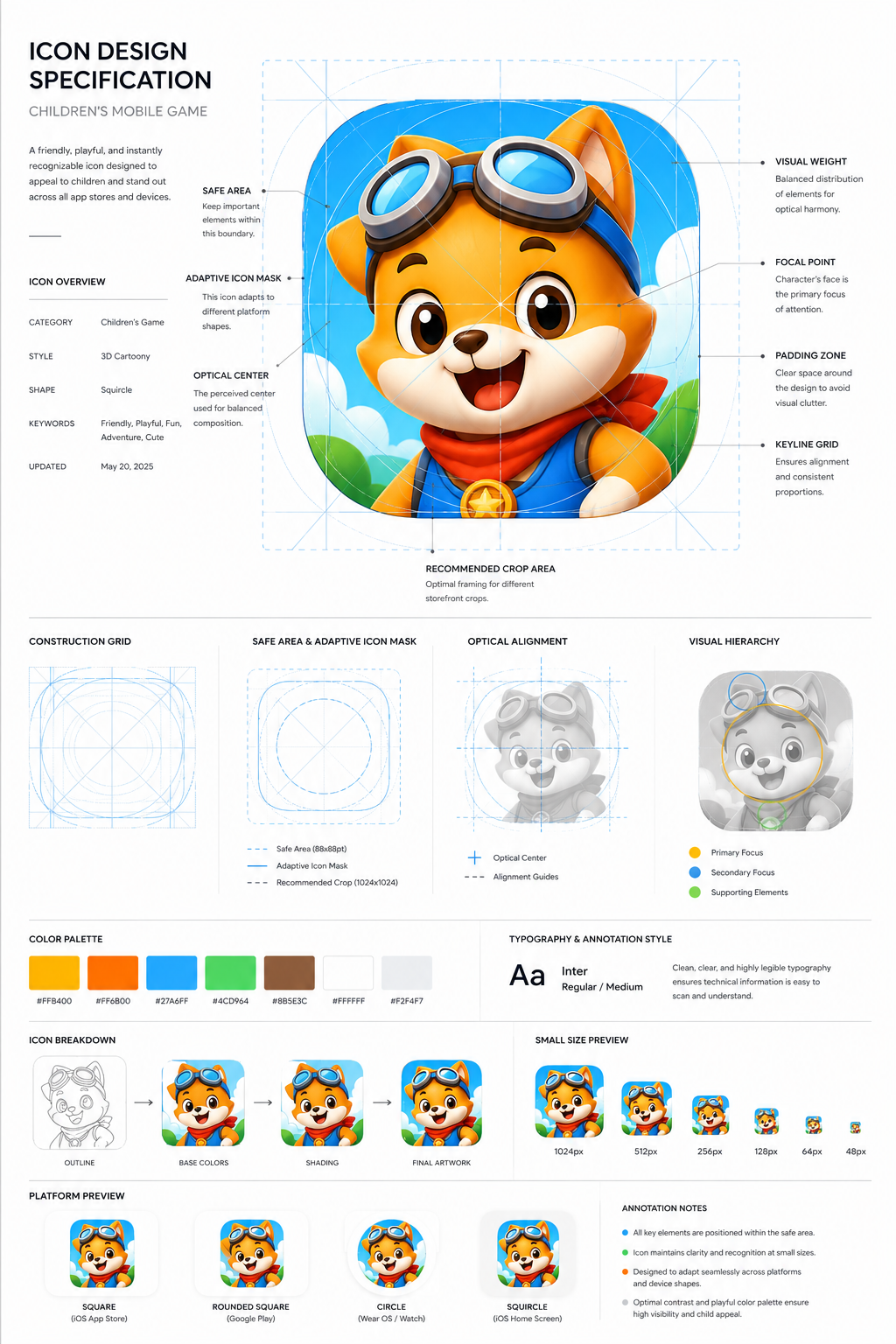
어린이 게임 앱 아이콘 보드
GPT 이미지 2· 이미지
Design a premium app icon presentation board for a children's mobile game icon, inspired by Apple Human Interface Guidelines, Google Material Design documentation, and professional Behance case studies. Use a clean editorial layout with a minimalist white background, subtle light-gray construction grids, generous whitespace, and modern Swiss-inspired typography. The presentation should feel like it was created by a senior brand designer at a top mobile game studio. Place the final app icon as the hero element in the center, occupying approximately 60–70% of the page. Surround it with elegant technical annotations connected by thin gray leader lines. Include labels such as Safe Area, Adaptive Icon Mask, Optical Center, Visual Weight, Focal Point, Padding Zone, Keyline Grid, and Recommended Crop Area. Overlay a precise construction grid consisting of circles, squares, alignment guides, center lines, diagonal guides, proportional geometry, and adaptive icon boundaries. The grid should be subtle, using thin cyan or light-blue lines with low opacity, similar to Apple's icon construction documentation. Around the hero icon, include clean presentation sections with consistent spacing:Hero Icon ShowcaseConstruction GridSafe Area & Adaptive Icon MaskOptical AlignmentVisual Hierarchy DiagramColor Palette Swatches with HEX valuesTypography & Annotation StyleIcon Breakdown (Outline → Base Colors → Shading → Final Artwork)Small Size Preview (1024px, 512px, 256px, 128px, 64px, 48px)Platform Preview (Square, Rounded Square, Circle, Squircle)Use elegant monochrome labels, thin divider lines, subtle spacing, and professional alignment throughout the page. Typography should resemble modern design documentation with lightweight sans-serif fonts, small uppercase section titles, and minimal captions. The overall aesthetic should communicate precision, craftsmanship, and premium product design rather than marketing. Avoid gradients, decorative backgrounds, heavy shadows, colorful graphics, unnecessary icons, or visual clutter. The presentation should look like an official design specification created for a world-class mobile game studio and be suitable for Behance, Dribbble, or an AAA game design portfolio. Ultra-clean, highly organized, modern editorial design, perfect spacing, museum-quality layout, premium UI/UX presentation style. Focus entirely on a clean professional icon specification sheet.
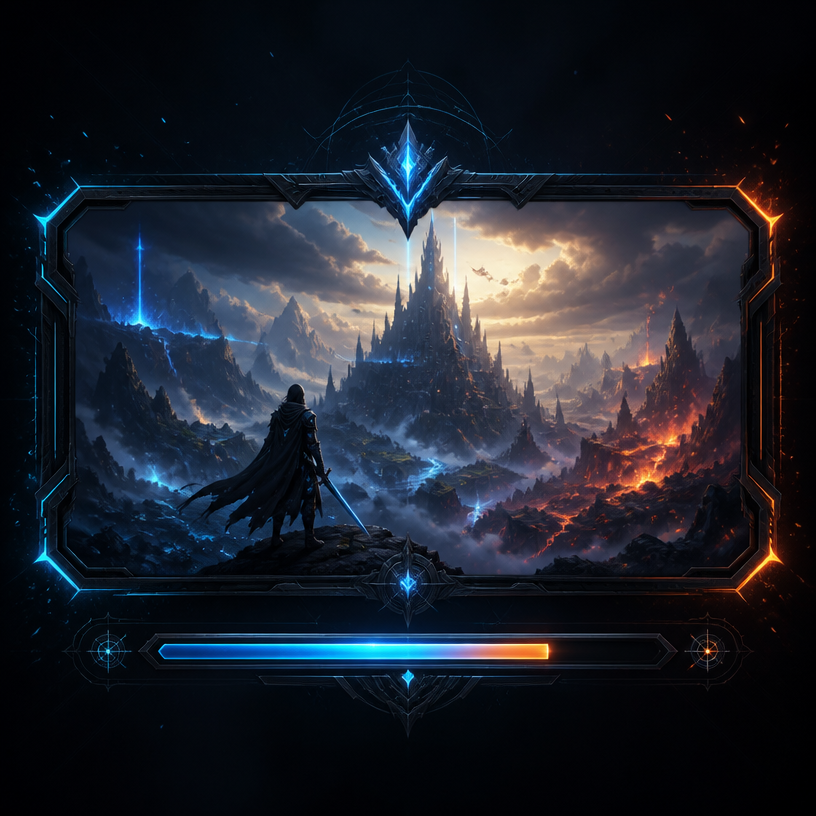
게임 로딩 화면
GPT 이미지 2· 이미지
A stylish game loading screen interface design, dark futuristic background with glowing neon blue and orange accents, progress bar at the bottom, fantasy landscape artwork in the center panel, epic atmosphere with particle effects, AAA game UI aesthetic. No text, no watermark.
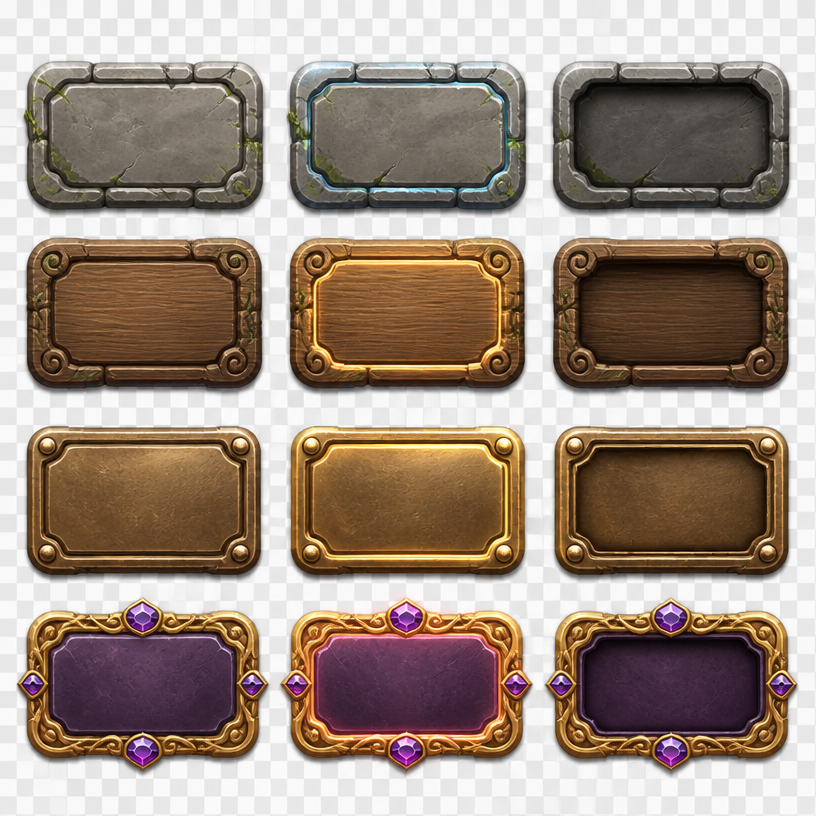
게임 버튼 UI
GPT 이미지 2· 이미지
Square game UI asset sheet presenting a coherent set of fantasy adventure buttons: rounded stone, carved wood, polished bronze and jewel-accented variants, idle, hover and pressed states arranged in a clean grid, empty button faces ready for labels, soft studio lighting, crisp beveled edges, transparent-style neutral backdrop. No readable text, no logo, no watermark.
fal:237234
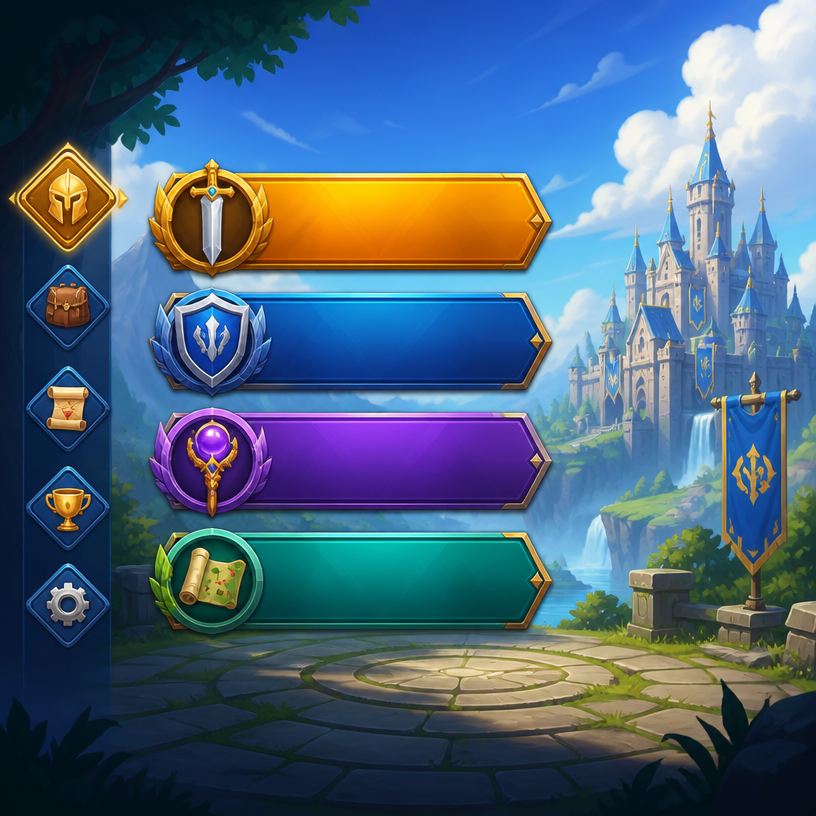
게임 메뉴 UI
GPT 이미지 2· 이미지
A Game Menu UI illustration, professional design, clean composition, vibrant colors, suitable for digital use. No text, no watermark.
fal:236537
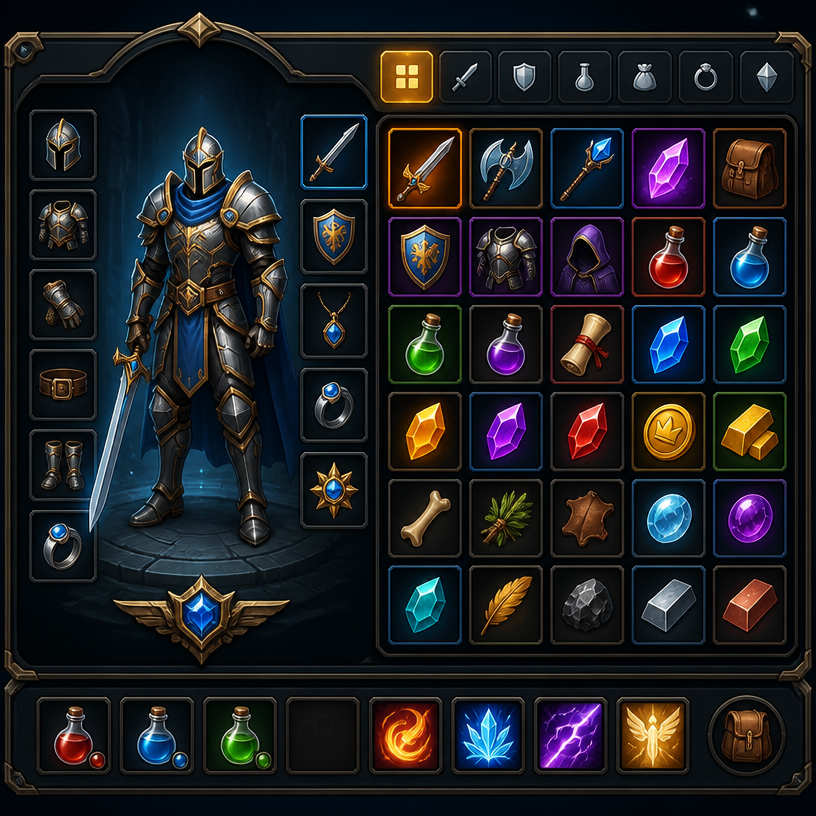
게임 인벤토리 UI
GPT 이미지 2· 이미지
A Game Inventory UI illustration, professional design, clean composition, vibrant colors, suitable for digital use. No text, no watermark.
fal:236536
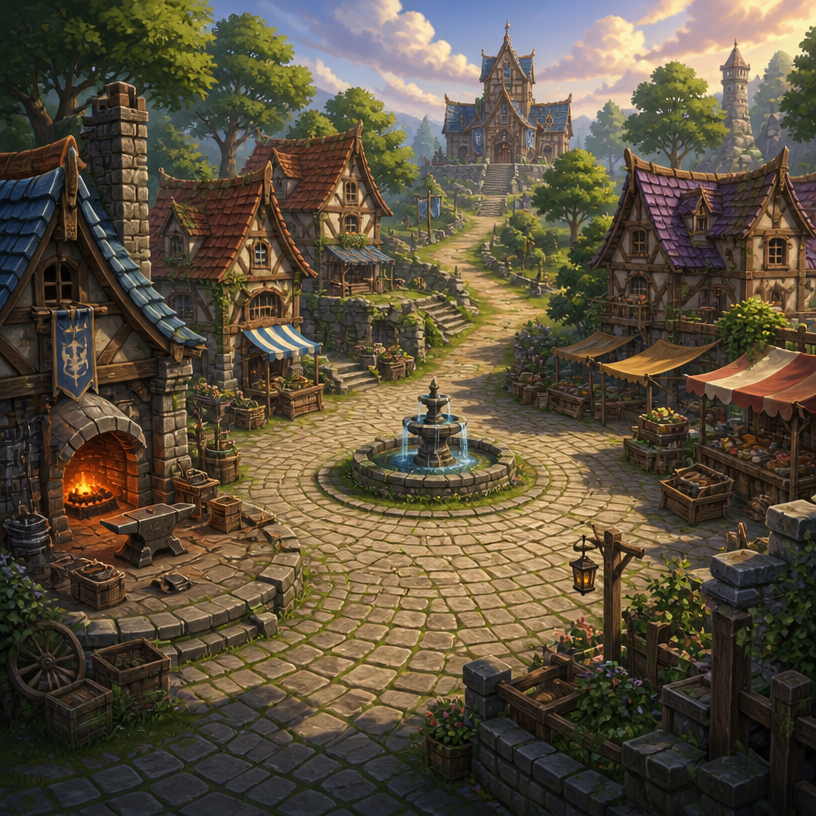
RPG 마을 배경
GPT 이미지 2· 이미지
Square fantasy RPG village environment concept art, inviting cobblestone plaza surrounded by timber-and-stone cottages, small blacksmith forge, market stalls, central fountain, winding path toward a distant guild hall, warm late-afternoon light, lush greenery, clear navigable level-design layout, painterly game background with no characters. No text, no interface, no watermark.
fal:237233
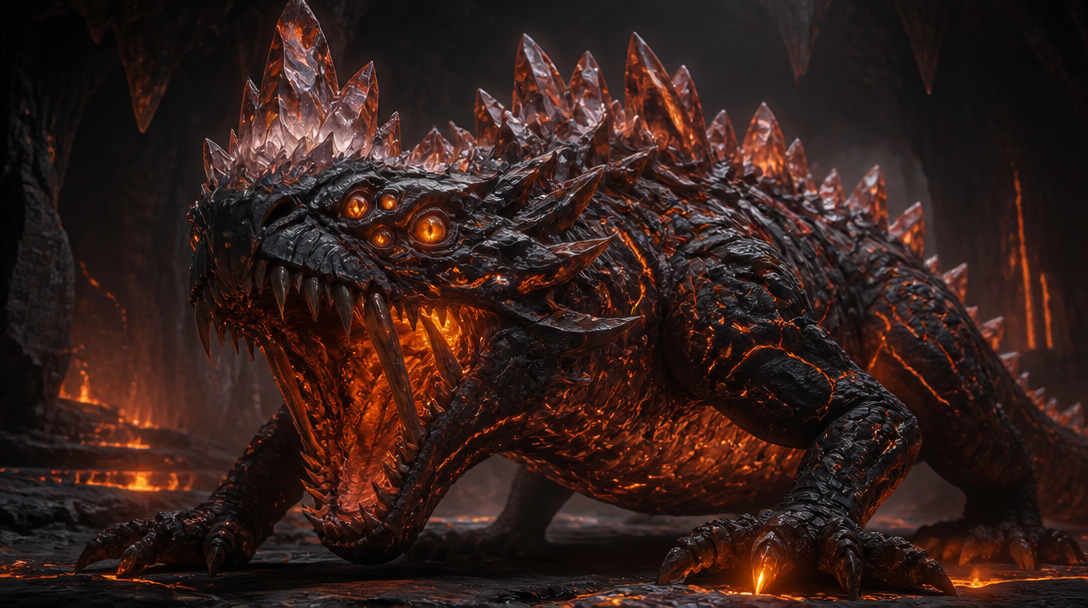
판타지 게임 몬스터
GPT 이미지 2· 이미지
A fearsome fantasy game monster creature design: a massive crystalline basilisk with obsidian scales, glowing magma veins pulsing beneath rocky armor plates, six eyes burning amber, jagged crystal spines along its back. Dark cavern environment with volcanic fissures emitting orange glow. Cinematic 3D creature render, ZBrush sculpted detail, subsurface scattering on crystal formations. No text, no watermark.
판타지 게임 HUD
GPT 이미지 2· 이미지
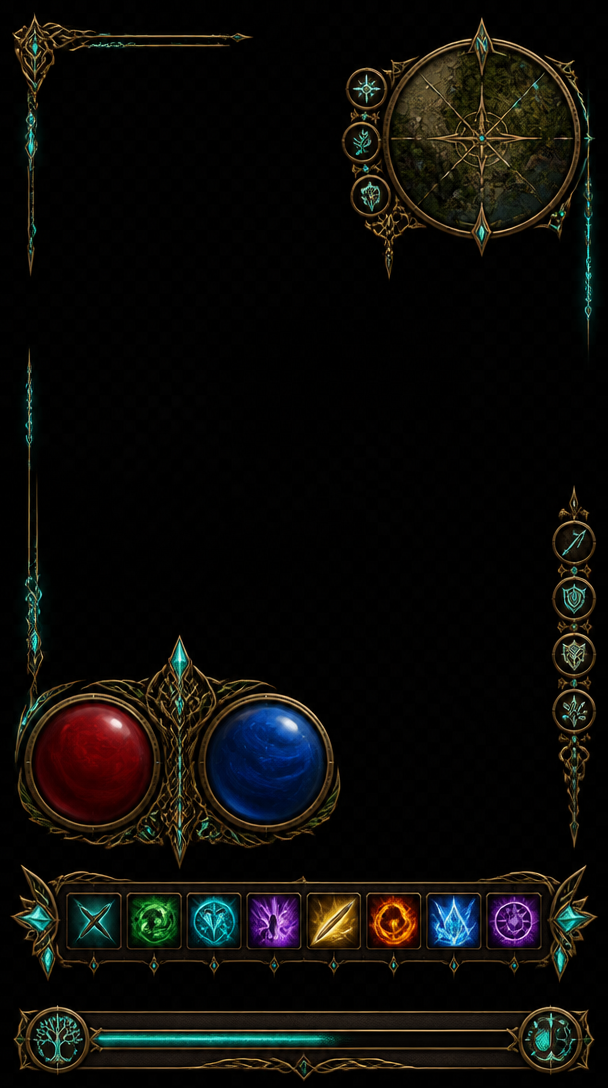
A fantasy RPG game HUD interface overlay on dark transparent background: circular health and mana gauges with ornate brass frames, a minimap with compass rose in top corner, skill icon hotbar with glowing enchanted symbols, experience bar with Celtic knotwork border. Elven-punk aesthetic, gold filigree on dark leather texture, glowing enchantment runes in teal. No text labels, no watermark.
어반 패션 에디토리얼 콜라주
GPT 이미지 2· 이미지
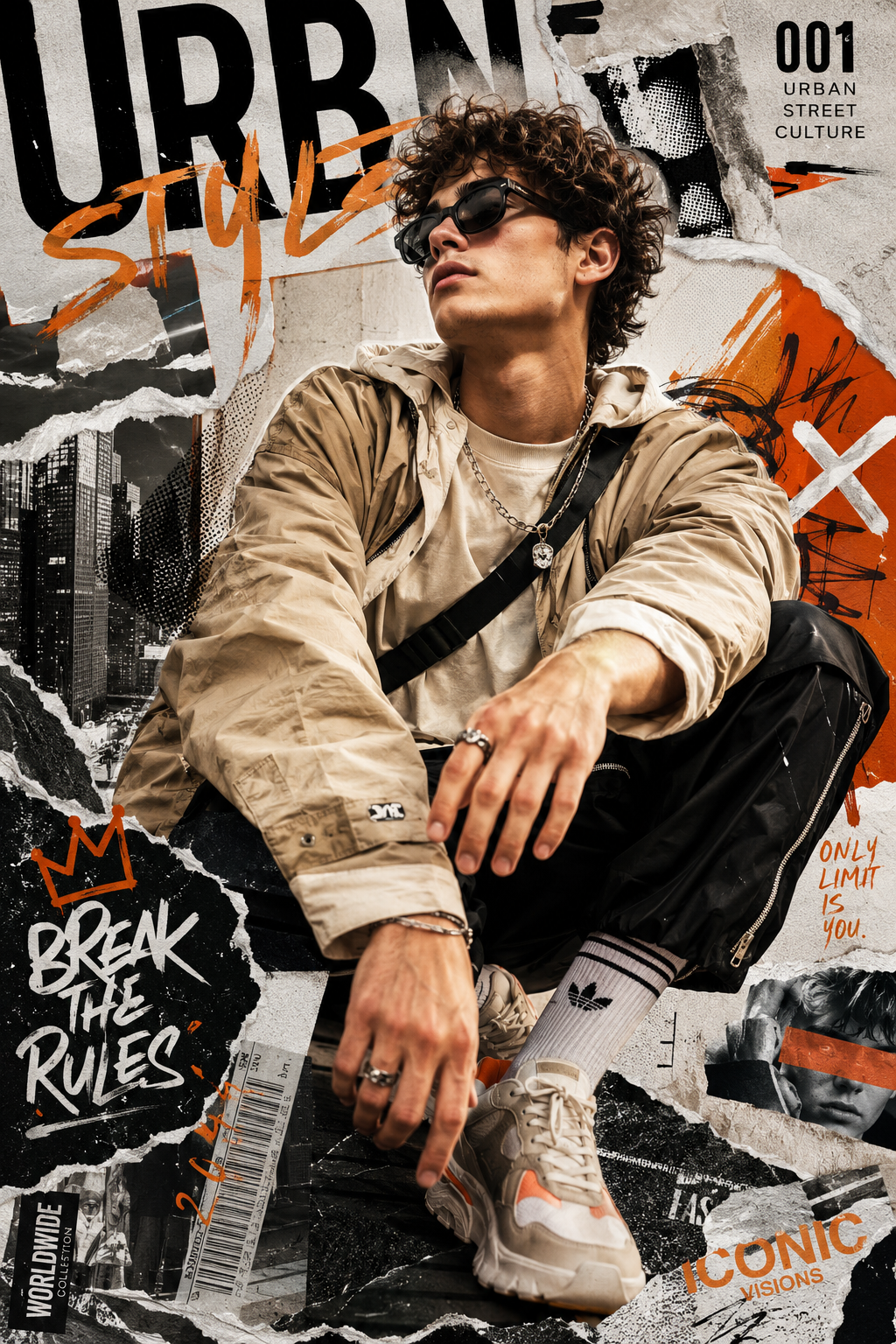
Create a high-resolution 8K portrait poster in an Urban Fashion Editorial Collage style, blending contemporary street-fashion aesthetics with premium editorial magazine design. The overall composition should feel bold, stylish, modern, and visually layered, combining elements of luxury fashion campaigns, urban culture, and artistic collage experimentation. Incorporate dynamic poster ornaments and decorative elements that strongly reflect the Urban Fashion Editorial Collage aesthetic, such as ripped paper textures, layered magazine cutouts, abstract geometric accents, expressive brush strokes, typography fragments, street-style graphic overlays, halftone textures, tape effects, paint splashes, handwritten scribbles, and fashionable editorial layout compositions. Every decorative element should feel intentional, stylish, and visually balanced rather than overcrowded. Humanity really looked at torn paper and graffiti textures and decided, “yes, this is luxury now.” Somehow it works.
The subject’s pose must not resemble the reference photo. Create a completely different body posture and facial expression with a more natural, expressive, and emotionally alive presence. Avoid stiff, awkward, flat, or overly symmetrical posing. The subject should radiate the confident elegance of an international fashion model, with fluid body language, subtle movement, and a cinematic editorial attitude. The expression should feel charismatic, effortless, fashionable, and modern, as if captured during a high-end streetwear magazine photoshoot rather than a static studio portrait. Add slight motion energy through posture, clothing movement, hand placement, camera angle, or gaze direction to make the composition feel more alive and dynamic.
The outfit must feature modern casual fashion with a stylish and trendy urban aesthetic. Avoid monotonous clothing design, colors, or materials. Combine fashionable layers, contemporary cuts, unique textures, stylish accessories, and varied color palettes that complement the poster composition. The clothing should feel premium, youthful, and fashion-forward, inspired by global streetwear and luxury casual editorial styling. Mix different fabric materials, patterns, and tones naturally to create visual richness without making the outfit look chaotic or overly exaggerated.
Use dramatic editorial lighting with strong contrast and depth to enhance the fashion atmosphere. The background should integrate seamlessly with the collage elements, creating a visually immersive poster composition filled with layered urban energy and modern fashion identity. Maintain a clean balance between subject visibility and decorative complexity so the poster still feels premium and professionally art-directed. The final result should look like a sophisticated international fashion campaign poster with a strong urban editorial character, ultra-detailed textures, crisp focus, cinematic color grading, and highly polished visual quality in ultra-detailed 8K resolution.
게임 스플래시 이미지 프롬프트란?
게임 스플래시 이미지 이미지를 생성하기 위한 AI 프롬프트 모음입니다. 캐럿에서 제공하는 게임 스플래시 이미지 프롬프트를 복사하여 AI 이미지 생성 도구에 붙여넣으면 전문가 수준의 결과물을 얻을 수 있습니다.
게임 스플래시 이미지 프롬프트 활용 방법
- 원하는 프롬프트를 선택하여 복사합니다.
- 캐럿 에이전트에 붙여넣습니다.
- 필요에 따라 색상, 스타일, 구도를 수정합니다.
- 생성된 이미지를 다운로드하여 활용합니다.
게임 스플래시 이미지 프롬프트 작성 팁
조명(Lighting), 질감(Texture), 구도(Composition), 렌즈(Lens) 정보를 구체적으로 명시하면 더 정밀한 결과를 얻을 수 있습니다. "No text, no watermark"를 추가하면 불필요한 텍스트를 방지할 수 있습니다.
게임 스플래시 이미지 프롬프트 적용 사례
게임 스플래시 이미지 프롬프트는 콘텐츠 제작, 마케팅, 디자인, 교육 자료 등 다양한 분야에서 활용됩니다. AI 이미지를 활용하면 제작 시간을 단축하면서도 전문적인 퀄리티를 유지할 수 있습니다.
게임 스플래시 이미지 프롬프트 최적화 가이드
이미지 비율은 용도에 맞게 선택하세요. SNS용은 세로형(9:16), 웹 배너는 가로형(16:9), 제품 이미지는 정사각형(1:1)이 적합합니다.