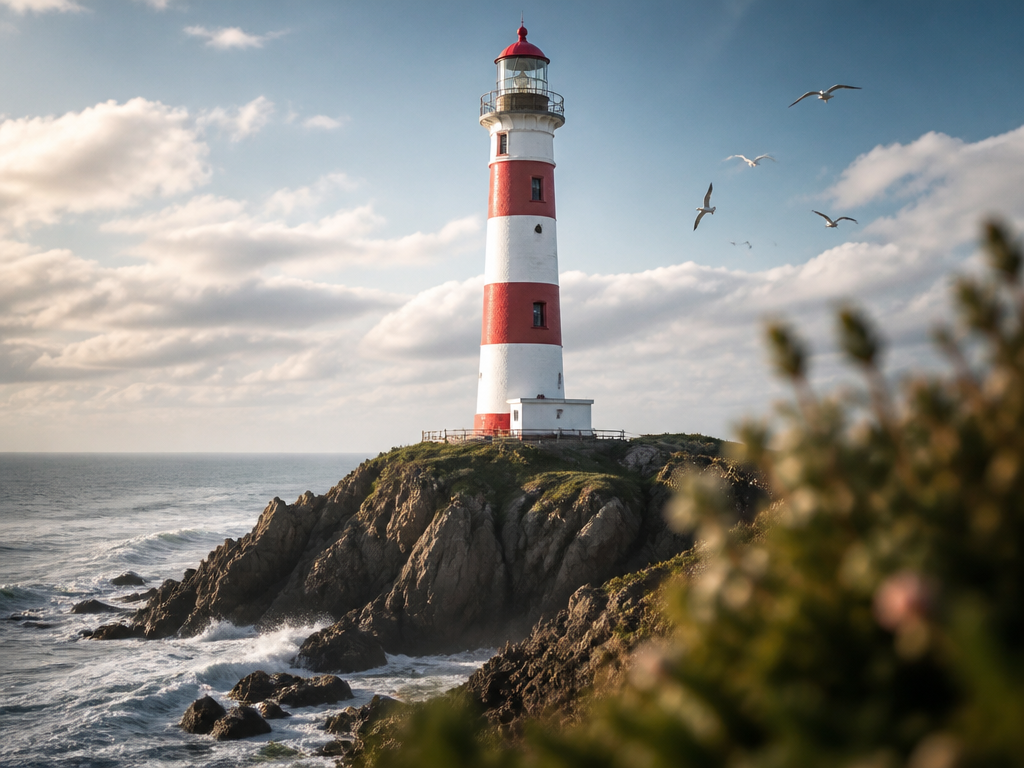
Lighting Design
Explore professional AI prompts for innovative lighting fixtures and atmospheric light designs.
2026.07.04
把「Lighting Design」做成你想要的样子做一个你自己的「Lighting Design」
用大白话说出来就行——Carat 会为你生成合适的图片和视频。

每天 100 免费积分,现在就开始

인스타 하이라이트 커버 예시 3

Product Perspective Lighting Blend

인스타 하이라이트 커버 예시 1
인스타 하이라이트 커버 예시 2
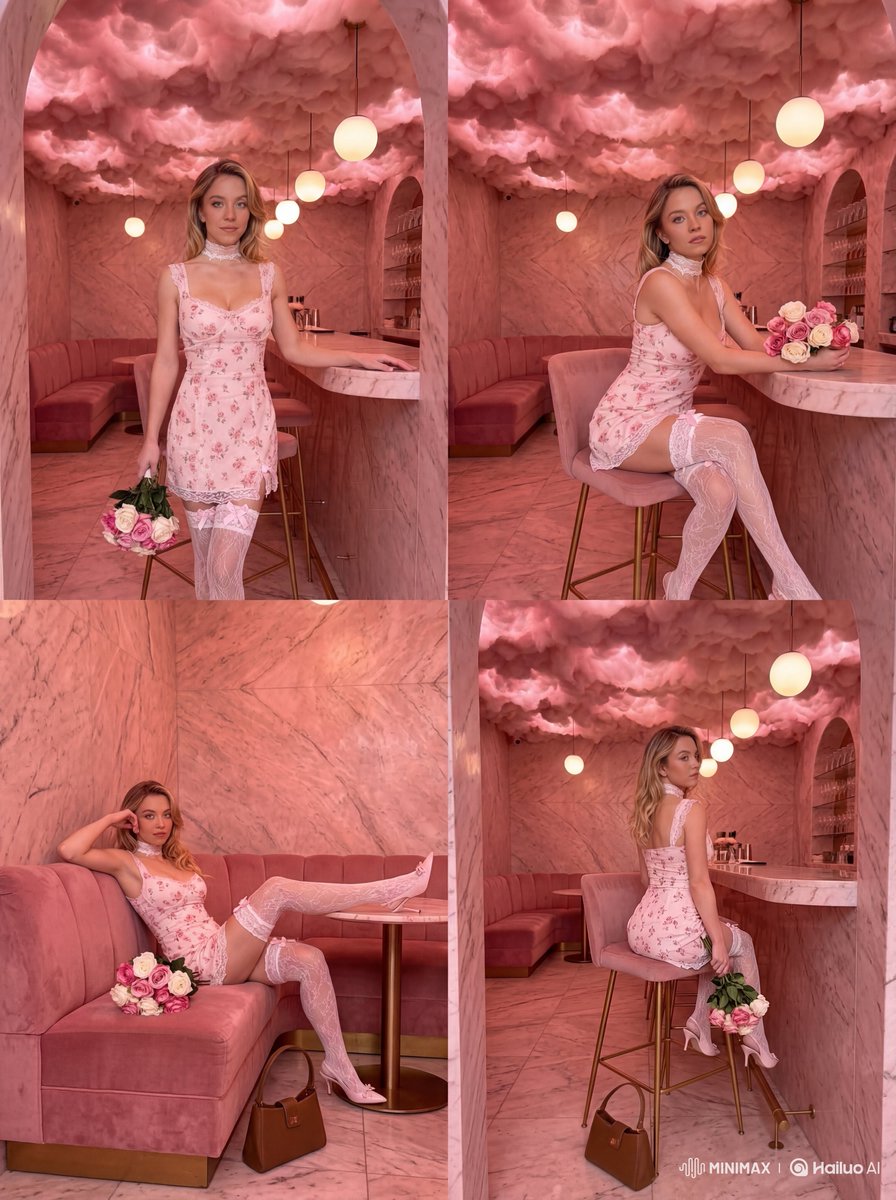
Pink Glow Fashion Lifestyle Photo
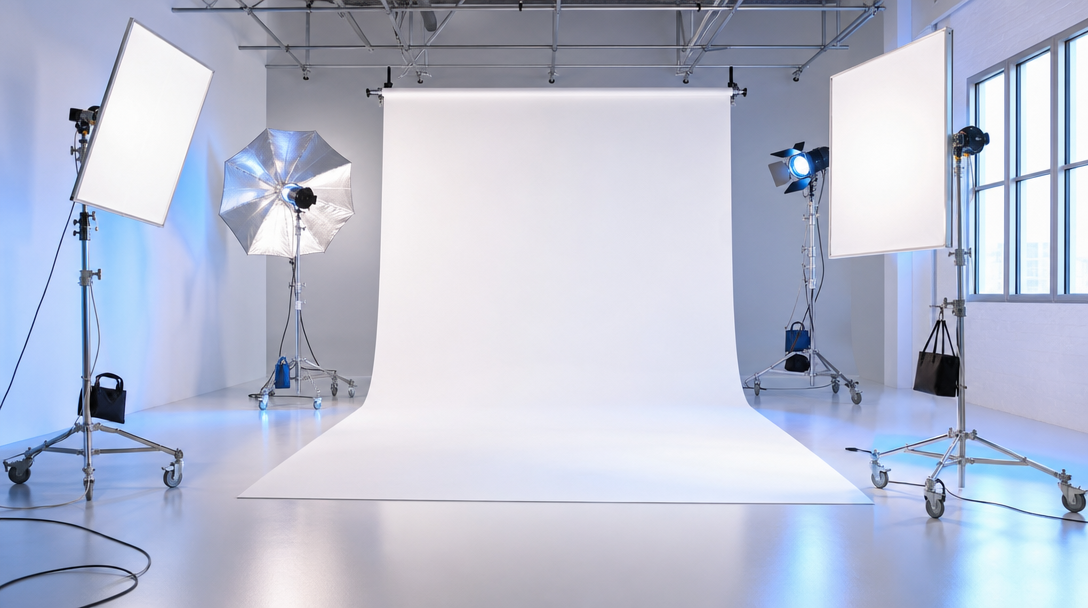
스튜디오 조명
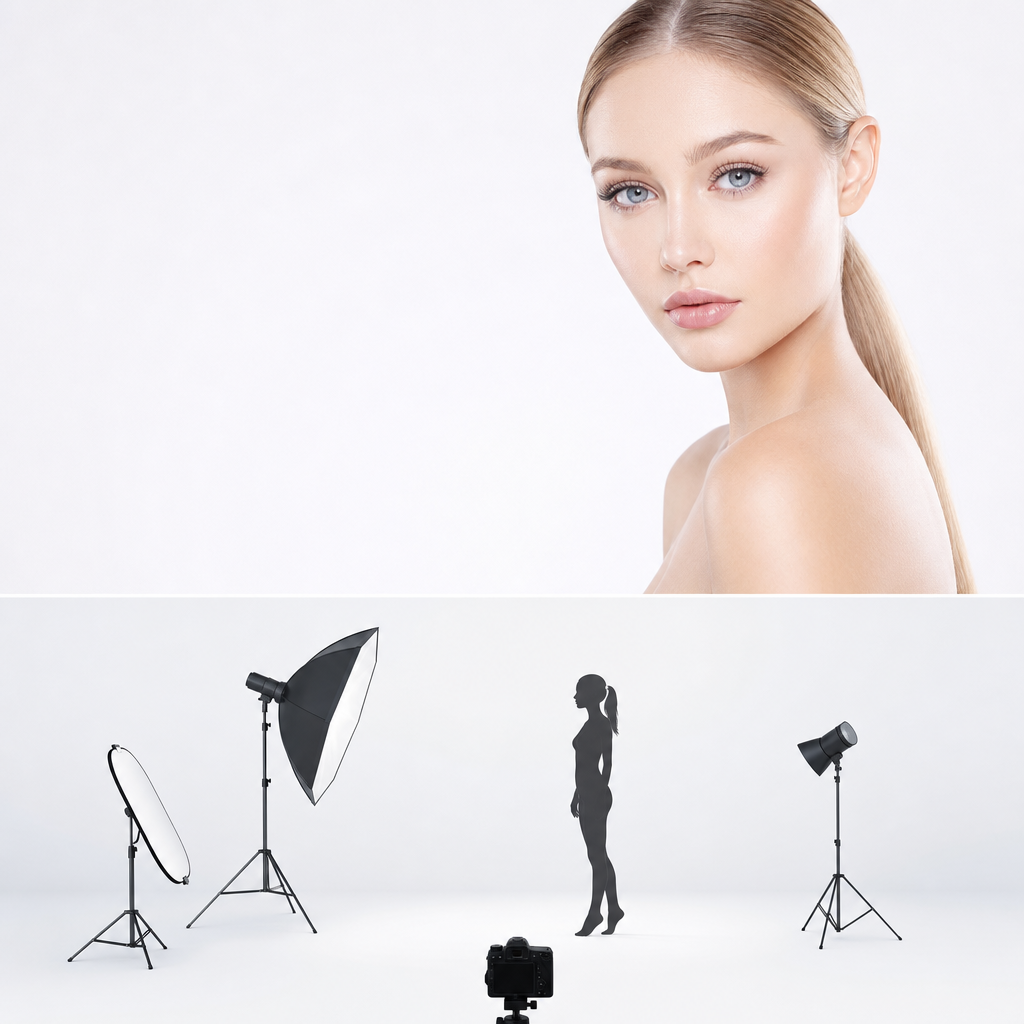
스튜디오 조명 세팅
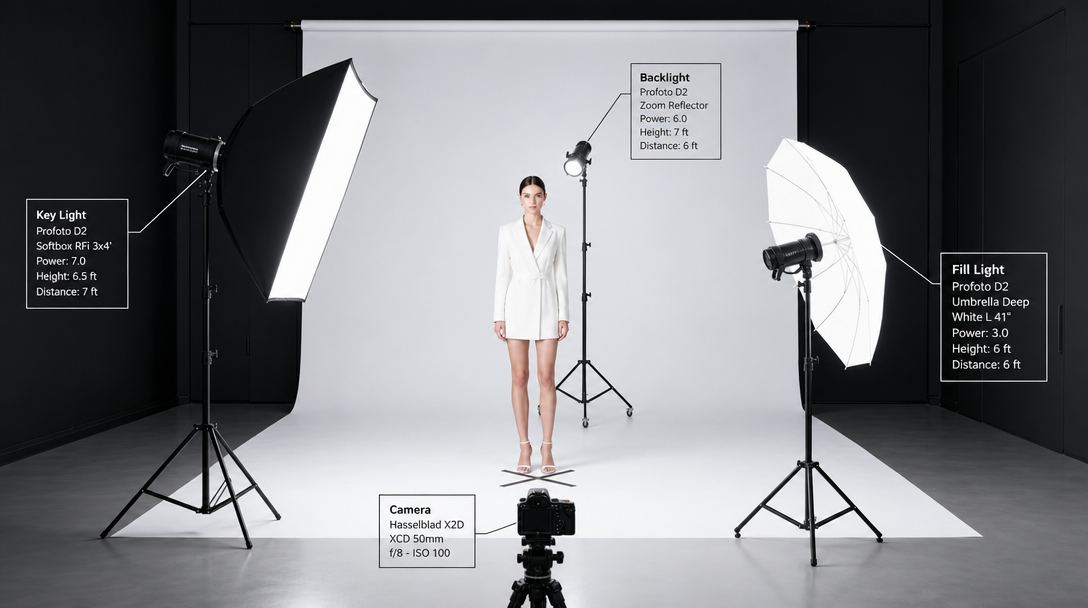
촬영 조명 세팅
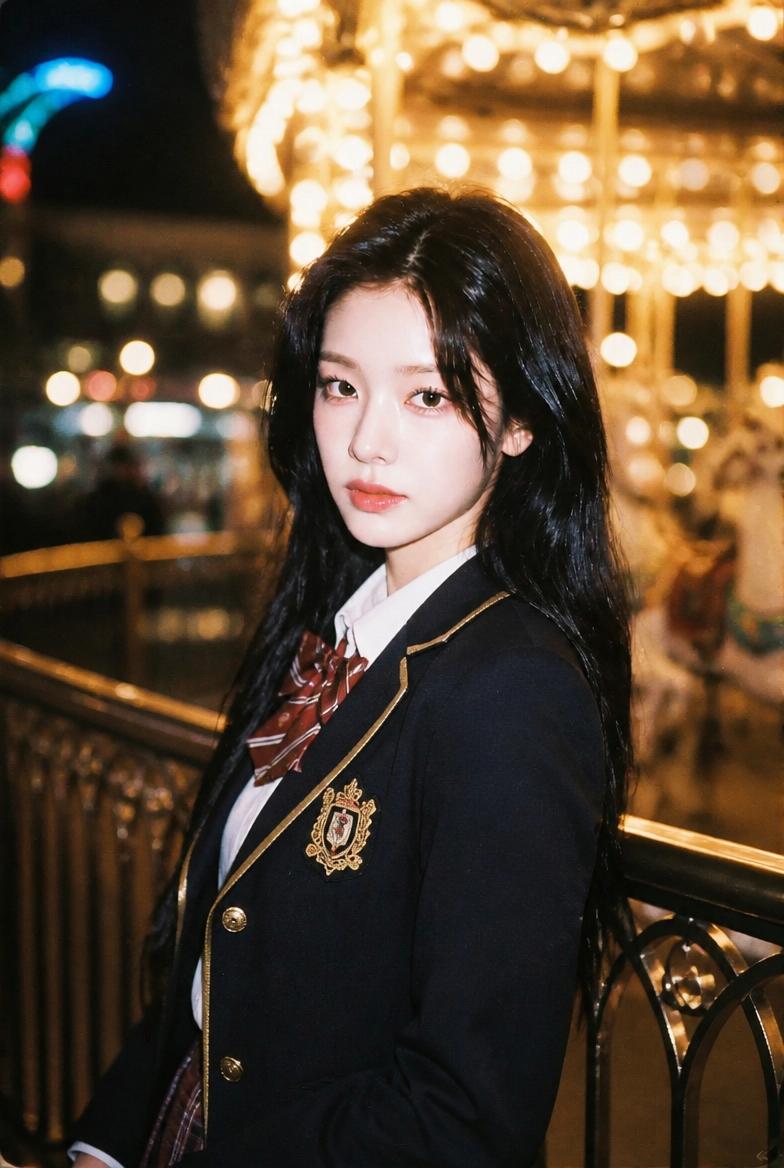
Night Carousel School-Uniform Portrait
What Are Lighting Design AI Prompts?
Lighting Design AI prompts are technical and creative instructions designed to harness the power of artificial intelligence in visualizing the complex interplay of light and shadow. These prompts go beyond the mere shape of a lamp; they define the core characteristics of light, including its intensity, color temperature, diffusion patterns, and interaction with various materials. In the realm of digital art and design, light is the most critical element that determines the mood and realism of a scene. These prompts allow users to specify intricate details such as the 'soft glow of an incandescent bulb', the 'sharp beam of a spotlight', or the 'ethereal shimmer of fiber optics'. By using Carat's Lighting Design tag, you are essentially acting as a digital lighting technician, directing the AI to position light sources, adjust contrast, and select materials like brushed brass, frosted glass, or translucent fabric that react beautifully to illumination. This specialized category is essential for anyone who wants to create visuals where light is not just a secondary feature, but the central focus of the artistic composition. Whether you're designing a futuristic smart home device or a classic chandelier, these prompts provide the vocabulary needed to achieve professional-grade results that look like they were rendered by high-end industry software. These prompts are also optimized to handle advanced concepts like sub-surface scattering for translucent materials and high dynamic range (HDR) lighting environments. By exploring these prompts, you can master the art of digital lighting and create images that are both technically flawless and emotionally evocative.
Best Use Cases
The applications for Lighting Design prompts are vast and cross into several professional industries. In interior design and architecture, these prompts are used to create conceptual renderings of indoor and outdoor spaces, allowing clients to see how different lighting schemes affect the mood of a room. Product designers utilize them to prototype the aesthetics of new lamps and lighting fixtures, saving time in the early stages of development. For graphic designers and concept artists, these prompts are a vital tool for establishing the atmospheric tone of an environment, whether it's a moody film noir setting or a bright, futuristic cyberpunk cityscape. Additionally, these prompts are highly effective for creating educational content related to optics, photography, and physics, providing clear visual examples of light refraction, reflection, and shadows. Even social media influencers and content creators use lighting-focused prompts to generate aesthetically pleasing backgrounds and thumbnails that capture the viewer's attention through superior visual quality. From a simple desk lamp to complex stadium lighting, the versatility of this tag covers every possible lighting scenario imaginable. Retail designers can use these prompts to visualize storefront lighting that draws customers in, while theater production teams can prototype stage lighting designs before setting foot in a venue. The ability to simulate how light interacts with specific textures and surfaces makes it an indispensable tool for material scientists and industrial designers as well.
Why This Tag Works
The Lighting Design tag is uniquely effective because it addresses one of the most difficult challenges in AI generation: the accurate rendering of light's physical properties. Traditional AI models often struggle with consistent light paths or realistic shadow placement, but this specialized tag optimizes the algorithm's understanding of global illumination and ray tracing. It ensures that when you ask for 'backlighting', the AI correctly highlights the edges of an object, or when you request 'volumetric lighting', it creates realistic light shafts through dust or mist. The tag also improves the way the AI handles material-light interaction, such as the way a warm light reflects off a polished copper surface or how it is diffused by a paper lantern. This level of control results in images that possess a professional 'finish' and depth, making them look like polished photographic work rather than flat digital illustrations. By using this tag, users can bypass hours of trial and error, moving straight to high-quality outputs that respect the laws of physics and the principles of aesthetic design. It is the definitive tool for anyone who recognizes that lighting is the soul of visual storytelling. The tag's ability to differentiate between various light sources-like the harsh blue light of a fluorescent tube versus the soft orange flicker of a candle-ensures that the emotional tone of the generated image is always spot-on. This precision in lighting allows for the creation of scenes with a strong sense of presence and atmosphere.
Explore Related Prompts
Prompt Building Tips
Creating a high-impact lighting design prompt requires a focus on four key areas: the source, the material, the environment, and the mood. Start by defining the primary light source, such as a 'vintage Edison bulb' or a 'minimalist LED strip'. Next, describe the materials the light will interact with-words like 'frosted', 'mirrored', 'opaque', or 'textured' are essential here. For the environment, specify whether the light is the only source in a 'pitch-black room' or if it competes with 'natural dusk sunlight'. Lighting terms like 'Rembrandt lighting', 'cinematic glow', or 'harsh shadows' can provide the AI with specific artistic direction. Don't forget to include technical descriptors for the rendering quality, such as 'soft-focus', 'high contrast', or 'crystalline clarity'. By layering these details, you can guide the AI to generate a scene that perfectly captures the desired atmosphere. Experimenting with different 'color temperatures' (e.g., 2700K for warmth, 6000K for coolness) can also drastically alter the emotional impact of the final generated image. You can also specify 'caustics' for light passing through glass or water to add an extra layer of realism. Using camera-related terms like 'f-stop' or 'exposure duration' can also help define how the AI renders the brightness and bloom of the light sources. The key is to be as descriptive about the light's behavior as you are about the lamp's appearance.