Pixel Design
Create charming retro pixel art and 8-bit designs for games and creative projects with precision AI prompts.
2026.07.04
Fais « Pixel Design » exactement comme tu veuxCrée ton propre « Pixel Design »
Demande-le simplement — Carat génère pour toi des images et des vidéos optimisées.

Commence maintenant avec 100 crédits gratuits par jour
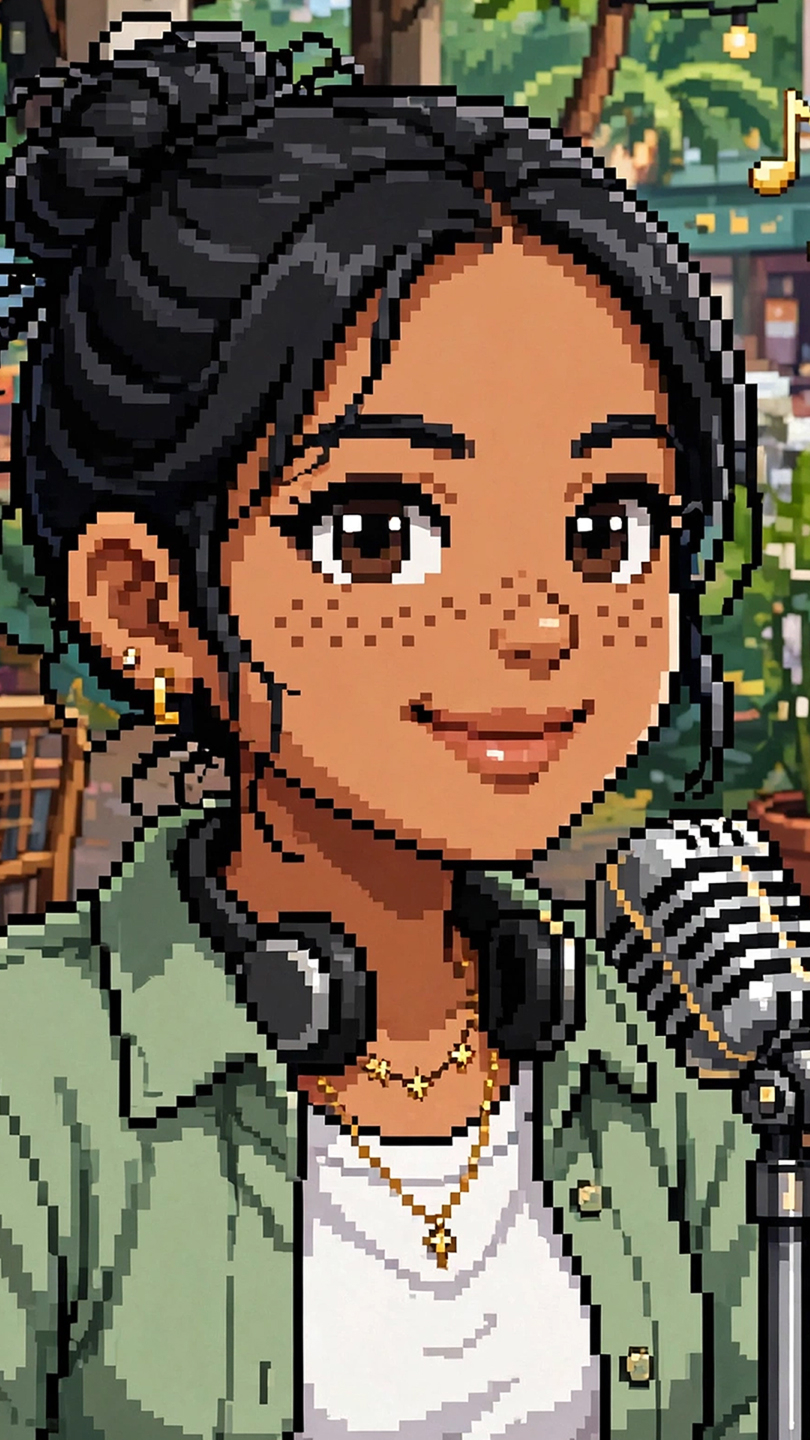
16-Bit Game Character
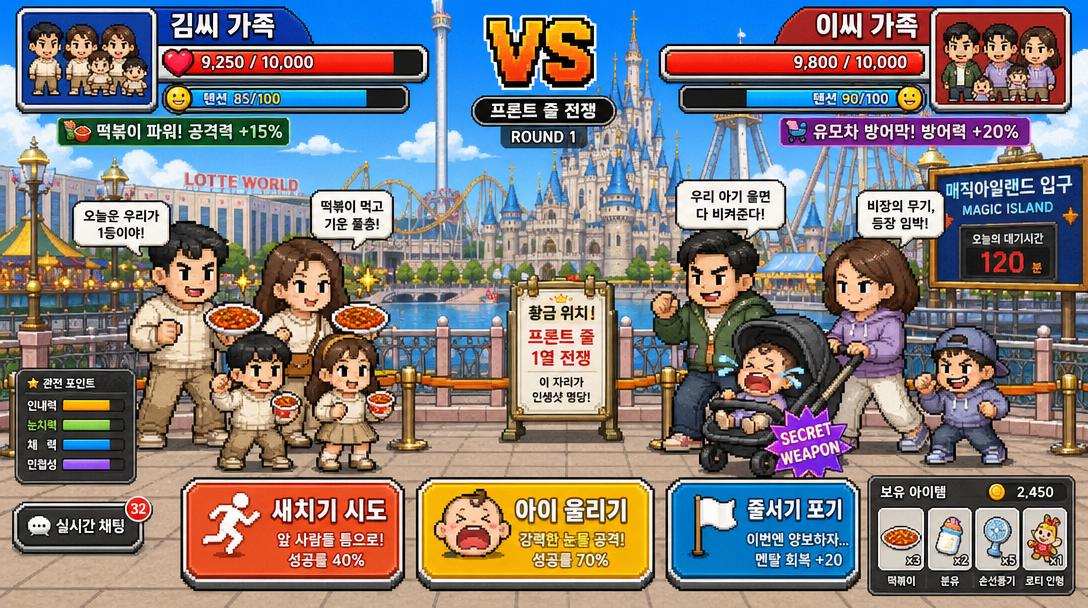
Tokyo DisneySea Front-Row Battle UI
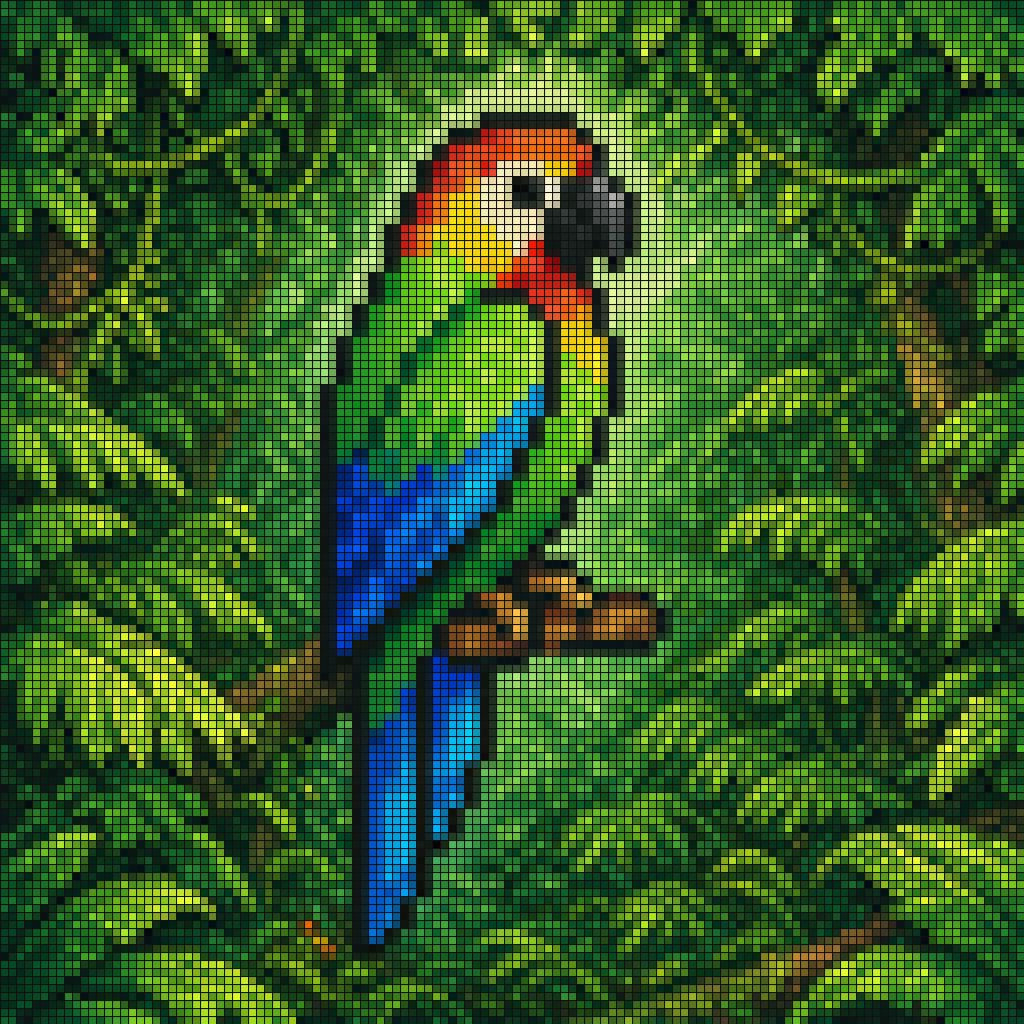
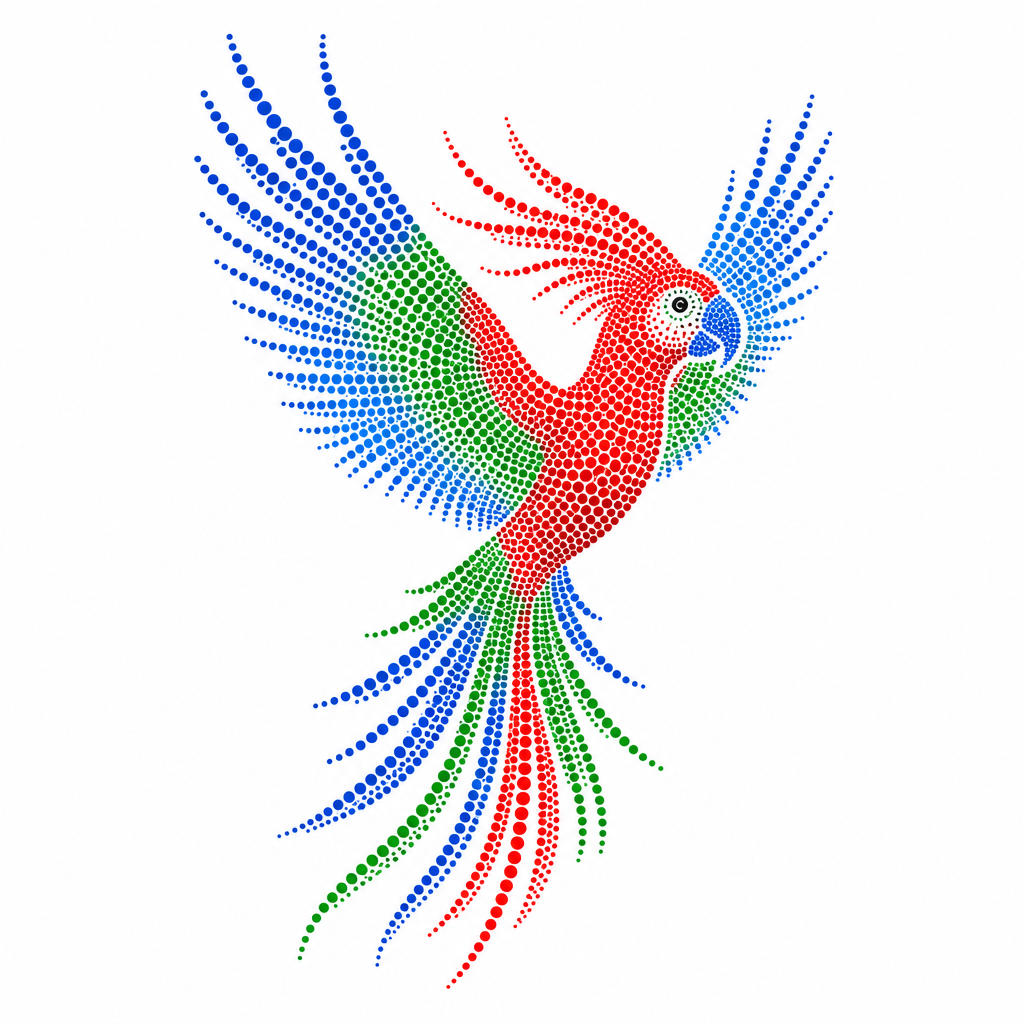
Vibrant Pixel-art Style Mosaic of a Tropical Parrot Perched on a Small Brown Branch in
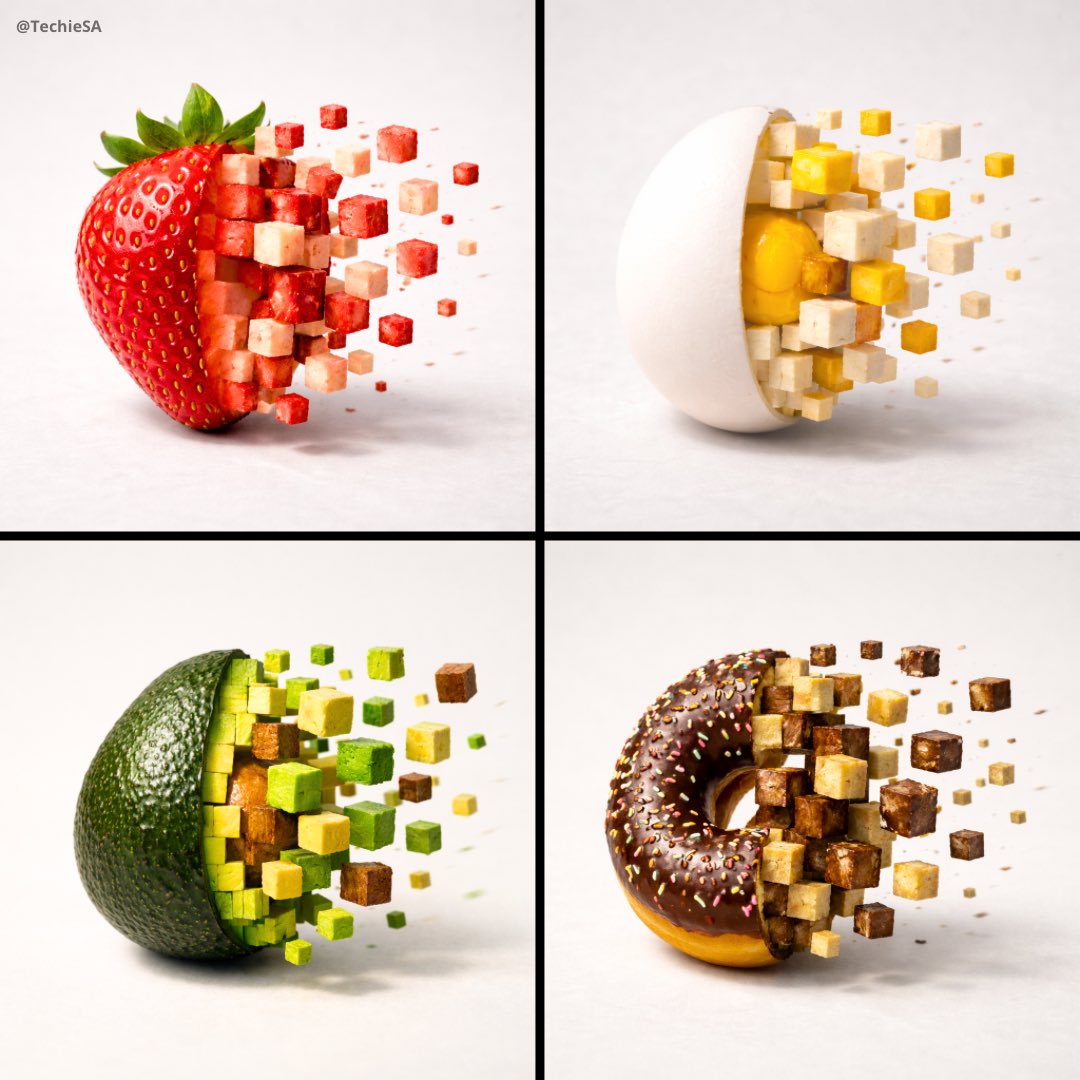
Pixelized Food Photo
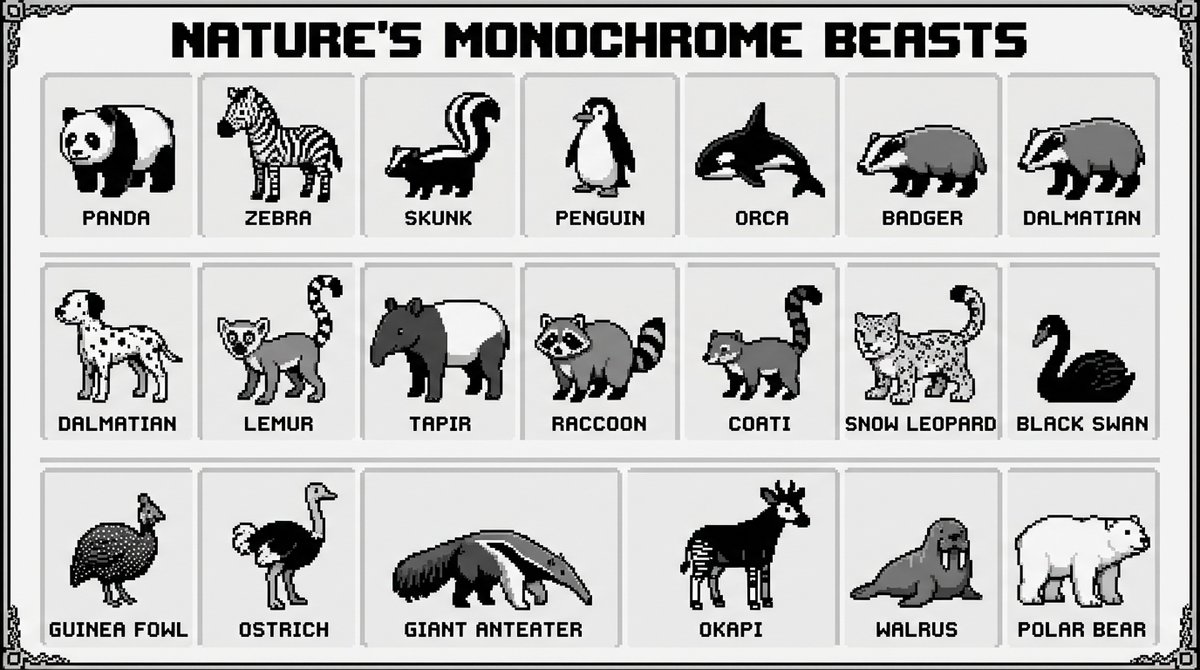
Black and White Animals Pixel Infographic
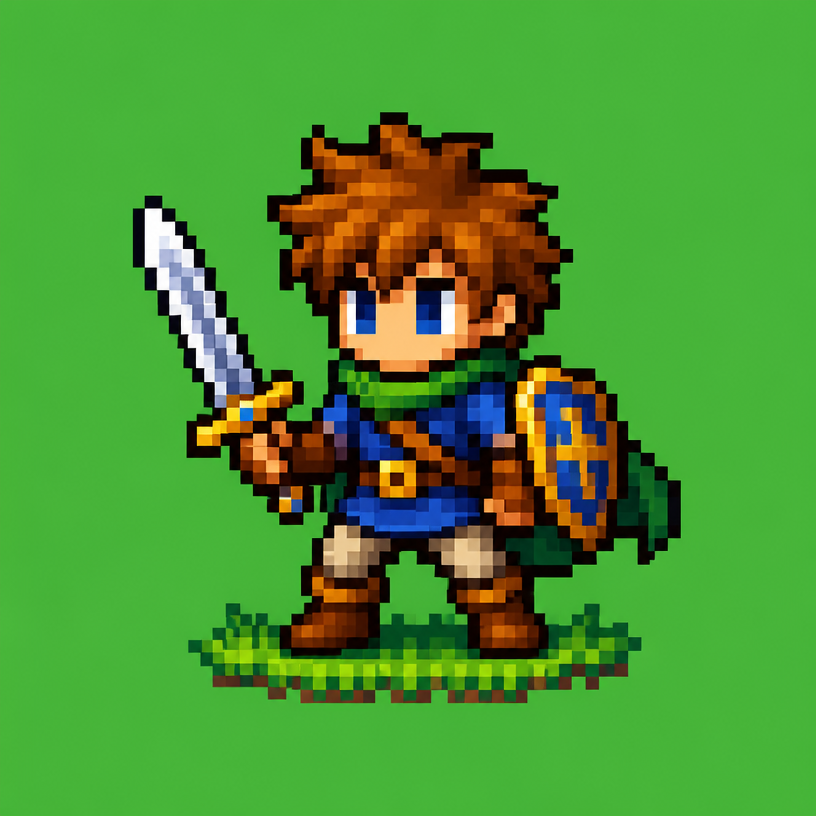
픽셀아트 캐릭터
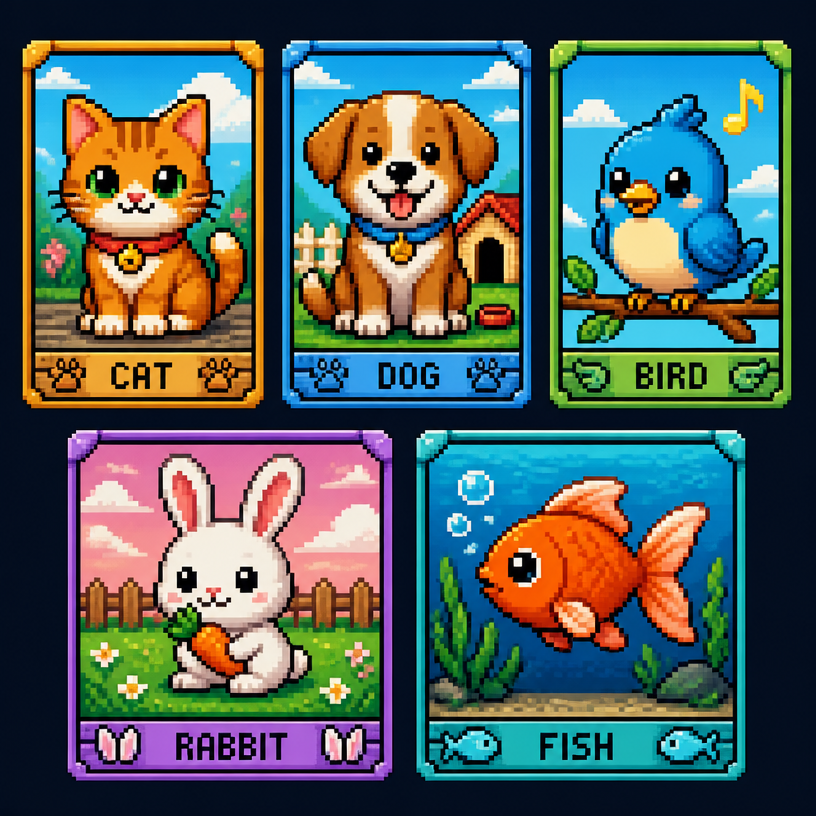
픽셀아트 동물
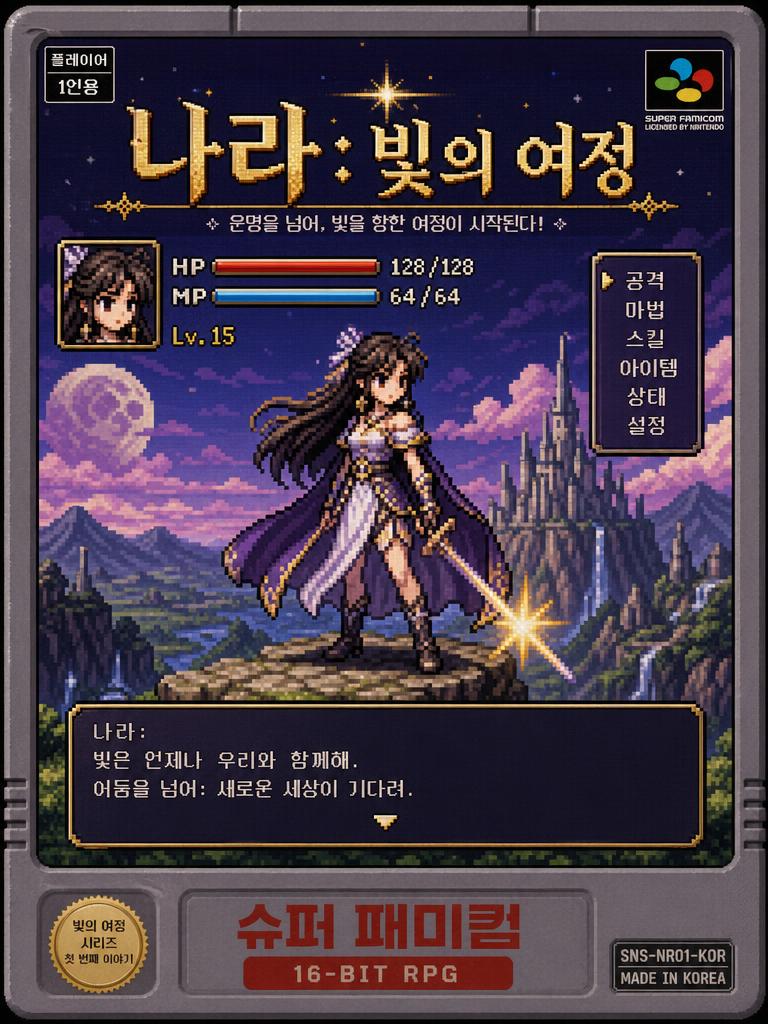
Poster of a Korean Webtoon Fantasy Heroine Reimagined as a Retro 16-bit SNES Game
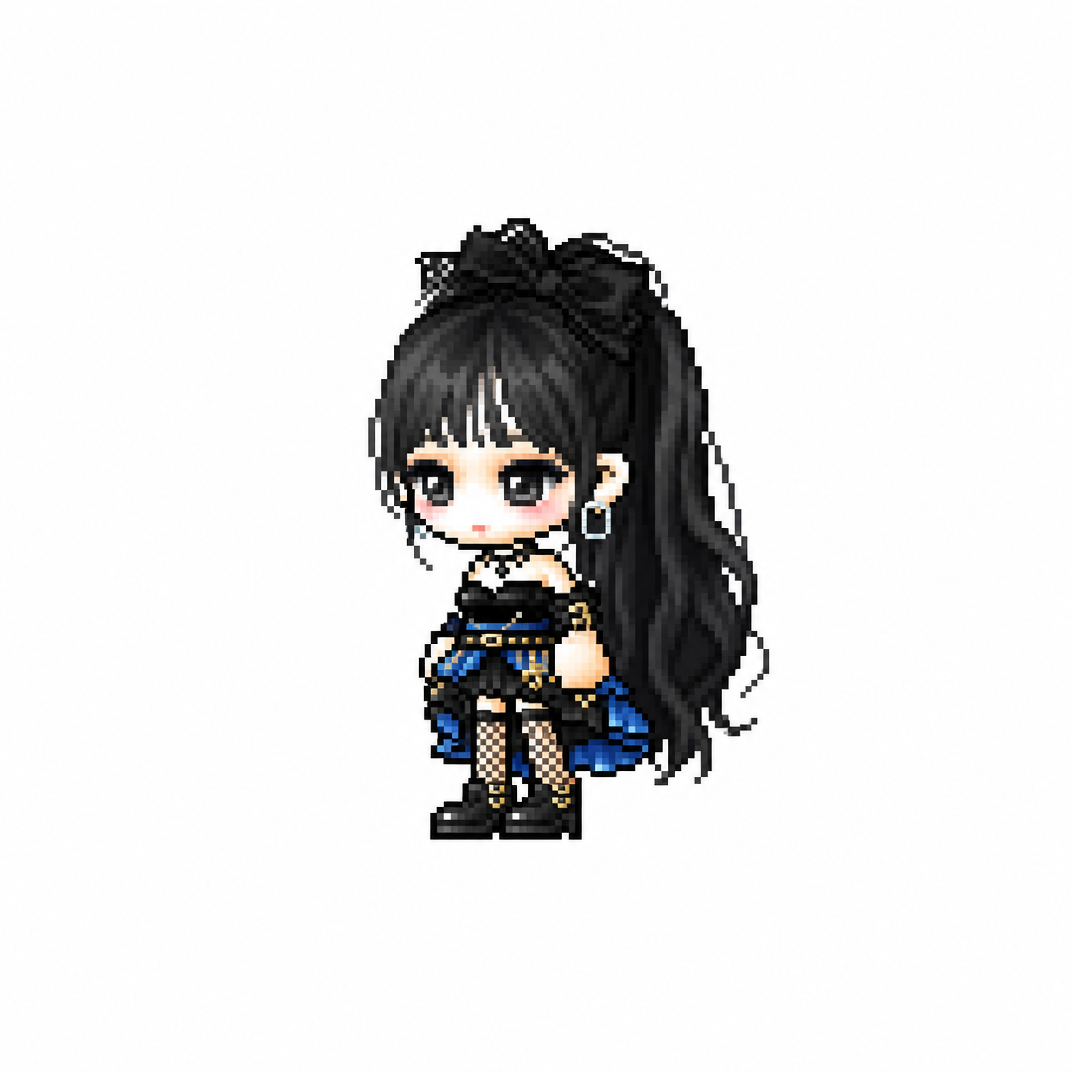
MapleStory Chibi Character
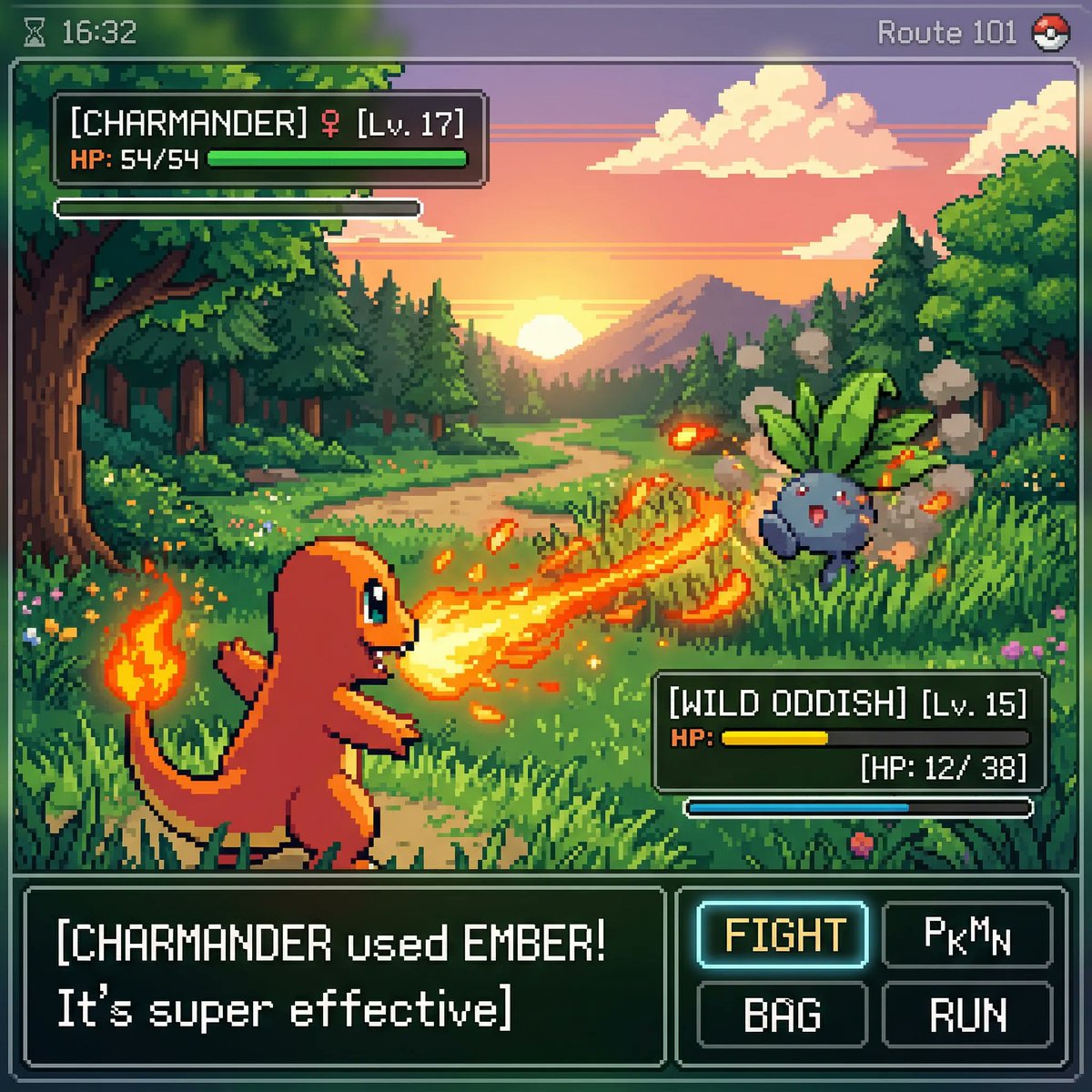
Pokemon-Style Pixel Art Game
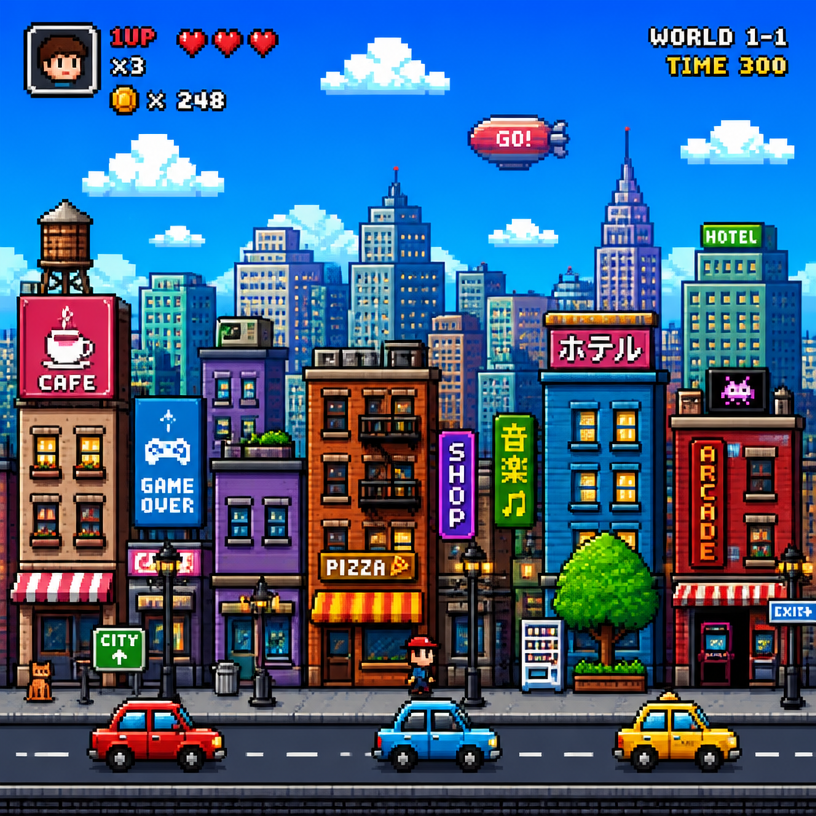
픽셀아트 도시
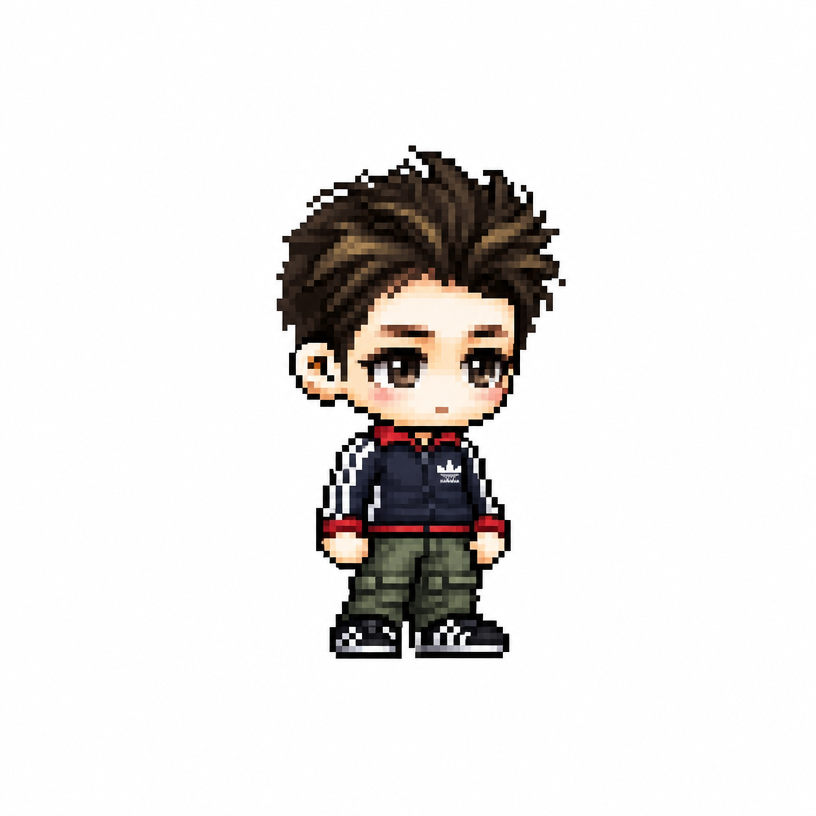
MapleStory Pixel Avatar
What Are Pixel Design AI Prompts?
Pixel Design AI Prompts are specialized digital instructions that allow users to generate artwork composed of distinct, square pixels, reminiscent of early video game graphics from the 8-bit and 16-bit eras. This aesthetic, characterized by its intentional simplicity and grid-based structure, has seen a massive resurgence in modern digital art, indie game development, and branding. By using these prompts, creators can bypass the tedious, pixel-by-pixel manual labor-often referred to as "dotting"-and instead use natural language to describe characters, environments, and objects. Carat's collection of pixel design prompts is engineered to understand the nuances of this medium, such as color banding, dithering, and specific resolution requirements. Whether you are aiming for the nostalgic look of a Game Boy screen or the vibrant, polished aesthetic of modern high-fidelity pixel art, these prompts provide the necessary scaffolding for the AI to produce consistent and high-quality results. They empower both professional developers and hobbyists to rapidly prototype assets and create stunning visual content that stands out in a world often dominated by smooth, high-resolution 3D graphics.
Best Use Cases
The applications for pixel design are vast and diverse, spanning multiple creative industries. The most obvious use case is in indie game development, where these prompts can generate everything from MapleStory-style chibi characters to retro game sprites and tilesets for level design. Beyond gaming, pixel art is incredibly popular for social media branding; many influencers and brands use pixelated avatars and channel art to convey a unique, tech-savvy, or nostalgic personality. It is also an excellent tool for creating digital stickers, emojis, and icons for mobile apps and websites. In the world of interior design and physical goods, pixel art landscapes are frequently used for posters, phone cases, and even cross-stitch patterns. Furthermore, many creators use pixel design to craft unique backgrounds for "lo-fi" music videos on YouTube, where the cozy, retro atmosphere perfectly complements the auditory experience. The ability to generate a "Pixel Art Scenery" instantly allows for high-volume content creation without sacrificing the distinct charm of the pixel medium.
Why This Tag Works
The Pixel Design tag works so effectively because it leans into a highly structured visual language that AI models can interpret with great accuracy. First, the grid-based nature of pixel art provides a clear framework for the AI, leading to fewer anatomical or perspective errors compared to more fluid art styles. Second, this tag is highly modular; it pairs exceptionally well with other keywords like "Retro," "Chibi," or "Cinematic Video," allowing for a wide range of creative output while maintaining the core pixel aesthetic. Third, pixel art inherently possesses a "built-in" artistic abstraction, which makes the results feel intentional and polished even at lower detail levels. Finally, using this tag on Carat provides a shortcut to a specialized niche that usually requires years of practice to master. It bridges the gap between having a creative idea and executing it with professional-grade precision, making high-quality pixel art accessible to everyone regardless of their technical illustration skills.
Explore Related Prompts
If you enjoy the aesthetic of pixel design, there are many related tags on Carat worth exploring to expand your creative toolkit. For more specialized environmental work, check out Pixel Art and Pixel Art Scenery. To push the nostalgic boundaries even further, the Retro tag offers a wealth of inspiration from various decades. If your focus is on character creation, the Chibi tag is perfect for generating small, cute versions of your favorite figures. For a broader range of artistic styles, don't miss our general Illustration and Character sections. Additionally, if you want to see your pixelated visions come to life through movement, explore the Cinematic Video tag for inspiration on how to integrate pixel aesthetics into motion graphics and short-form storytelling.
Prompt Building Tips
Creating the perfect pixel design requires a mix of stylistic keywords and technical specifications. Always start with "Pixel art" as your primary anchor. To specify the "crunchiness" or resolution, use terms like "32-bit graphics," "NES style," or "low-resolution dot art." For a cleaner look, add "clean lines" or "defined pixels" to your prompt. One of the most important tips is to manage your color palette-try adding "limited color palette" or "VGA colors" to ensure the AI doesn't use too many gradients, which can break the pixel effect. For characters, specify the view angle, such as "isometric view," "side-profile sprite," or "top-down perspective." If you are designing for a game, using the term "sprite sheet" can help you get multiple poses or items in a single generation. Finally, mentioning specific techniques like "dithering for shadows" or "outline for clarity" can give your generated art that extra layer of professional craftsmanship that traditional pixel artists use to make their work pop.