carat

Prompt Gallery

/

Running Event Poster

Login
Sign Up

Running Event Poster

Running Event Poster prompts. Copy and use Running Event Poster image generation prompts from Carat right away.

2026.08.13

·
GPT 이미지 2로 생성한 화재 예방 포스터

화재 예방 포스터

GPT Image 2· Image
공공기관 캠페인용 화재 예방 포스터. 주택용 소화기, 연기 감지기, 대피 계단과 불꽃 경고 상징을 명확히 배치하고 '화재 예방'과 '안전 수칙'을 읽기 쉬운 한국어 타이포그래피로 구성. clean commercial template design, product-friendly layout, clear content blocks, modern Korean design sensibility. front-facing centered composition with generous padding. muted neutral palette with a vivid focal color. Make the subject immediately recognizable at thumbnail size. Use clean composition, purposeful details, and no watermark. Keep the layout organized, readable, and purposeful; avoid clutter and illegible typography.
GPT 이미지 2로 생성한 아이돌 우편엽서

아이돌 우편엽서

GPT Image 2· Image
Square product flat-lay of a fan-made pop idol postcard set featuring the same fictional adult Korean pop singer, rounded corners, subtle holographic foil, pastel pink, silver and lavender palette. No real celebrity, no readable text, no logo, no watermark.
AI-generated Luxury Perfume Product Photo made with GPT Image 2

Luxury Perfume Product Photo

GPT Image 2· Image
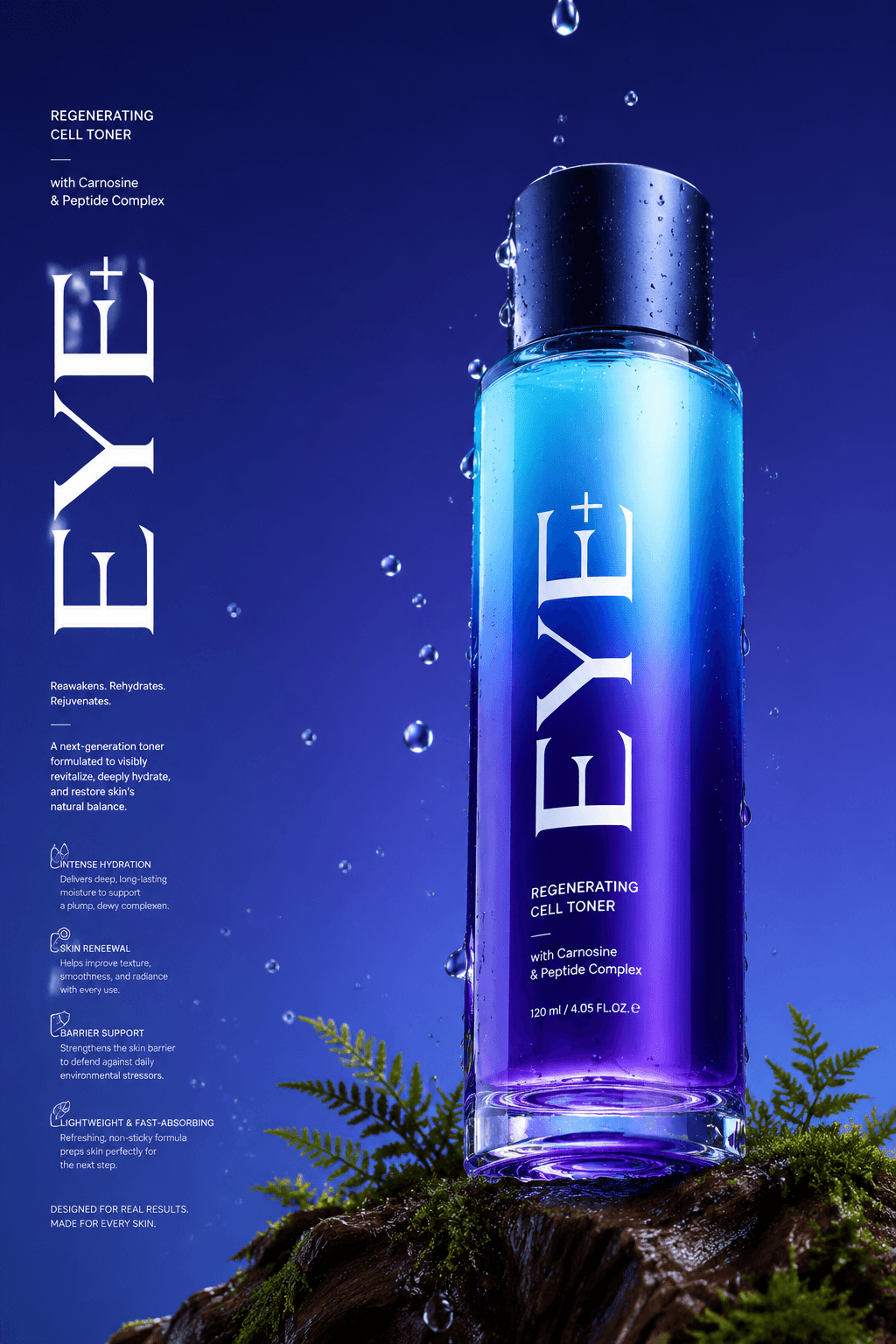
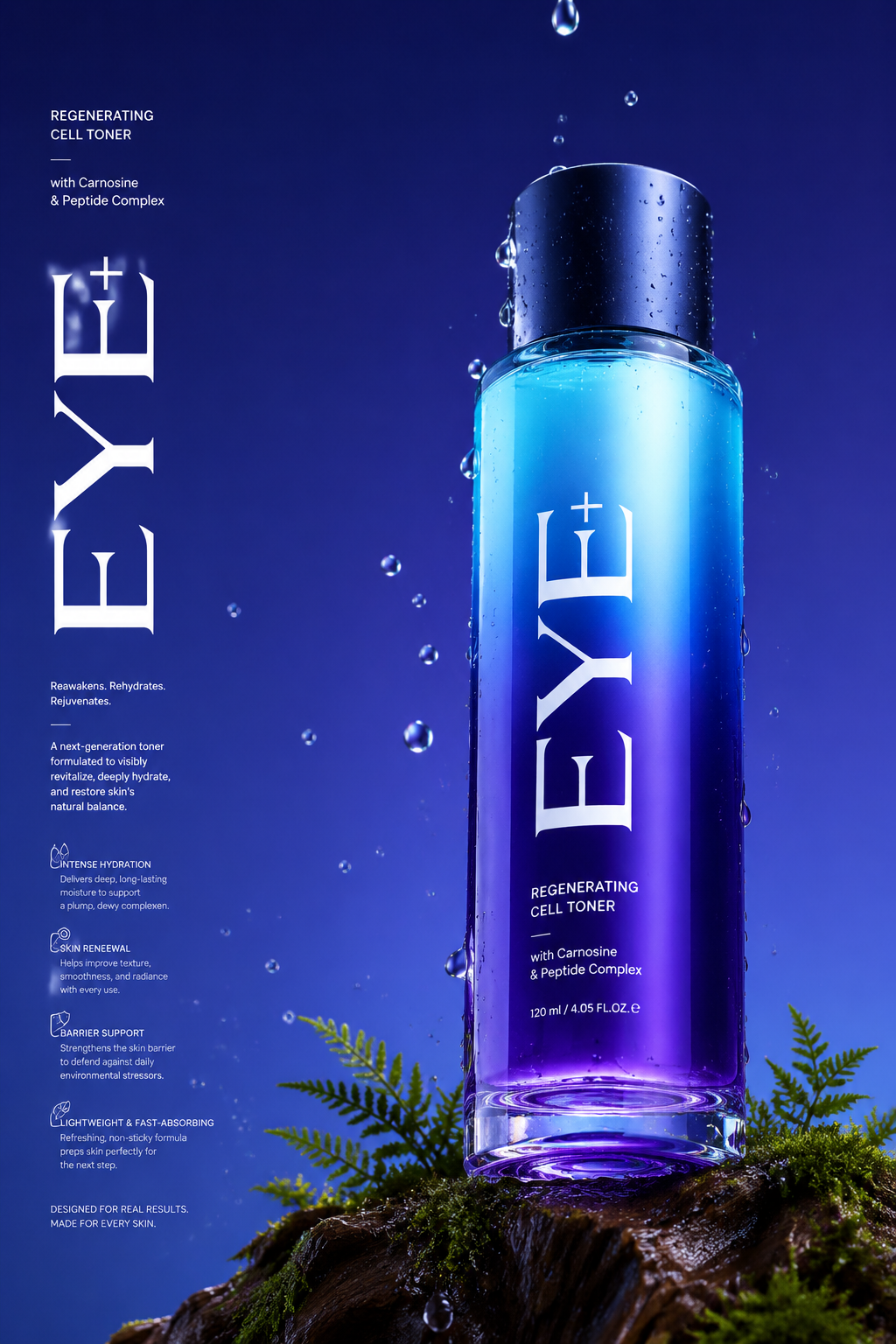
Long Commercial luxury product photography poster, photorealistic, ultra high detail, 8K quality. A gradient deep violet glass base in royal purple and electric blue gradually transitioning to a lighter cyan at the top. The bottle is placed on a trunk with dark moss and tiny ferns appearing in the scene. Name of brand "Eye+" Low angle 45° side camera view to make the bottle feel tall and powerful. The bottom of the bottle is partially visible. Realistic water droplets in air, around the bottle and in background, the bottle has a matte midnight blue cap. With a few drops falling, frozen mid-drip for a time-stopped effect. Background with no texture. Soft, even studio lighting with clean reflections, premium advertising look, sharp focus, realistic materials, no distractions. Light refraction & retention at the bottom of the bottle contact with glass. Big text vertically stretched EYE+ in white and a lot of small text in background in white product description, advantages in product. Etc.
496d11f7c212e309976dad830b87eb4b
GPT 이미지 2로 생성한 보이스피싱 예방 포스터

보이스피싱 예방 포스터

GPT Image 2· Image
공공기관 게시판용 보이스피싱 예방 세로형 포스터 템플릿. 중앙에 수상한 전화가 걸려온 스마트폰, 붉은 경고 방패와 끊어진 전화선, 주변에는 송금·인증번호·원격앱 위험을 나타내는 단순 아이콘 세 개. 네이비, 흰색, 경고 빨강의 강한 대비. 상단 제목과 하단 신고 안내를 후편집할 빈 영역. 생성 텍스트, 전화번호, 기관 로고, 워터마크 없음. 공포보다 즉시 행동을 유도하는 명료한 정보 디자인. flat brand symbol design, clean silhouette, restrained palette, no mockup background. diagonal composition with one strong focal point. bright friendly palette suitable for Korean mobile UI. Make the subject immediately recognizable at thumbnail size. Use clean composition, purposeful details, and no watermark. Keep the result crisp, scalable, and easy to recognize; avoid busy scenes and unreadable micro details.
GPT 이미지 2로 생성한 학교폭력 예방 포스터

학교폭력 예방 포스터

GPT Image 2· Image
교실과 복도에서 언어·신체·관계 폭력을 예방하고 도움 요청 방법을 알려 주는 교육용 세로 포스터. 존중과 방관하지 않기 메시지, 학생·교사 실루엣, 신고·상담 단계와 학교 게시판용 정보 위계를 담는다.
GPT 이미지 2로 생성한 사이버폭력 예방 포스터

사이버폭력 예방 포스터

GPT Image 2· Image
cyberbullying-prevention-poster. clean commercial template design, product-friendly layout, clear content blocks, modern Korean design sensibility. three-quarter view with clear silhouette and subtle depth. bright friendly palette suitable for Korean mobile UI. Make the subject immediately recognizable at thumbnail size. Use clean composition, purposeful details, and no watermark. Keep the layout organized, readable, and purposeful; avoid clutter and illegible typography.
AI-generated Six-Frame Flash Photo Collage made with GPT Image 2

Six-Frame Flash Photo Collage

GPT Image 2· Image
Ultra-realistic 6-photo collage (3×2 grid) of the same person using client photo for identity only (exact face, facial features, eye color, natural hair color/length/volume/texture). Plain light grey-blue wall background, black thin-strap camisole, minimal jewelry, Canon PowerShot G7X Mark III strong direct flash, hard shadows, sharp focus, natural skin texture, slight film grain. Instagram photo dump aesthetic. Six unique expressions/poses: (1) soft smile, hands on cheeks, (2) wink, big smile, hand in hair, (3) eyes closed, tongue slightly out, both hands lifting hair, (4) confident side glance, hand under chin, (5) laughing, looking away, hair flipped, (6) dreamy look, hand touching hair. Different hair positions in every frame. No AI look, no distorted hands, no extra fingers. --ar 3:4
4e151cba5137daf1f8cd8714a347c22d
GPT 이미지 2로 생성한 파티 포스터

파티 포스터

GPT Image 2· Image
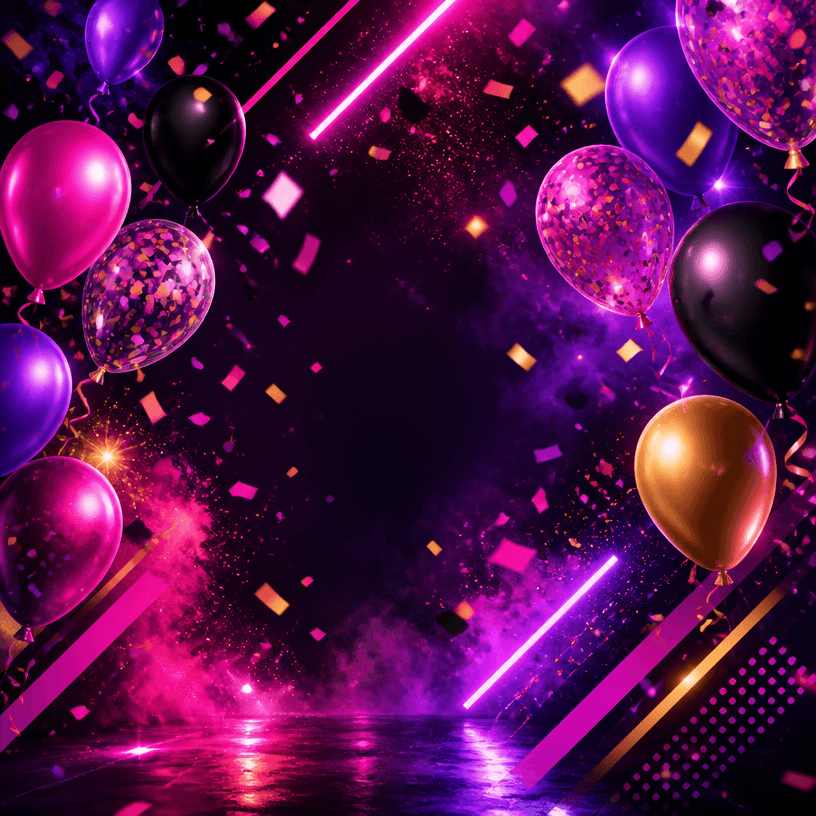
A vibrant party event poster design, colorful confetti and balloons floating against a dark background, neon glow accents in pink and purple, dynamic diagonal composition, celebratory nightlife atmosphere, modern graphic design style. No text, no watermark.
AI-generated Futuristic AI App Marketing Banner made with GPT Image 2

Futuristic AI App Marketing Banner

GPT Image 2· Image
Create a clean, futuristic marketing banner in a premium 3D commercial style, designed for an AI app, mobile platform, or startup landing page. Use a soft white-to-light-blue gradient background with a subtle airy glow, lots of negative space, and a polished minimal tech aesthetic. On the left side, place a tall modern smartphone in a slight three-quarter view, with a glossy black frame, realistic screen reflections, and a visible app interface that resembles a social media profile.In front of the phone, position a sleek humanoid robot with a glossy white armored body, black joints, illuminated cyan-blue accents, and a large smooth visor-style face with glowing blue eyes. The robot should be in an energetic forward-running pose, as if stepping out of the phone into the real world, one leg lifted and arms bent dynamically. Give it a friendly but powerful AI assistant look, with detailed mechanical seams, polished surfaces, and high-end sci-fi realism. The robot should feel advanced, helpful, and ready to power a smart app experience.On the right side of the composition, place large bold headline text in a modern rounded sans-serif font, colored deep blue or indigo, aligned left and stacked in three lines: “AI SOCIAL MEDIA AUTOMATION EXPERT” and 'Content • Posting • Full Management'. The typography should be crisp, oversized, and highly legible, with a strong hierarchy and clean spacing. The overall layout should feel balanced and professional, with the robot and phone acting as the visual anchor and the headline as the main message.Use soft studio lighting, realistic shadows under the robot, subtle ambient reflections on the phone, and a light futuristic glow around the subject. Keep the image polished, modern, and app-focused, with a strong sense of innovation, automation, and intelligent digital transformation. The final result should look like a premium AI product ad, startup banner, or SaaS hero image with a sleek, trustworthy, high-conversion visual style.Negative prompt:No clutter, no extra robots, no extra phones, no dark background, no heavy shadows, no neon overload, no chaotic UI, no low-resolution details, no cartoon look, no text distortions, no spelling mistakes, no extra limbs, no broken anatomy, no watermark, no frame, no grain, no messy composition. 16:9 aspect ratio
611501fcbfd00cc0b925fe59020c1ae5
AI-generated Urban Fashion Editorial Poster made with GPT Image 2

Urban Fashion Editorial Poster

GPT Image 2· Image
1. json prompt version ```json { "subject": { "description": "A cropped, low-resolution digital image of a person's eyes inside a rectangular selection box, resembling an image-editing canvas or screenshot. Only the eye area and eyebrows are visible; the rest of the face and body are cut off.", "mirror_rules": "Not a mirror selfie. Preserve the screen-capture / interface-editing feel rather than treating it as a conventional portrait.", "age": "adult or young adult, exact age unclear due to extreme crop and pixelation", "expression": { "eyes": { "look": "wide, direct, slightly tense gaze", "energy": "alert, uncanny, quietly confrontational", "direction": "looking straight toward the viewer" }, "mouth": { "position": "not visible", "energy": "not applicable" }, "overall": "fragmented and decontextualized, with the eyes carrying all emotional weight" }, "face": { "preserve_original": "Preserve the exact cropped eye-band framing, visible eyebrows, dark pupils, low-resolution halftone texture, and slight pink-gray screen tint.", "makeup": "No clear makeup is visible. The face should read as a raw, pixelated screen image rather than a polished beauty portrait." } }, "hair": { "color": "not visible", "style": "not visible", "effect": "not applicable" }, "body": { "frame": "not visible", "waist": "not visible", "chest": "not visible", "legs": "not visible", "skin": { "visible_areas": "Only a narrow strip of facial skin around the eyes, eyelids, under-eye area, bridge of the nose, and brow region is visible. No shoulders, chest, waist, hips, legs, back, or arms are visible.", "tone": "pale pink-gray skin tone distorted by screen pixels and scanline-like color separation", "texture": "The skin appears roughened by digital pixel structure, like it would feel visually grainy or screen-printed rather than physically smooth; any natural skin texture is obscured by the low-resolution display pattern.", "lighting_effect": "The skin is not lit by natural photographic light; it appears illuminated through a flat digital screen or screenshot, with no realistic shadow depth, only pixel-level contrast and faint magenta-gray banding." } }, "pose": { "position": "Only the eyes are framed horizontally inside a selected rectangular crop.", "base": "No body pose visible.", "overall": "The composition feels like a fragment being actively selected, edited, or dragged inside a design interface." }, "clothing": { "top": { "type": "not visible", "color": "not visible", "details": "not visible", "effect": "not applicable" }, "bottom": { "type": "not visible", "color": "not visible", "details": "not visible" } }, "accessories": { "device": "Implied computer interface or editing software canvas", "prop": "Multiple oversized black-and-white mouse cursor arrows surrounding and pointing toward the selected eye image" }, "photography": { "camera_style": "Not a traditional photograph; a screenshot-like digital collage or UI-capture aesthetic with a pasted low-resolution eye image.", "angle": "Straight-on, flat frontal view with no perspective depth.", "shot_type": "Extreme close-up crop of eyes embedded in a graphic interface composition.", "aspect_ratio": "Overall image is near 4:5 vertical canvas; the selected eye strip is a long horizontal rectangle.", "texture": "Visible pixel grid, moire-like vertical RGB scanlines, compressed low-res texture, hard-edged UI elements, clean white canvas background.", "lighting": "Flat screen illumination, no cinematic lighting, no natural directionality; contrast comes from the digital image and interface overlay.", "depth_of_field": "No optical depth of field; all elements appear flattened like a graphic screenshot." }, "background": { "setting": "Minimal white digital workspace or blank canvas", "wall_color": "white", "elements": [ "bright cyan-blue rectangular selection outline", "round blue resize handles on corners and midpoints", "small dark floating size tooltip near the top-right edge", "several repeated mouse cursor arrows arranged around the eye crop", "large empty white space above and below the selected image" ], "atmosphere": "Sparse, internet-art, meme-adjacent, slightly uncanny and obsessive", "lighting": "Pure digital white background with no physical environmental light" }, "the_vibe": { "energy": "hyper-focused, intrusive, glitchy", "mood": "uncanny, anxious, surveillance-like, absurdly intimate", "aesthetic": "early internet collage, screenshot art, low-res UI manipulation, digital found-image surrealism", "authenticity": "Should feel like an imperfect screenshot taken during editing, not a clean vector recreation or polished poster.", "intimacy": "The extreme eye crop creates uncomfortable closeness while the interface elements keep it emotionally detached.", "story": "It feels as if someone had been selecting a stranger's gaze on a blank canvas, and the repeated cursors are still converging on it.", "caption_energy": "something that was clicked too many times, a gaze trapped inside an editing box" }, "constraints": { "must_keep": [ "white blank background", "horizontal rectangular crop containing only both eyes and eyebrows", "cyan-blue selection box with circular resize handles", "visible pixelated / scanline texture across the eye image", "multiple large black-and-white cursor arrows pointing toward or around the eyes", "small size-tooltip near the upper right of the selection box", "flat screenshot-like composition", "uncanny direct gaze" ], "avoid": [ "do not turn it into a full-face portrait", "do not add visible body, clothing, hair, or environment", "do not make the image high-fashion or cinematic", "do not remove the UI selection handles", "do not smooth out the pixel grid", "do not replace the cursors with realistic hands or objects", "do not add dramatic shadows or realistic depth" ] }, "negative_prompt": [ "full body", "full face", "beauty portrait", "cinematic lighting", "realistic background", "smooth skin", "high resolution glamour", "fashion editorial", "hands", "extra facial features", "removed cursor arrows", "removed selection box", "3D depth", "polished vector art" ] } ``` 2. Natural language prompt Create a flat, screenshot-like digital collage on a mostly blank white canvas. In the center, place a long horizontal rectangular crop showing only a person's eyes, eyebrows, eyelids, under-eye area, and a narrow strip of pale pink-gray facial skin. The gaze should look straight at the viewer, wide and slightly tense, with an uncanny, alert emotional residue. Do not show the full face, mouth, hair, body, clothing, shoulders, chest, waist, hips, legs, arms, or any physical environment. The eye crop should look low-resolution and screen-captured, with visible pixel grid, vertical RGB scanline texture, faint moire, compression artifacts, and a slightly gray-magenta digital tint. The skin should not look polished or naturally lit; it should feel visually grainy, like a rough screen-printed or monitor-textured surface rather than smooth real skin. Lighting should be flat screen illumination with no realistic shadows, no cinematic directionality, and no depth-of-field blur. Surround the eye strip with a bright cyan-blue editing selection rectangle, including circular resize handles on the corners and midpoints. Add a small dark size-tooltip near the upper-right edge of the selected rectangle, as if the image is actively being resized in editing software. Place several oversized black-and-white mouse cursor arrows around the eye crop, some pointing toward the eyes and some overlapping the area below, creating a repetitive obsessive clicking energy. The composition should remain front-facing, flat, and graphic, with a near 4:5 vertical canvas and a large amount of empty white space above and below the selected eye strip. Preserve the imperfect screenshot feeling: slightly awkward placement, low-res texture, hard UI edges, and a casual internet-art quality. The image should feel as if someone had been selecting a stranger's gaze on a blank canvas, and the cursors are still converging on it. Avoid turning it into a full portrait, beauty shot, fashion editorial, cinematic scene, polished vector poster, or realistic environment. Keep the selection box, cursor arrows, pixelation, flat white background, and direct uncanny gaze as the core visual identity.

d1f13b0062b253274393e0ac28bf3555

What are Running Event Poster Prompts?

A collection of AI prompts for generating running event poster images. Copy the Running Event Poster prompts provided by Carat and paste them into an AI image generation tool to get professional-grade results.

How to Use Running Event Poster Prompts

  1. Select and copy your desired prompt.
  2. Paste it into the Carat agent.
  3. Modify colors, styles, and composition as needed.
  4. Download the generated image and use it in your project.

Tips for Writing Running Event Poster Prompts

Specify lighting, texture, composition, and lens information in detail for more precise results. Add "No text, no watermark" to prevent unwanted text overlays.

Running Event Poster Prompt Applications

Running Event Poster prompts are used across content creation, marketing, design, and educational resources. AI-generated images dramatically reduce production time while maintaining professional quality.

Running Event Poster Prompt Optimization Guide

Choose the aspect ratio based on your use case: vertical (9:16) for social media, horizontal (16:9) for web banners, and square (1:1) for product images.

Frequently Asked Questions

Related Prompts

Idol Group Collab Image

Idol Group Collab Image

12 prompts

Public Service Poster

Public Service Poster

3 prompts

Brand Intro Slide

Brand Intro Slide

5 prompts

Promotion Banner

Promotion Banner

5 prompts

Carat Prompt Gallery

Create trending AI prompts instantly

Prompts

  • Logo
  • PPT Design
  • Thumbnail
  • Poster
  • Web Novel Cover
  • ID Photo
  • Caricature
  • Product Detail Page
  • Banner

Models

  • GPT Image 2
  • Seedance 2.0
  • NanoBanana Pro
  • NanoBanana 2

Carat

  • Get started
  • About
  • Blog
  • Careers
  • Contact
  • Partnership
  • Terms
  • Privacy

© 2026 Paradot.Inc All rights reserved.