Flyer
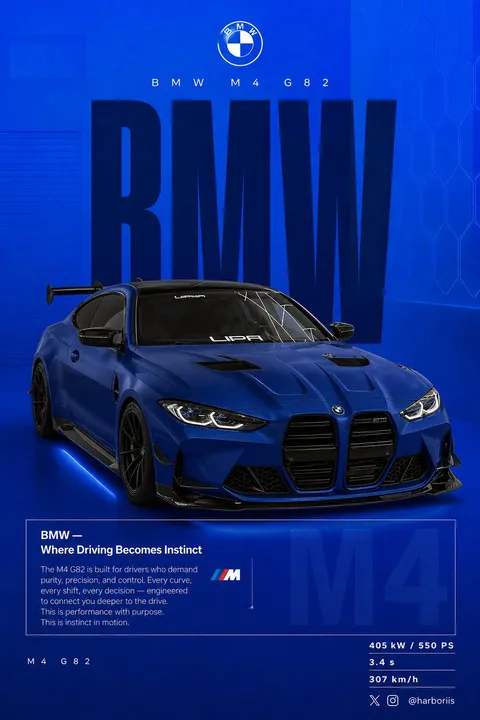
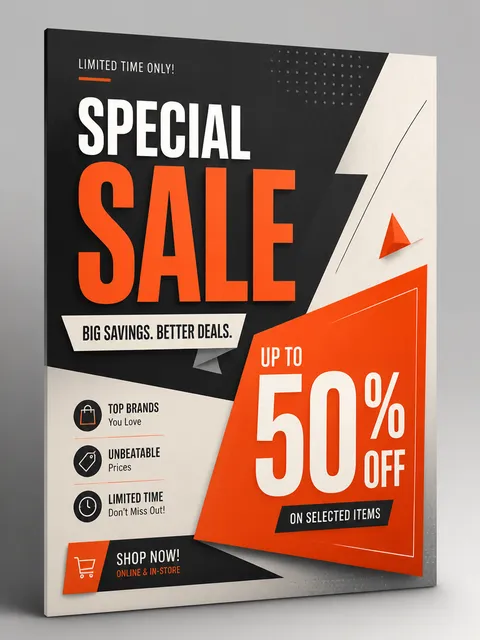
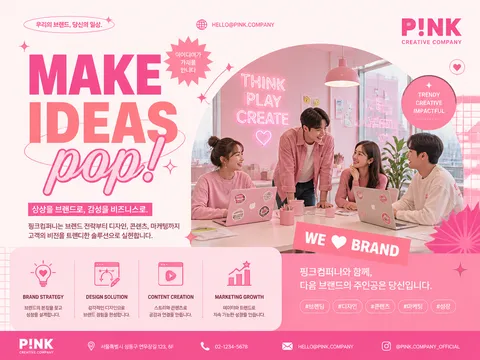
AI prompts for creating promotional flyers for store openings, sales events, and new product launches with print-ready layouts.
2026.07.08
把「Flyer」做成你想要的样子做一个你自己的「Flyer」
用大白话说出来就行——Carat 会为你生成合适的图片和视频。

每天 100 免费积分,现在就开始
Advertising Poster
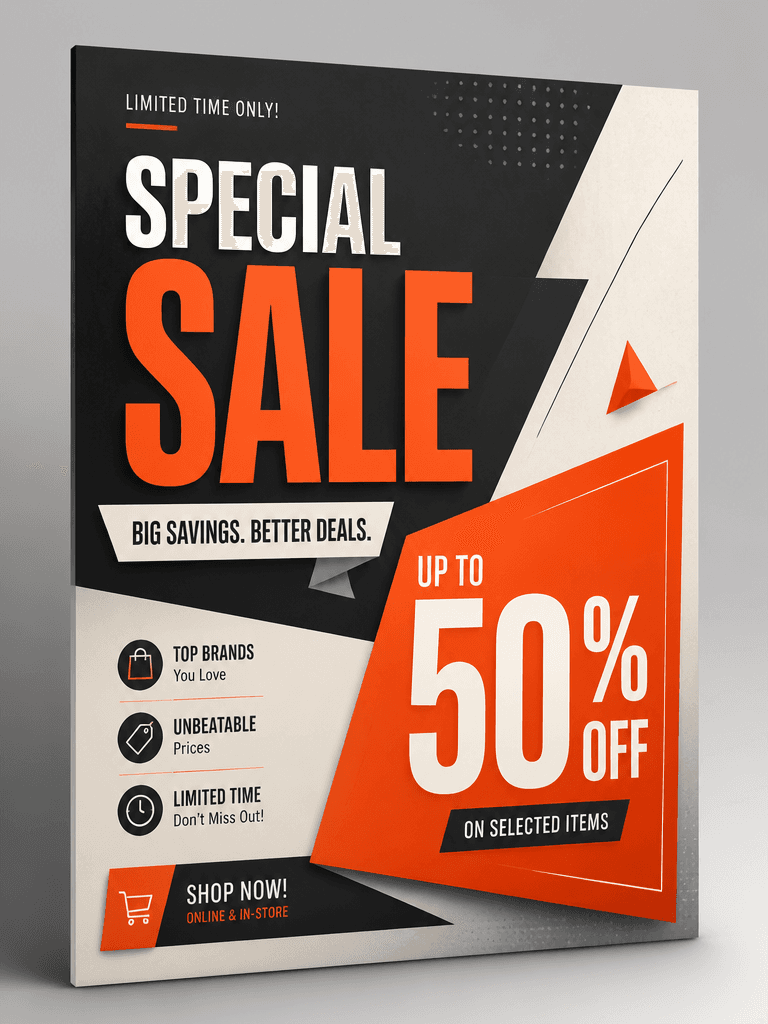
Promotional Poster
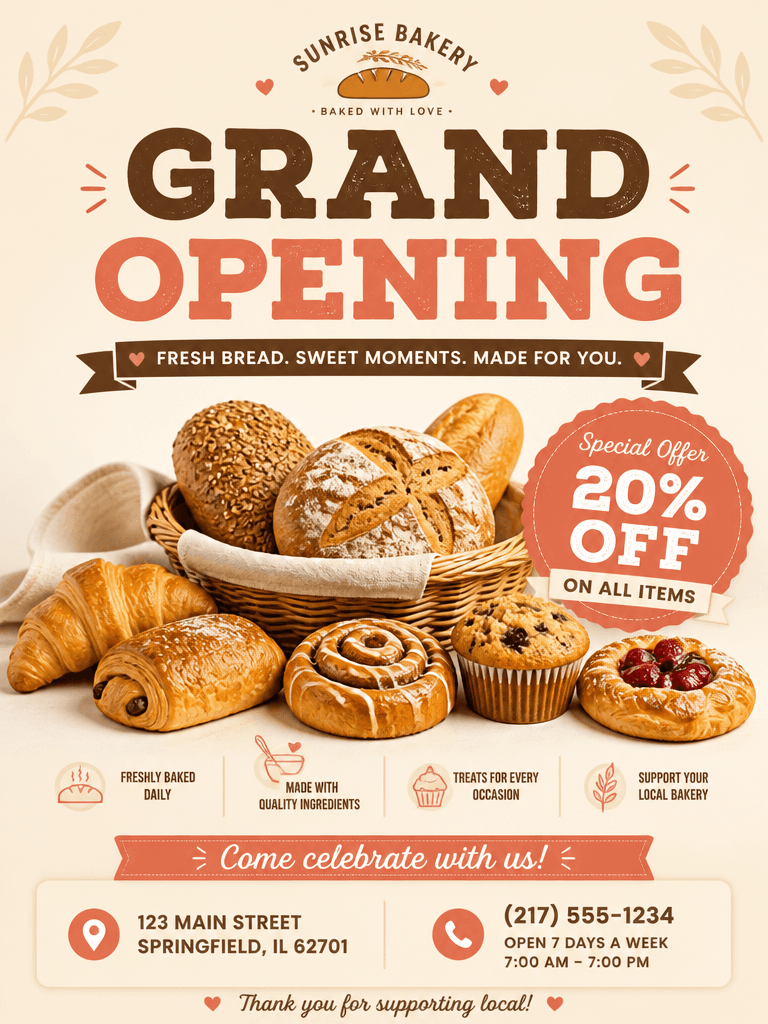
Flyer
What Are Flyer AI Prompts?
Flyer AI prompts help you generate promotional flyers for store openings, discount events, and new product launches using GPT Image 2. By describing your business type, event name, discount rate, store address, and phone number, you receive a print-ready flyer layout without needing a designer or printing software. Small business owners can create professional promotional materials instantly.
Common Use Cases
- Cafe, restaurant, and bakery grand opening flyers
- Seasonal sale and discount event announcements
- New menu launch promotional flyers
- Academy, salon, and fitness center membership flyers
- Neighborhood event, festival, and bazaar announcements
Why This Tag Is Useful
Flyers need to be distributed quickly and cost-effectively in your local area. Outsourcing to a print shop or designer takes days and costs tens of thousands of won per job. With flyer prompts, you can get instant flyer drafts by simply entering event details, then create multiple versions with different colors and copy. Same-day flyer production becomes possible when you need materials urgently.
Related Prompts
Tips for Crafting Your Prompt
- Start with your business type and event purpose. Writing "neighborhood bakery grand opening flyer" produces visuals that match your industry.
- Include all key information. Store name, discount rate, event period, address, and phone number make the flyer ready for real use.
- Specify paper size. A4, A5, or circular flyer proportions ensure the result fits your printing needs.
- Choose main colors that match your storefront or logo for a cohesive brand feel across all promotional materials.
常见问题
Nearly any small business including cafes, restaurants, bakeries, salons, academies, and fitness centers. Specifying your business type and event details in the prompt automatically applies visuals and layouts suited to that industry.
GPT Image 2 handles text rendering quite accurately. Store names, phone numbers, and addresses written in the prompt will appear on the flyer. However, long sentences or complex symbols may occasionally have errors, so we recommend checking after generation.
Generated images come at screen resolution. For actual printing, you may need upscaling or have the print shop adjust the output size. Specifying A4 or A5 dimensions ensures correct proportions from the start.
Yes. Writing discount rates like "20% off" and event periods like "through July" in the prompt displays them prominently on the flyer. If the discount is the main focus, adding emphasis instructions places it in a more visible position.
Yes. You can generate multiple versions of the same event flyer with different color tones, layouts, and feature images. This is useful when distributing different designs to different neighborhoods.
You can attach a reference flyer image and write "create in this style" in the prompt to generate a similar flyer. However, avoid directly copying copyrighted designs.
Writing "include bread photos" or "include coffee images" in the prompt generates product photos within the flyer itself. If you have real store photos, you can composite them into the design.