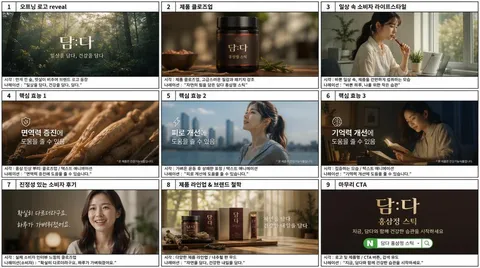
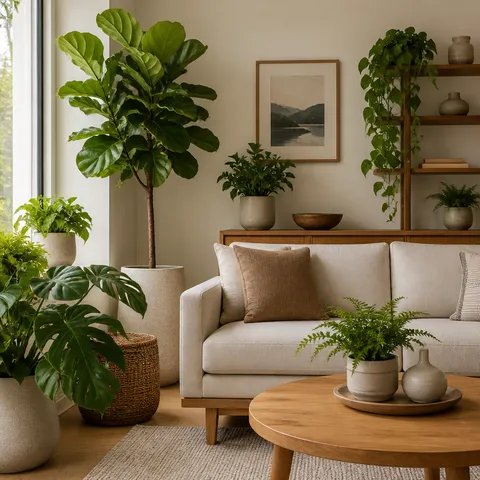
Storyboard Examples
Plan video scenes, camera composition, and visual continuity with storyboard example prompts.
2026.07.21
把「Storyboard Examples」做成你想要的样子做一个你自己的「Storyboard Examples」
用大白话说出来就行——Carat 会为你生成合适的图片和视频。

每天 100 免费积分,现在就开始
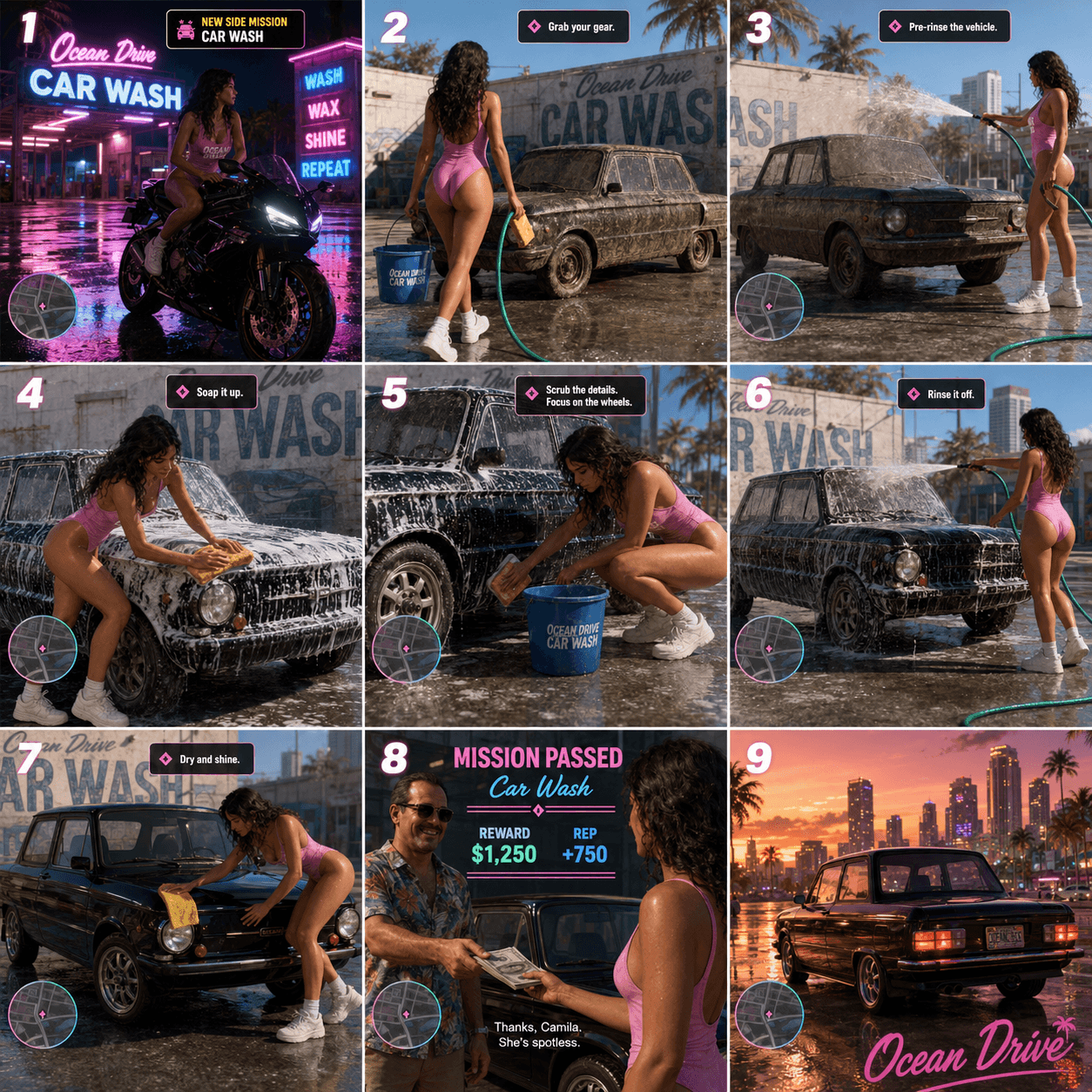
Miami Car Wash Storyboard
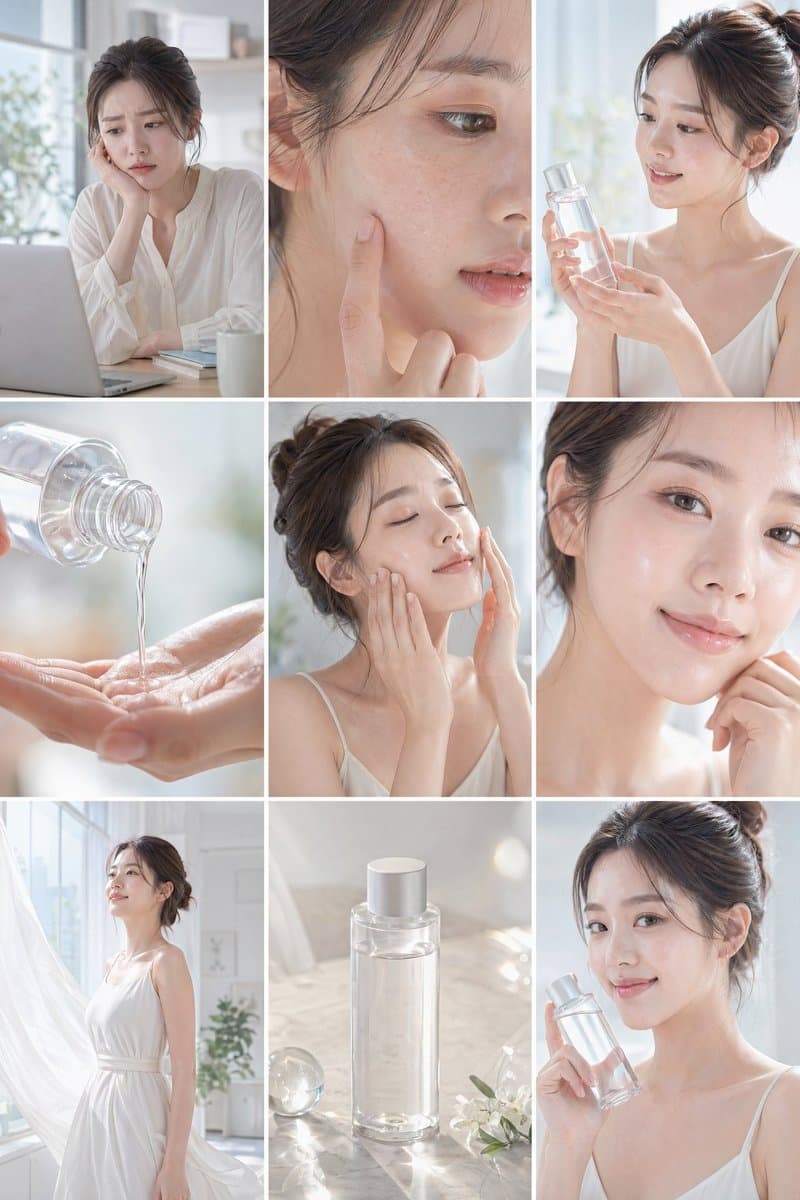
Nine-Panel Skincare Ad Storyboard
Mango Cake Baking Storyboard
What are storyboard examples?
Storyboard examples are visual planning references used before filming an advertisement, short video, tutorial, or narrative sequence. They break a project into panels and show the order of shots, subject actions, camera distance, lighting direction, and important props. An AI prompt can turn a written idea into a storyboard draft by specifying the number of panels, the purpose of every shot, and the continuity rules that should remain stable across the sequence.
Common use cases
- Planning product commercials from opening shot to final call to action
- Mapping the rhythm and transitions of short-form social videos
- Checking character movement and prop continuity before production
- Sharing camera angles and lighting references during a creative meeting
- Giving editors and designers a clear visual production guide
Why storyboards are useful
A storyboard exposes missing actions and confusing transitions before a crew spends time filming. It is particularly valuable when a message depends on a sequence of shots rather than one isolated image. Labeling each panel with its purpose makes the reference easier to discuss, revise, and hand to another department. Existing examples can also reveal how many panels fit a topic, which aspect ratio is practical, and how much detail is readable at a glance.
Prompt building tips
- State the total number of panels and the aspect ratio.
- Describe the subject, action, camera angle, and purpose of every panel.
- Repeat the character or product identity so it remains consistent.
- Lock the time of day and light direction across the sequence.
- Put dialogue, captions, transitions, and required props in a separate instruction.
Related prompt ideas
Use the finished storyboard as a discussion and planning aid. If generated lettering is inaccurate, replace shot labels and captions in an editing tool while keeping the composition and visual rhythm from the reference.
常见问题
They overlap, but a storyboard emphasizes visual panels while a shot list is usually a text-based production checklist with locations, lenses, and schedule details.
Start with four to eight panels for a short social clip and six to twelve for a product sequence. Add panels when an action or transition needs its own beat.
Yes. Include framing such as wide, medium, or close-up, along with viewpoint and movement direction so the intended shot is unambiguous.
Yes. Describe the subject, setting, wardrobe, and mood in text. Add reference images later when exact identity or product details matter.
They work well for tutorials, vlogs, music videos, educational clips, product demos, and any project that depends on ordered scenes.
Treat the result as a composition reference and add final panel numbers, captions, and dialogue later in your editing or layout tool.
Yes. Specify a 9:16 canvas and mobile safe areas, then keep the main subject away from the top and bottom interface zones.