Grok Imagine Image 2.0
Grok Imagine Image 2.0 prompts for infographics and product shots. Build text-heavy diagrams, 2048px product cuts and targeted photo edits without starting the image over.
2026.08.12
Mach „Grok Imagine Image 2.0“ genau so, wie du es willstErstell dein eigenes „Grok Imagine Image 2.0“
Sag es einfach in deinen Worten – Carat generiert passende Bilder und Videos für dich.

Starte jetzt mit 100 kostenlosen Credits pro Tag
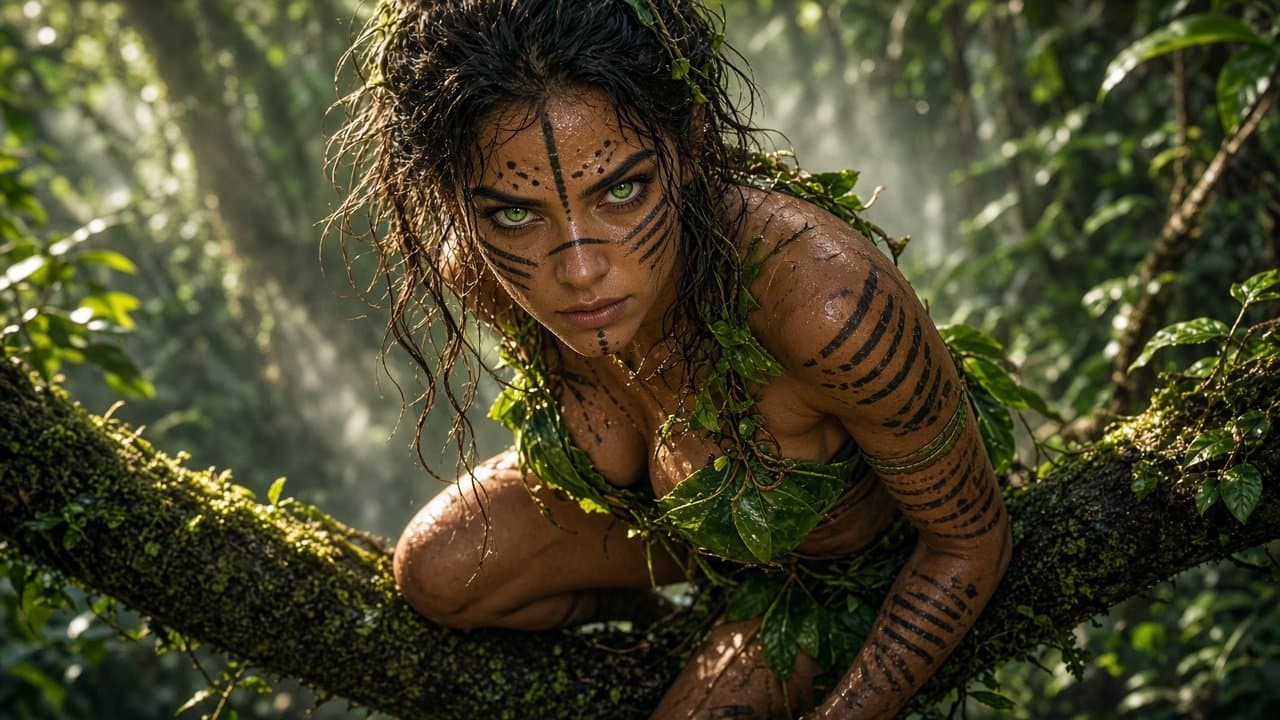
Jungle Huntress Close-Up
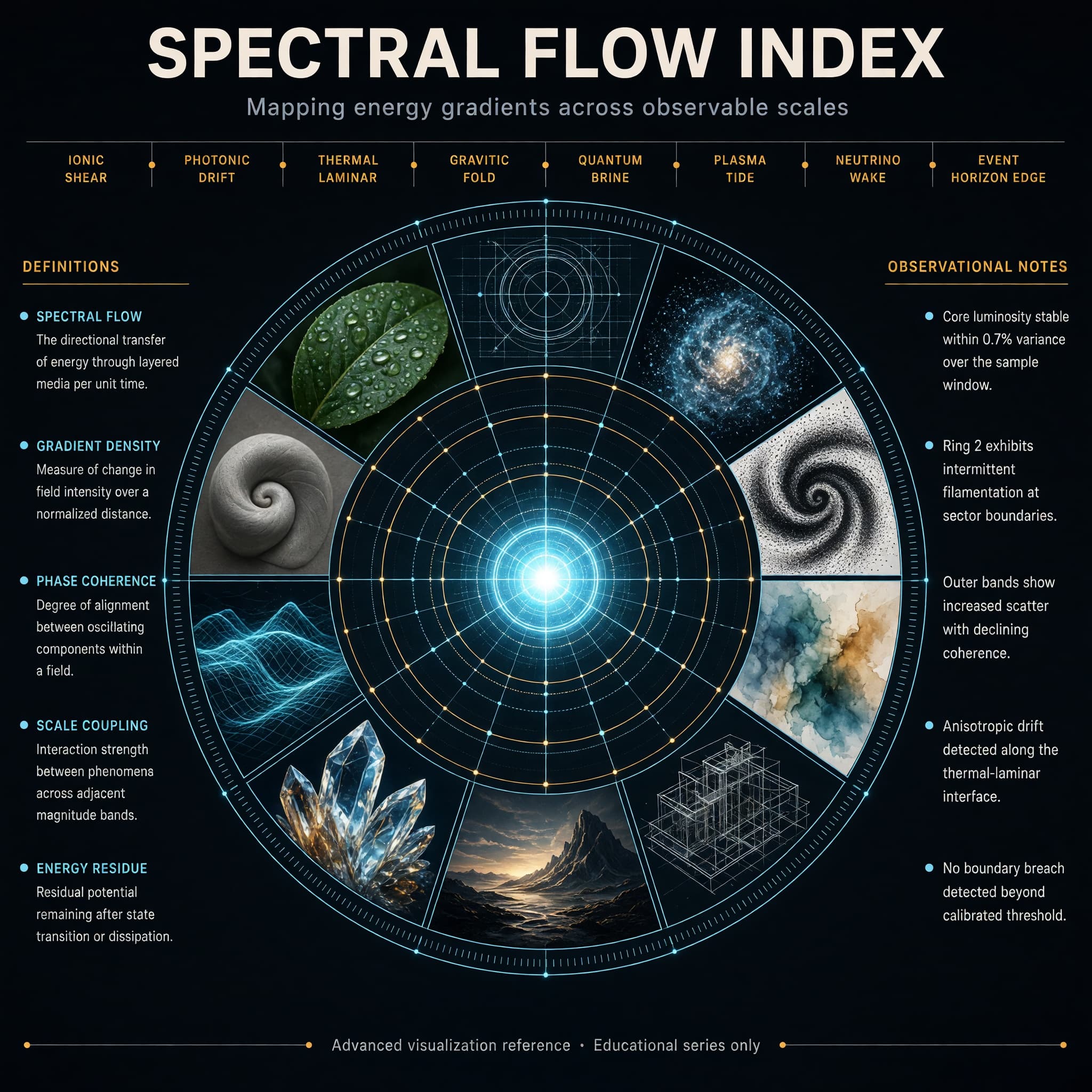
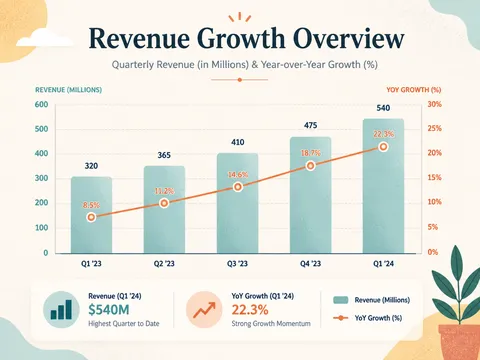
Concentric Ring Data Infographic
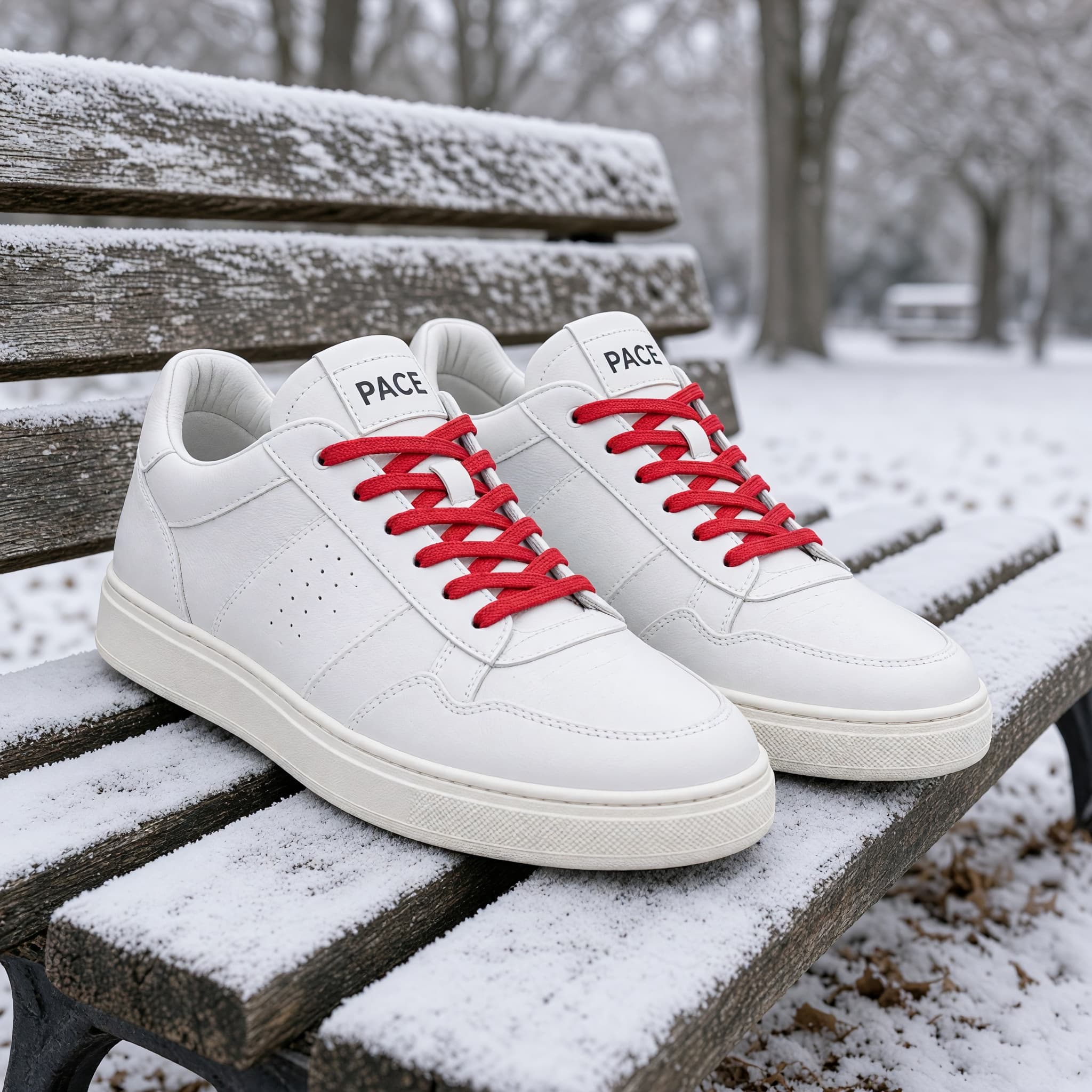
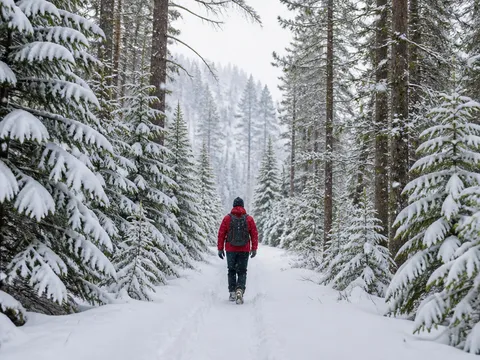
Recolor Sneakers and Swap the Season
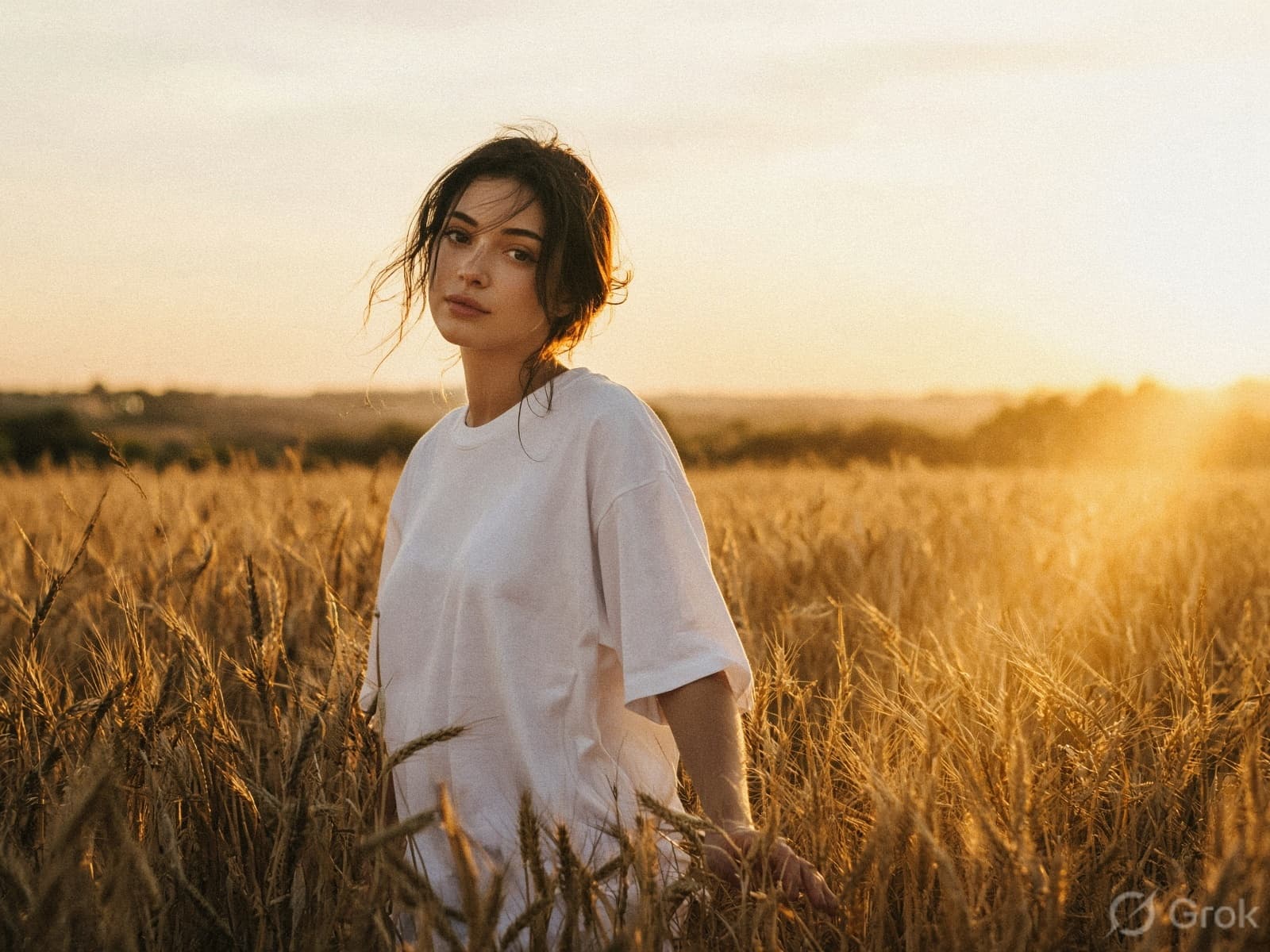
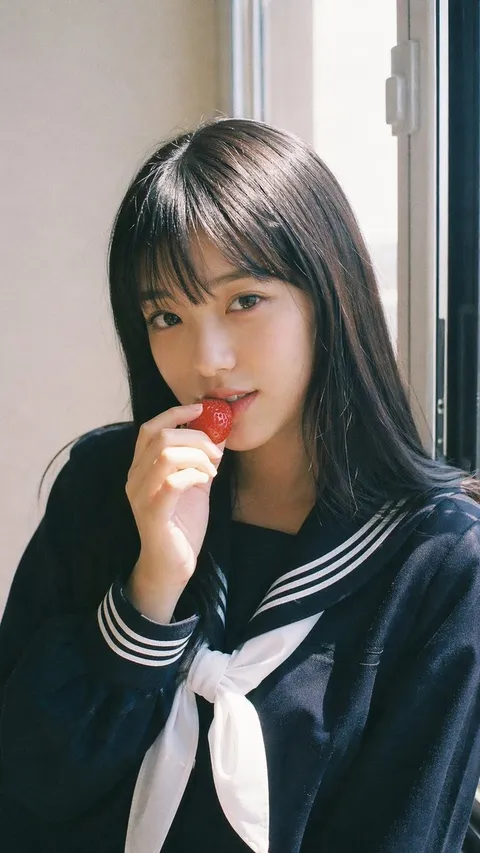
Golden Hour Film Portrait in a Wheat Field
What Are Grok Imagine Image 2.0 AI Prompts?
Grok Imagine Image 2.0 is the image generation and editing model xAI released on August 7, 2026. Carat serves it through fal, and the same model handles both making a new image from text and reworking a photo you already have. It is built around layouts where the text placement decides the result, such as an infographic that stacks a title, labels and body copy in one frame.
Where You'll Use It
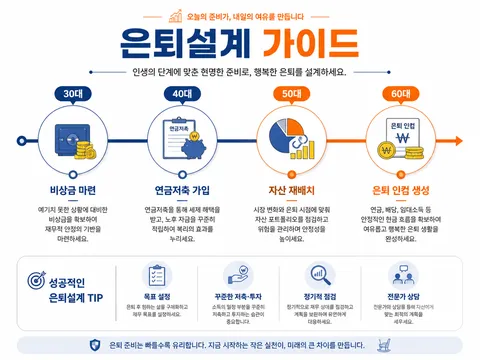
- Infographics and typography that carry a title, subtitle and labels together
- Posters and travel posters where the copy is the subject
- Product photos meant to be viewed up close
- Photo edits that change only a color, a material or a season
- Composites that remove a background or move a subject into another scene
Why This Tag Is Useful
Resolution is either 1k or 2k, where 2k puts the long edge at 2048px, and quality has two steps, low and medium. Text to image supports 13 aspect ratios, while edit defaults to auto and keeps the ratio of the input image. You can render 1 to 4 images per request, and an edit accepts up to 3 input images on fal, so elements spread across several photos can be pulled into one scene. The editing side includes a tool for marking the region to change and a background remover, and smart resize rebuilds the same scene for a different aspect ratio.
Tips for Crafting Prompts
- Quote the exact text that should appear in the frame, and split it by level: title, subtitle, labels, footer.
- For charts and diagrams, pin down the shape (radial, grid, vertical columns) and the number of entries so the layout holds.
- When editing, write what changes and what stays as two separate sentences to limit unintended drift.
- Use 2k for anything you will print or enlarge, and drop to 1k with a higher image count while you are still comparing directions.
The same prompt lands differently depending on the aspect ratio, because the text has a different amount of room. Stack entries vertically for portrait frames and split them into left and right columns for landscape frames, and the output stays closer to what you described.
Häufige Fragen
Yes. Carat serves Grok Imagine Image 2.0 through fal. Copying prompts from the gallery is free, and generating an image uses credits.
1k and 2k. At 2k the long edge is 2048px, which suits work you plan to enlarge or print.
Text to image offers 13. Edit defaults to auto, which follows the ratio of the image you upload, so the output matches the original.
Up to 3 on fal. It is useful when the subject, background and props live in separate photos and you want them in one scene.
You can request 1 to 4 per run. Raise the count while you are exploring a direction, then re-render only the take you want to keep.
Smart resize recomposes the same scene for another aspect ratio. It rearranges the elements rather than cropping the edges away.
The editing feature includes a tool for marking the region to change and a background remover, so everything outside the marked area stays as it was.