3D Tiger Character
Create 3D Tiger Character images with practical AI prompts for composition, materials, lighting, and consistent visual direction.
2026.07.14
Make “3D Tiger Character” exactly the way you wantCreate your own “3D Tiger Character”
Just ask in plain language — Carat generates optimized images and videos for you.

Start now with 100 free credits daily
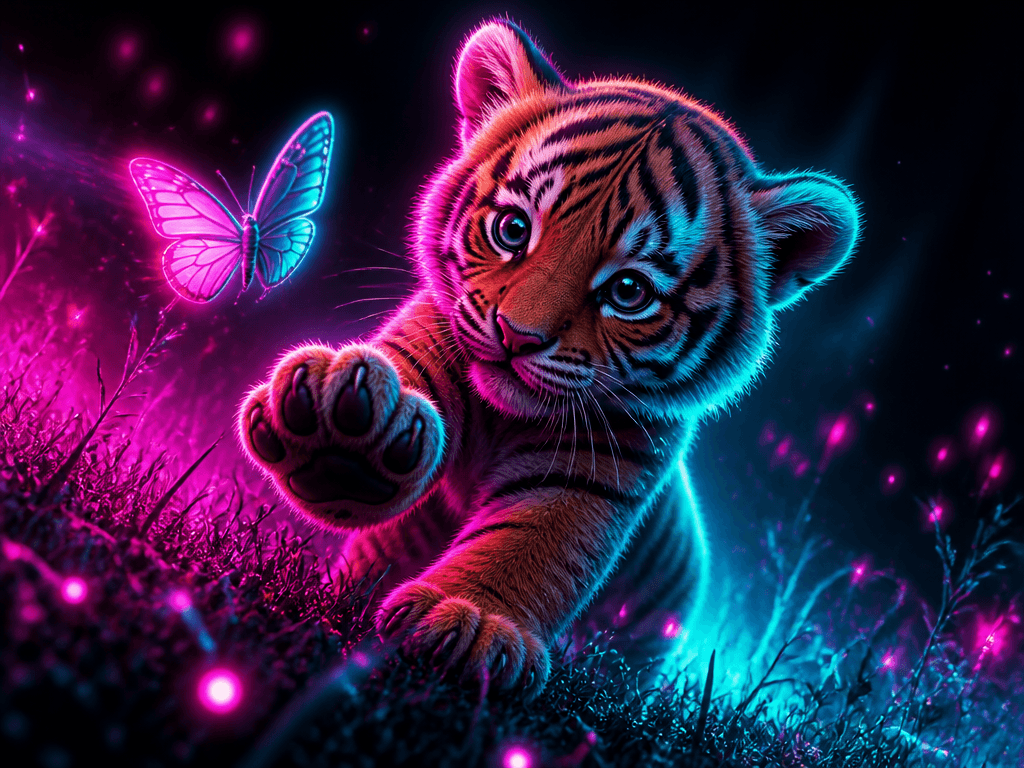
아기 호랑이 일러스트
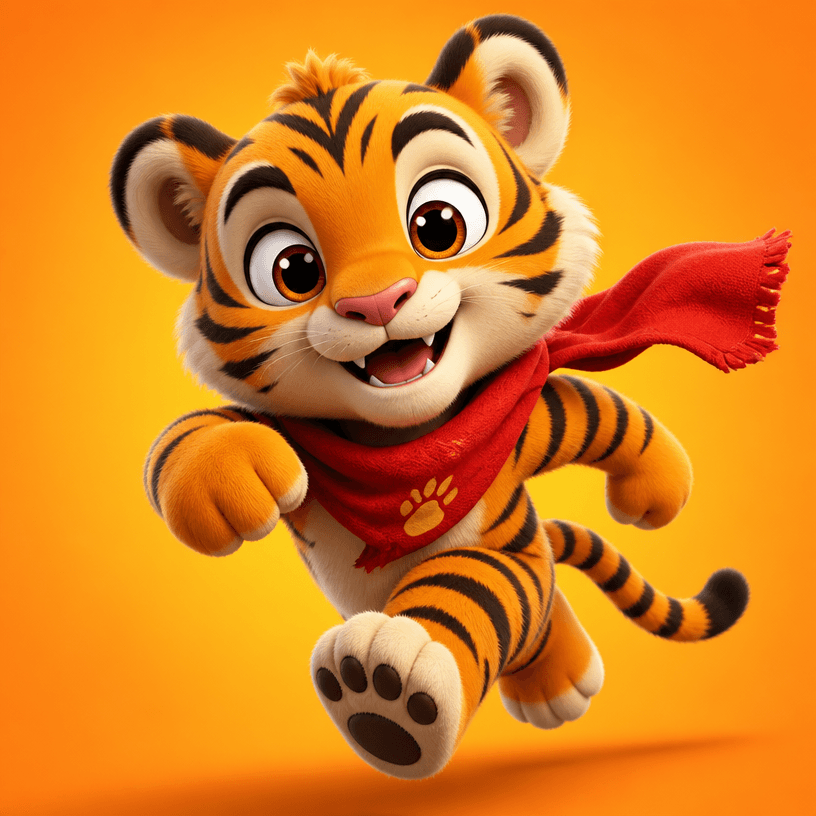
호랑이 3D 캐릭터
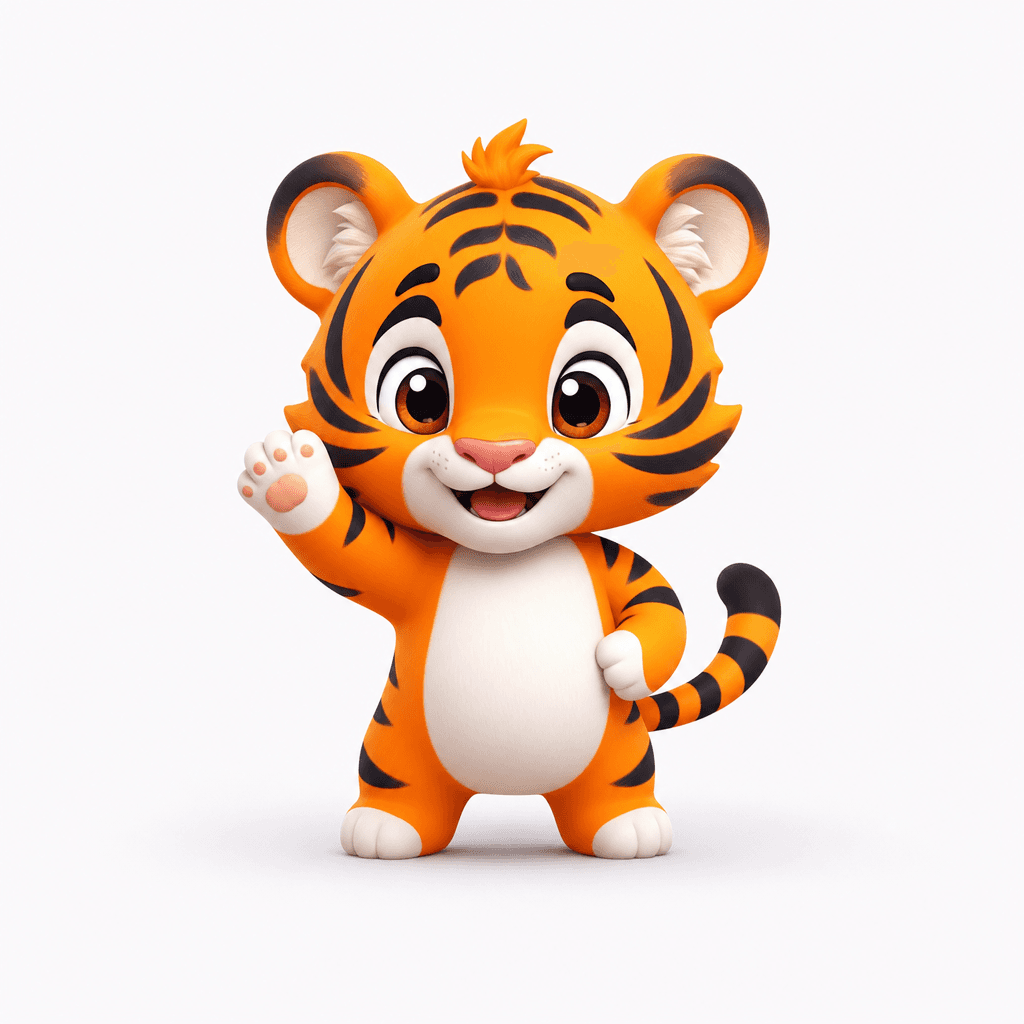
호랑이 캐릭터
What are 3D Tiger Character prompts?
3D Tiger Character prompts are production-ready instructions that help an image model preserve the subject’s recognizable shape, personality, materials, color system, lighting, and intended use. A useful prompt does more than name the subject. It explains proportions, expression, surface detail, camera distance, background density, and where the final asset will appear. This makes the first result more purposeful and helps a set of variations feel connected rather than random. You can copy a gallery example and replace only the palette, prop, pose, or season to explore alternatives efficiently.
What can you create?
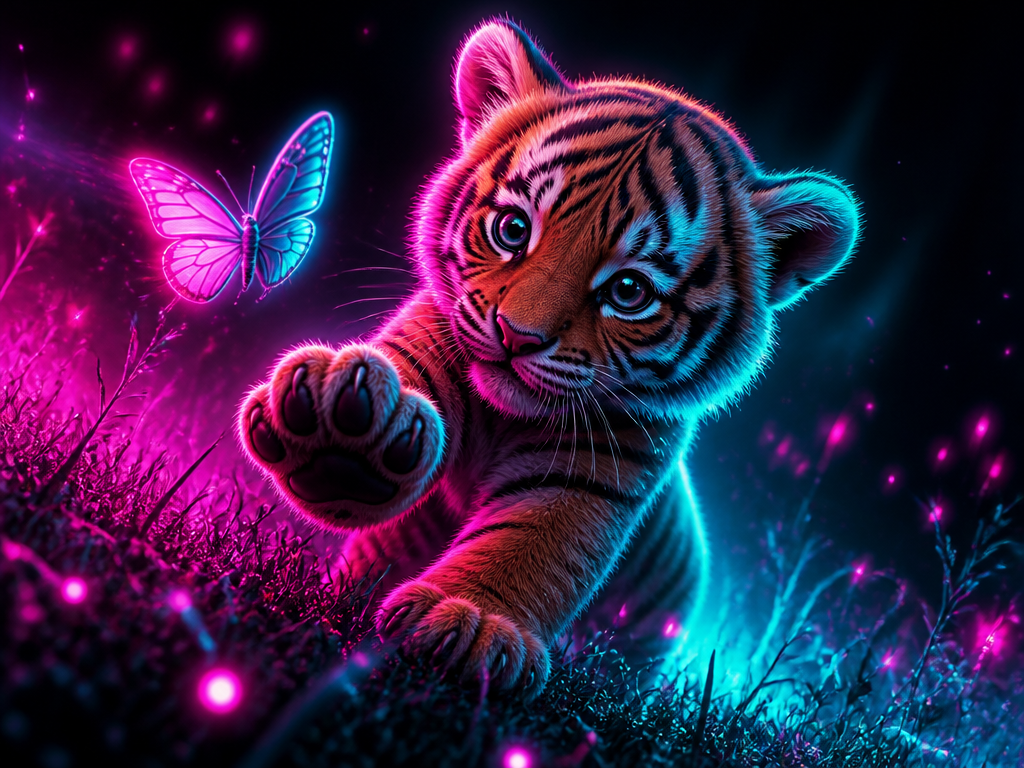
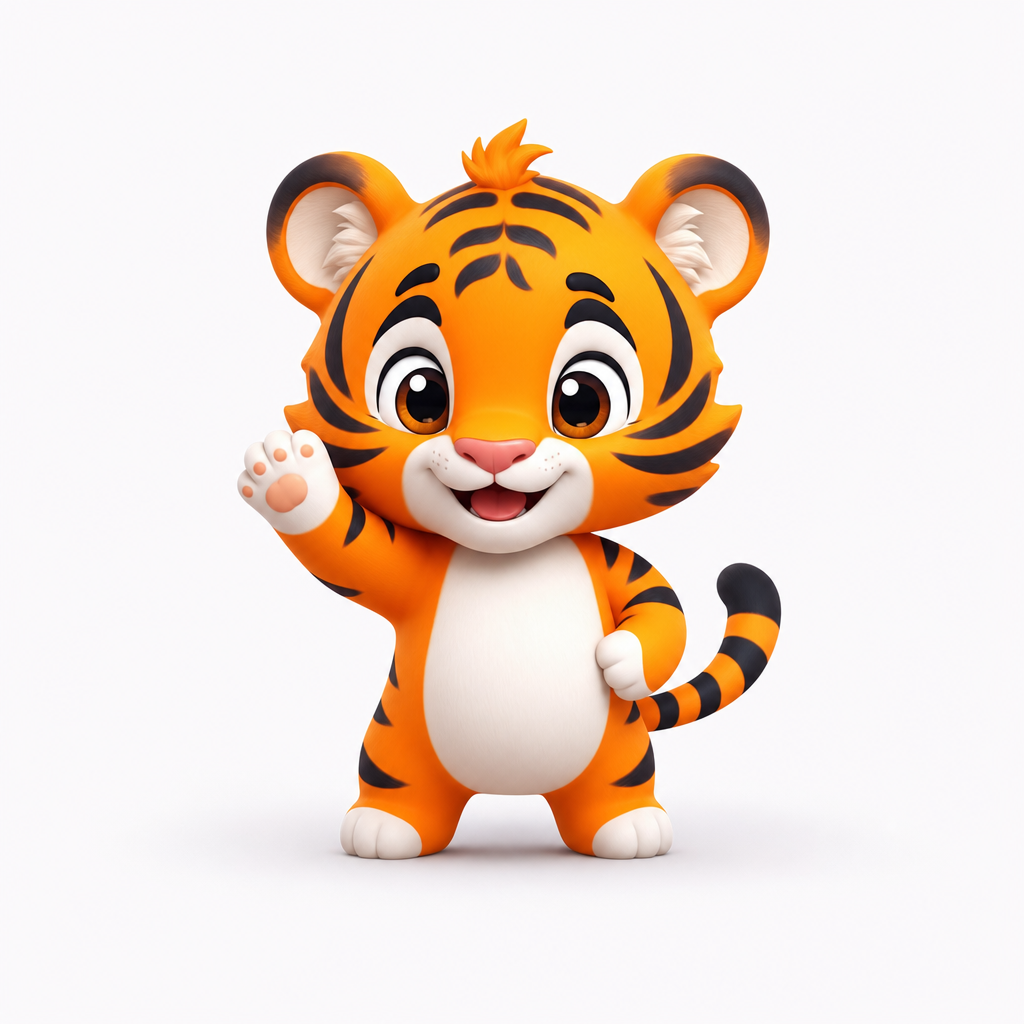
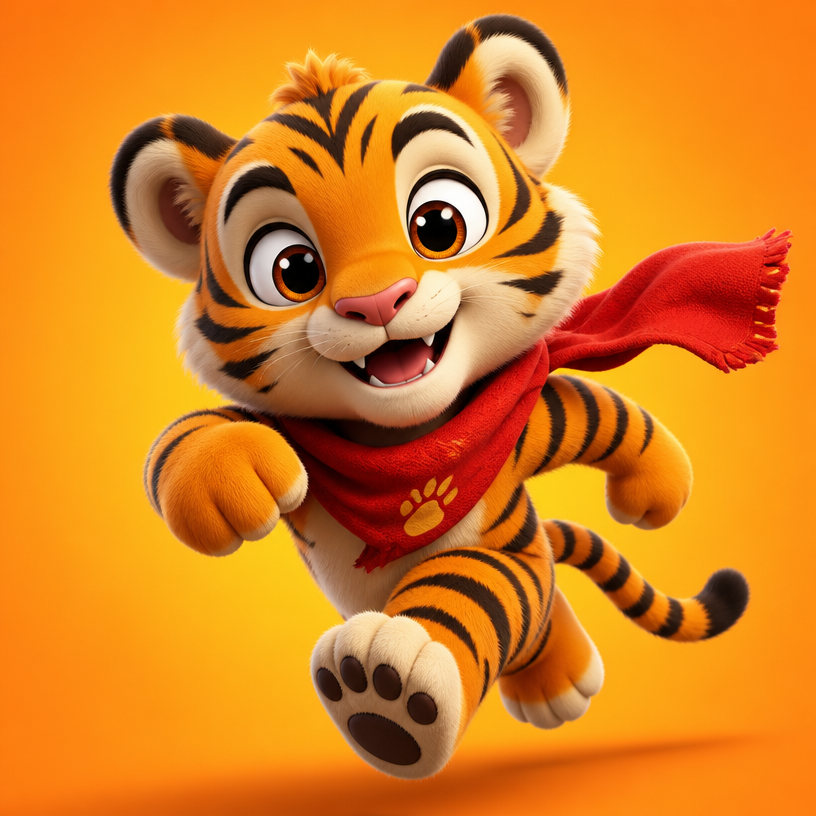
This topic can use stripes and amber eyes as identity anchors for sports mascots, children’s content, game characters, and merchandise concepts. A square composition works well for profile images, thumbnails, and merchandise previews, while a vertical layout gives a poster or character card more breathing room. A restrained studio background emphasizes silhouette and facial expression. A staged environment adds narrative context. Keeping the core identity fixed while varying expression, costume, camera distance, and season is an efficient way to build a coherent visual series.
How to structure the prompt
For reliable control, specify stripe placement, body proportions, expression, action, signature props such as a scarf, fur density, and rim lighting. Replace vague praise with visible instructions. Instead of saying “nice lighting,” describe a warm key light from the upper left and a cool rim light on the opposite edge. State whether the subject is full-body, waist-up, front-facing, or in a three-quarter view. Add lens language only when it supports the composition. If typography is unnecessary, exclude text and logos. If the concept includes printed pieces, request only short, generic copy that can remain legible.
Practical refinement tips
Use the first generation to judge silhouette, pose, and framing. In later passes, refine material, background detail, and accent colors. If identity drifts, move the non-negotiable features to the opening sentence and repeat only the most important anchors. If the image feels crowded, reduce props and limit the palette to roughly three colors. Thumbnail assets benefit from broad shapes and clear value contrast more than tiny decoration. Before publishing, inspect edges, repeated patterns, anatomy, accidental lettering, and marks that resemble a logo or watermark.
Related prompts
Comparing these related pages helps you translate the same idea across illustration, character design, and rendered styles. Change one variable at a time, such as lighting, palette, or pose, so you can identify which instruction improved the result and reuse that decision in the next prompt.