Banner mockup prompts for previewing a printed design in a real storefront or outdoor setting.
2026.07.17
Make “Banner Mockup” exactly the way you wantCreate your own “Banner Mockup”
Just ask in plain language — Carat generates optimized images and videos for you.

Start now with 100 free credits daily
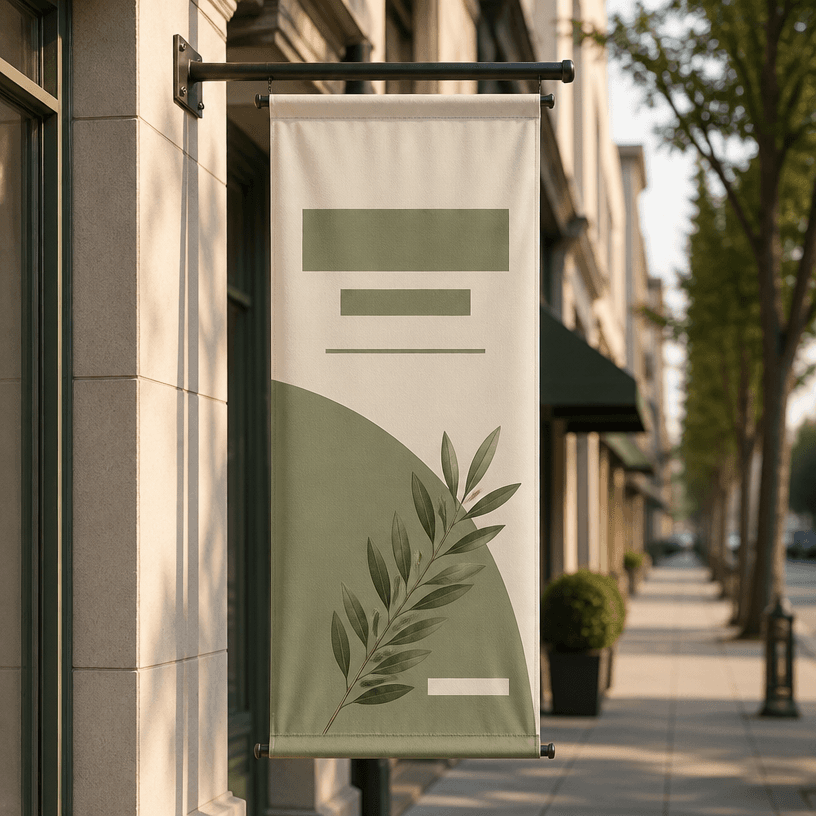
A banner mockup shows how a printed banner may look in its intended environment before production. It is useful for outdoor advertising, event planning, storefront launches, campaign proposals, and portfolio presentations.
Choose an exterior wall, shop entrance, event fence, street frame, or another realistic location. Mention the height, viewing distance, and pedestrian flow so the scale and perspective feel believable.
Include fabric weight, edge seams, mounting bars, tension, wind, and subtle folds. These physical details make the mockup feel like a printed object rather than a flat graphic pasted into a scene.
Specify the time of day, light direction, camera distance, and lens character. Use a wide establishing view for context or a closer view when the placement and surface are the focus.
Leave safe margins for a logo, headline, date, and call to action. If exact typography matters, add the final artwork in an editor after generating the environmental mockup.
Use the result for an outdoor advertising concept, opening announcement, event promotion, local campaign, or design portfolio. Before printing, verify dimensions, resolution, color, and readability against nearby signs.



