carat

Prompt Gallery

/

Breast Surgery Simulation

Login
Sign Up

Breast Surgery Simulation

Breast Surgery Simulation prompts. Copy and use Breast Surgery Simulation image generation prompts from Carat right away.

2026.07.12

·
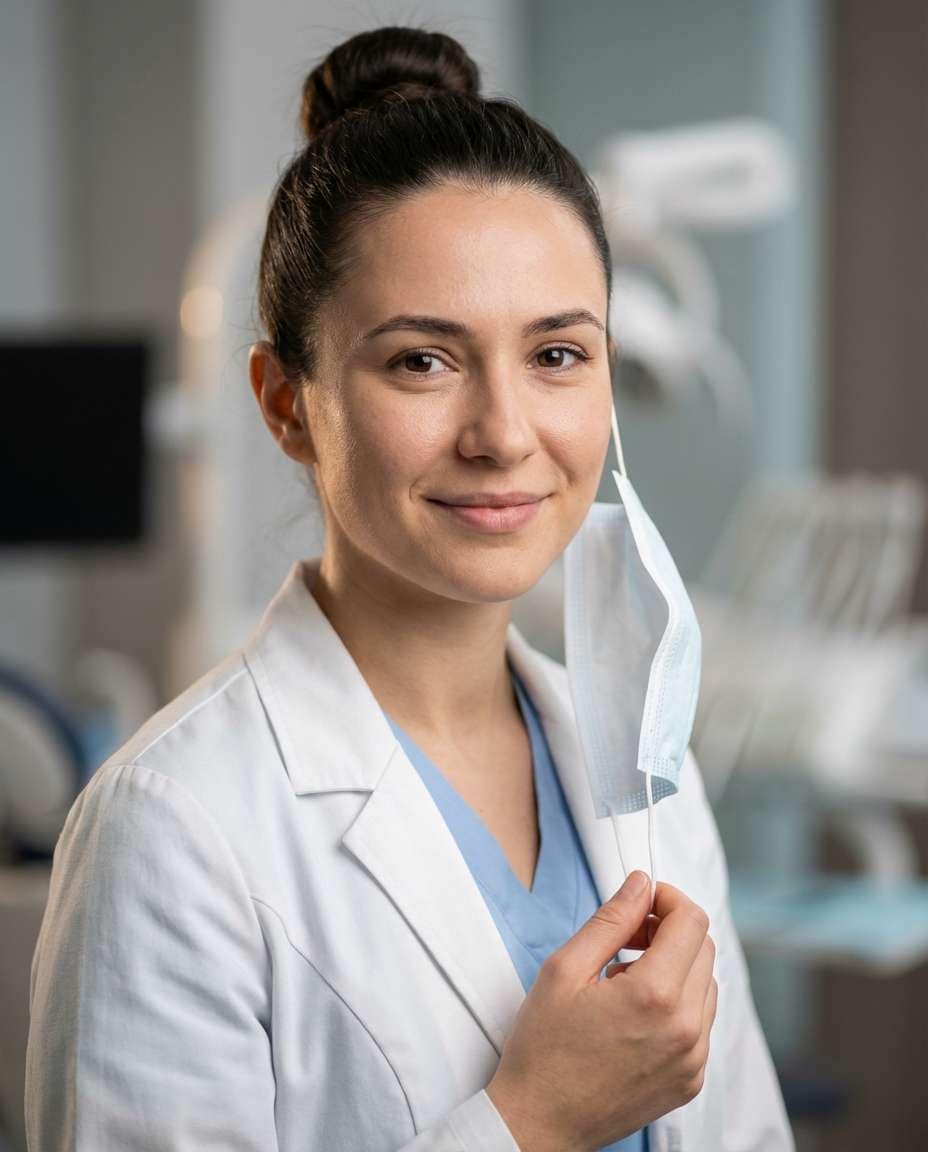
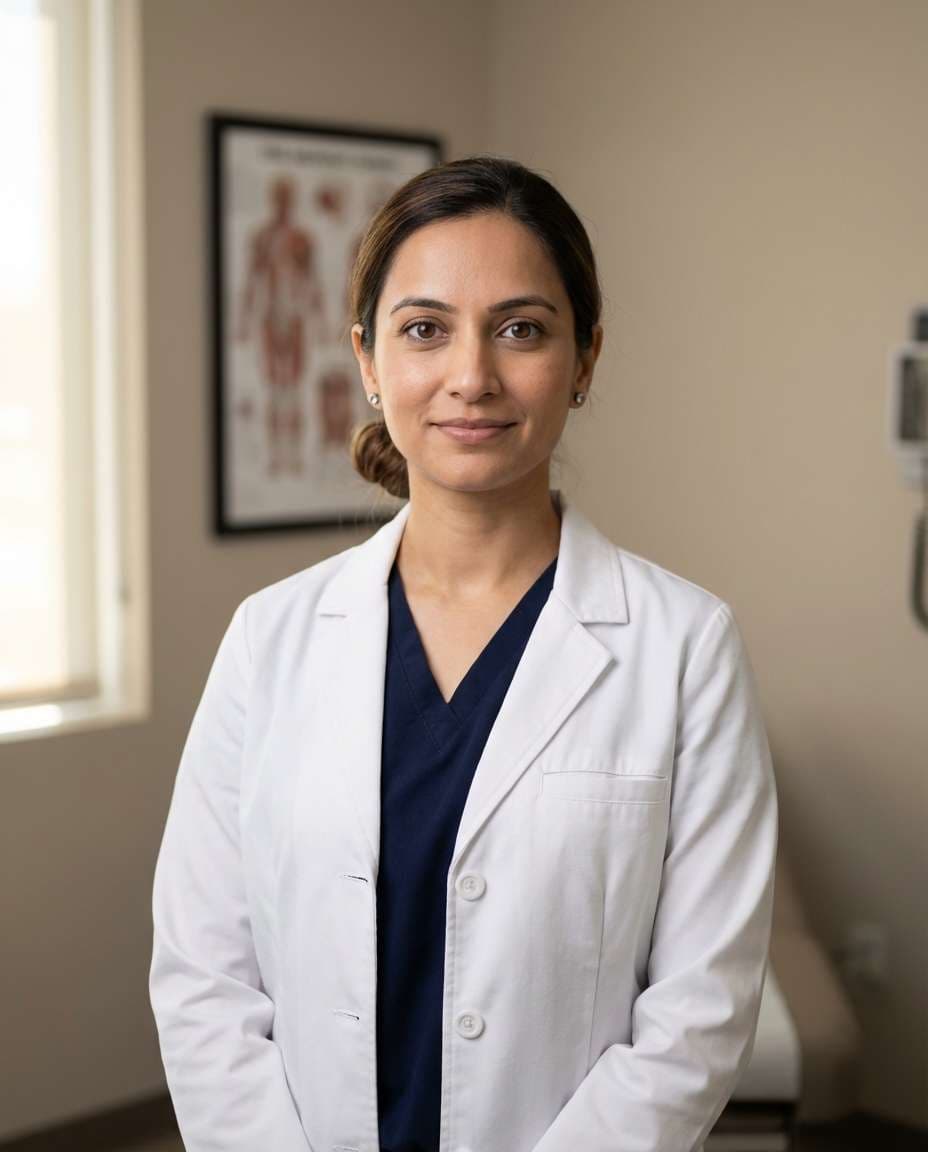
AI-generated Warm Clinic Doctor Headshot made with Nano Banana Pro

Warm Clinic Doctor Headshot

Nano Banana Pro· Image
A friendly female doctor in her early 30s with warm brown eyes and a calm smile, standing straight with hands gently folded, wearing a crisp white lab coat over navy scrubs, minimal jewelry, neat low bun hairstyle, modern outpatient clinic background with soft neutral walls and subtle medical posters, soft diffused window light from the side, shot on Canon R5 with 85mm f/1.4, head-and-shoulders framing at eye level with shallow depth of field, trustworthy and approachable mood, photorealistic skin texture with natural pores, professional healthcare portrait photography, sharp focus, clean editorial color grading, high resolution --ar 4:5
clinic-headshot-glow
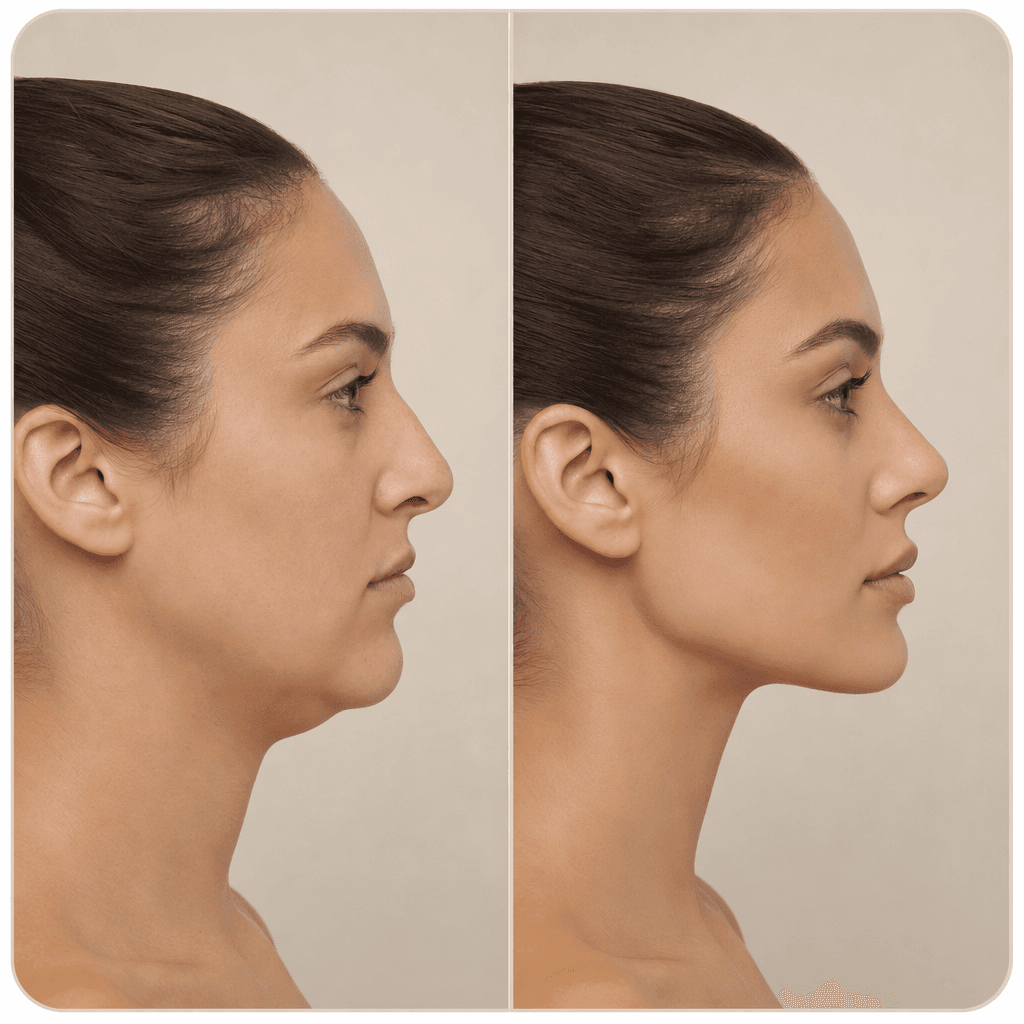
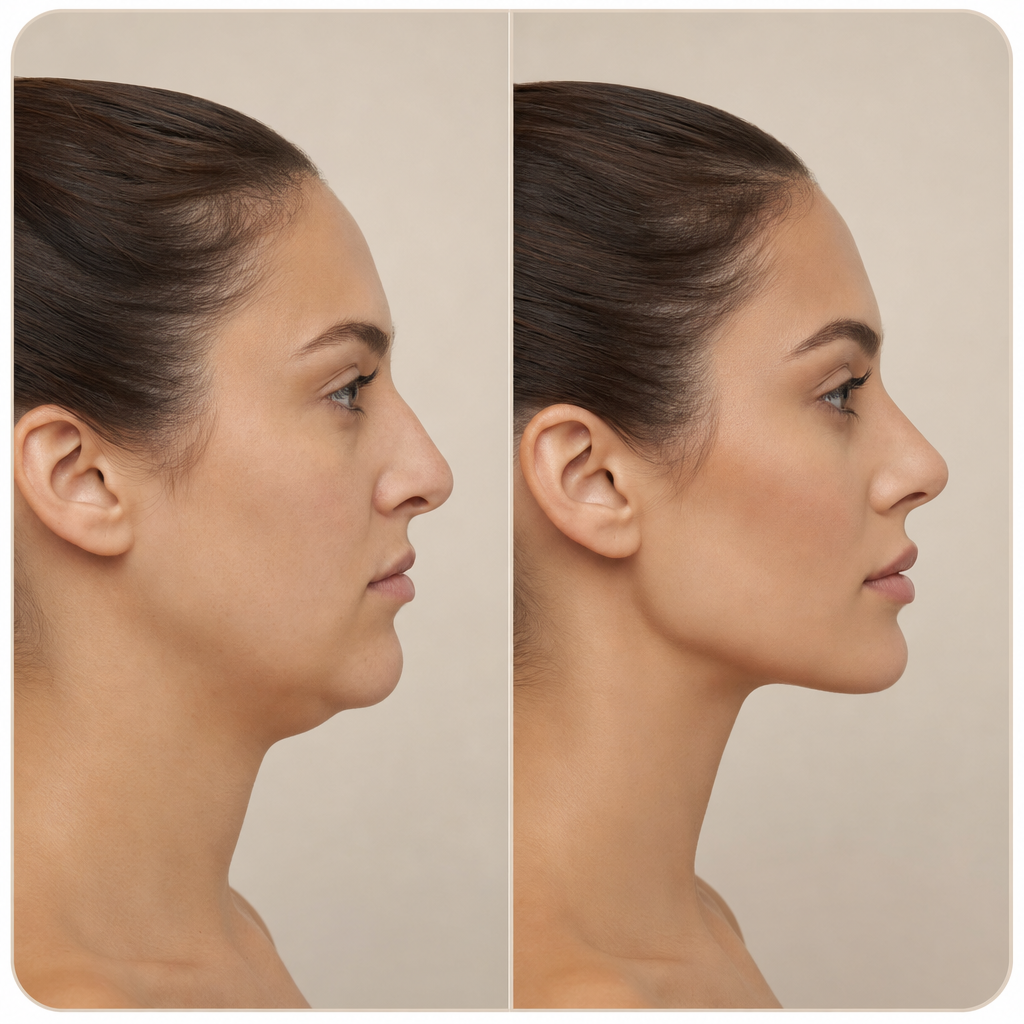
GPT 이미지 2로 생성한 성형 시뮬레이션 전후 비교 카드

성형 시뮬레이션 전후 비교 카드

GPT Image 2· Image
A clean before-and-after comparison card for facial beauty enhancement simulation. Split-screen layout showing a woman's face profile on the left labeled 'Before' and the same woman with refined facial features on the right labeled 'After'. Professional medical aesthetic style, soft studio lighting, neutral beige background, clean typography. No blood, no surgery, no medical procedures shown. Beauty consultation card format.
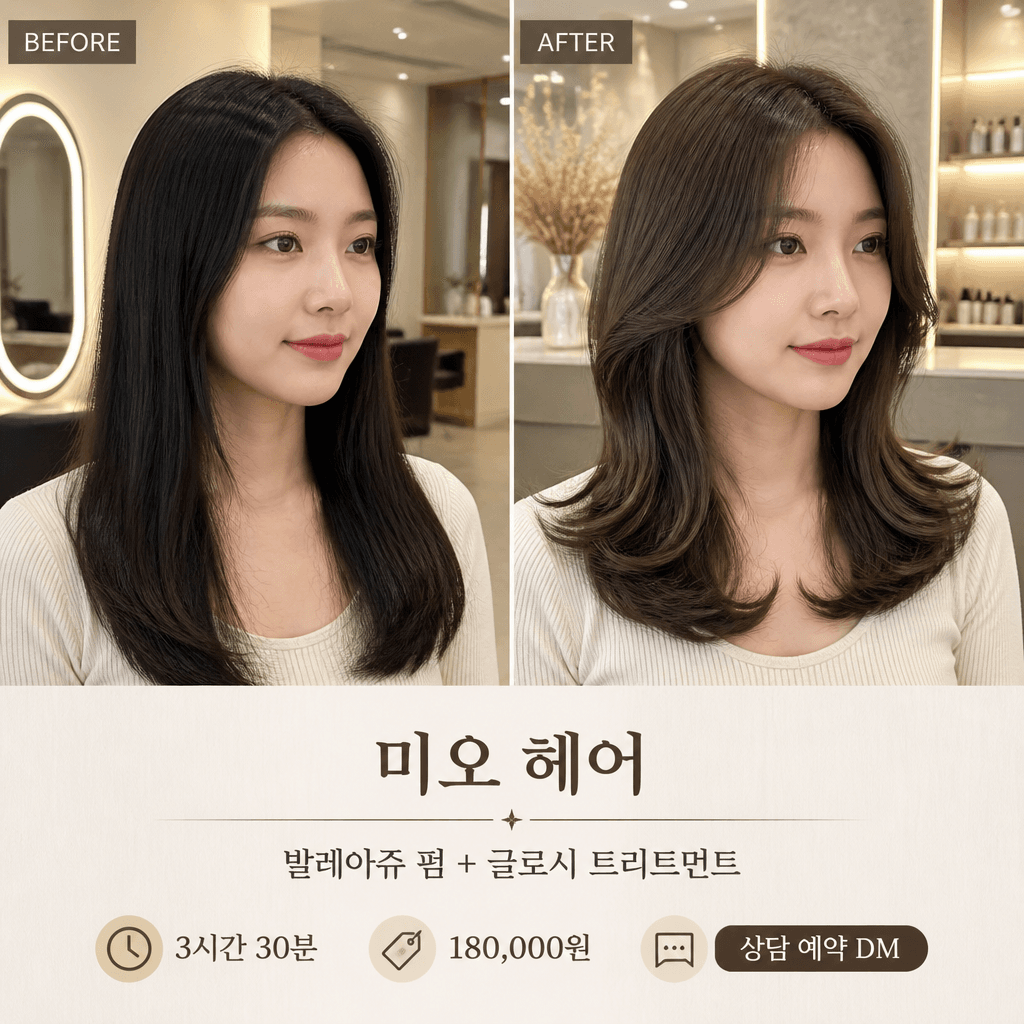
AI-generated Hair Salon Before After Card made with GPT Image 2

Hair Salon Before After Card

GPT Image 2· Image
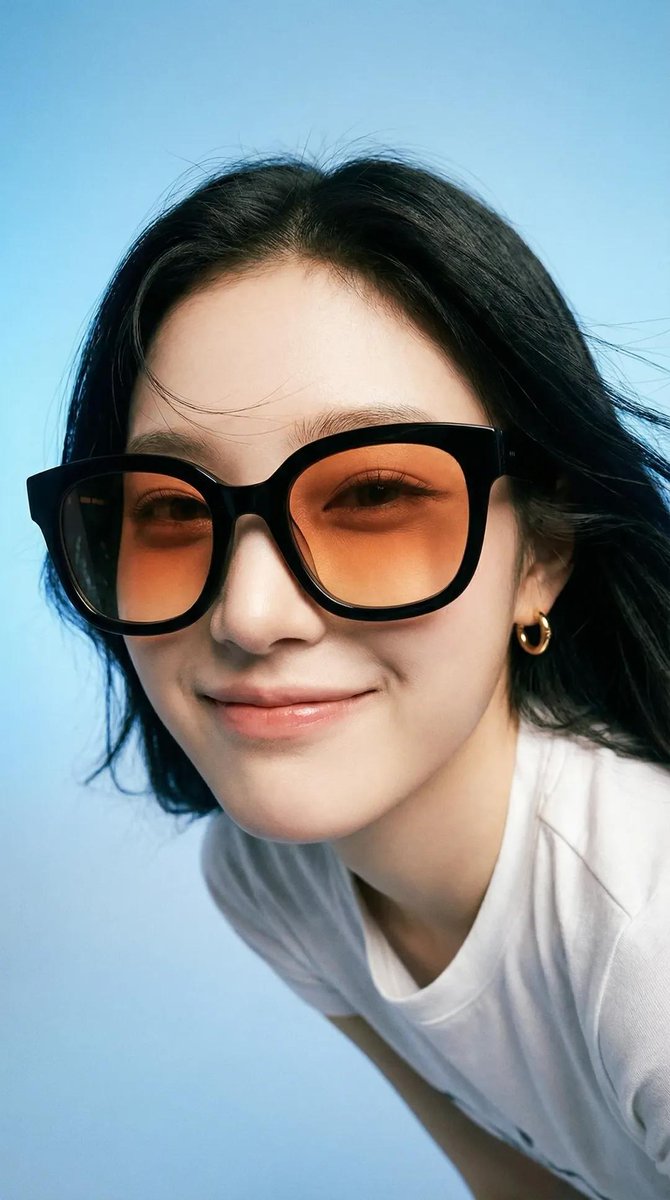
첨부된 인물 사진을 참고해서 미용실 시술 전후 비교 카드로 만들어줘. 1:1 정사각형, 왼쪽은 BEFORE/시술 전, 오른쪽은 AFTER/시술 후로 나누고, 같은 인물의 얼굴과 헤어 정체성을 유지해줘. 시술 전은 자연스러운 모발 상태, 시술 후는 윤기 있는 스타일링과 컬/컬러 변화가 명확히 보이게 해줘. 하단 정보 영역에는 '미오 헤어', '발레아쥬 펌 + 글로시 트리트먼트', '3시간 30분', '180,000원', '상담 예약 DM' 문구를 읽기 쉽게 배치해줘.

What are Breast Surgery Simulation Prompts?

A collection of AI prompts for generating breast surgery simulation images. Copy the Breast Surgery Simulation prompts provided by Carat and paste them into an AI image generation tool to get professional-grade results.

How to Use Breast Surgery Simulation Prompts

  1. Select and copy your desired prompt.
  2. Paste it into the Carat agent.
  3. Modify colors, styles, and composition as needed.
  4. Download the generated image and use it in your project.

Tips for Writing Breast Surgery Simulation Prompts

Specify lighting, texture, composition, and lens information in detail for more precise results. Add "No text, no watermark" to prevent unwanted text overlays.

Breast Surgery Simulation Prompt Applications

Breast Surgery Simulation prompts are used across content creation, marketing, design, and educational resources. AI-generated images dramatically reduce production time while maintaining professional quality.

Breast Surgery Simulation Prompt Optimization Guide

Choose the aspect ratio based on your use case: vertical (9:16) for social media, horizontal (16:9) for web banners, and square (1:1) for product images.
Frequently Asked Questions

Related Prompts

Plastic Surgery Simulation

Plastic Surgery Simulation

3 prompts

Hair Designer

Hair Designer

2 prompts

Comparison Table

Comparison Table

4 prompts

Body Transformation Simulation

Body Transformation Simulation

6 prompts

Carat Prompt Gallery

Create trending AI prompts instantly

Prompts

  • Logo
  • PPT Design
  • Thumbnail
  • Poster
  • Web Novel Cover
  • ID Photo
  • Caricature
  • Product Detail Page
  • Banner

Models

  • GPT Image 2
  • Seedance 2.0
  • NanoBanana Pro
  • NanoBanana 2

Carat

  • Get started
  • About
  • Blog
  • Careers
  • Contact
  • Partnership
  • Terms
  • Privacy

© 2026 Paradot.Inc All rights reserved.