carat

Prompt Gallery

/

Broadcast Layout Design

Login
Sign Up

Broadcast Layout Design

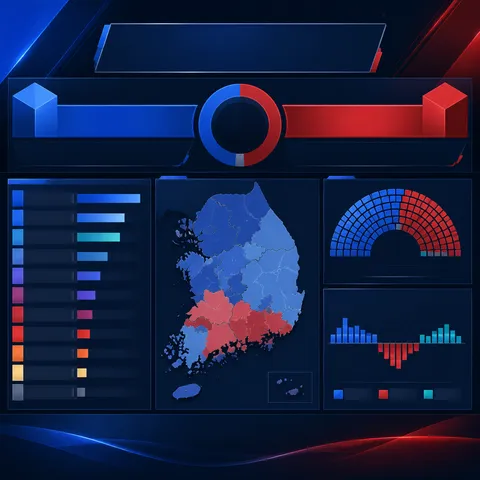
Broadcast Layout Design prompts. Copy and use Broadcast Layout Design image generation prompts from Carat right away.

2026.07.24

Make “Broadcast Layout Design” exactly the way you wantCreate your own “Broadcast Layout Design”

Just ask in plain language — Carat generates optimized images and videos for you.

Start now with 100 free credits daily
·
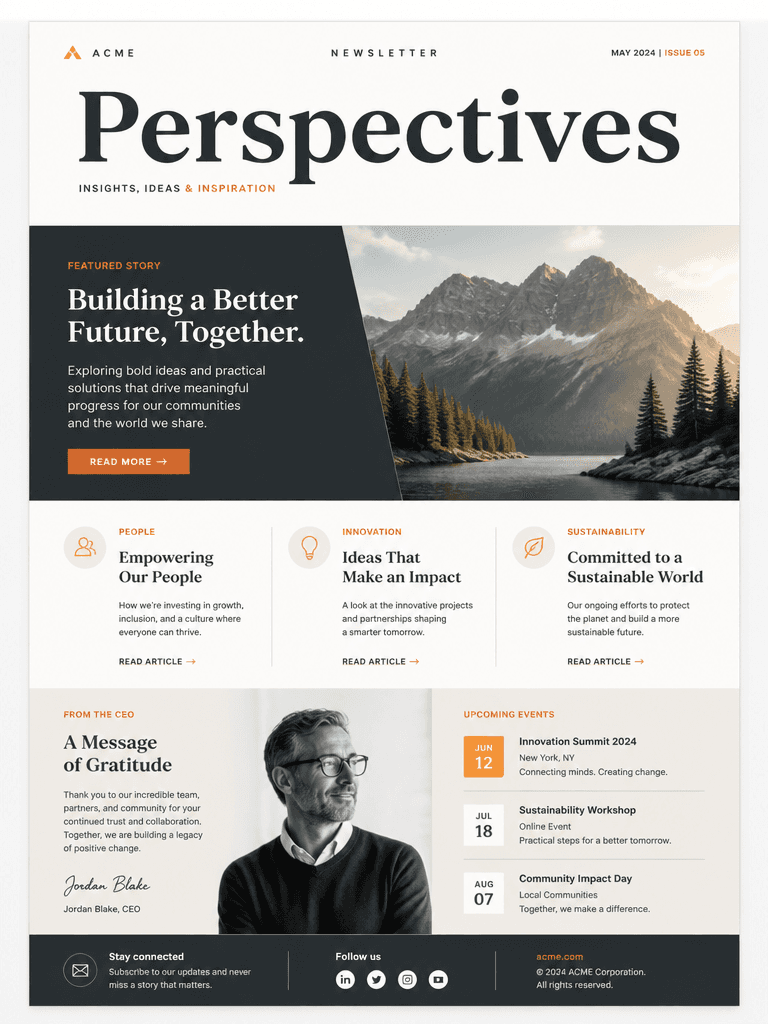
GPT 이미지 2로 생성한 뉴스레터 디자인

뉴스레터 디자인

GPT Image 2· Image
A modern newsletter design template with elegant typography layout, featuring a hero image placeholder, headline text blocks, and article sections, clean grid-based composition, muted color palette with accent orange, professional publication design, high-quality mockup presentation
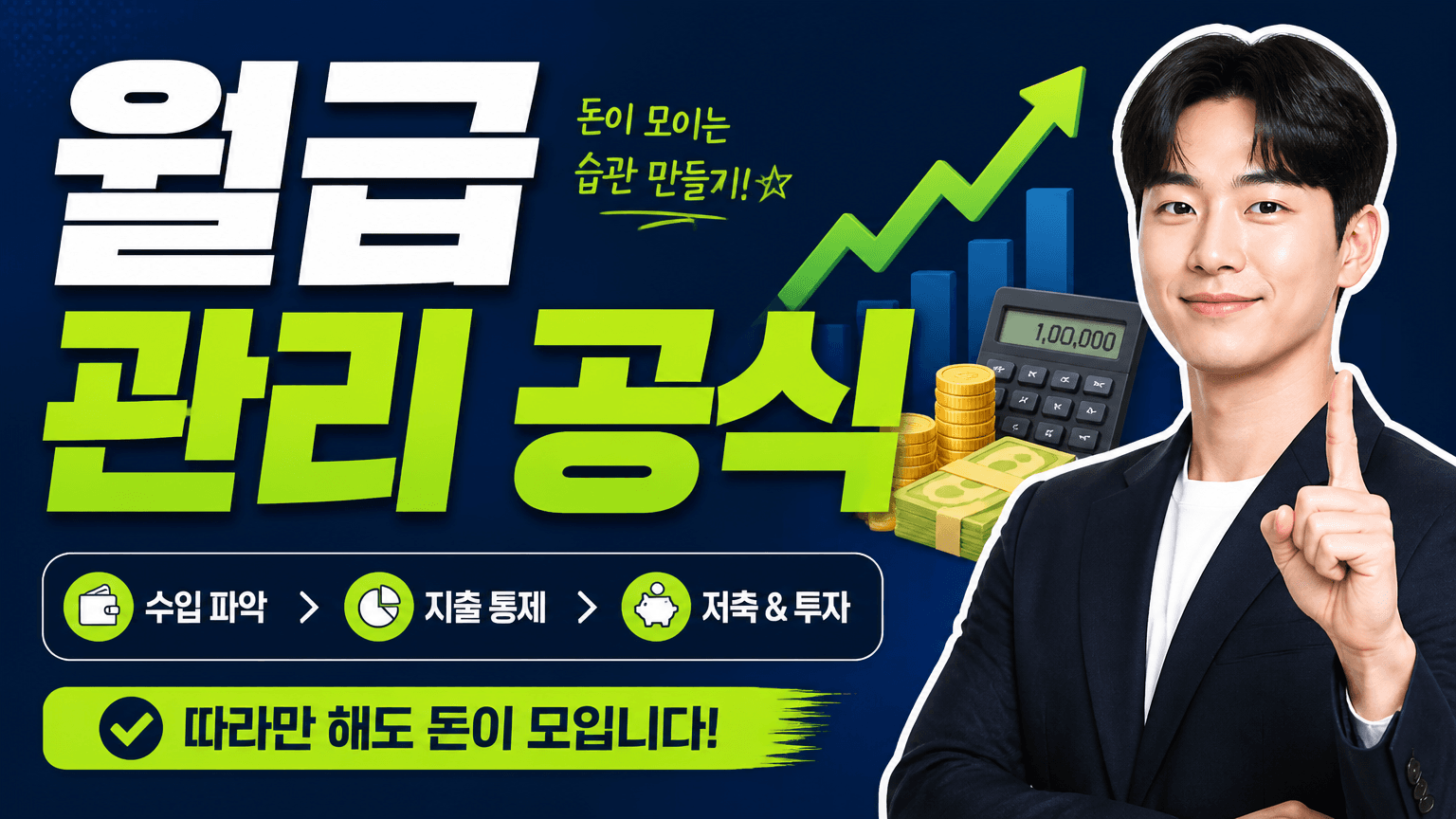
AI-generated Finance Explainer Thumbnail made with GPT Image 2

Finance Explainer Thumbnail

GPT Image 2· Image
경제/재테크 정보 영상용 썸네일을 만들어줘. 큰 한글 카피 '월급 관리 공식'이 잘 읽히게 넣고, 돈 아이콘, 계산기, 상승 그래프, 자신감 있는 발표자 컷아웃, 네이비와 라임 포인트 컬러를 활용해서 신뢰감 있으면서도 클릭하고 싶은 16:9 썸네일로 구성해줘.
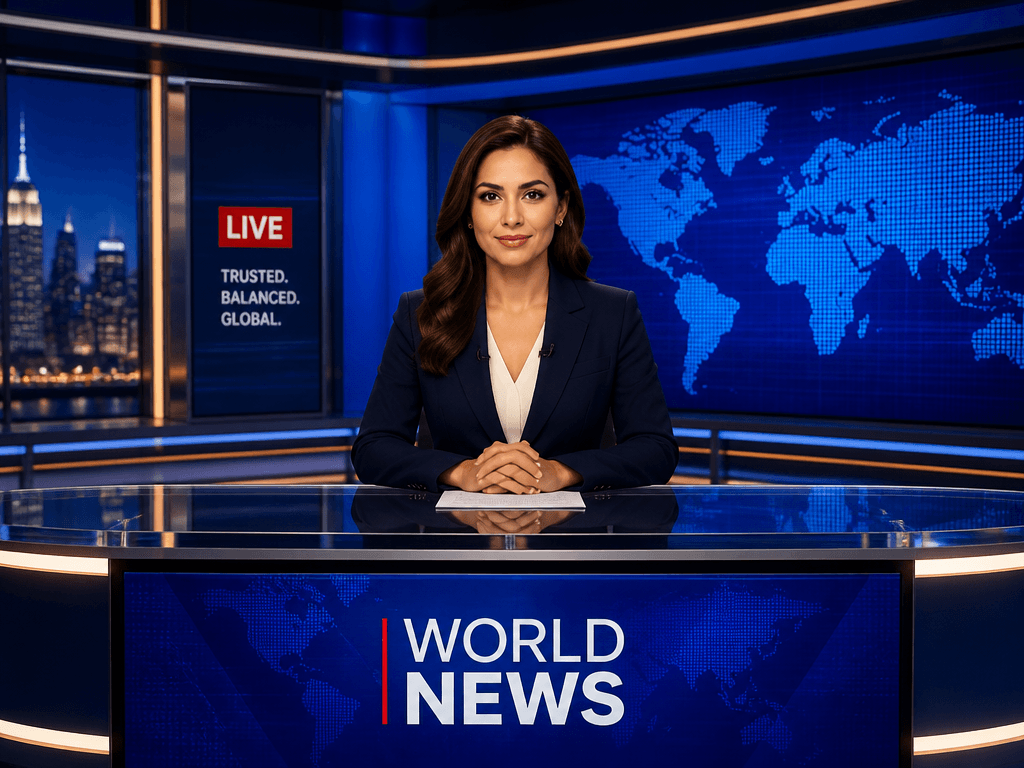
GPT 이미지 2로 생성한 뉴스 스튜디오 배경

뉴스 스튜디오 배경

GPT Image 2· Image
A professional news studio background with anchor desk, large screens showing world map, blue ambient lighting. decorative flat illustration, diagonal composition with one strong focal point, soft pastel palette with warm highlights.

What are Broadcast Layout Design Prompts?

A collection of AI prompts for generating broadcast layout design images. Copy the Broadcast Layout Design prompts provided by Carat and paste them into an AI image generation tool to get professional-grade results.

How to Use Broadcast Layout Design Prompts

  1. Select and copy your desired prompt.
  2. Paste it into the Carat agent.
  3. Modify colors, styles, and composition as needed.
  4. Download the generated image and use it in your project.

Tips for Writing Broadcast Layout Design Prompts

Specify lighting, texture, composition, and lens information in detail for more precise results. Add "No text, no watermark" to prevent unwanted text overlays.

Broadcast Layout Design Prompt Applications

Broadcast Layout Design prompts are used across content creation, marketing, design, and educational resources. AI-generated images dramatically reduce production time while maintaining professional quality.

Broadcast Layout Design Prompt Optimization Guide

Choose the aspect ratio based on your use case: vertical (9:16) for social media, horizontal (16:9) for web banners, and square (1:1) for product images.

Frequently Asked Questions

Related Prompts

Broadcast Overlay Graphic

Broadcast Overlay Graphic

7 prompts

News Bridge Backdrop

News Bridge Backdrop

8 prompts

News Desk Design

News Desk Design

12 prompts

Poster, Branding & Graphic Design

Poster, Branding & Graphic Design

90 prompts

Carat Prompt Gallery

Create trending AI prompts instantly

Prompts

  • Logo
  • PPT Design
  • Thumbnail
  • Poster
  • Web Novel Cover
  • ID Photo
  • Caricature
  • Product Detail Page
  • Banner

Models

  • GPT Image 2
  • Seedance 2.0
  • NanoBanana Pro
  • NanoBanana 2

Carat

  • Get started
  • About
  • Blog
  • Careers
  • Contact
  • Partnership
  • Terms
  • Privacy

© 2026 Paradot.Inc All rights reserved.