An AI prompt for a card news cover that communicates a social post topic at a glance.
2026.07.17
Make “Card News Cover” exactly the way you wantCreate your own “Card News Cover”
Just ask in plain language — Carat generates optimized images and videos for you.

Start now with 100 free credits daily
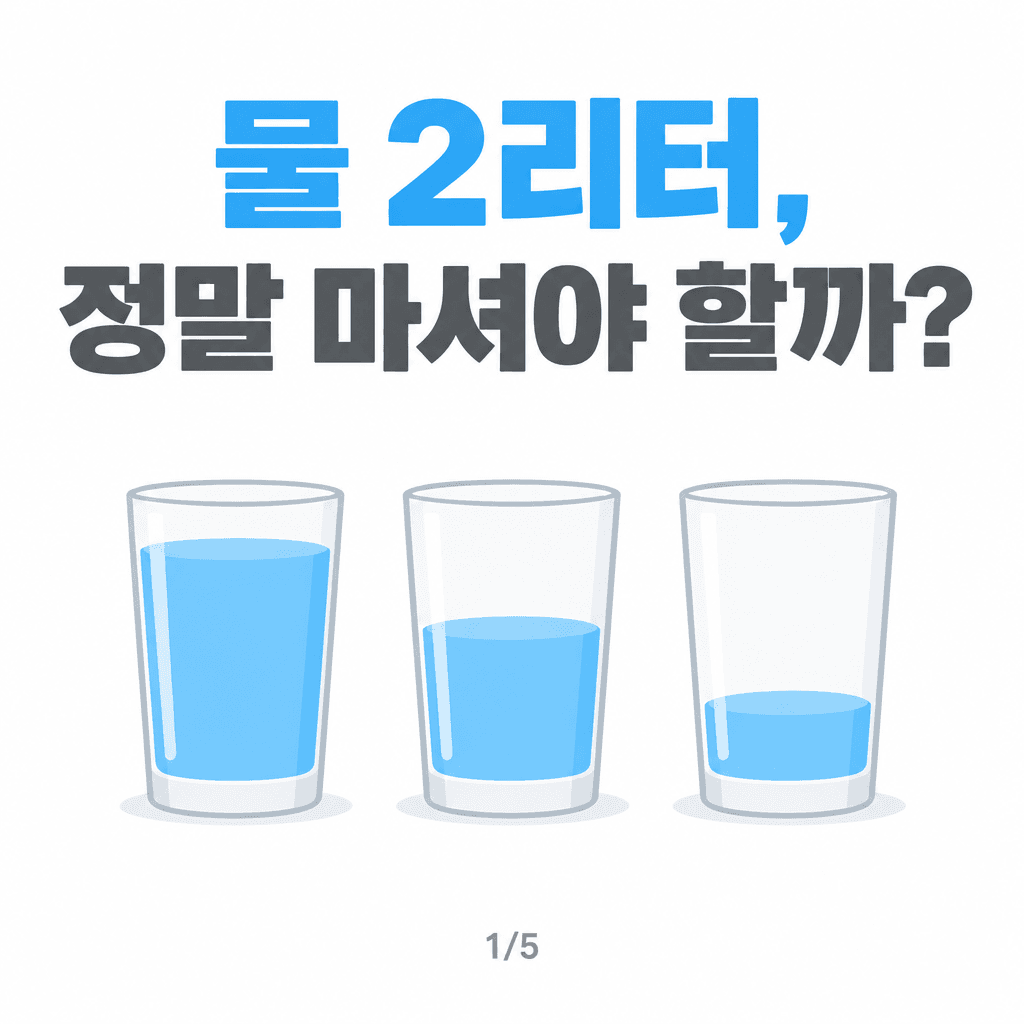

A card news cover design prompt helps create the opening image for a multi-page social post. Its job is to communicate the subject quickly, establish a visual hook, and make the viewer want to swipe to the next page. A strong central object, generous title space, a limited palette, and consistent margins can be tested in several directions before the layout is rebuilt in a design editor. This makes the prompt useful for content teams, small brands, educators, and creators who need fast visual concepts for a feed.
Use it for educational explainers, product introductions, brand updates, travel tips, lifestyle guides, public campaigns, and other topics that need a clear first frame. A high-contrast background can help the cover stand out in a crowded feed, while a simple geometric composition is easier to adapt across a series. Keep the title short and let the image hint at the information that will appear on later pages.
Describe the audience and subject first, then identify the single visual idea that deserves the most attention. Separate the title area from the image area and specify the alignment, margin, corner treatment, and a palette of roughly three colors. If exact wording matters, do not rely on generated typography. Ask for a clean text-safe area and add the final headline in a design tool. This keeps the concept flexible while preserving editorial accuracy.
Check whether the title and focal image remain clear on a small phone screen. Review color contrast, remove unnecessary decorative elements, and make sure the cover supports rather than competes with the following pages. AI is especially useful for exploring the visual direction; final copy, logos, and exact brand colors should be corrected in a separate editing step.