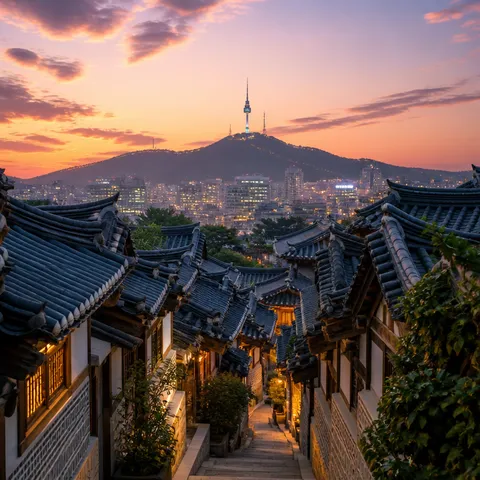
Cityscape Background
Cityscape background prompts for layered skylines, urban depth, architecture, and flexible negative space.
2026.08.04
Make “Cityscape Background” exactly the way you wantCreate your own “Cityscape Background”
Just ask in plain language — Carat generates optimized images and videos for you.

Start now with 100 free credits daily
Precision Costume Swap
Macro Coffee-to-Fluid Transition
Character-Driven Romantic Scene
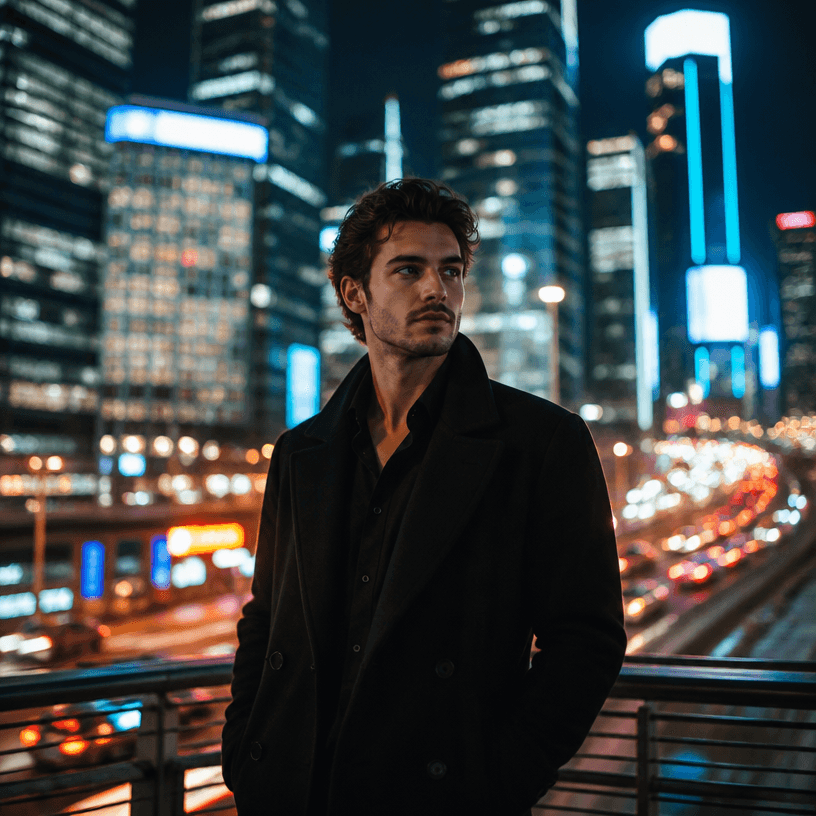
Portrait in a City Nightscape
What are cityscape background AI prompts?
Cityscape background AI prompts are structured instructions for building a believable urban setting with towers, roads, window patterns, atmosphere, and depth. They work for an establishing shot, a webtoon location, a poster, an advertisement, or any design that needs a city behind its main subject. Instead of asking for a generic city, define building density, camera height, time of day, weather, light direction, and the area reserved for a title. The background should support the story rather than overpower the character or message.
Practical use cases
- Opening shots for urban romance and thriller scenes
- Real-estate, finance, and technology advertising
- Travel posters and destination cards
- Office districts and street scenes for comics
- Thumbnail and presentation atmosphere
How to define the scene
Decide what kind of city you need first. A glass office district creates a different rhythm from a neighborhood where old storefronts meet new towers. Then specify whether the camera is at street level, on a rooftop, or above the traffic, and whether the frame should be empty or include a person. Separate foreground, middle distance, and skyline. Simplifying far buildings often creates more convincing depth and keeps the image readable at a small size.
Prompting tips
Describe facade materials, window rhythm, road direction, lens perspective, output ratio, and dominant colors. If a headline or logo will be added later, reserve clean sky, wall, or softly defocused architecture for it. For a recognizable city, describe its architectural character rather than relying only on a landmark. When a character is important, generating the person separately can make both identity and architectural detail easier to control.
Related prompts and review
Check vertical lines, repeated windows, road perspective, and the balance between the focal area and negative space. If the image claims to show a real location, compare landmarks and road placement with reliable references. Generated signs should not be treated as factual information. Finally, inspect the thumbnail size to confirm that the skyline depth and primary silhouette still read clearly.