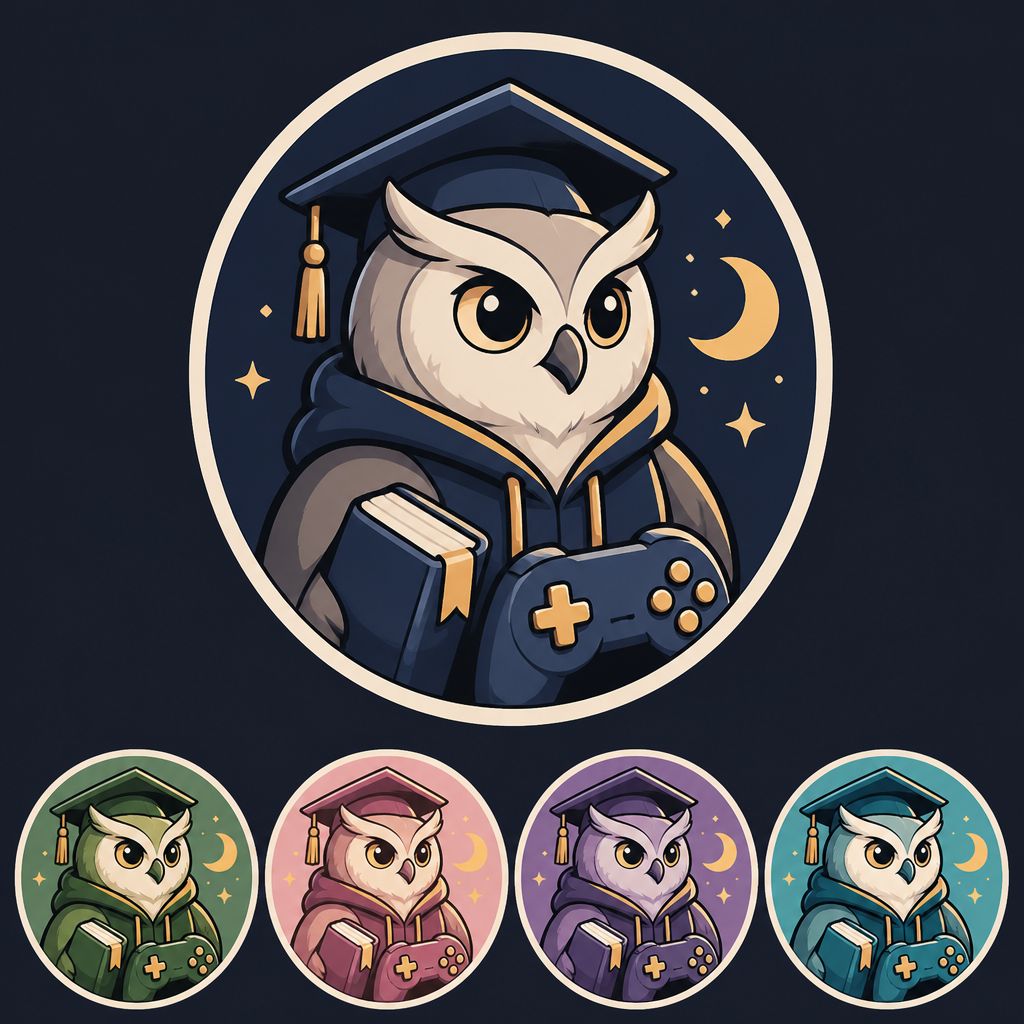
Discord Server Icon
Create clear, original community badges that remain recognizable at sidebar size with Discord server icon prompts.
2026.07.15
Make “Discord Server Icon” exactly the way you wantCreate your own “Discord Server Icon”
Just ask in plain language — Carat generates optimized images and videos for you.

Start now with 100 free credits daily
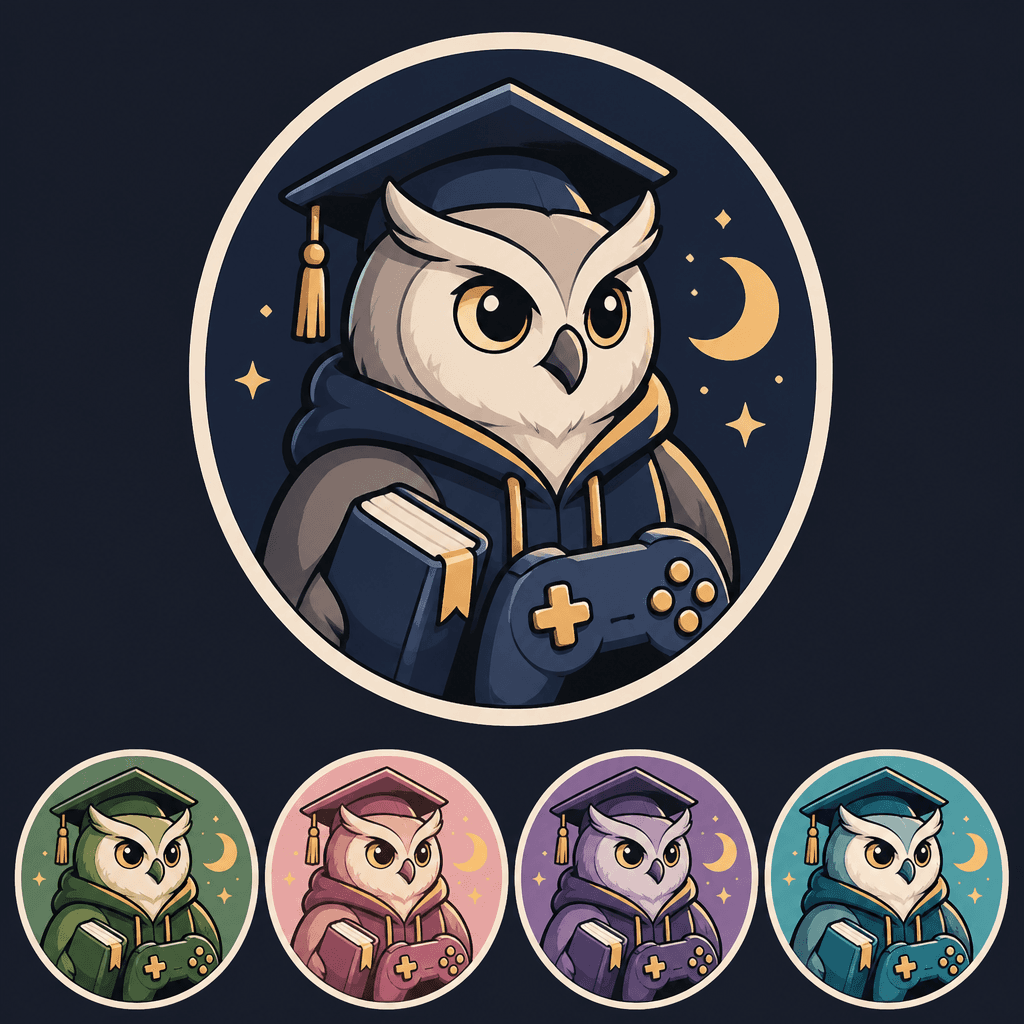
디스코드 서버 아이콘
What Is a Discord Server Icon AI Prompt?
Create clear, original community badges that remain recognizable at sidebar size with Discord server icon prompts. A useful prompt defines the main silhouette, expression or material, spacing, and background instead of naming the subject alone. These instructions give the image model a stable visual target and produce an asset that is easier to reuse.
Designing the Visual Language
Prioritizing silhouette and border weight makes each server easier to identify when the icon is reduced. Sticker-style assets benefit from one focal subject, clean edges, restrained color, and enough negative space. Check the result at thumbnail size because fine details that look attractive at full resolution may disappear in chat or mobile interfaces.
Practical Uses
This format works for Build badges for gaming guilds, study groups, fan communities, project teams, and friend servers.. Keep the core proportions and rendering rules fixed when building a set, then vary expression, accent color, or surface treatment. This method creates variety without losing visual consistency across channels.
Prompt Construction Tips
Specify a circular safe area, one central symbol, two or three colors, a bold outline, and a 32-pixel preview. Describe lighting direction, surface texture, viewing angle, and background color with concrete terms. Avoid mixing conflicting art styles. After the first generation, lock the successful geometry and adjust only one variable at a time so you can identify what improved the result.
Related Prompt Ideas
Use neighboring themes to plan a coordinated asset family while keeping this topic visually distinct. Review the final image at its actual display size, confirm that the silhouette and focal detail survive reduction, and regenerate with wider padding or softer reflections if edges or highlights become distracting.