Game Cinematic
Game cinematic AI prompts for trailers, intro cutscenes, and character reveals. Quickly create high-energy game-style video.
2026.05.22
No prompts available
What Are Game Cinematic AI Prompts?
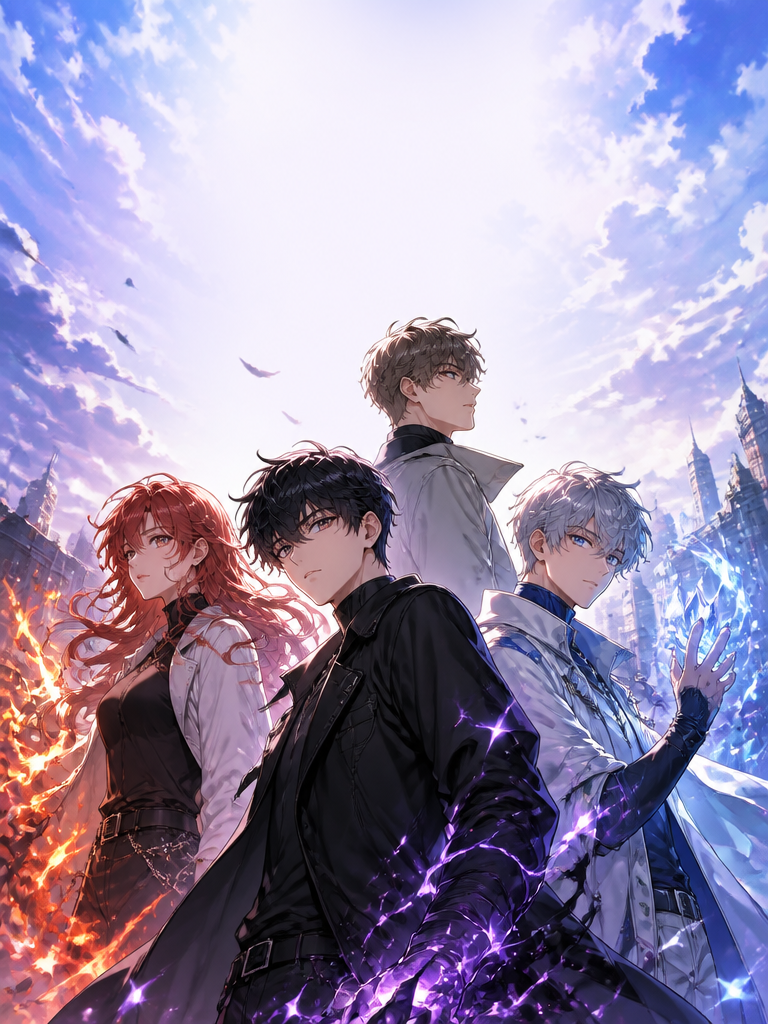
Game cinematic prompts are AI video prompts for quickly creating high-energy game video such as trailers, intro cutscenes, character and boss reveals, and combat staging. In Carat, you generate scenes with video models like Seedance 2.0, then keep going with follow-up work such as editing the result, changing the aspect ratio, adding captions, or stitching multiple cuts together.
Where You'll Use It
- Game trailers and title intro cutscenes
- Hero and boss character reveals with skill staging
- Action sequences like combat, chases, and stage transitions
- Environment and landscape cuts that show the game's world
- Extending a game concept built from an image into video
Why This Tag Is Useful
In game cinematic scenes, the energy, dynamic camera movement, impactful staged moments, and the mood of the world create immersion more than realism. When choosing a prompt, it helps to check the game genre and art style, the dynamic camera path, the effects and impact timing, the character and environment detail, and the channel you'll use it on.
Tips for Building Your Prompt
- Decide the video's purpose and platform first.
- Spell out the camera angle, movement, lighting, and background in detail.
- If a person or product appears, specify wardrobe, expression, props, and brand elements separately.
- After generating, review for explicitness, copyright, logos, likeness rights, and text errors.
In Carat, you can build follow-up clips from a generated video, adjust it to short-form ratios, and add captions, music, and overlays to polish it into content ready to post.