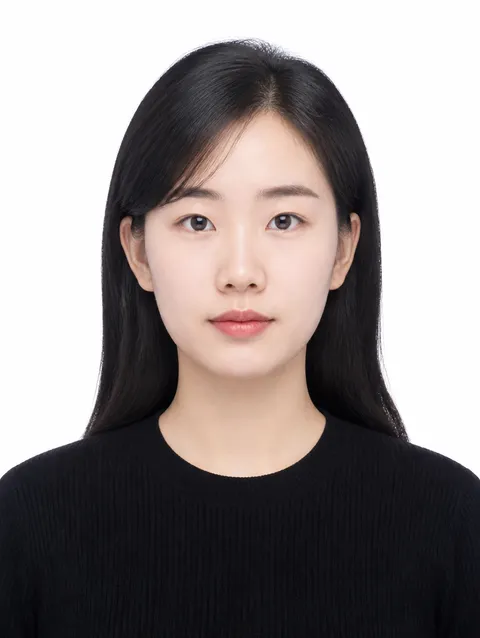
ID Photo Prompt
Use topic-specific prompts to produce cleaner ID-style photos for documents and profiles.
2026.07.26
Make “ID Photo Prompt” exactly the way you wantCreate your own “ID Photo Prompt”
Just ask in plain language — Carat generates optimized images and videos for you.

Start now with 100 free credits daily
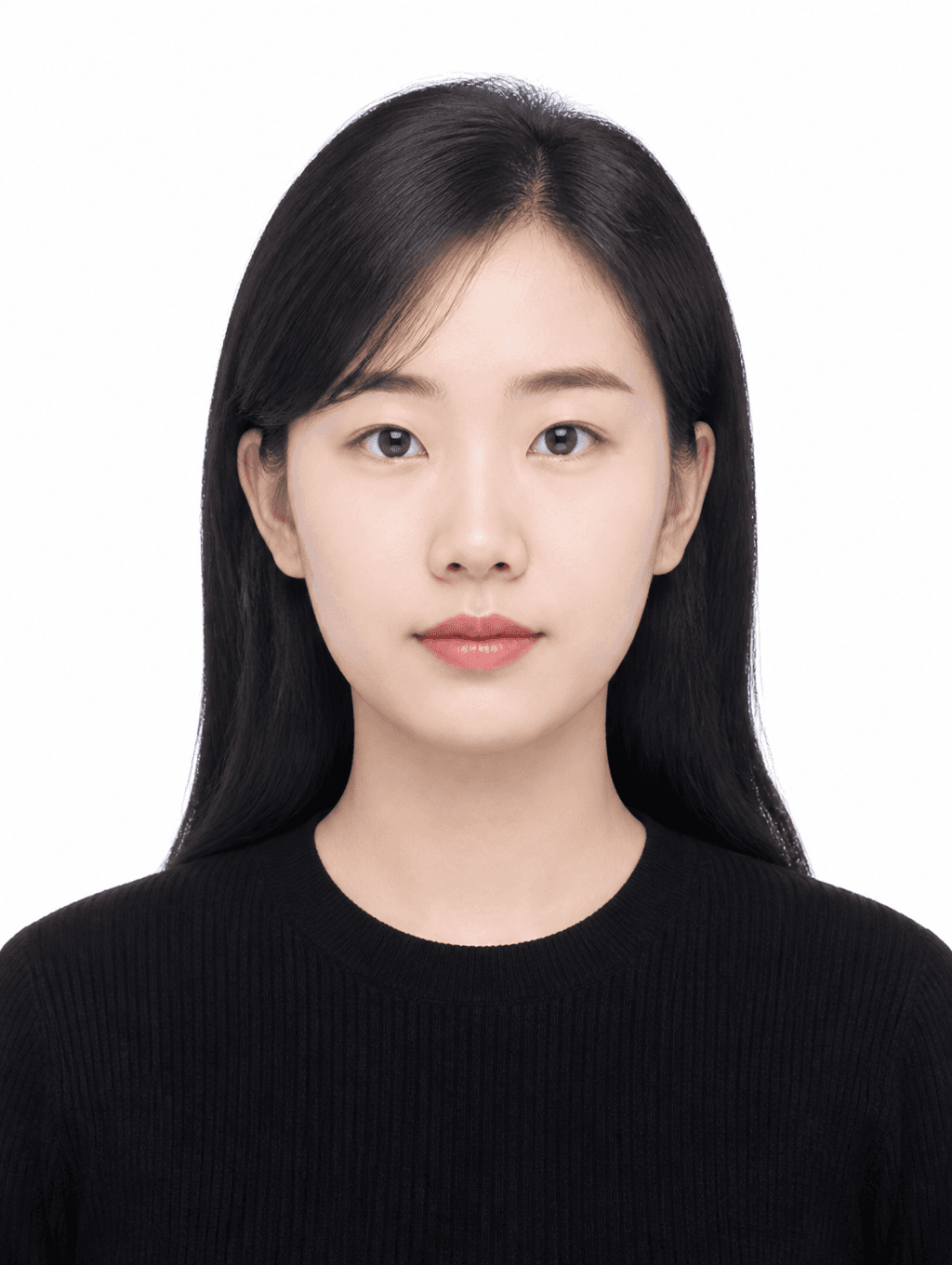
Clean Basic ID Photo

Profile ID Photo

Business ID Photo
Why ID photo prompts need structure
ID photos are judged by clarity more than artistry. A consistent prompt reduces the number of failed submissions in document workflows, because most quality issues come from pose drift, background noise, and uncertain lighting. This page provides practical sentence blocks for passport-like, employee card, and resume photo styles.
Define the mandatory constraints first
Start with front-facing alignment, balanced head position, and neutral facial expression. Then set the background and camera settings with explicit constraints. When you write 'plain white background, centered bust portrait, even studio light, soft shadows only, high detail skin texture', the generation engine receives clearer intent and produces less noisy results. This structure is especially effective for repeated ID photo creation.
Lighting and retouching language
ID photos look best when shadow and contrast stay controlled. Avoid dramatic drama prompts and keep tones neutral. Add tokens like 'diffused top light', 'minimal retouch', and 'fine detail' to preserve natural skin structure while keeping clarity high. This helps reduce the common issue of over-smoothing faces or excessive color cast.
Adaptation by use case
Different documents expect different moods. You can keep one base prompt and create small variants for each purpose: corporate profile, card photo, or travel document workflow. The difference is often simple: neckline, hair visibility, clothing tone, and smile level. The page is built so you can swap these variables quickly while preserving overall consistency.
Free text, paid rendering
All prompt text in this page is free to copy and can be reused for planning and testing. Real image generation is where credits are consumed, so a recommended process is to finalize the prompt first, select the best copy, and generate only a few final variants. This protects budget while maintaining high acceptance quality.