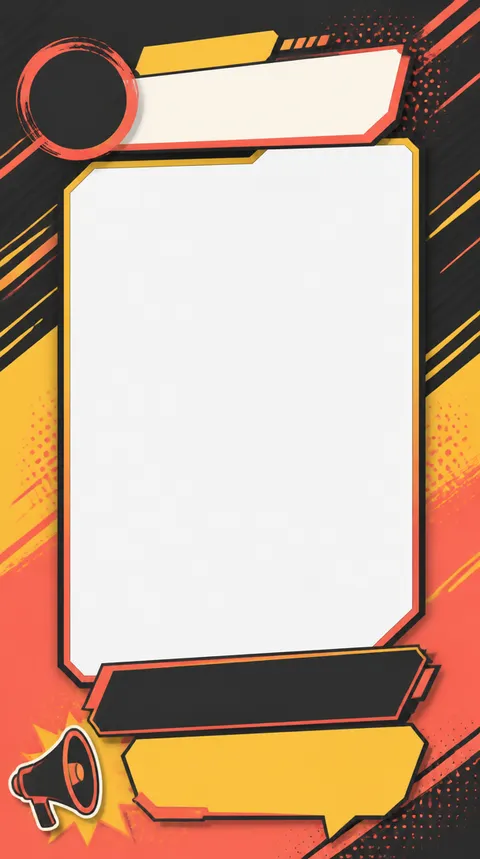
Plan vertical Instagram story templates for product launches, events, daily updates, and consistent brand content.
2026.07.21
Make “Instagram Story Template” exactly the way you wantCreate your own “Instagram Story Template”
Just ask in plain language — Carat generates optimized images and videos for you.

Start now with 100 free credits daily

An Instagram story template is a reusable vertical layout for photos, short messages, stickers, product details, and calls to action. Templates help brands and creators publish more consistently without designing every story from scratch. A strong template is not only an attractive background. It also accounts for interface areas near the top and bottom of the screen, keeps the main message readable, and leaves clear spaces where photos and copy can be replaced.
Stories use a tall full-screen format, so decide where the title, main image, supporting detail, and call to action will sit. Account information and progress indicators may overlap the top area, while reply and link controls may appear near the bottom. Keep essential information away from those edges. Photo-led templates benefit from a generous central frame and enough breathing room around the subject.
A product story can feature one product image and three short benefits. An event story can prioritize the date, location, and participation step. A casual story may use a single photo with a question or poll area. Repeating the same palette, border treatment, and corner style across several slides makes the sequence feel like one campaign rather than unrelated posts.
Specify the vertical ratio, safe margins, number of photo frames, surface or background material, palette, and decorative elements. Instead of asking for long readable copy, define the size and position of headline and body text areas. For a branded template, reserve separate spaces for the logo, product image, and action prompt. This gives the design a clear hierarchy even when final copy is added later.
Too many decorations can compete with the photo and message. Limit each slide to one primary action, use strong contrast, and leave enough room for text that remains legible on a small phone screen. Neutral frames and supporting colors tend to work across multiple photos, making the template easier to reuse for different campaigns.
Carat prompts let you compare product, event, question, and announcement story structures quickly. Lock the ratio and communication goal first, then vary colors, image placement, and sticker direction. Treat the generated image as a design reference, and add final text, links, and brand assets in an editor before publishing.