carat

Prompt Gallery

/

Jewelry Ad

Login
Sign Up

Jewelry Ad

AI jewelry ad image prompts you can use right away for product advertising. Quickly create ring, necklace, and earring ad shots and campaign visuals.

2026.05.22

·
AI-generated Earrings Model Product Photo made with GPT Image 2

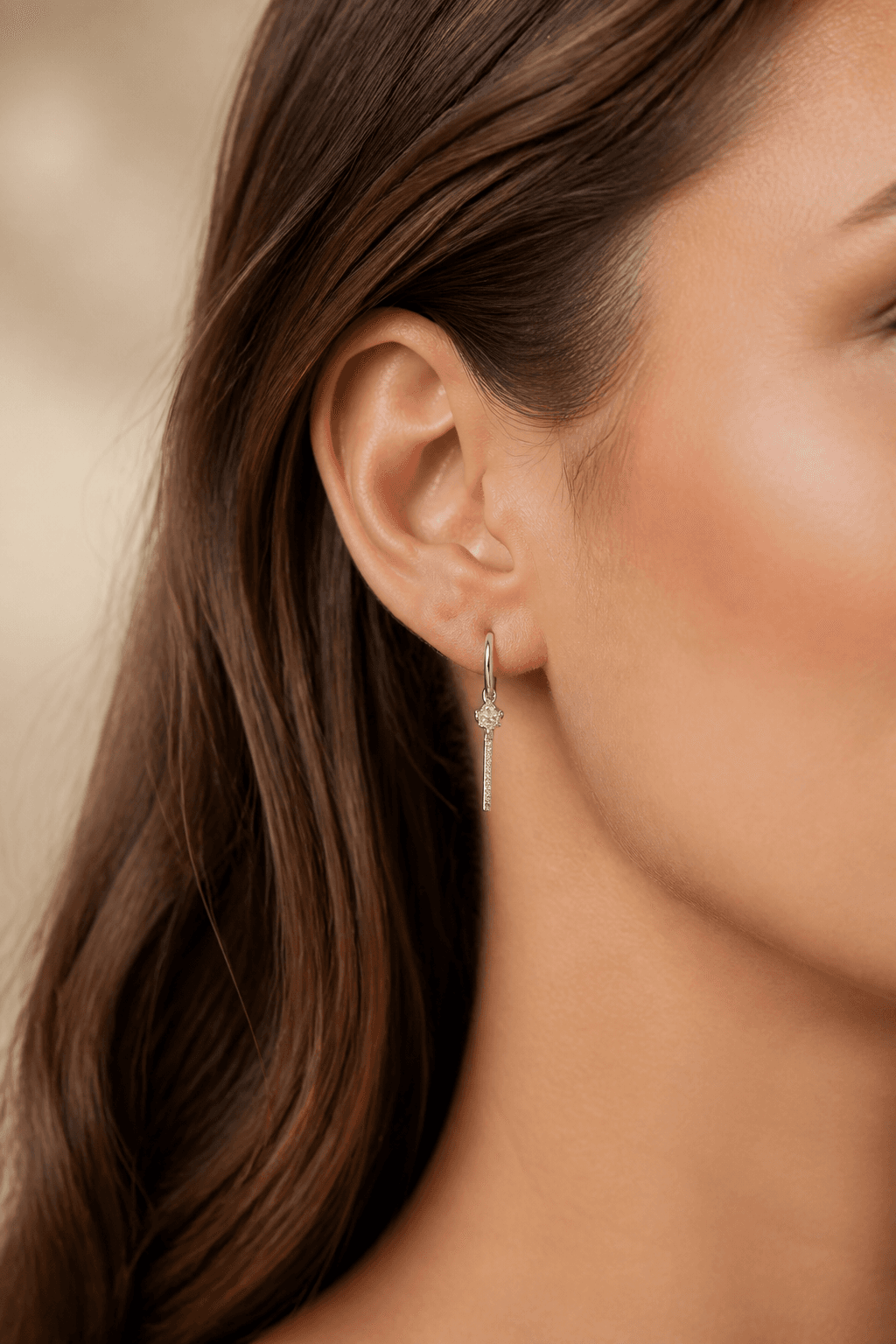
Earrings Model Product Photo

GPT Image 2· Image
첨부된 귀걸이 제품 사진을 참고해서 착용 상품 사진으로 만들어줘. 귀걸이 형태와 소재감은 유지하고, 귀부터 턱선까지 보이는 클로즈업 구도, 자연스러운 피부 질감, 크림 톤 스튜디오 배경, 우아한 조명, 프리미엄 주얼리 카탈로그 스타일로 구성해줘. 텍스트와 워터마크는 넣지 마.
AI-generated Necklace Flatlay Photo made with GPT Image 2

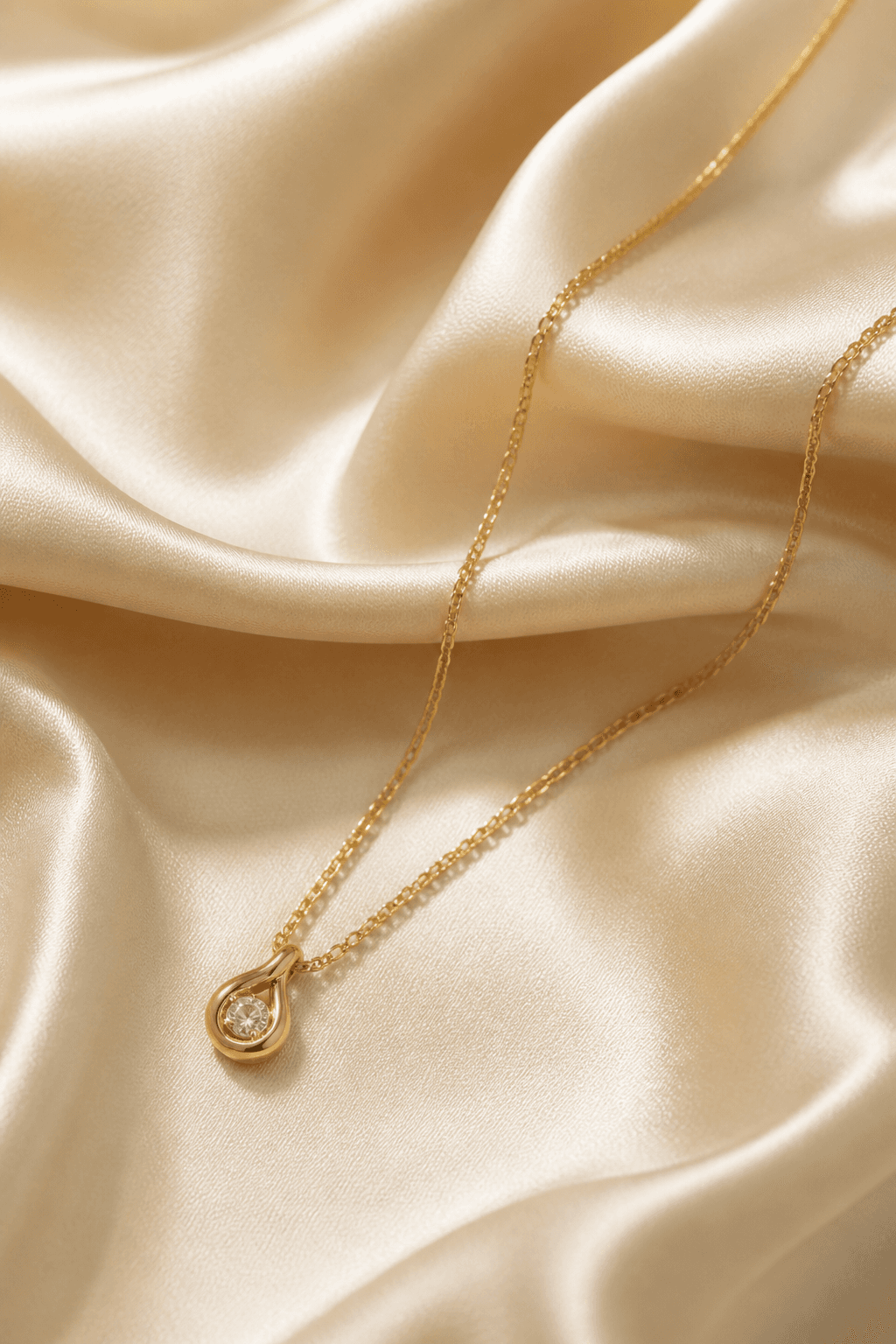
Necklace Flatlay Photo

GPT Image 2· Image
첨부된 목걸이 제품 사진을 참고해서 프리미엄 플랫레이 상품 사진으로 만들어줘. 목걸이 체인과 펜던트 형태는 유지하고, 아이보리 대리석 표면 위에 자연스럽게 배치해줘. 작은 꽃잎 오브젝트, 부드러운 아침빛, 충분한 여백, 고급 주얼리 브랜드 분위기, 현실적인 금속 광택을 살려줘. 텍스트와 워터마크는 넣지 마.
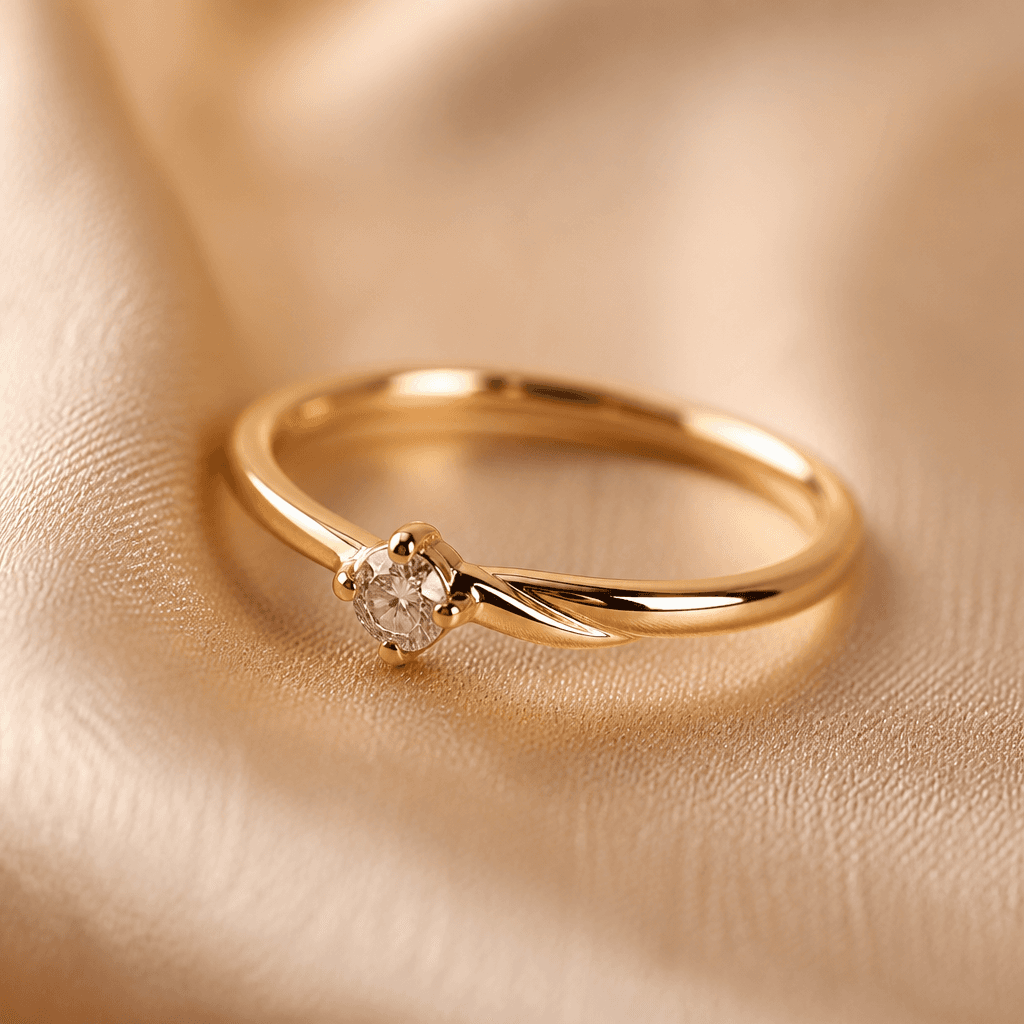
AI-generated Ring Macro Product Photo made with GPT Image 2

Ring Macro Product Photo

GPT Image 2· Image
첨부된 반지 제품 사진을 참고해서 럭셔리 주얼리 상품 사진으로 만들어줘. 반지의 형태와 금속 질감, 보석 디테일은 유지하고, 따뜻한 베이지 실크 패브릭 위 매크로 클로즈업 구도, 부드러운 스튜디오 조명, 선명한 금속 반사, 얕은 심도를 적용해줘. 텍스트와 워터마크는 넣지 마.
AI-generated Rugged Chronograph Watch Ad made with Nano Banana Pro

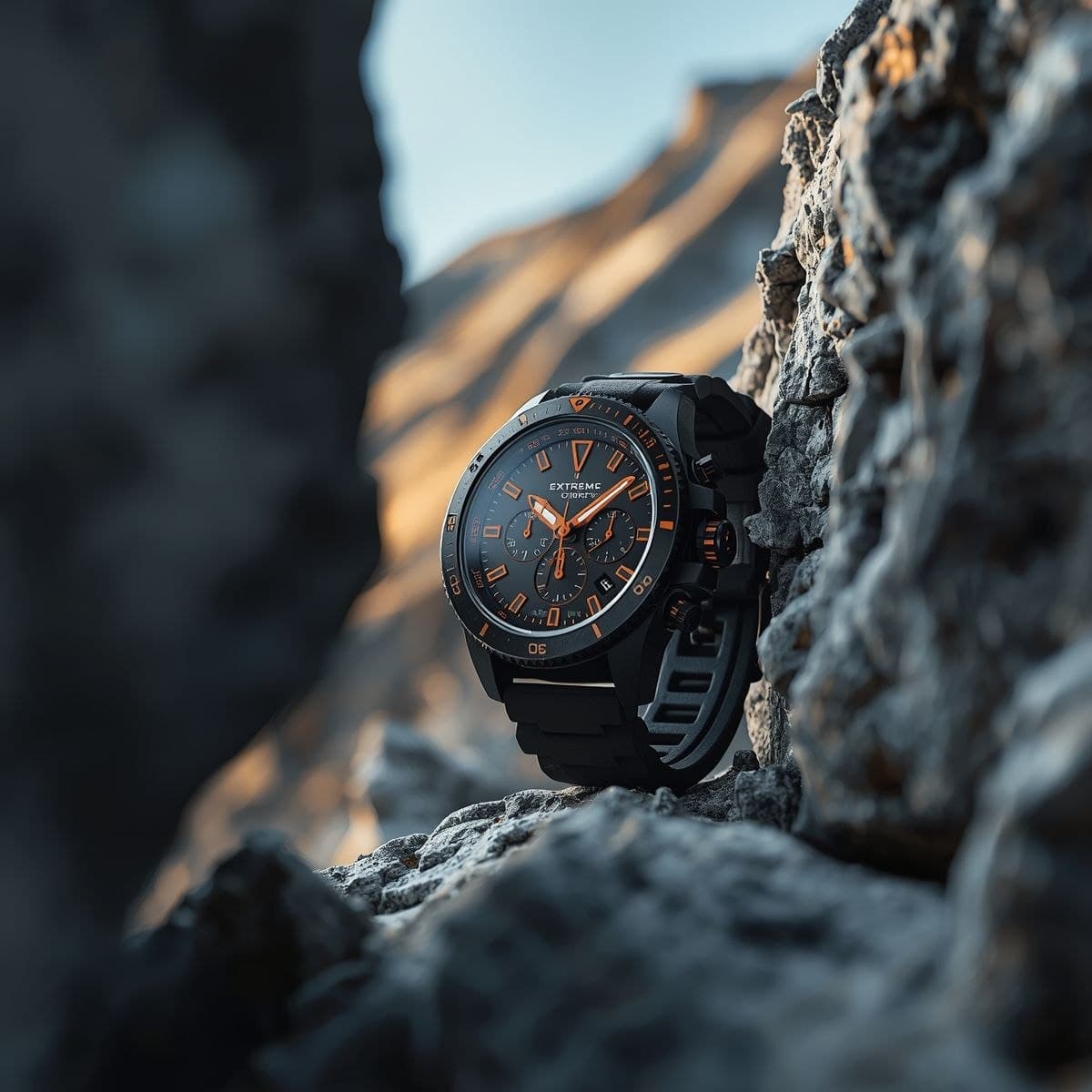
Rugged Chronograph Watch Ad

NanoBanana Pro· Image
A rugged, matte-black chronograph watch with bold orange accents is tightly framed between two textured rock formations, creating a natural vignette that directs all focus toward the dial; the scene opens with an ultra-close macro perspective, the camera slowly sliding laterally through the narrow rocky gap, maintaining an intimate, compressed field of view with no zoom-out, as if discovering the watch hidden within a harsh alpine environment. Cold mountain air subtly moves fine dust particles and faint mist across the frame, catching soft, diffused daylight that spills in from above, while a warm, low-angle sunlight grazes the rocks and reflects gently onto the watch face, creating a striking contrast between cool shadows and warm highlights. The camera continues a controlled micro-orbit around the watch at close range, allowing specular highlights to travel across the brushed metal bezel, engraved screws, and slightly textured rubber strap, emphasizing durability and premium craftsmanship. The orange indices and hands glow subtly as light shifts across the sapphire crystal, revealing crisp reflections and slight curvature distortions. In the blurred background, towering mountain peaks remain softly out of focus, adding depth without distraction, while tiny vibrations in the environment cause minuscule pebble shifts near the base, reinforcing realism. As the shot progresses, a faint breeze brushes across the strap, introducing barely perceptible movement, while light intensity fluctuates naturally as if clouds are passing overhead. The sequence ends in a locked, ultra-tight hero composition, perfectly centered within the rock frame, with high contrast, razor-sharp detail on the dial, and a cinematic interplay of shadow, texture, and controlled highlights that reinforce a premium, adventure-driven identity.
@Strength04_X
AI-generated Luxury Watch Campaign Ad made with GPT Image 2

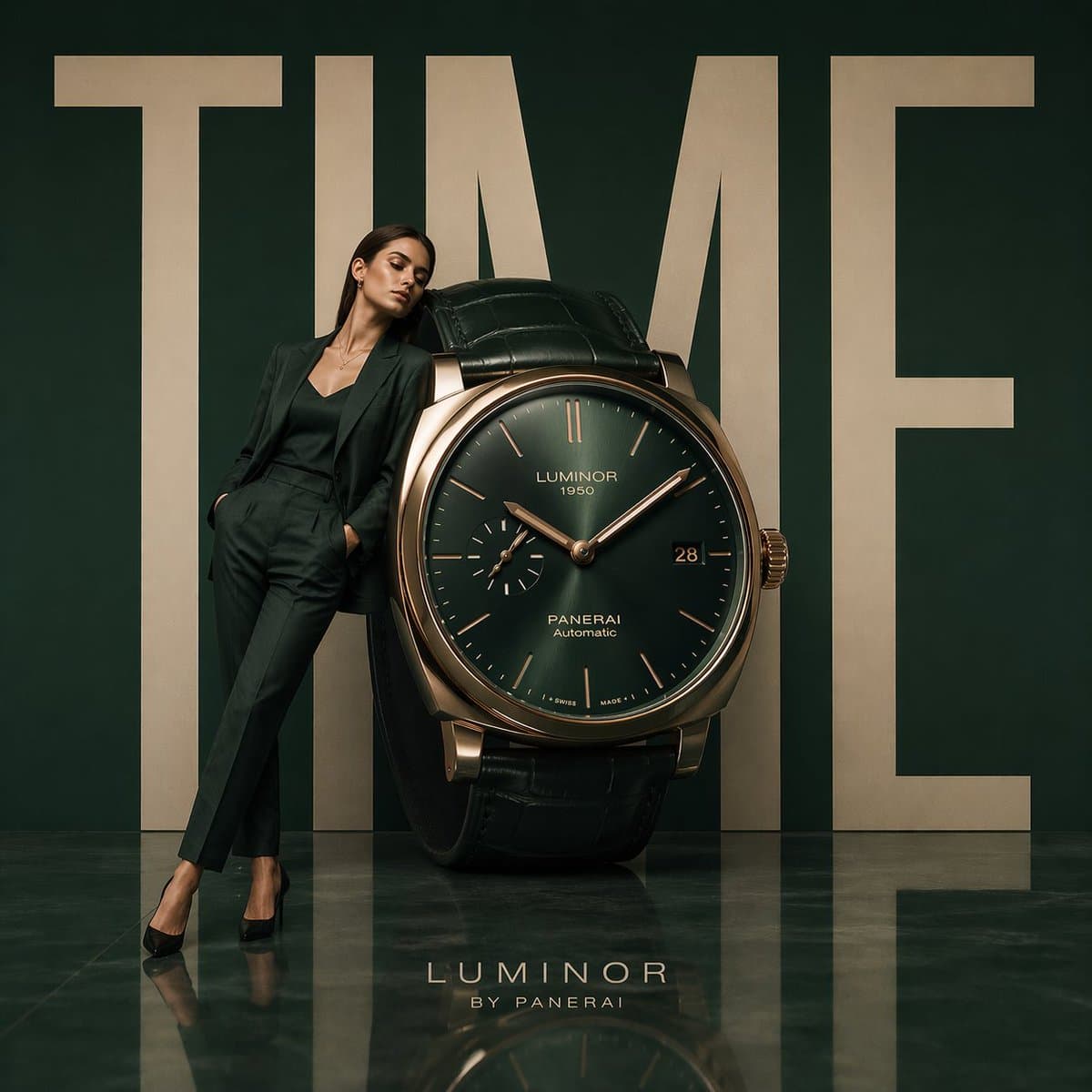
Luxury Watch Campaign Ad

GPT Image 2· Image
Minimalist luxury watch campaign, oversized wristwatch positioned like modern sculpture, model leaning against the dial, giant word "TIME" in bold typography behind, deep emerald studio background, reflective polished floor, Swiss luxury advertising aesthetic, cinematic editorial styling, ultra-clean composition, 1:1
@AIwithkhan

What Are Jewelry Ad AI Prompts?

Jewelry ad prompts are AI prompts for quickly shaping advertising images that make jewelry like rings, necklaces, and earrings stand out. In Carat, you can generate product ad images with models like GPT Image 2, then keep going with follow-up work such as editing the result, changing the aspect ratio, removing the background, or upscaling.

Where You'll Use It

  • Ring, necklace, and earring product shots
  • Premium campaign visuals
  • Product images for detail pages
  • Social ad assets
  • Seasonal promotion key visuals

Why This Tag Is Useful

Jewelry ads need to show a small product's texture, light reflection, and color clearly. Because the lighting and background change depending on whether it's a product-only shot or a worn shot, starting from an example with a clear channel and mood helps you find your direction fast. When choosing a prompt, look first for examples that show the product, lighting, background, and composition together.

Tips for Building Your Prompt

  1. Decide the product, channel, and aspect ratio first.
  2. Spell out the lighting, background, camera composition, and texture rendering.
  3. If needed, separate out the brand mood, color palette, and props.
  4. After generating, review the product shape, logos, and copyright issues.

In Carat, once you run a prompt you can refine from the result you like, or continue with follow-up work like changing the aspect ratio, removing the background, or upscaling.
Frequently Asked Questions

Related Prompts

Drink Photo

Drink Photo

26 prompts

Prop Design

Prop Design

1 prompts

Music Video

50 prompts

Double Exposure

Double Exposure

4 prompts

Carat Prompt Gallery

Create trending AI prompts instantly

Prompts

  • Logo
  • PPT Design
  • Thumbnail
  • Poster
  • Web Novel Cover
  • ID Photo
  • Caricature
  • Product Detail Page
  • Banner

Models

  • GPT Image 2
  • Seedance 2.0
  • NanoBanana Pro
  • NanoBanana 2

Carat

  • Get started
  • About
  • Blog
  • Careers
  • Contact
  • Partnership
  • Terms
  • Privacy

© 2026 Paradot.Inc All rights reserved.