carat

Prompt Gallery

/

Job Change Design

Job Change Design

Job Change Design prompts. Copy and use Job Change Design image generation prompts from Carat right away.

2026.08.11

Make “Job Change Design” exactly the way you wantCreate your own “Job Change Design”

Just ask in plain language — Carat generates optimized images and videos for you.

Start now with 100 free credits daily
·
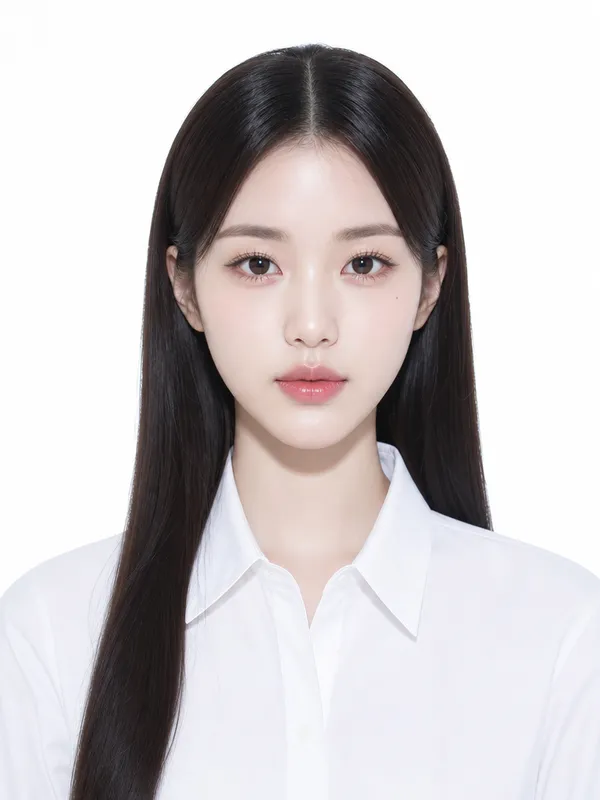
AI-generated Illustrated ID Portrait made with GPT Image 2

Illustrated ID Portrait

GPT Image 2· Image
photograph, Glimmerglass micro-diffusion on skin only. Crystal clear on product. Lifted blacks to soft gray. Overexposed highlights high-key. Skin L0-L1 glass reflection poreless. Flat front lighting no shadows. White or pale pastel background. Ultra-clean digital. No grain. Phase One XF, 85mm lens, high-key strobe flat shadowless lighting. Centered composition, standard ID photo format, shoulders up, eye-level. Young Korean woman early 20s, extremely beautiful Korean idol, small head short face, slim sharp V-jaw, large bright double-lid eyes slightly upturned sparkling iris long separated lashes, high straight nose soft rounded tip, small defined lips clear lip line. Neutral expression, serene calm direct gaze. Poreless luminous skin, champagne highlight, glossy clear gloss makeup. Long glossy sleek straight center-part hair. Pure white cotton button-up shirt, crisp material, tailored fit. Pure white studio seamless background. No text, no watermark, no 3D render, no warm yellow tones, no film grain, no harsh shadows.
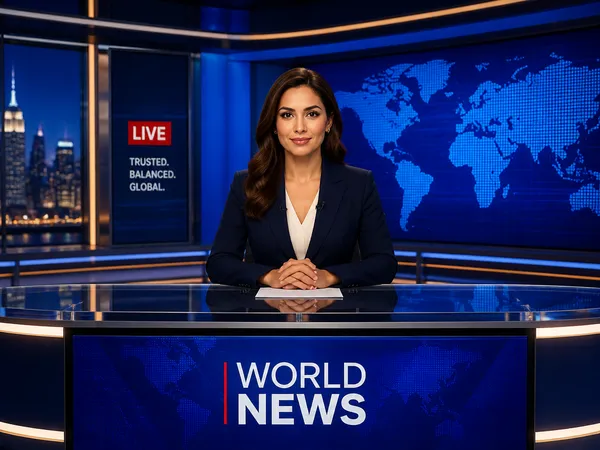
AI-generated News Studio Background made with GPT Image 2

News Studio Background

GPT Image 2· Image
A professional news studio background with anchor desk, large screens showing world map, blue ambient lighting. decorative flat illustration, front-facing centered composition with generous padding, deep blue palette with warm accent lighting. Make the subject immediately recognizable at thumbnail size. Use clean composition, purposeful details, and no watermark.
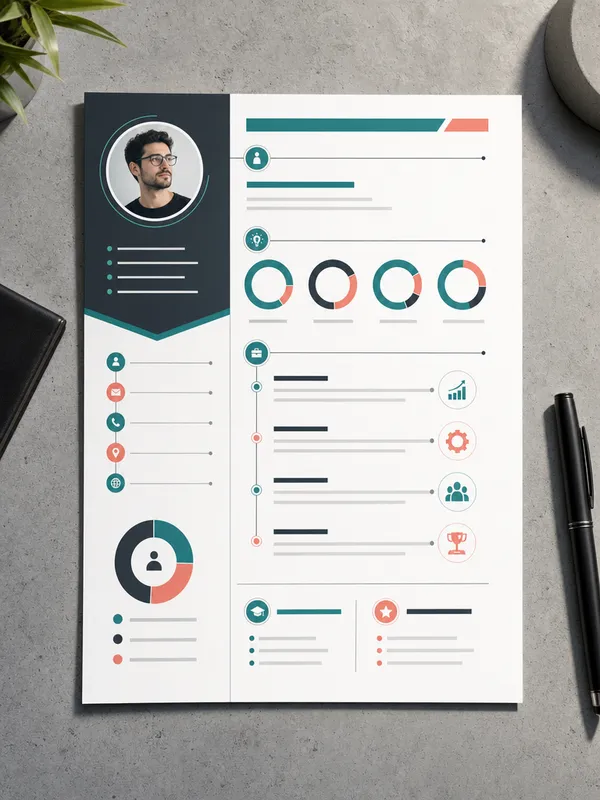
AI-generated Infographic Resume Design made with GPT Image 2

Infographic Resume Design

GPT Image 2· Image
A creative infographic-style resume design on a single A4 page, viewed from above on a concrete desk surface. Visual elements include circular progress charts for skills, timeline graphics for work experience, and icon-based contact section. Modern color palette of teal, charcoal, and soft coral. Clean geometric layout with generous white space. Thin lines connecting sections. Flat lay photography with directional lighting creating soft shadow on one edge. No readable text, no watermark.
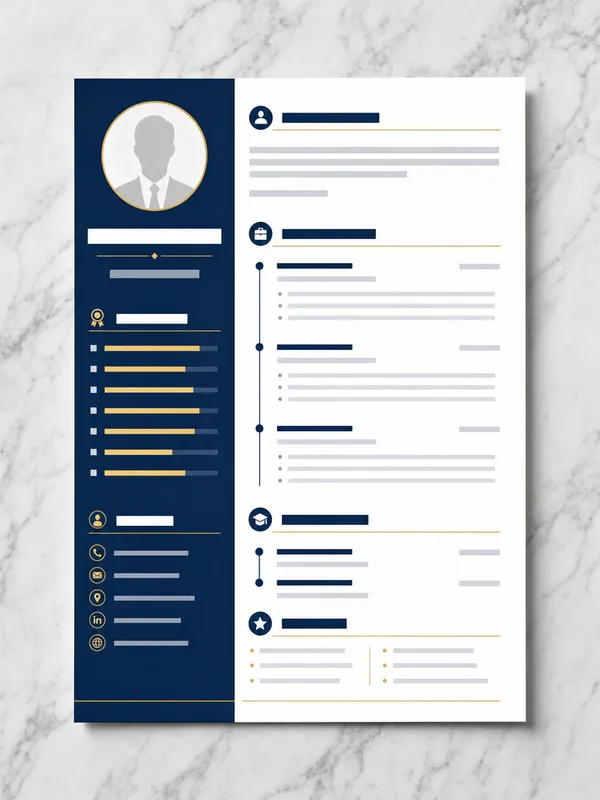
AI-generated Minimal Resume Template made with GPT Image 2

Minimal Resume Template

GPT Image 2· Image
A single A4 resume template design viewed from directly above on a light gray marble surface. Clean two-column layout: left sidebar with circular profile photo placeholder, skill bars, and contact icons; right main area with section headers and timeline entries. Professional navy blue and white color scheme with thin gold accent lines. Modern sans-serif typography placeholder blocks. Crisp flat lay photography with even studio lighting and subtle paper shadow. No readable text, no watermark.
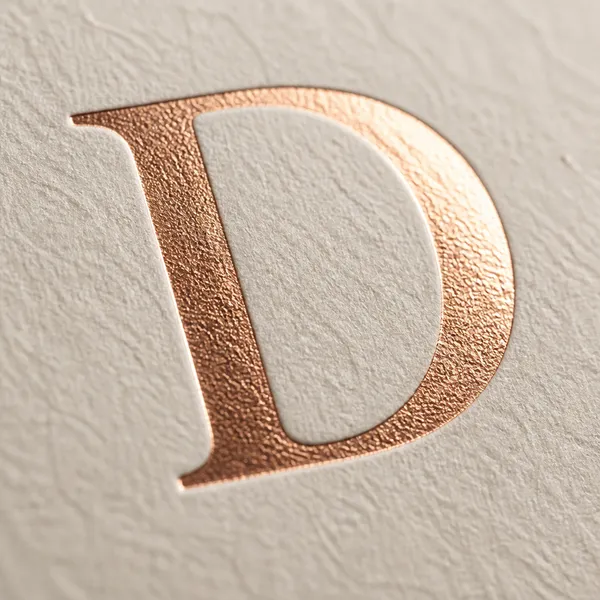
AI-generated Rose-Gold Foil Letter D made with GPT Image 2

Rose-Gold Foil Letter D

GPT Image 2· Image
A photorealistic letter D stamped in rose gold foil on textured ivory cardstock, macro photography with shallow depth of field, raking light catching the foil metallic sheen and the paper fiber texture. No text, no watermark.
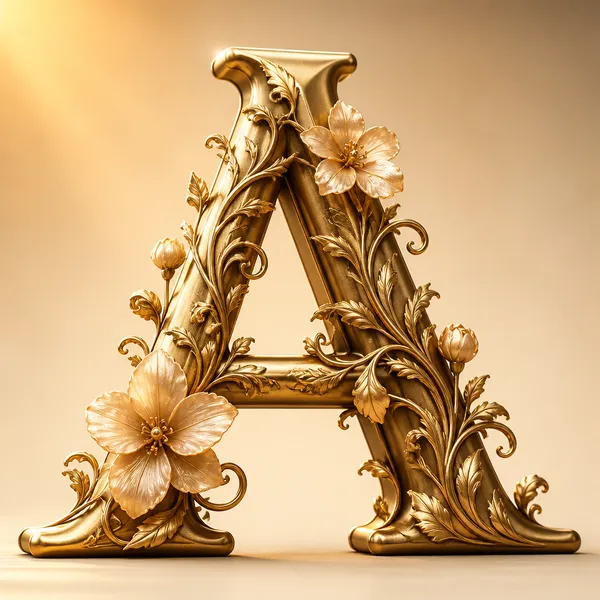
AI-generated 3D Gold Floral Letter A made with GPT Image 2

3D Gold Floral Letter A

GPT Image 2· Image
A decorative 3D letter A made of golden metallic material with intricate floral vine patterns wrapping around it, set against a soft cream gradient background. Studio lighting from upper left, macro focus on surface texture, subsurface scattering on translucent petals. Cinematic 3D render quality. No text, no watermark.
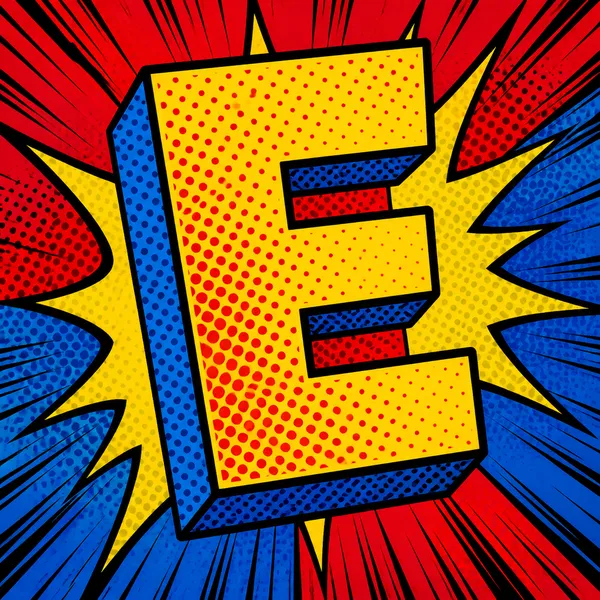
AI-generated Pop-Art Halftone Letter E made with GPT Image 2

Pop-Art Halftone Letter E

GPT Image 2· Image
A vibrant pop art letter E in bold primary colors with halftone dot patterns and dynamic action lines radiating outward, comic book aesthetic with thick black outlines. Saturated colors, high energy. No text, no watermark.
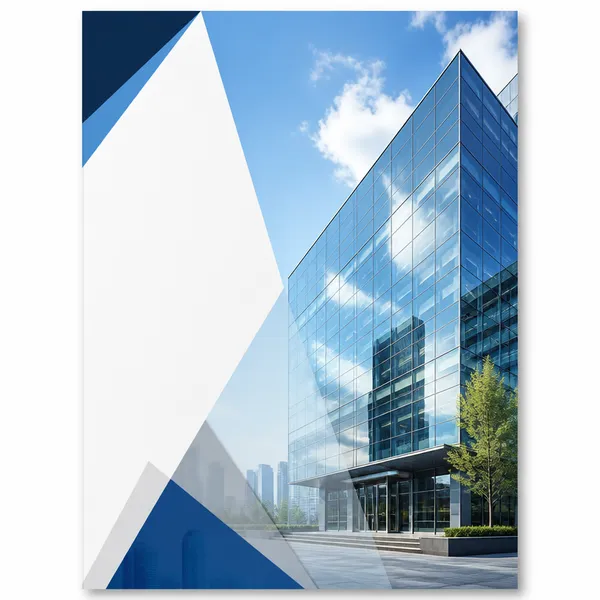
AI-generated Company Profile Deck made with GPT Image 2

Company Profile Deck

GPT Image 2· Image
A company profile brochure cover with a modern corporate design, glass office building facade reflecting blue sky, clean white sidebar area, subtle diagonal geometric overlays, professional business aesthetic, editorial layout. No text, no watermark.
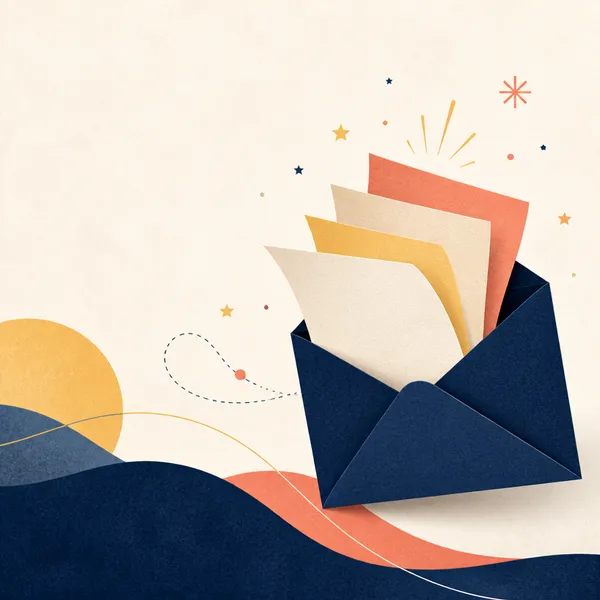
AI-generated Newsletter Header made with GPT Image 2

Newsletter Header

GPT Image 2· Image
Square editorial newsletter header artwork with an open envelope releasing layered paper sheets, small stars and abstract idea sparks, refined navy, butter yellow and coral palette, subtle paper grain, generous negative space, clean contemporary publication design, balanced horizontal visual flow adapted within a square canvas. No readable text, no letters, no logo, no watermark.

What are Job Change Design Prompts?

A collection of AI prompts for generating job change design images. Copy the Job Change Design prompts provided by Carat and paste them into an AI image generation tool to get professional-grade results.

How to Use Job Change Design Prompts

  1. Select and copy your desired prompt.
  2. Paste it into the Carat agent.
  3. Modify colors, styles, and composition as needed.
  4. Download the generated image and use it in your project.

Tips for Writing Job Change Design Prompts

Specify lighting, texture, composition, and lens information in detail for more precise results. Add "No text, no watermark" to prevent unwanted text overlays.

Job Change Design Prompt Applications

Job Change Design prompts are used across content creation, marketing, design, and educational resources. AI-generated images dramatically reduce production time while maintaining professional quality.

Job Change Design Prompt Optimization Guide

Choose the aspect ratio based on your use case: vertical (9:16) for social media, horizontal (16:9) for web banners, and square (1:1) for product images.
Frequently Asked Questions