carat

Prompt Gallery

/

Keychain design

Login
Sign Up

Keychain design

Keychain design prompts. Copy and use Keychain design image generation prompts from Carat right away.

2026.07.16

·
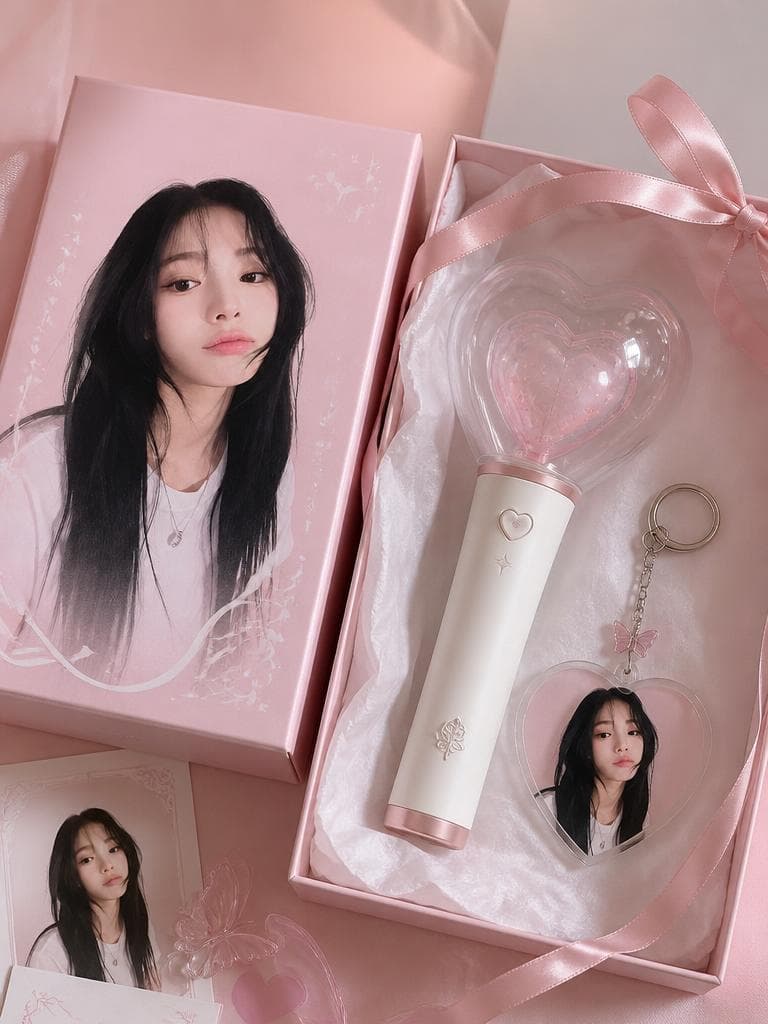
AI-generated Concert Lightstick & Keyring Fan Goods made with GPT Image 2

Concert Lightstick & Keyring Fan Goods

GPT Image 2· Image
Use the uploaded portrait as the identity reference for printed packaging only. Create a realistic K-pop fan goods package mockup featuring a custom lightstick and acrylic keyring set. The person's portrait appears as a printed design on the keyring and packaging box. Scene: clean product flatlay on pastel background, both items arranged neatly, small fandom name engraving detail on lightstick, ribbon bow, tissue paper wrapping. Shallow depth of field, Pinterest K-pop fan goods photography aesthetic. No real brand logos, no readable text.
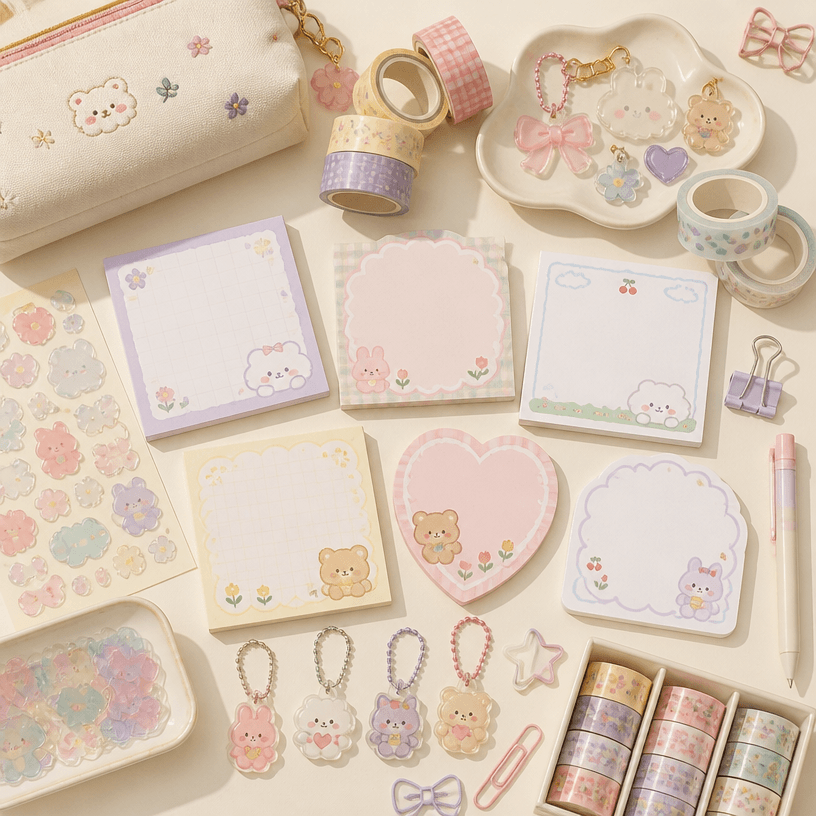
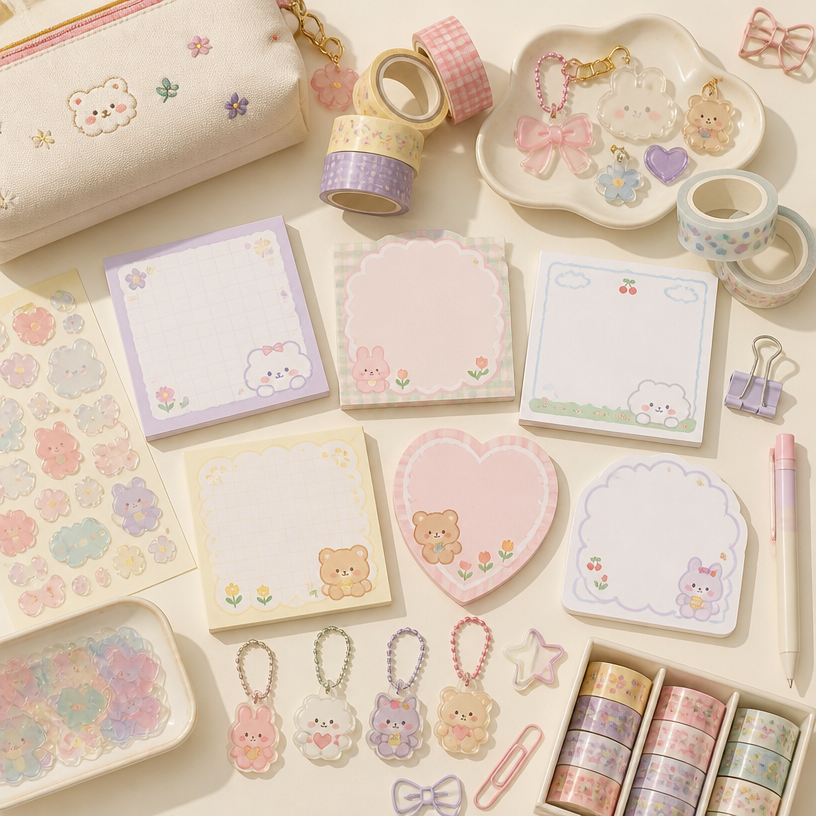
GPT 이미지 2로 생성한 팬시 굿즈

팬시 굿즈

GPT Image 2· Image
Square flat-lay of charming pastel stationery goods: blank memo pads, translucent sticker shapes, acrylic charms, washi tape, clips and pouch, soft daylight. No readable text, no logo, no watermark.
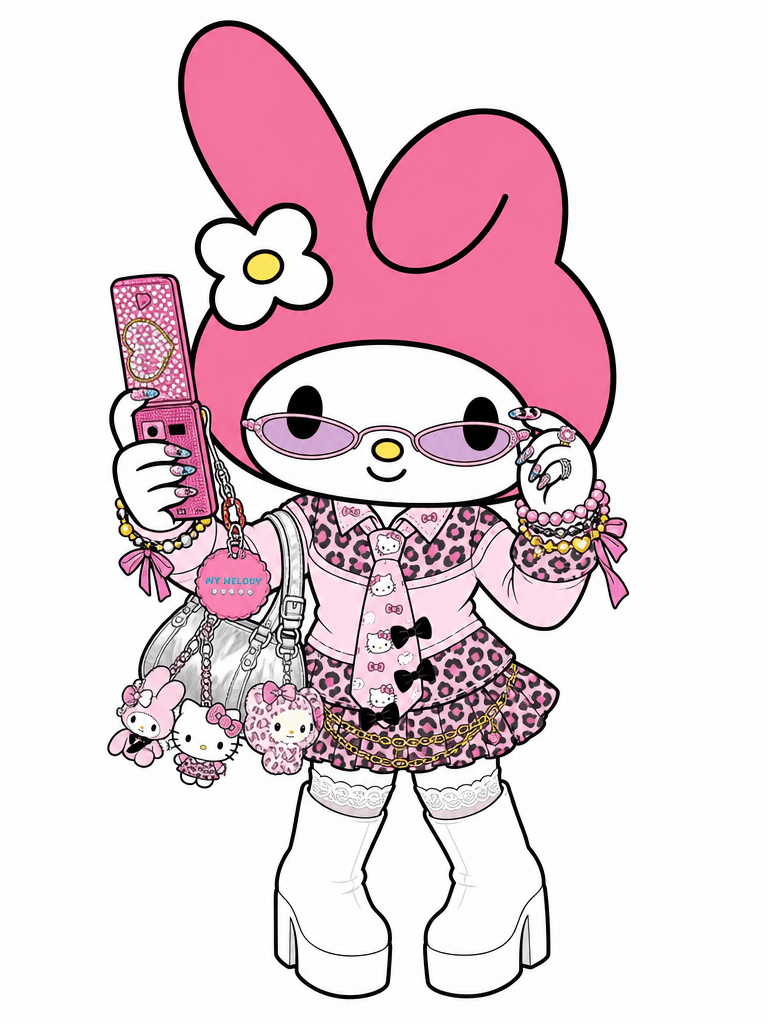
AI-generated My Melody Gyaru cosplay illustration made with GPT Image 2

My Melody Gyaru Cosplay Illustration

GPT Image 2· Image
Transform the person in this photo into the Sanrio character My Melody. Keep the EXACT same outfit, accessories, and pose from the photo — replicate every detail: clothing items, colors, patterns, bag, jewelry, socks, shoes, and any charms or keyrings. Replace the person entirely with My Melody in her original Sanrio cartoon illustration style: cute 2D chibi proportions, soft pink hood covering her head with two small round ears, sweet round white face with tiny black dot eyes and a small pink nose, no visible mouth. Do NOT make her look realistic or like a person wearing a mascot costume — she should look like official Sanrio character art. Plain solid white background (#FFFFFF). Output in 3:4 portrait ratio.

What are Keychain design Prompts?

A collection of AI prompts for generating keychain design images. Copy the Keychain design prompts provided by Carat and paste them into an AI image generation tool to get professional-grade results.

How to Use Keychain design Prompts

  1. Select and copy your desired prompt.
  2. Paste it into the Carat agent.
  3. Modify colors, styles, and composition as needed.
  4. Download the generated image and use it in your project.

Tips for Writing Keychain design Prompts

Specify lighting, texture, composition, and lens information in detail for more precise results. Add "No text, no watermark" to prevent unwanted text overlays.

Keychain design Prompt Applications

Keychain design prompts are used across content creation, marketing, design, and educational resources. AI-generated images dramatically reduce production time while maintaining professional quality.

Keychain design Prompt Optimization Guide

Choose the aspect ratio based on your use case: vertical (9:16) for social media, horizontal (16:9) for web banners, and square (1:1) for product images.

Frequently Asked Questions

Related Prompts

Fancy Goods

Fancy Goods

2 prompts

Fan Wallpaper

Fan Wallpaper

4 prompts

Fan Romance Image

Fan Romance Image

8 prompts

Galupy Pose

Galupy Pose

9 prompts

Carat Prompt Gallery

Create trending AI prompts instantly

Prompts

  • Logo
  • PPT Design
  • Thumbnail
  • Poster
  • Web Novel Cover
  • ID Photo
  • Caricature
  • Product Detail Page
  • Banner

Models

  • GPT Image 2
  • Seedance 2.0
  • NanoBanana Pro
  • NanoBanana 2

Carat

  • Get started
  • About
  • Blog
  • Careers
  • Contact
  • Partnership
  • Terms
  • Privacy

© 2026 Paradot.Inc All rights reserved.