carat

Prompt Gallery

/

Livestream End Screen

Login
Sign Up

Livestream End Screen

Livestream End Screen prompts. Copy and use Livestream End Screen image generation prompts from Carat right away.

2026.07.24

·
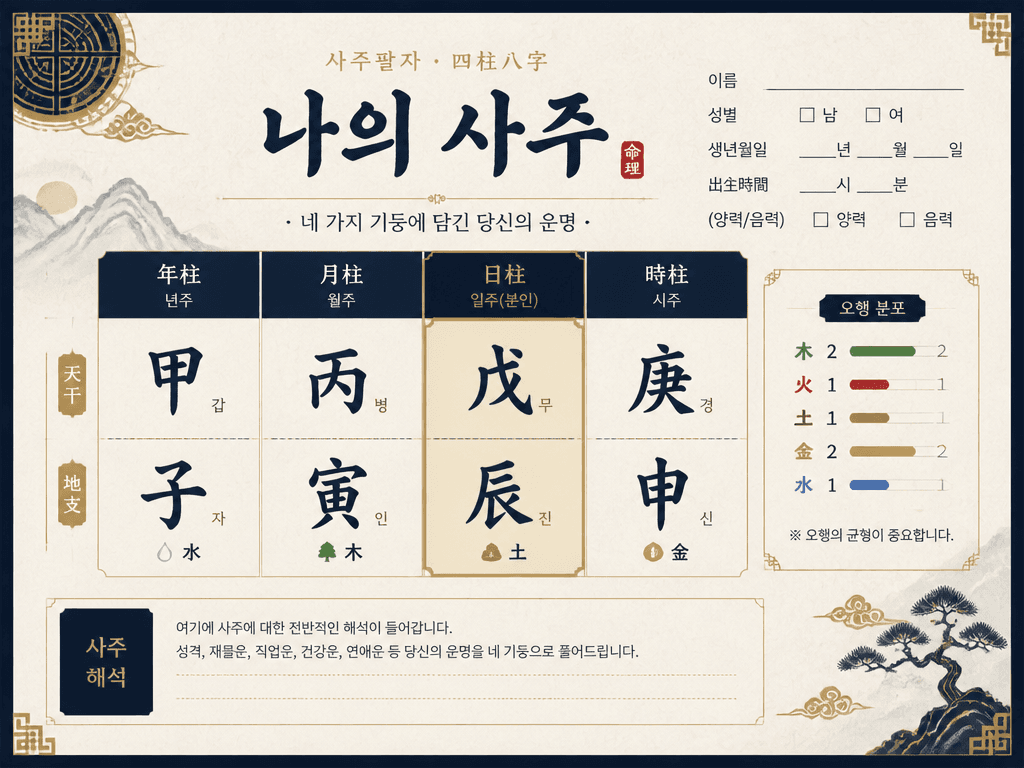
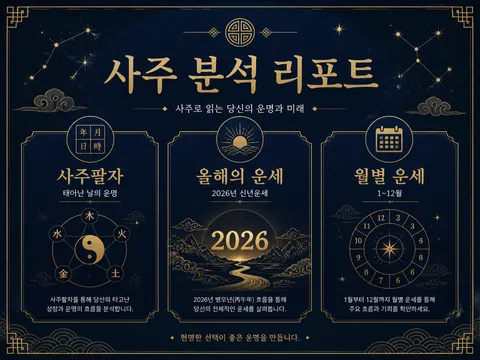
GPT 이미지 2로 생성한 사주팔자

사주팔자

GPT Image 2· Image
traditional Korean saju fortune telling card design, four pillars of destiny chart layout, elegant hanji paper texture background, calligraphy style typography, gold and navy color scheme. clean commercial template design, product-friendly layout, clear content blocks, modern Korean design sensibility. front-facing centered composition with generous padding. muted neutral palette with a vivid focal color. Make the subject immediately recognizable at thumbnail size. Use clean composition, purposeful details, and no watermark. Keep the layout organized, readable, and purposeful; avoid clutter and illegible typography.
GPT 이미지 2로 생성한 신년운세 예시 2

신년운세 예시 2

GPT Image 2· Image
Minimal fortune report illustration for new year, calendar, stars, lucky envelope, soft red and gold palette, premium card news style, blank title area, no readable text.
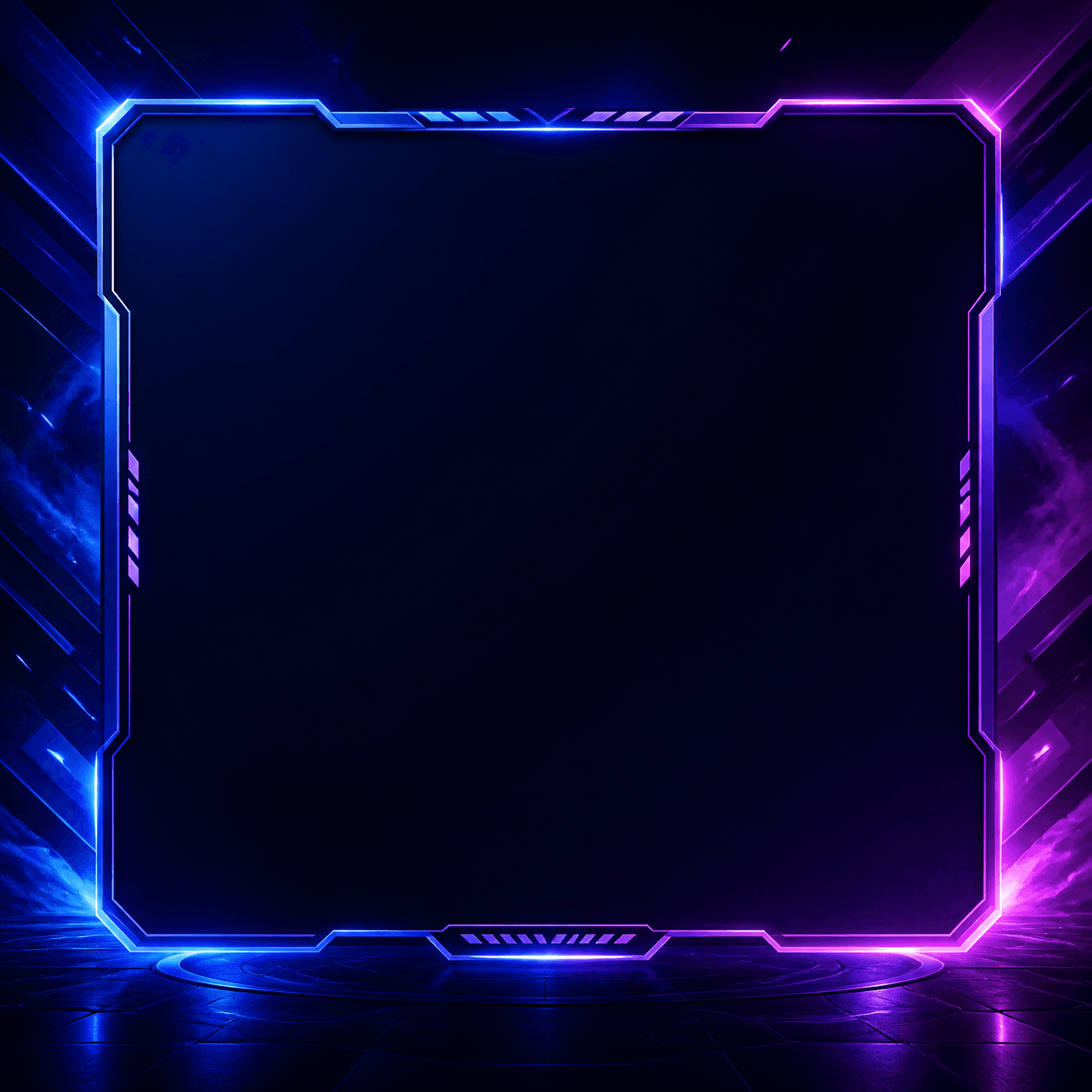
GPT 이미지 2로 생성한 라이브 시작화면

라이브 시작화면

GPT Image 2· Image
A polished square livestream starting screen template, modern neon blue and purple broadcast atmosphere, abstract light streaks and subtle gaming-inspired accents, large centered blank panel reserved for a Korean starting message, professional streaming graphic, no readable text, no logos, no watermark.

What are Livestream End Screen Prompts?

A collection of AI prompts for generating livestream end screen images. Copy the Livestream End Screen prompts provided by Carat and paste them into an AI image generation tool to get professional-grade results.

How to Use Livestream End Screen Prompts

  1. Select and copy your desired prompt.
  2. Paste it into the Carat agent.
  3. Modify colors, styles, and composition as needed.
  4. Download the generated image and use it in your project.

Tips for Writing Livestream End Screen Prompts

Specify lighting, texture, composition, and lens information in detail for more precise results. Add "No text, no watermark" to prevent unwanted text overlays.

Livestream End Screen Prompt Applications

Livestream End Screen prompts are used across content creation, marketing, design, and educational resources. AI-generated images dramatically reduce production time while maintaining professional quality.

Livestream End Screen Prompt Optimization Guide

Choose the aspect ratio based on your use case: vertical (9:16) for social media, horizontal (16:9) for web banners, and square (1:1) for product images.
Frequently Asked Questions

Related Prompts

New Year Fortune

New Year Fortune

5 prompts

fortune telling card design

fortune telling card design

10 prompts

fortune telling app splash screen

fortune telling app splash screen

11 prompts

Fortune Draw Card

Fortune Draw Card

12 prompts

Carat Prompt Gallery

Create trending AI prompts instantly

Prompts

  • Logo
  • PPT Design
  • Thumbnail
  • Poster
  • Web Novel Cover
  • ID Photo
  • Caricature
  • Product Detail Page
  • Banner

Models

  • GPT Image 2
  • Seedance 2.0
  • NanoBanana Pro
  • NanoBanana 2

Carat

  • Get started
  • About
  • Blog
  • Careers
  • Contact
  • Partnership
  • Terms
  • Privacy

© 2026 Paradot.Inc All rights reserved.