AI prompts for arranging a news headline and lead image in a social publishing template.
2026.07.16
Make “News Template” exactly the way you wantCreate your own “News Template”
Just ask in plain language — Carat generates optimized images and videos for you.

Start now with 100 free credits daily
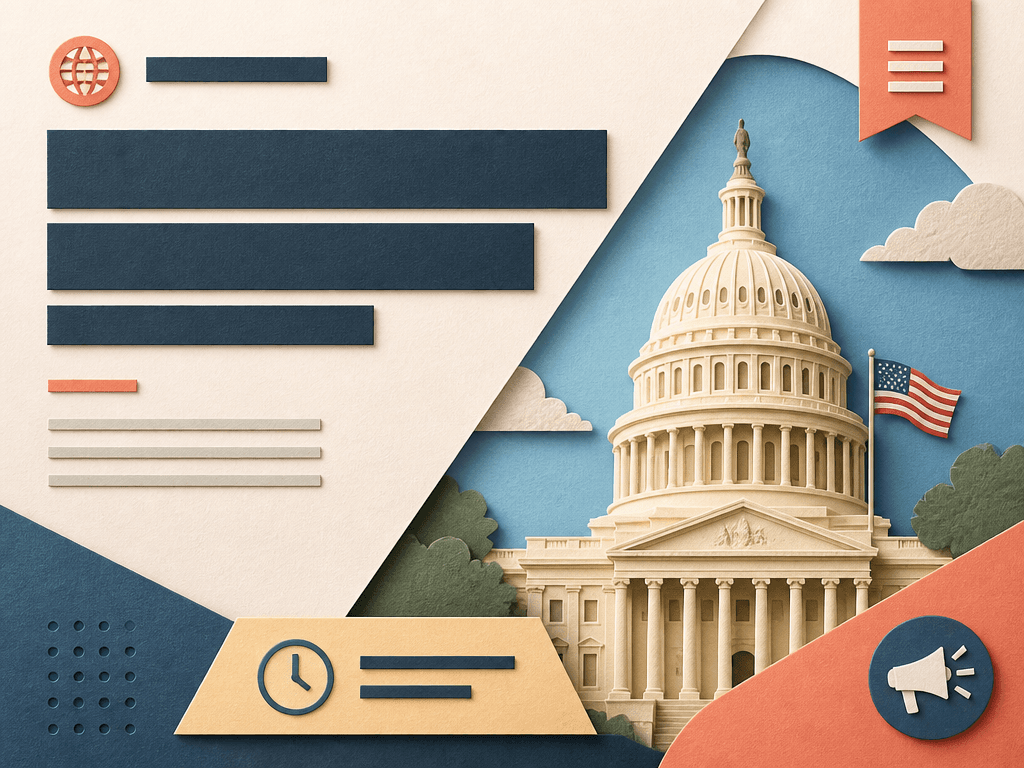
A news template is not a replacement for the article. It is the first screen that helps a reader decide whether to continue. Rank the headline, lead image, category, date, and source, then design the order in which the eye encounters them. A precise summary of the source is more trustworthy than an exaggerated headline.
Use a short category or date marker in a supporting zone, give the lead image a clear area, and reserve a strong block for the headline. Choose one visual protagonist so the image and text do not compete. Instead of forcing a long headline into tiny type, use two or three balanced lines with comfortable spacing.
Accurate source and date information matter more than decoration in news design. Do not present an unverified image as a real event; use an illustration or abstract background when appropriate and label it clearly. Add approved logos, bylines, and links from source files. Never publish model-generated lettering without checking it, and avoid badges that exaggerate urgency.
Specify the post ratio, image window, headline block, date strip, category badge, and protected whitespace. Leave the exact headline and proper nouns blank because image models can misspell them. Prohibit fake news logos, pseudo-text, and unreadable micro-decoration so the design can be reused across different stories.
Check how the headline and image crop in a web card and a mobile feed, and include the source or article link in shareable versions. Differentiate breaking-news treatment from a standard story without applying emergency effects to everything. Before publishing, verify the article, image rights, link, date, and spelling with an editor.