Create AI prompts that visualize boxes, pouches, and product packaging with a clear brand-ready presentation.
2026.07.17
Make “Packaging Mockup” exactly the way you wantCreate your own “Packaging Mockup”
Just ask in plain language — Carat generates optimized images and videos for you.

Start now with 100 free credits daily
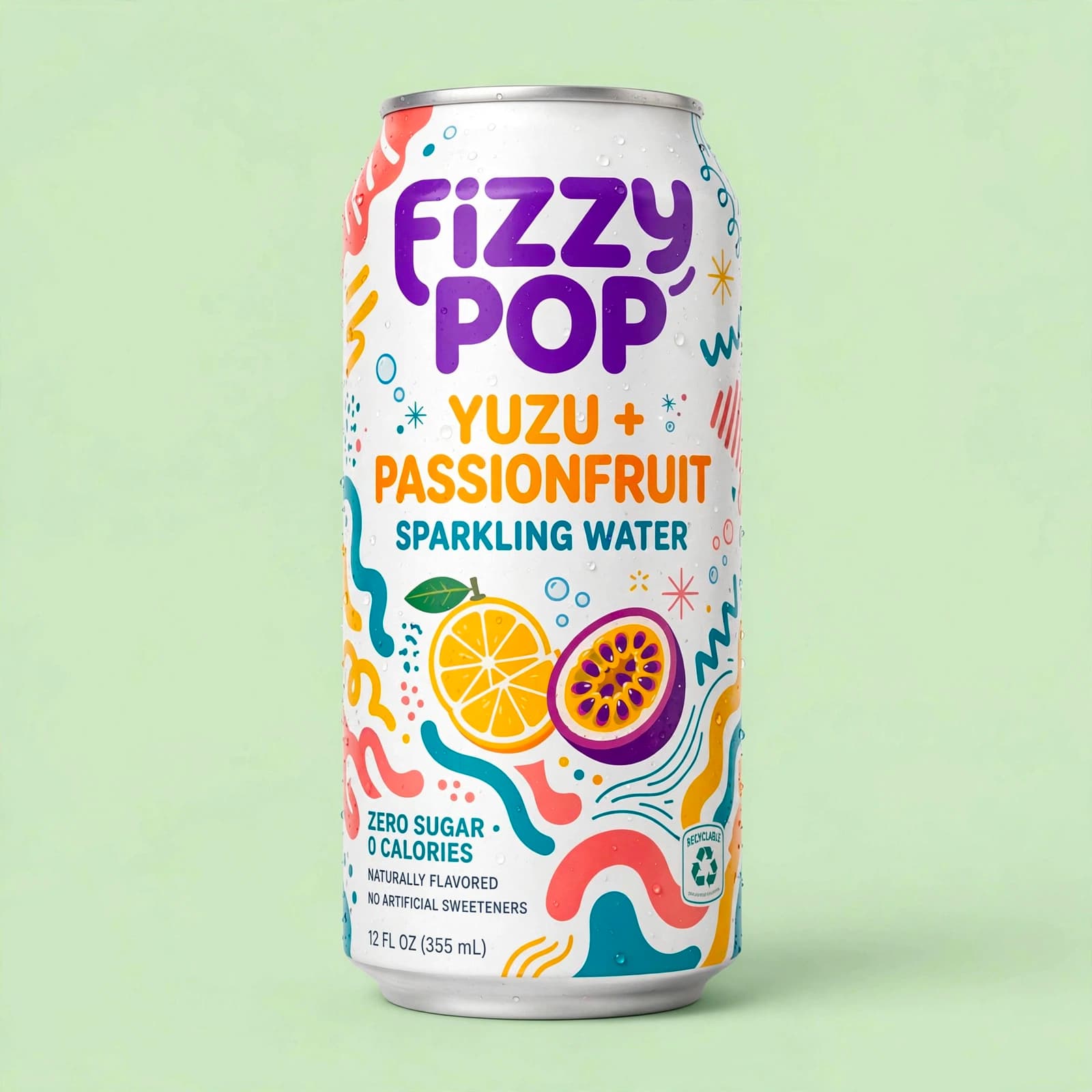
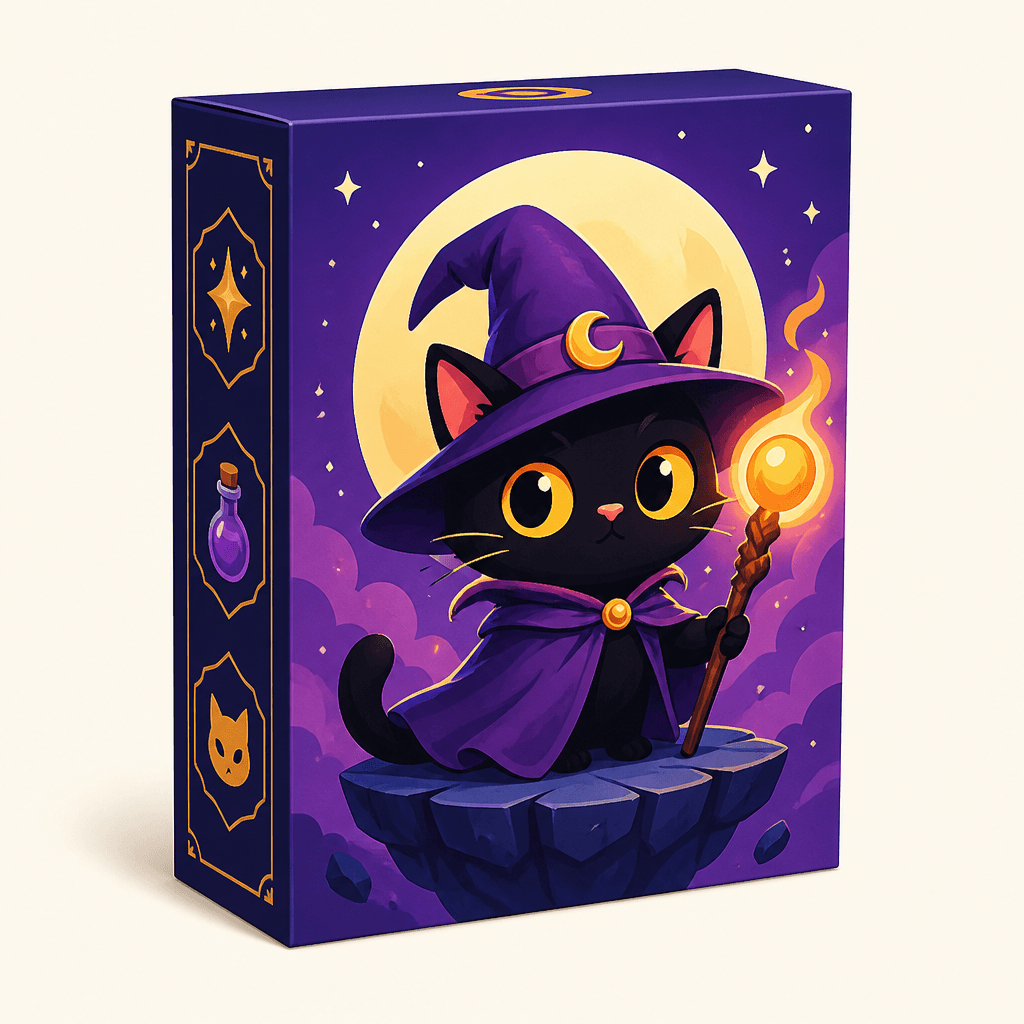
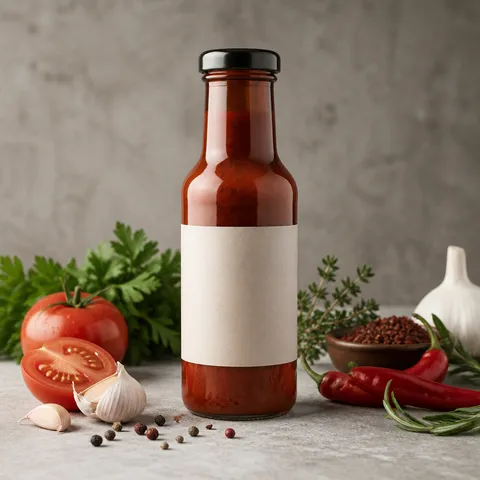
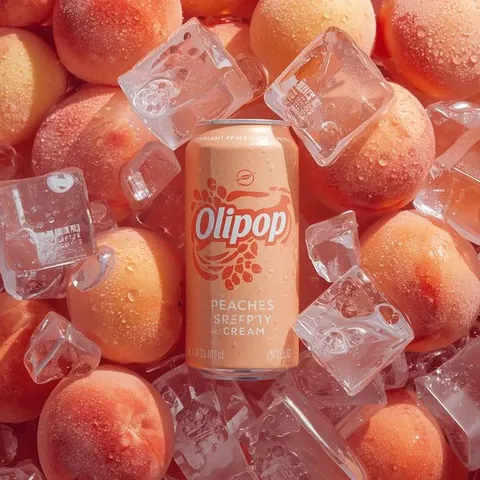
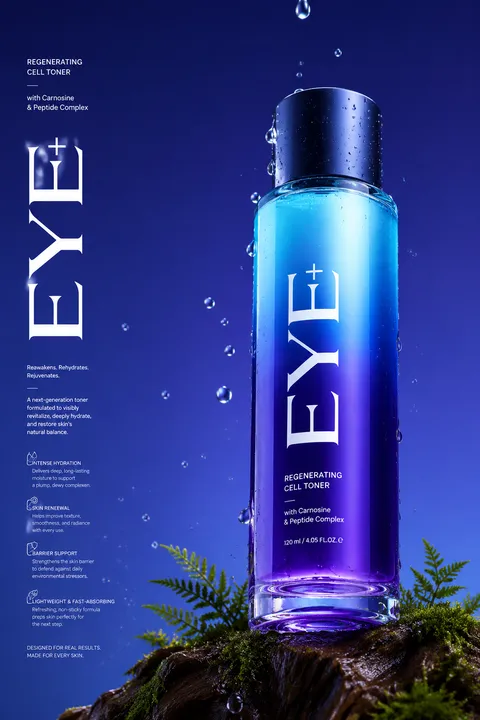
Packaging mockup AI prompts visualize how a design may look on a box, pouch, can, bottle, or tube before a product shoot or print production. A useful prompt specifies the package form, material, surface finish, camera angle, label area, background, lighting, and brand mood instead of asking for a generic attractive package. This makes the result useful for product proposals, ecommerce visuals, advertising concepts, brand guides, social posts, and portfolio work. Mockups are excellent for comparing directions quickly, but they should remain clearly separated from final manufacturing artwork.
Describe the package type and count, material, finish, orientation, camera height, lighting direction, background, and the space reserved for a label. If the exact logo must appear, attach or composite the original asset rather than relying on generated lettering. During early exploration, a blank label area is often more useful because it leaves room for later design work. Defining the product spacing and shadow direction also helps when comparing several concepts.
A premium cosmetic package may call for a matte surface, restrained colors, and controlled studio light. Food packaging may benefit from fresh colors and natural supporting materials, while household products often work with bright backgrounds and clear silhouettes. When multiple packages share one frame, establish a hero item and keep the supporting items secondary. Reduce excessive reflections and decoration when the actual color and material need to remain believable.
A generated mockup is a concept visualization, not a dieline or manufacturing specification. Compare the logo, product name, legal copy, net quantity, ingredients, and warnings with approved source files. Check whether the proportions, closures, handles, and package count match the real product. For ecommerce or advertising, inspect the image at small size and confirm that the label remains legible, the shadow direction fits the brand, and the image rights for any supporting props are cleared.