Park walking video prompts for planning trees, paths, movement, time of day, and camera direction in a calm outdoor scene.
2026.07.21
Make “Park Walking Video” exactly the way you wantCreate your own “Park Walking Video”
Just ask in plain language — Carat generates optimized images and videos for you.

Start now with 100 free credits daily

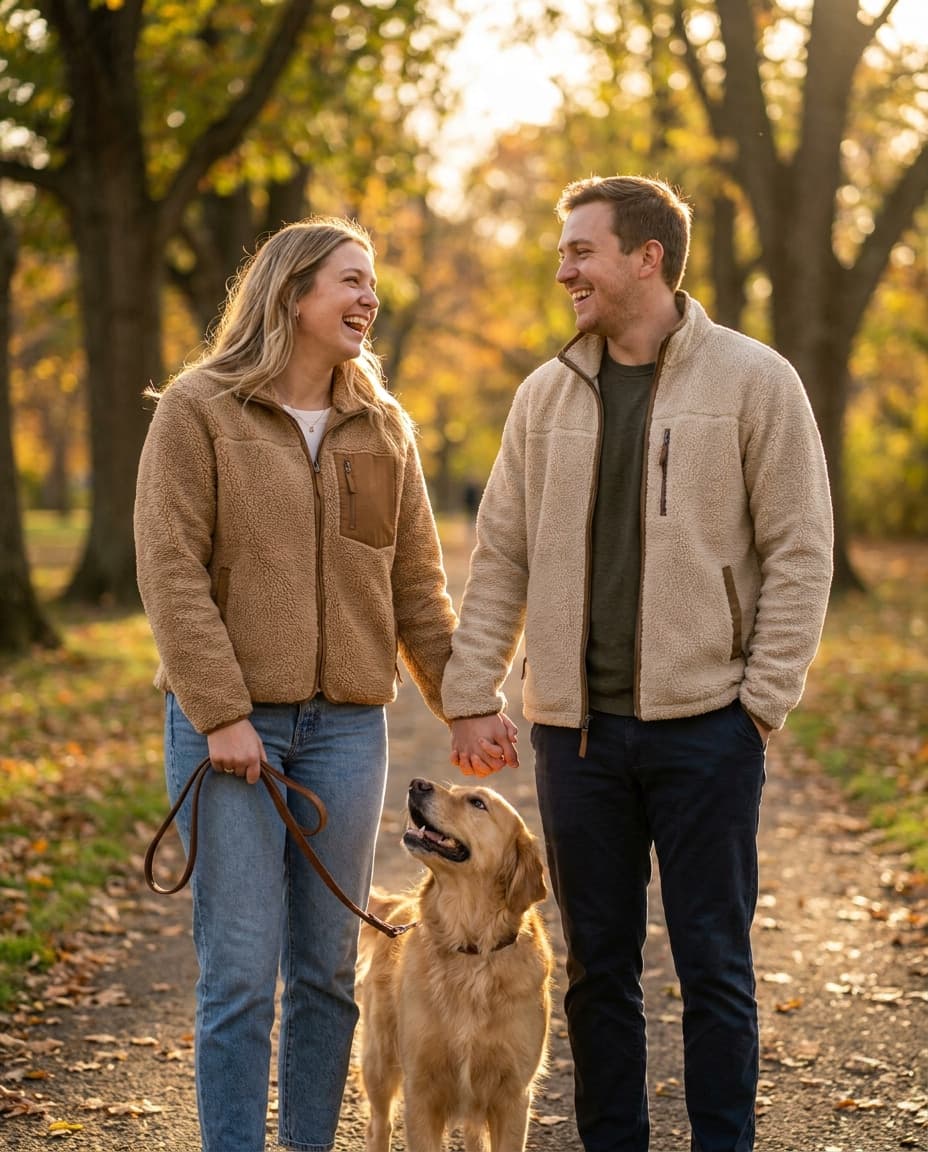
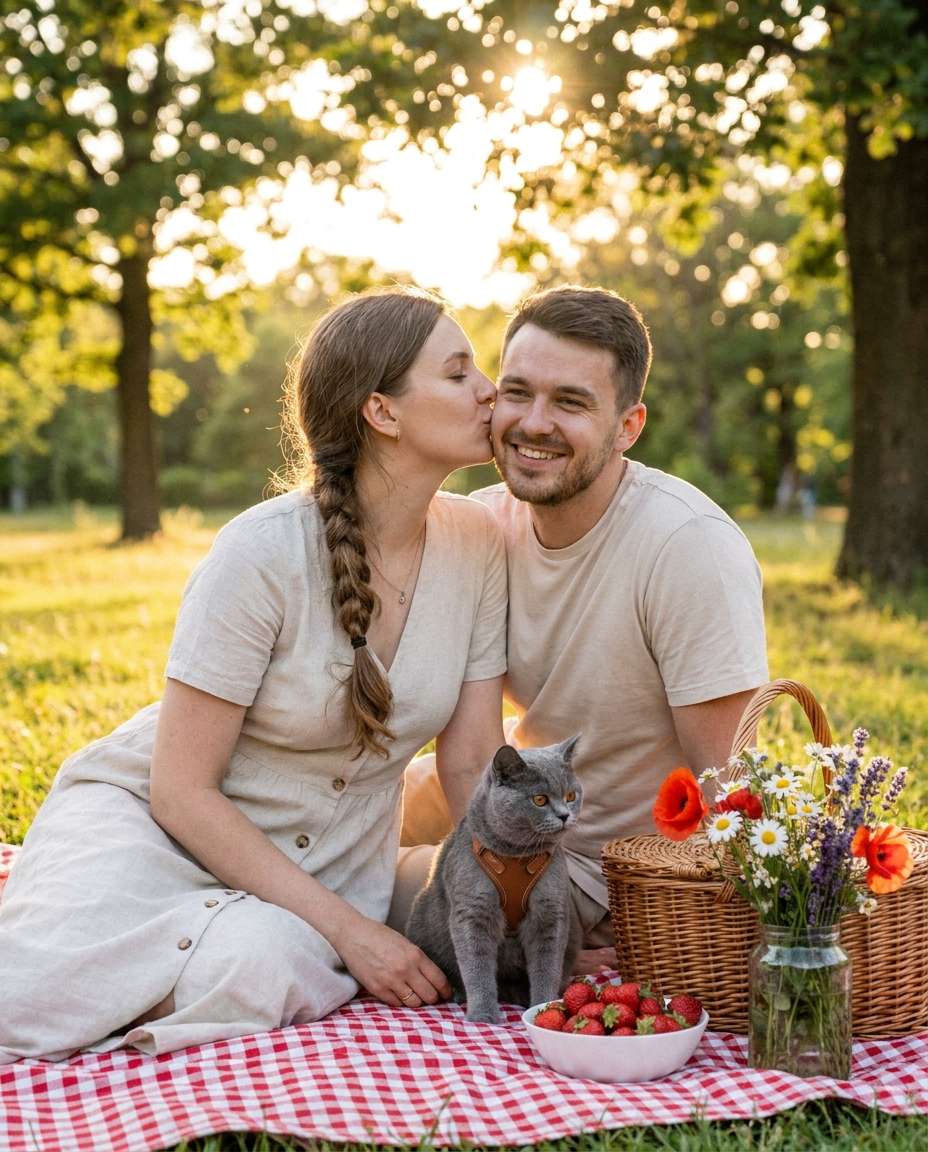
Park walking video AI prompts are structured directions for combining a tree-lined path, natural light, a walking subject, and a calm camera rhythm into one scene. Instead of asking for a generic park, define the season, weather, path texture, wardrobe, walking pace, and the direction in which the camera follows the subject. This makes a concept image or opening frame easier to read and gives a longer sequence a clearer visual identity. Existing park and lifestyle references in the Carat gallery can help you establish a starting mood before adapting the prompt to your own story.
Start by deciding who is walking and where that person sits in the frame. A solo walker, a person with a dog, and a distant silhouette communicate different emotions. Add concrete light and surface details such as long morning shadows, soft afternoon backlight, or a wet path after rain. Then state whether the camera follows from behind, travels beside the subject, or begins with a wide landscape where the person is small. These choices create a more usable visual plan than a list of decorative adjectives.
Write the season and time, park features, subject action, camera movement, lens feeling, and color treatment in that order. A thumbnail still needs a readable person and a clear path direction, so avoid making the subject too small. For a sequence, lock the wardrobe, weather, walking direction, and props such as a bag or umbrella. Change one action at a time so continuity is easier to evaluate.
Generated people and locations may not represent a real person or park accurately. Review location references, faces, logos, and recognizable details before public use. For video, check that the walking direction, shadows, weather, and wardrobe remain consistent between shots. Also reserve enough negative space for subtitles or a title so the final frame remains legible on a mobile screen.