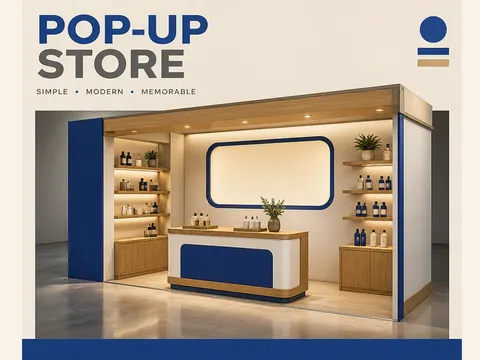
Explore AI prompt techniques for planning a pop-up store mockup with a booth, display counter, shelving, and blank signage.
2026.07.17
Make “Pop-up Store Mockup” exactly the way you wantCreate your own “Pop-up Store Mockup”
Just ask in plain language — Carat generates optimized images and videos for you.

Start now with 100 free credits daily
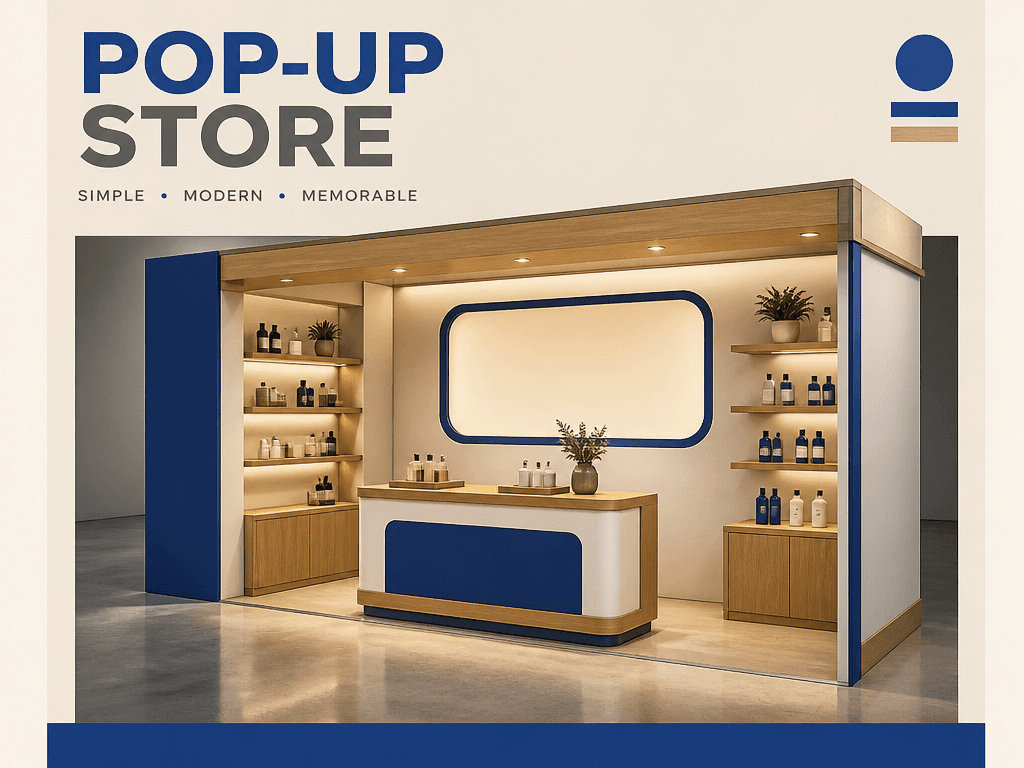
AI prompts for pop-up store mockups help teams visualize a temporary retail space before renting, fabricating, or installing it. A directed image can show a compact booth, product counter, wall sign, shelving, circulation space, materials, and lighting in one shareable concept. Brands planning a launch, seasonal campaign, showroom, or market event can compare several spatial directions even before they have a finished venue photo. The purpose is not to replace architectural documentation, but to make the first conversation about atmosphere, merchandising, and brand presence more concrete.
The structure should read before the decoration. Name the booth footprint, display counter, shelving, and blank back-wall sign, then decide whether visitors should be omitted. Limiting the palette to warm oak, matte white, and one accent color keeps attention on the retail zones before final branding is applied. A 35mm lens and eye-level three-quarter view can show the booth and merchandise areas together. Separate ambient ceiling light from a gentle counter spotlight to create depth without making the scene dramatic or crowded.
A generated visual is useful for agreeing on atmosphere and layout, but it is not a construction drawing. Before fabrication, verify dimensions, power and lighting locations, accessible circulation, materials, installation conditions, and applicable safety requirements. Comparing variants from the same camera position while changing only the sign color or shelf count makes decisions easier. In a proposal deck, label the assumptions behind the image so stakeholders do not mistake a concept render for a measured site plan.