Portrait Prompt
A practical portrait prompt guide for AI image generation.
2026.08.07
Make “Portrait Prompt” exactly the way you wantCreate your own “Portrait Prompt”
Just ask in plain language — Carat generates optimized images and videos for you.

Start now with 100 free credits daily
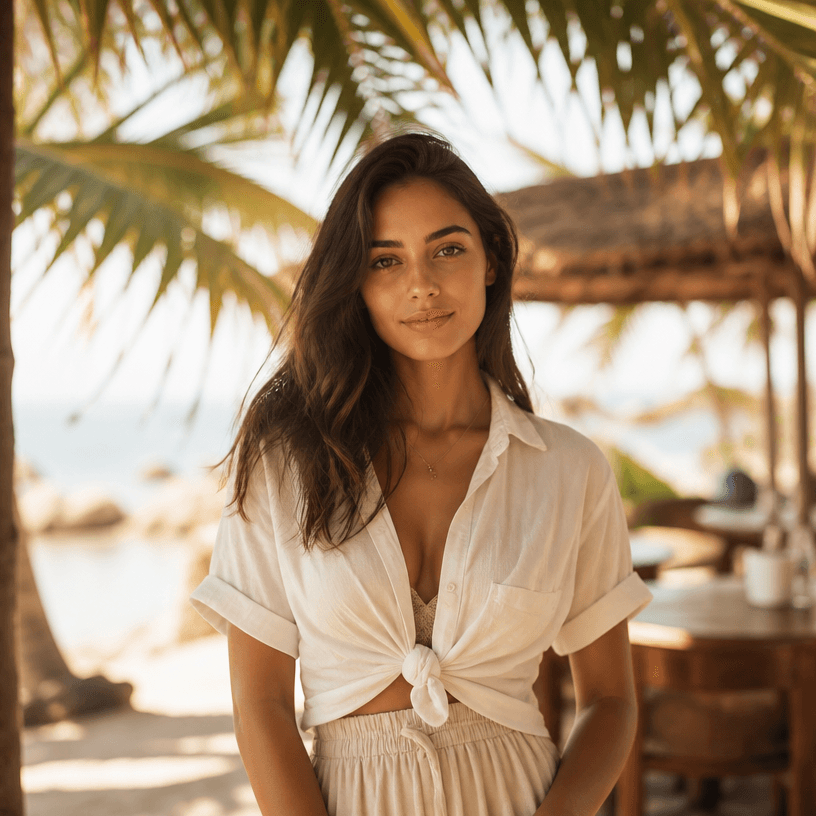
Tropical-Style Portrait
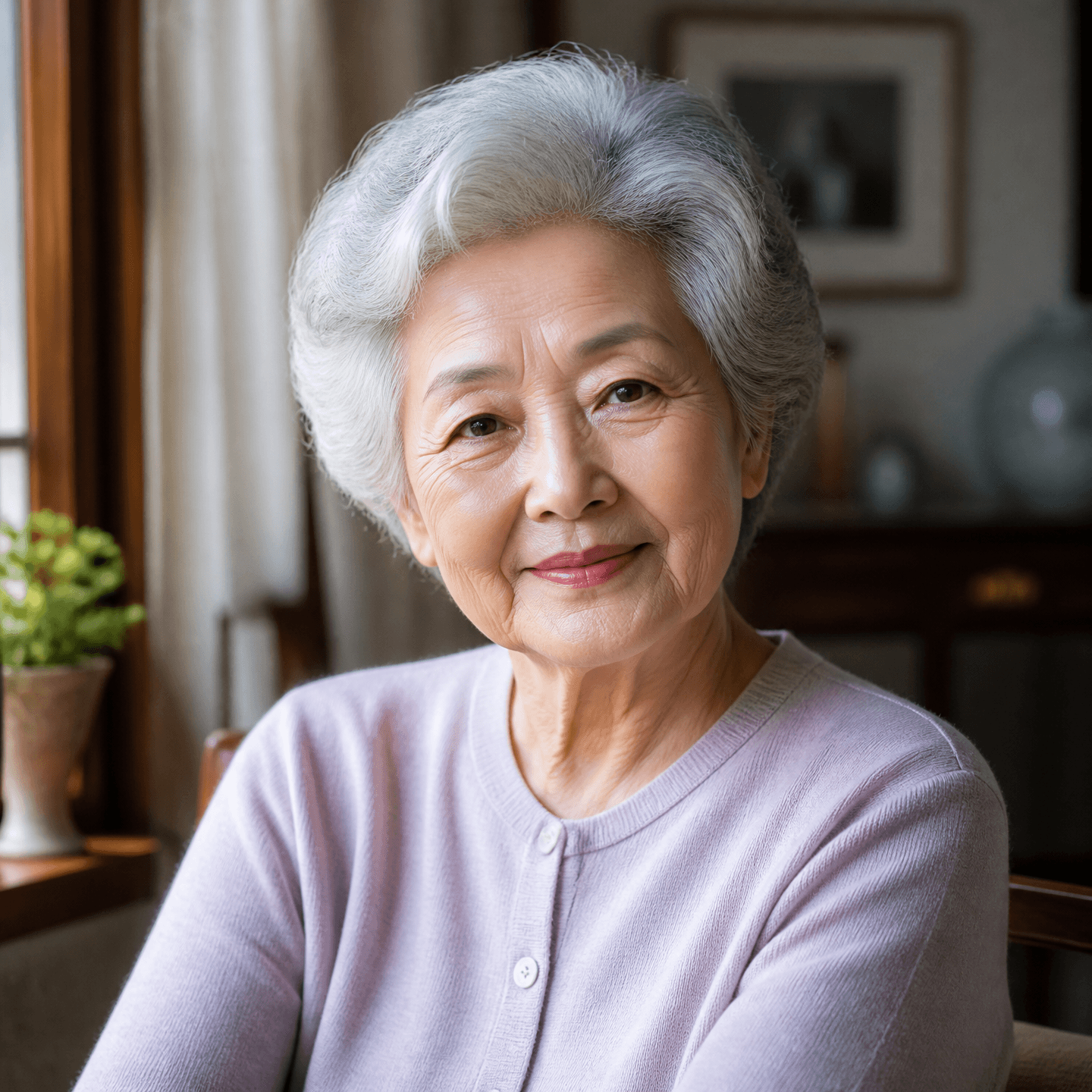
Portrait of an Older Woman

Person Icon
A portrait prompt is a structured description that controls a person’s appearance, expression, gaze, pose, clothing, setting, lighting, and camera composition in an AI-generated image. Instead of writing only portrait photo, specify the subject’s age range, facial direction, hair silhouette, fabric and color of the outfit, location, time of day, light quality, and framing. Define whether the image is a close-up, half-body portrait, or full-body shot so the model understands the intended crop. For a natural result, request real skin texture, subtle expression, believable clothing folds, and slightly imperfect hair rather than excessive retouching. Profile images benefit from planned negative space and a clear gaze direction, while editorial portraits benefit from lens character and background depth. When creating a consistent series, separate identity locks from scene variables: keep face shape, hair, eye color, and key styling fixed while changing the pose or location. State eye level and focus position for close portraits, and describe the feet, ground, and surrounding space for full-body scenes. Lighting is easier to control with observable descriptions such as soft window light, overcast diffused light, or low-contrast studio illumination. Improve a prompt through controlled iteration: change one element at a time so you can identify which instruction changed the result. These gallery examples provide practical starting points for profile photos, character portraits, lifestyle images, and editorial compositions. Combining clear Korean intent with concise English visual keywords can also help compare model behavior across tools.