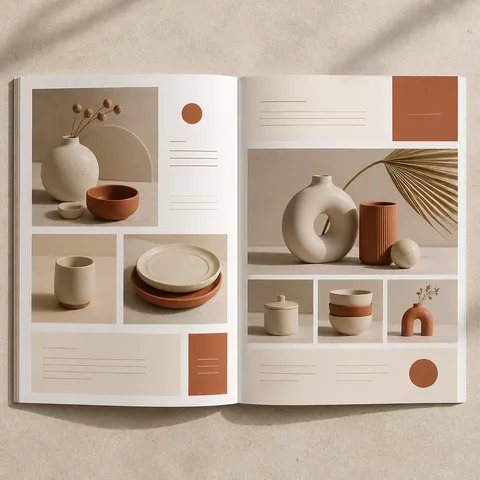
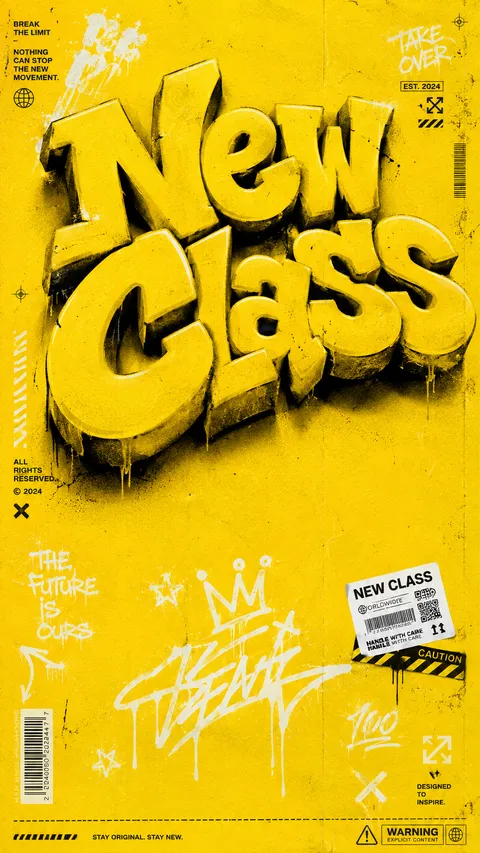
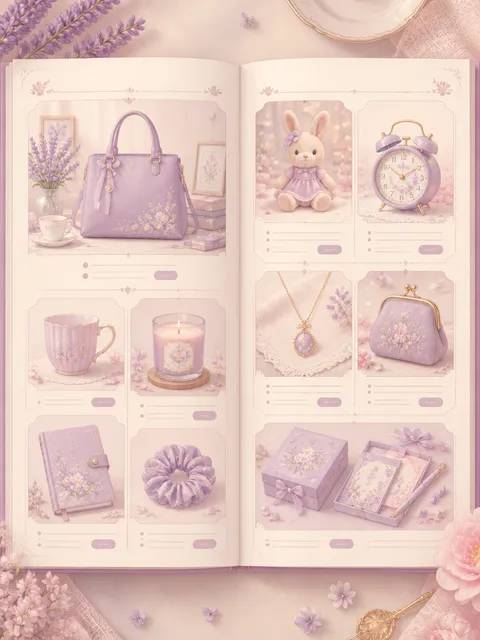
Product brochure prompts for explaining features, use cases, specifications, and differentiators clearly.
2026.07.17
Make “Product Brochure” exactly the way you wantCreate your own “Product Brochure”
Just ask in plain language — Carat generates optimized images and videos for you.

Start now with 100 free credits daily
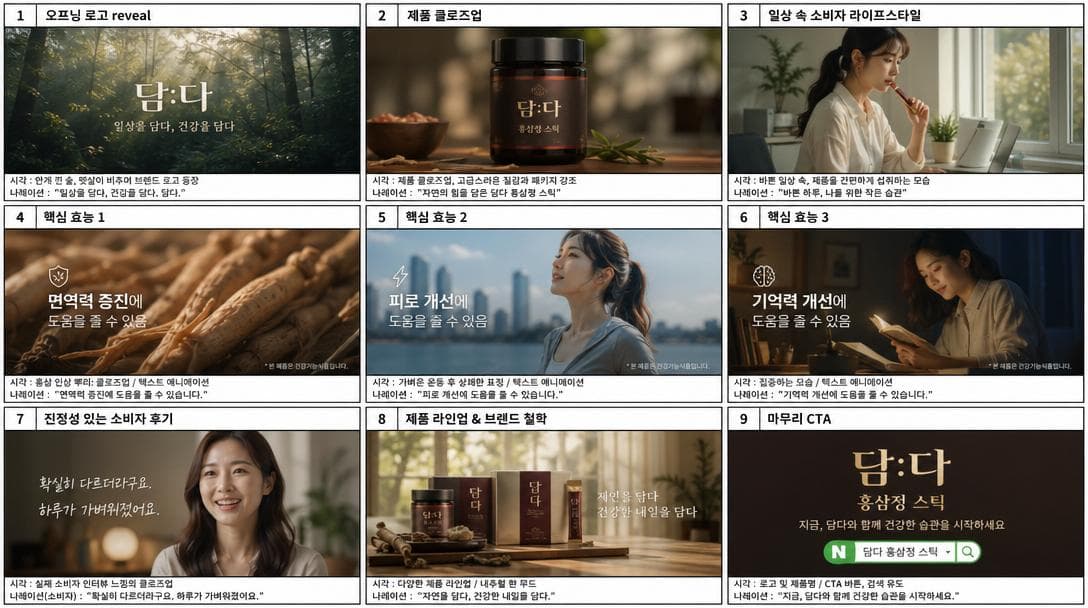
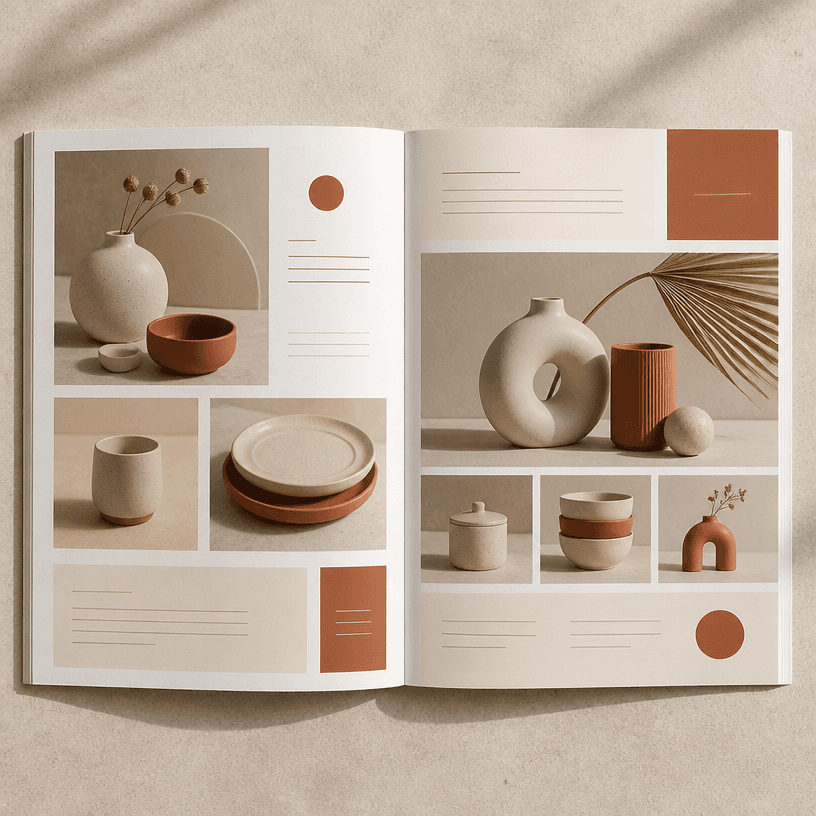
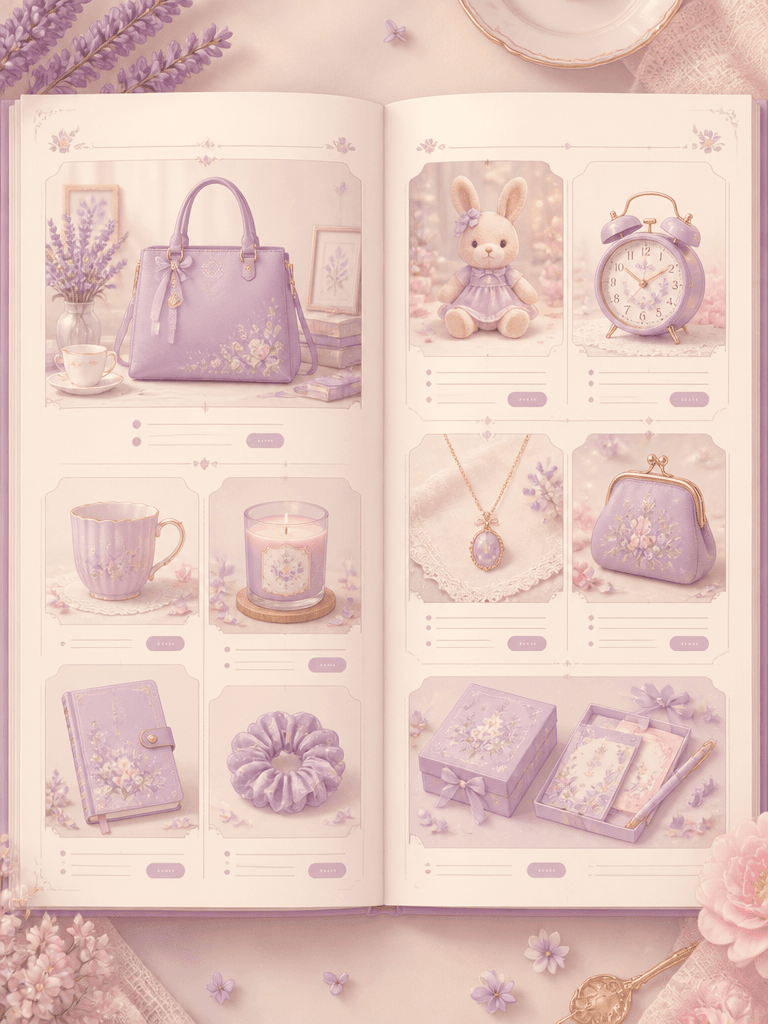
A product brochure organizes the features, audience, differentiators, and practical details that help someone understand a product and make a decision. Unlike a single advertising image, a brochure should explain what problem the product addresses, how it is used, and which evidence supports its value. Include the product category, customer, feature priority, document format, information density, and visual tone in the prompt to guide the layout.
Product brochures support launches, sales meetings, ecommerce detail pages, distributor proposals, trade-show handouts, and internal training. For one product, separate the hero view from feature explanations. For a range, keep shared specifications and comparison points in the same order across products. If price, dimensions, package contents, usage instructions, or contact information matter, give them clear information blocks instead of hiding them inside decorative imagery.
Describe the product name, category, target customer, use environment, core functions, materials, dimensions, package contents, and strongest benefit. State whether the output is an A4 brochure, presentation slide, mobile product page, or handout because each format needs a different ratio and density. Also specify whether the product should appear alone, in use, or beside a diagram and feature callouts.
Open with the product name and one concise benefit. Then connect a customer problem to the proposed solution before grouping the most important features. Use a real-use scene or comparison table to make abstract claims concrete. Keep brand colors as controlled accents and preserve contrast between the product and its background so information remains easy to scan.
Verify product names, dimensions, measurements, certifications, prices, and performance claims against approved source material. Generated product shapes, buttons, labels, and logos may not match the real object, so the visual must not replace technical documentation. When comparing models, use the same conditions and units throughout. Finally, check tables, small type, and call-to-action details on the actual mobile or print output.