Q&A Product Detail Page
Prompts for organizing frequently asked product questions and answers into a readable detail page.
2026.07.17
Make “Q&A Product Detail Page” exactly the way you wantCreate your own “Q&A Product Detail Page”
Just ask in plain language — Carat generates optimized images and videos for you.

Start now with 100 free credits daily
리뷰 상세페이지
상세페이지 옵션표
Smart Store Review Card Section
What are Q&A product detail page AI prompts?
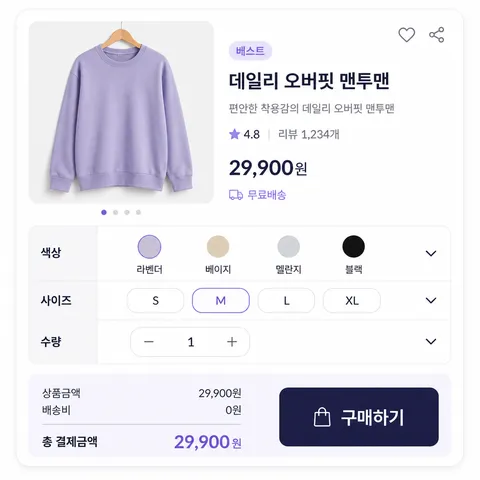
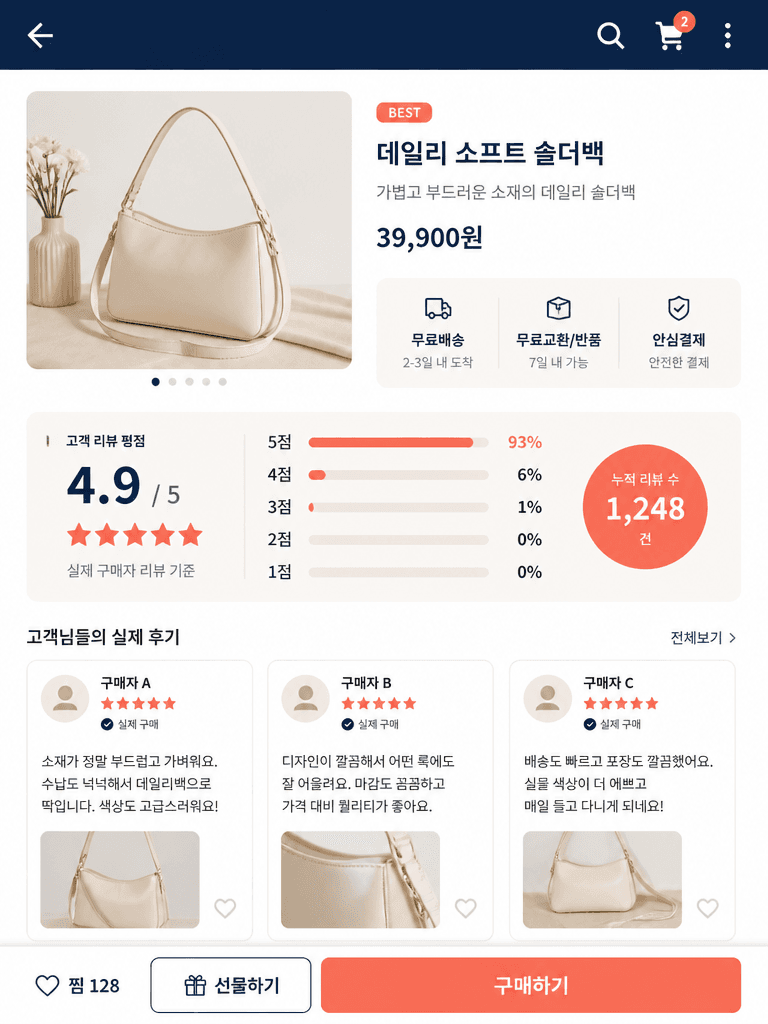
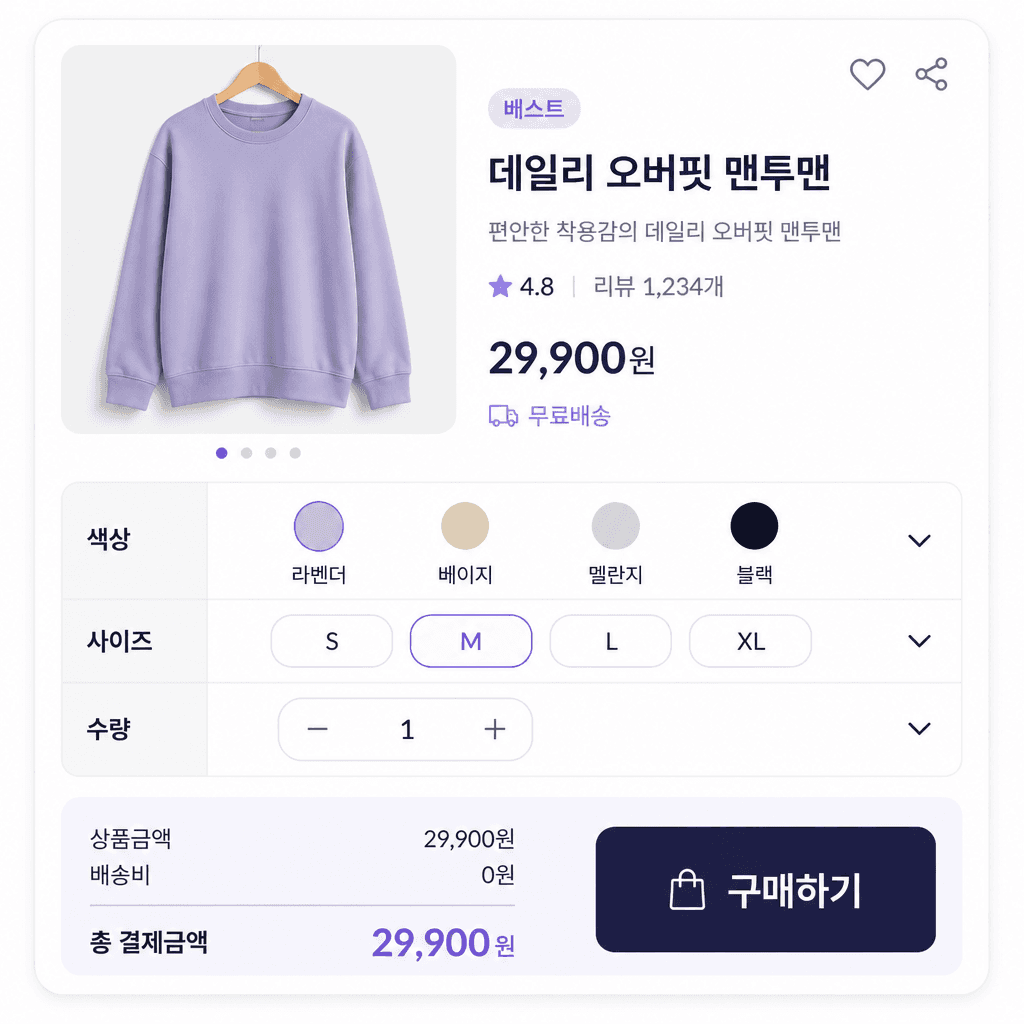
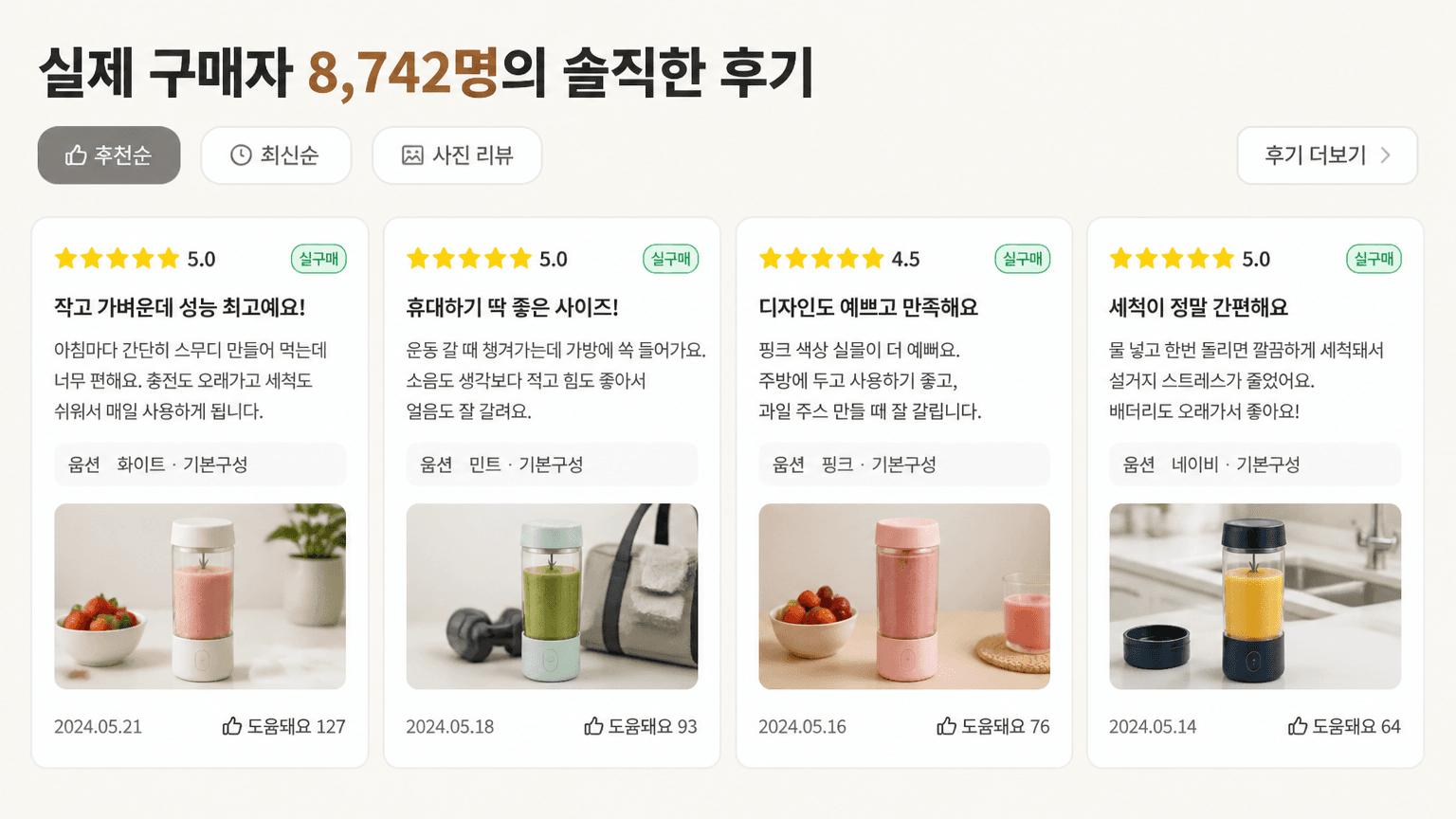
Q&A product detail page AI prompts describe a shopping layout where customers can find answers before purchasing. The page can group questions about delivery, sizing, materials, usage, exchanges, and returns into clear cards or expandable sections. By specifying the priority of questions, answer length, accordion state, spacing, and mobile behavior, you can create a useful design concept rather than a generic text list. Treat the generated image as a layout draft. Replace every sample answer with current information that has been verified by the seller.
Common use cases
- Size and fit guidance for clothing and shoes
- Usage and storage instructions for cosmetics and household goods
- Ingredients, allergy notes, and delivery timing for food products
- Production schedules and options for made-to-order items
- Pre-purchase support areas for online stores
Building a clear information hierarchy
Start with questions that appear repeatedly in real support records. Put purchase-critical information near the top, then group shared policies such as shipping and returns. Keep one topic per answer card and split long answers into a short summary and a fuller explanation. Mention the expanded or collapsed state, icon behavior, accent color, and relationship between the Q&A block and product images. These details help the generated layout communicate how the interface should work.
Prompt tips
Name the product category and audience first, then define the question groups. For apparel, useful groups might include sizing, fabric, care, delivery, and exchanges. Specify desktop or mobile, the number of questions visible at once, and whether one answer is expanded. Never include real order numbers, phone numbers, or private customer details. If sample copy is needed, request short fictional text and leave editable space because small generated lettering may need replacement during design editing.
Final checks before publishing
Generated answers are not official store policy. Verify delivery dates, exchange conditions, ingredients, prices, and stock against the latest source documents. Do not omit required notices or allergy information for the sake of a cleaner layout. Remove identifying customer details and test the page on a phone to ensure that question labels, expanded answers, and touch targets remain readable.