School Meal Plan

School Meal Plan prompts. Copy and use School Meal Plan image generation prompts from Carat right away.

2026.08.12

Make “School Meal Plan” exactly the way you wantCreate your own “School Meal Plan”

Just ask in plain language — Carat generates optimized images and videos for you.

Start now with 100 free credits daily
·
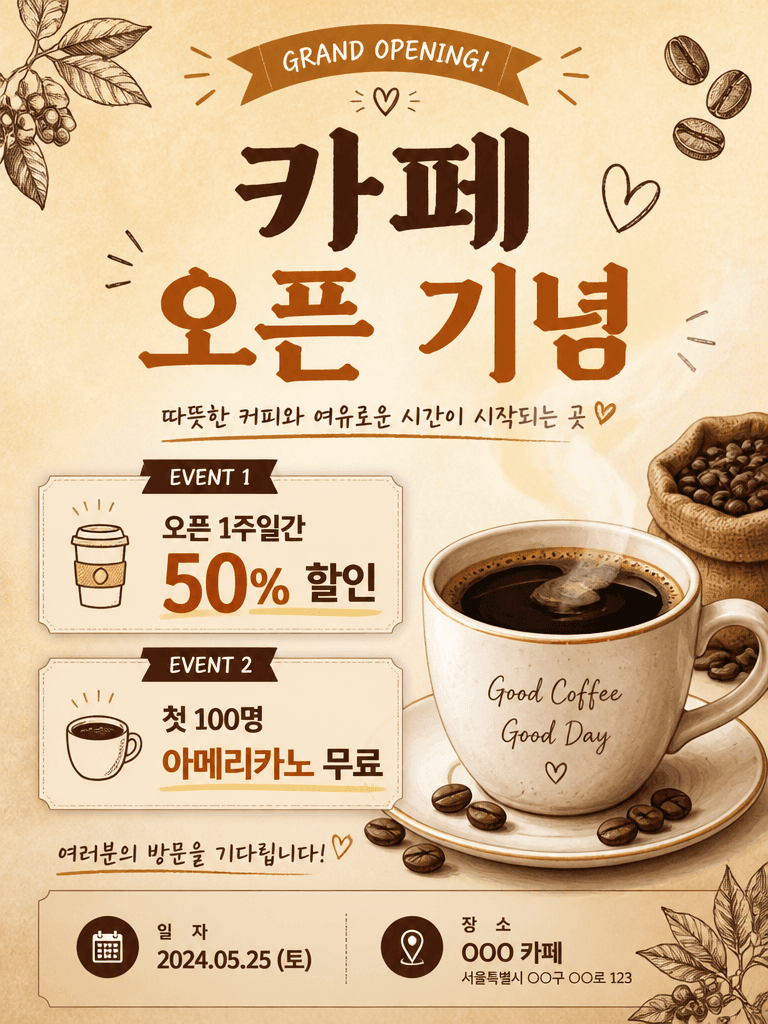
AI-generated Cafe Opening Event Poster made with GPT Image 2

Cafe Opening Event Poster

GPT Image 2· Image
A cafe grand opening event poster design. Warm beige background with coffee cup illustration. Title text '카페 오픈 기념' in Korean. Event details: 오픈 1주일간 50% 할인, 첫 100명 아메리카노 무료. Date and location area at the bottom. Hand-drawn coffee bean decorations. Warm and inviting startup poster design, vertical format.
AI-generated Nutrient Guide Infographic made with GPT Image 2

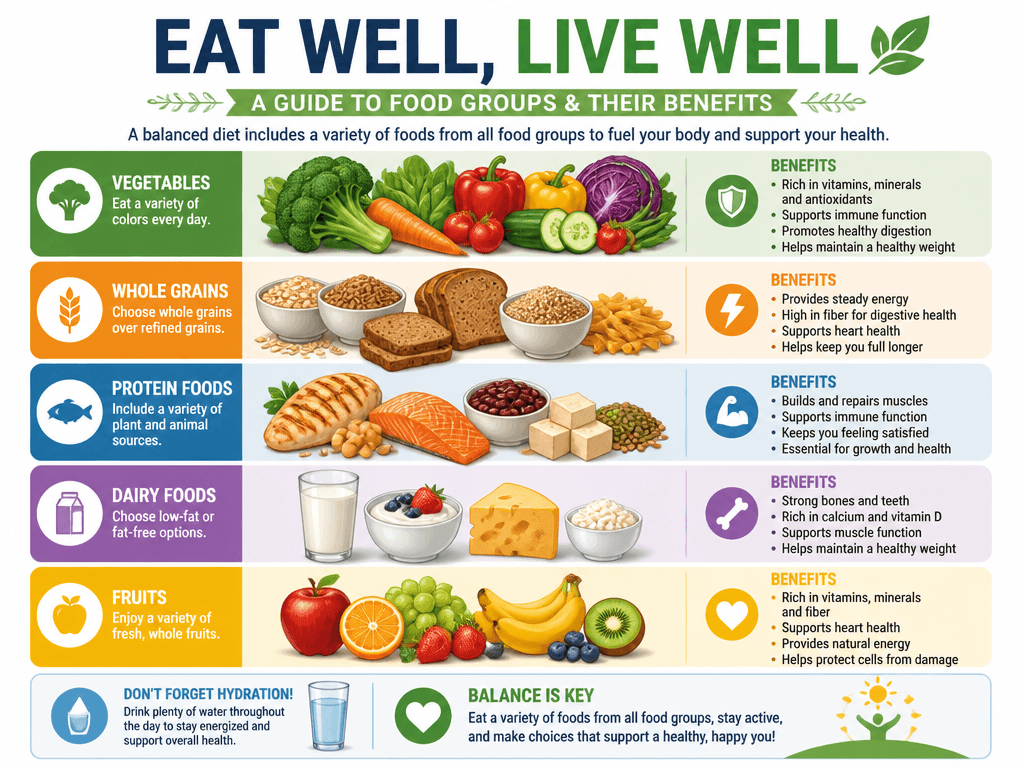
Nutrient Guide Infographic

GPT Image 2· Image
A nutrition guide infographic showing food groups and their benefits. Colorful food illustrations with labels, organized by category. Clean modern design, fresh colors. Professional nutrition infographic.
AI-generated Health Management Infographic made with GPT Image 2

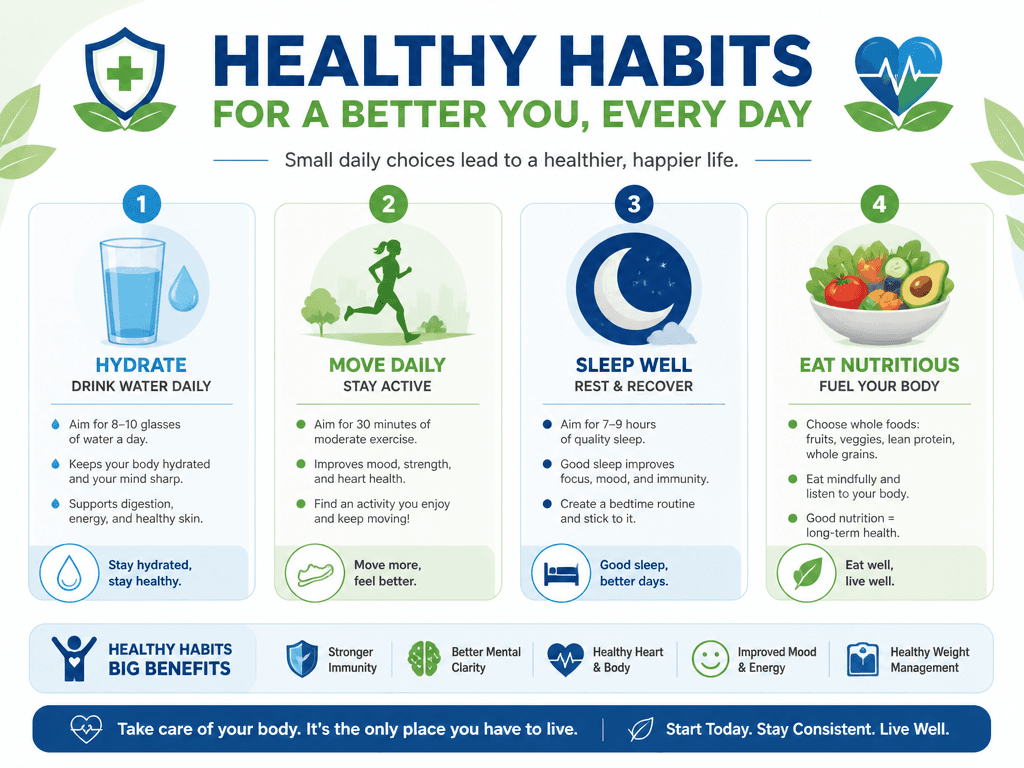
Health Management Infographic

GPT Image 2· Image
A health management infographic showing daily healthy habits: water intake, exercise, sleep, nutrition. Clean medical-style design with health icons, green and blue colors. Professional health infographic.
AI-generated School Lunch Illustration made with GPT Image 2

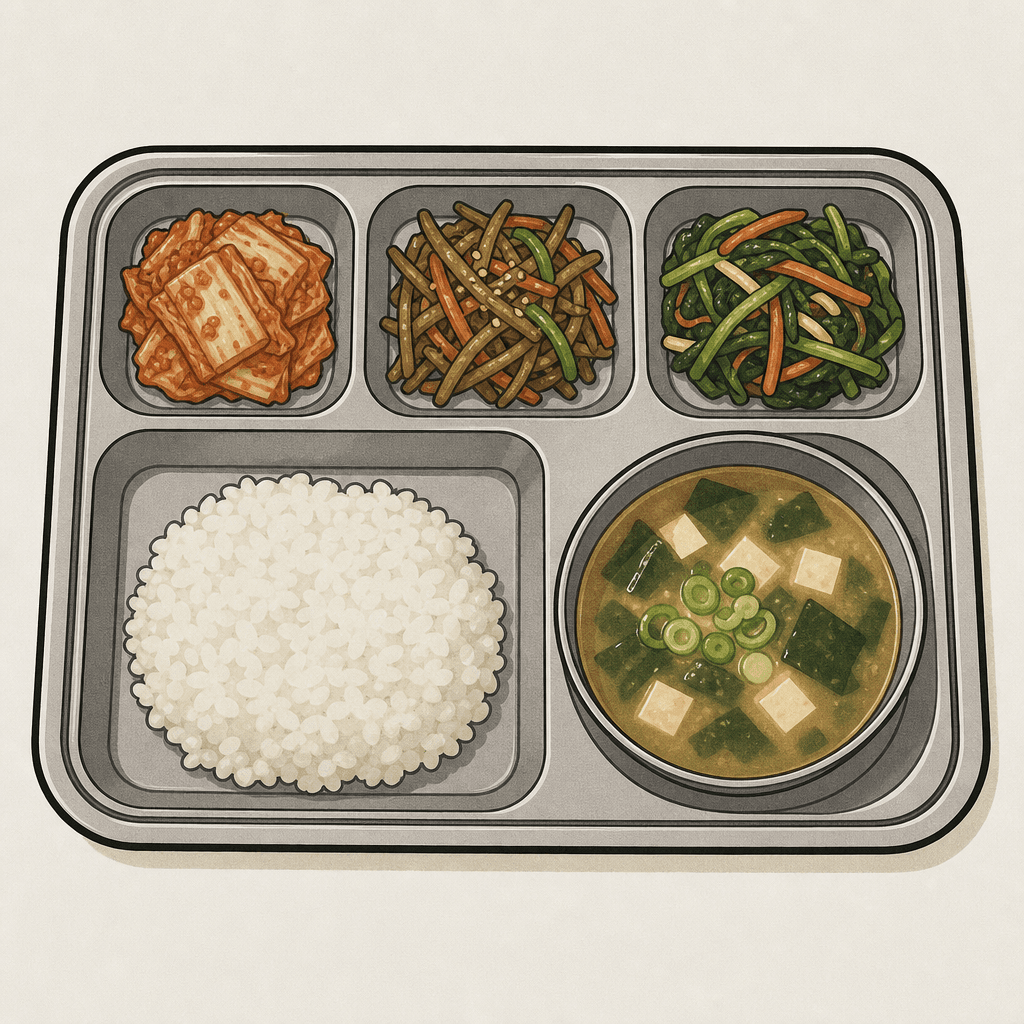
School Lunch Illustration

GPT Image 2· Image
photograph, clean vector sticker illustration of a school meal tray. Muted washed-out tones, neutral white balance slightly warm, shadows lifted to ashy gray-brown, very low contrast flat exposure, midtones desaturated and chalky. iPhone sensor grain noise. Divided stainless steel lunch tray containing a portion of white rice, a bowl of warm soup, and three small side dishes including kimchi and stir-fried vegetables. Simple cafeteria food icon style, warm color palette, centered composition, thick crisp black outline, flat colors, light neutral background. No text, no watermark, no 3D render, no studio lighting, no heavy makeup, no portrait mode blur.
AI-generated Balanced Nutrition Guide Infographic made with GPT Image 2

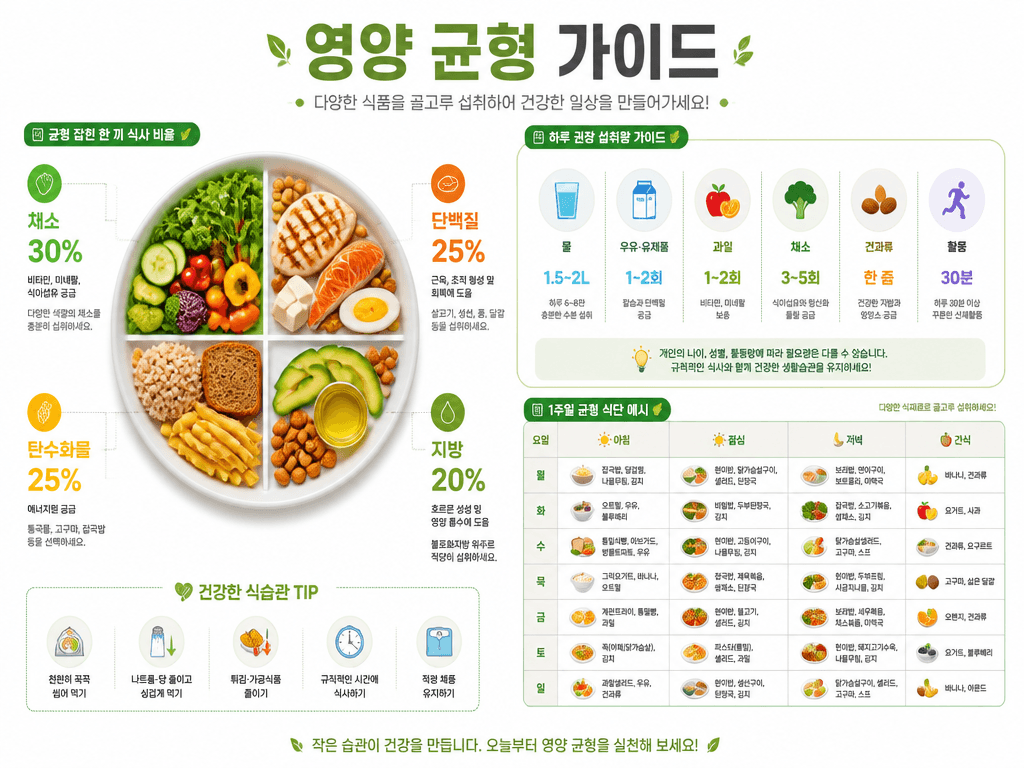
Balanced Nutrition Guide Infographic

GPT Image 2· Image
A nutrition balance infographic design. Clean white background with green and orange accent colors. Title text '영양 균형 가이드' in Korean. Show a balanced plate diagram divided into food groups (채소 30%, 단백질 25%, 탄수화물 25%, 지방 20%), daily intake recommendation icons, and a simple weekly meal chart. Modern health infographic with clean flat icons and organized data layout.
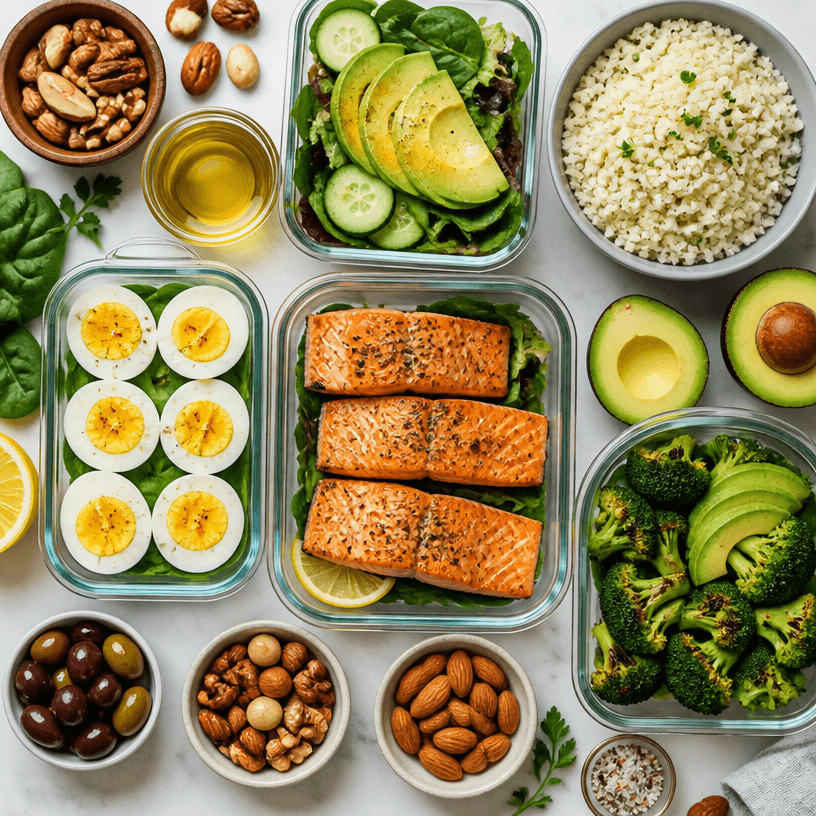
AI-generated Keto Meal Plan made with GPT Image 2

Keto Meal Plan

GPT Image 2· Image
Square overhead editorial food photograph of a balanced ketogenic meal plan spread: avocado, eggs, grilled salmon, leafy greens, olive oil, nuts and cauliflower rice arranged in meal-prep dishes, appetizing natural textures, bright clean kitchen light, organized composition, no labels, no text, no watermark.

What are School Meal Plan Prompts?

A collection of AI prompts for generating school meal plan images. Copy the School Meal Plan prompts provided by Carat and paste them into an AI image generation tool to get professional-grade results.

How to Use School Meal Plan Prompts

  1. Select and copy your desired prompt.
  2. Paste it into the Carat agent.
  3. Modify colors, styles, and composition as needed.
  4. Download the generated image and use it in your project.

Tips for Writing School Meal Plan Prompts

Specify lighting, texture, composition, and lens information in detail for more precise results. Add "No text, no watermark" to prevent unwanted text overlays.

School Meal Plan Prompt Applications

School Meal Plan prompts are used across content creation, marketing, design, and educational resources. AI-generated images dramatically reduce production time while maintaining professional quality.

School Meal Plan Prompt Optimization Guide

Choose the aspect ratio based on your use case: vertical (9:16) for social media, horizontal (16:9) for web banners, and square (1:1) for product images.
Frequently Asked Questions