An AI prompt for creating a clear timeline template that presents milestones and project stages at a glance.
2026.07.17
Make “Timeline Template” exactly the way you wantCreate your own “Timeline Template”
Just ask in plain language — Carat generates optimized images and videos for you.

Start now with 100 free credits daily
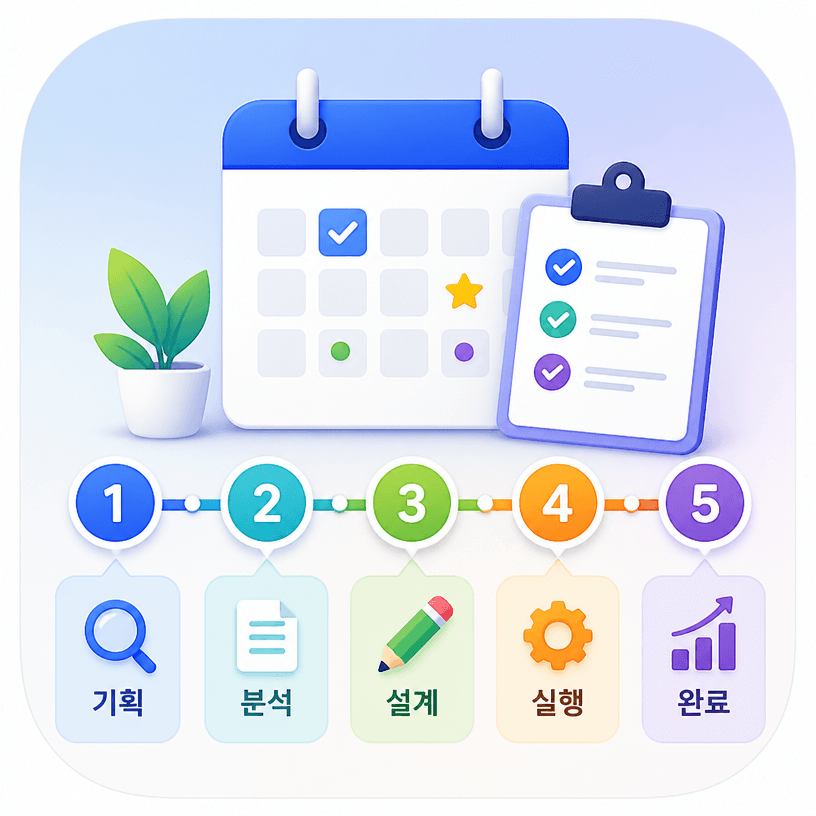
A timeline template AI prompt creates a visual plan that shows how a project, event, or process moves from its beginning to completion. It can arrange several connected stages, milestone markers, calendar symbols, and short description areas in one readable composition. This is useful when you need a quick concept for a project roadmap, launch schedule, campaign plan, event checklist, or learning path. By specifying the number of stages, the order of the milestones, the visual hierarchy, and the aspect ratio, you can produce a structured draft without manually positioning every element on a blank canvas.
Use the prompt for product launch plans, content calendars, service development roadmaps, event preparation, onboarding sequences, or educational schedules. A single-page timeline can make a meeting discussion easier because the team can see the full sequence at once. For social content, a strong color system and simple icons can communicate the idea even when the viewer only sees a small thumbnail. You can also request a restrained palette that matches a brand guide, or choose a friendly illustrated treatment for a community announcement.
Start with the number and order of the stages. Short action-based labels such as research, plan, build, review, and launch usually create a clearer hierarchy than long sentences. State whether dates should be visible placeholders or actual values, and describe the structure as a connected line, cards, or a left-to-right flow. Generous spacing matters because crowded nodes make the sequence difficult to follow. Ask for distinct milestone icons and strong contrast rather than relying on tiny text.
Generated images may contain incorrect dates, numbers, or small labels. Treat the first output as a visual draft, then replace important copy in a design editor before publishing. Check the contrast between the line and background, the spacing between stages, and the readability on mobile screens. This workflow keeps the speed of AI ideation while preserving accuracy in a business document or public announcement.



