A channel art prompt for expressing a YouTube channel topic, publishing style, and visual identity across screen sizes.
2026.07.17
Make “YouTube Banner” exactly the way you wantCreate your own “YouTube Banner”
Just ask in plain language — Carat generates optimized images and videos for you.

Start now with 100 free credits daily
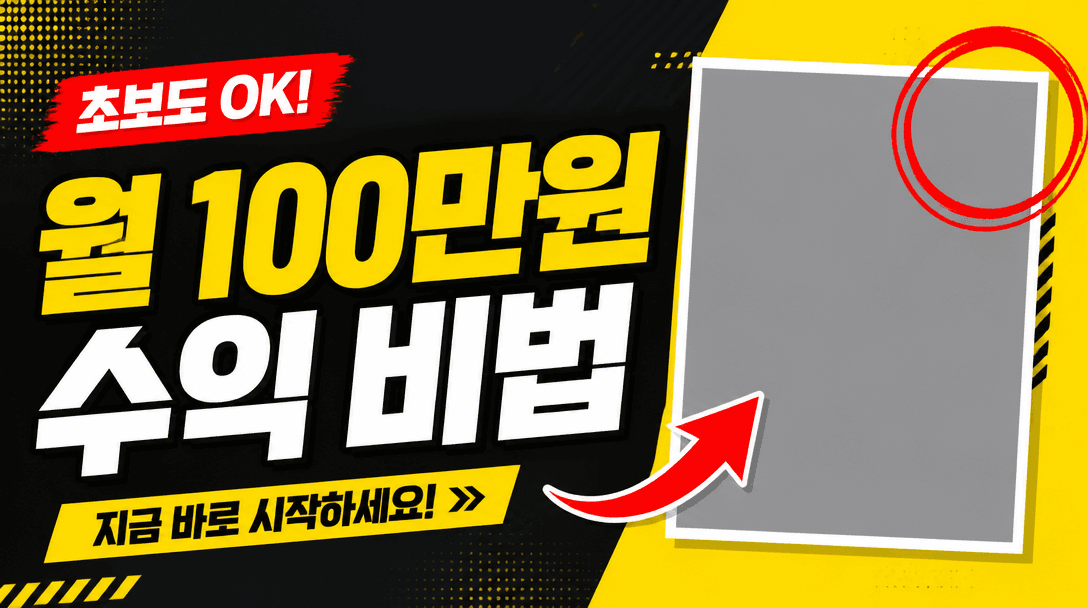
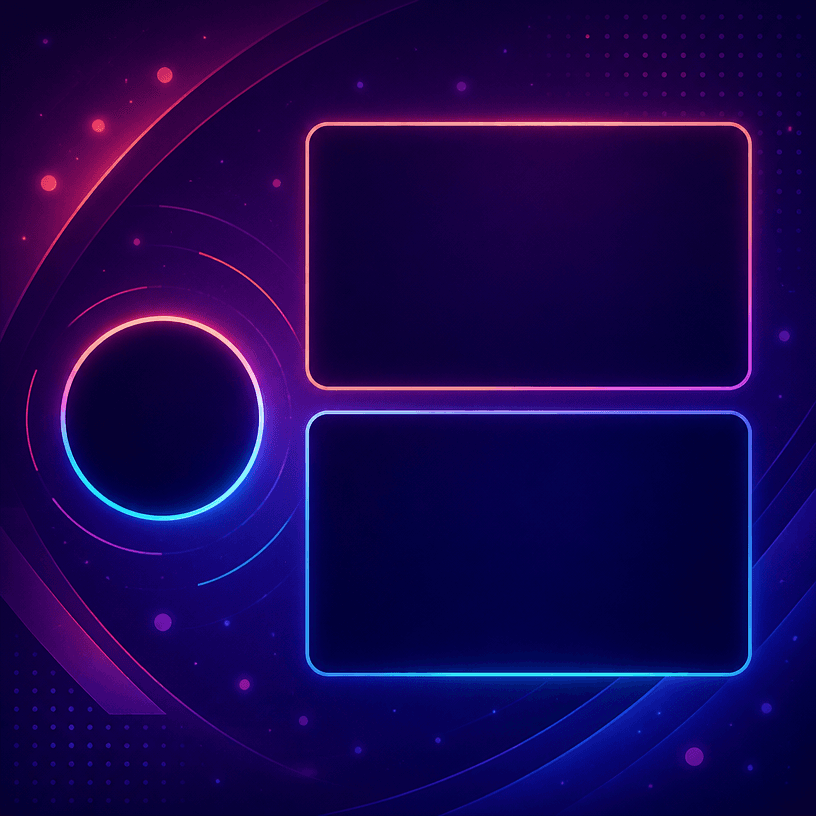
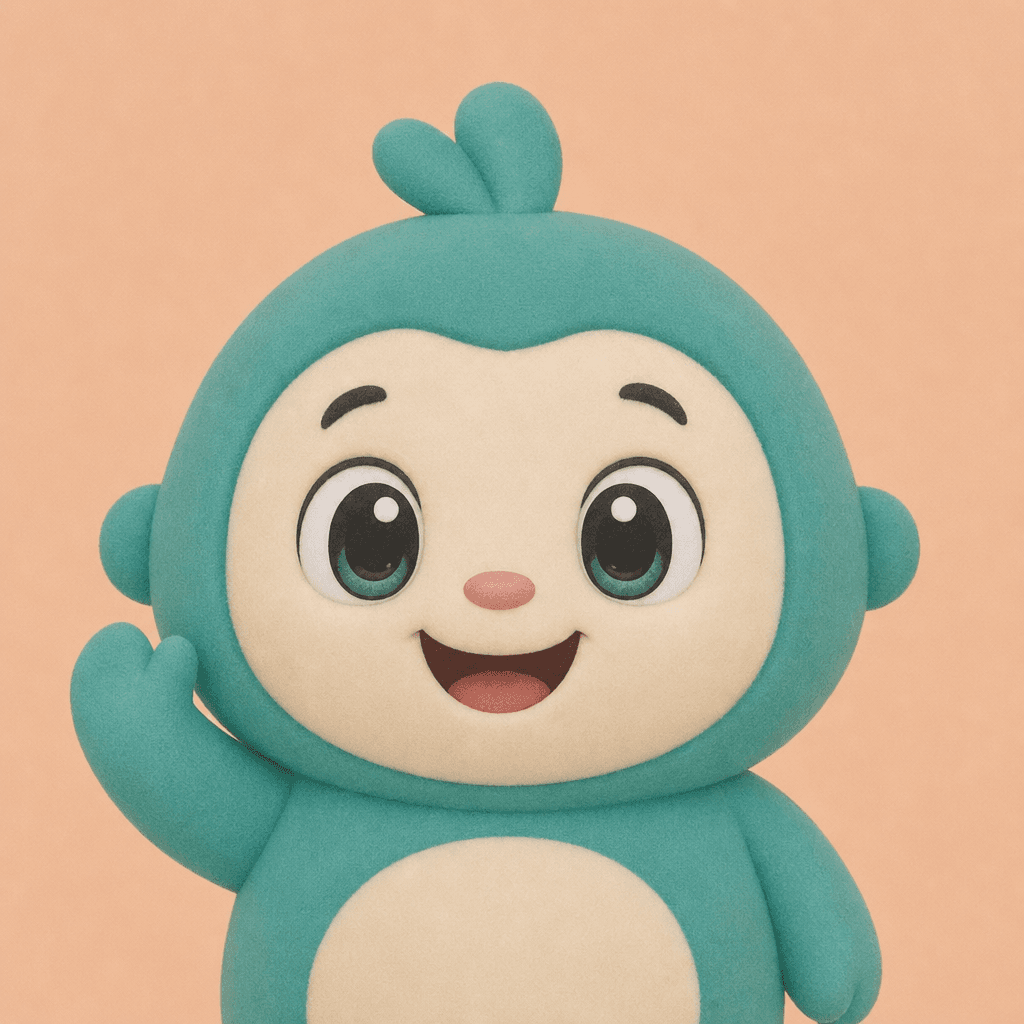
YouTube banner prompts help plan the channel art displayed at the top of a channel page. Unlike a thumbnail, which sells one specific video, a banner communicates the channel’s subject, personality, and promise over many uploads. Include the channel name, content category, audience, upload rhythm, brand colors, logo or mascot references, and the mood you want viewers to remember. The prompt can then describe a wide background with a protected central area so the concept remains useful on desktop, mobile, and television layouts.
A gaming channel may use strong contrast, energetic shapes, and a recognizable gameplay silhouette. A cooking channel can organize ingredients and utensils into a calm pattern, while an education channel may benefit from a desk, notes, diagrams, and generous negative space. Travel and vlog channels can establish a place through color and atmosphere without allowing scenery to compete with the channel identity. Think about the videos that will appear beside the banner and choose a visual system that can survive changes in individual thumbnails.
Channel art is cropped differently across devices, so the name, logo, and essential message need to stay inside the central safe area. Ask for a centered identity block, flexible side decoration, readable scale, and a background that still works when the edges disappear. Small copy at the far left or right may be visible on a large monitor and vanish on a phone. Generated lettering can also be unreliable, so leave a clean area where the final channel name, schedule, or link can be typeset accurately after generation.
Begin with one sentence describing what viewers will find on the channel. Add the canvas orientation, safe-area requirement, palette, background density, main objects, lighting, and the reserved copy zone in that order. If a logo or mascot is important, provide a reference and tell the model to preserve its silhouette rather than redraw a new identity. Keep decorative elements limited so the banner remains compatible with profile images and thumbnails. A restrained system is usually more valuable than a spectacular one-off illustration.
Preview the result at desktop, mobile, and television sizes before publishing. Replace the channel name, schedule, and links in an editor using controlled text assets. The strongest banner is not merely an impressive picture; it is a repeatable visual framework that supports the channel’s future videos.