Coffee Brand
사무실 탕비실 커피, 브랜드 캠페인, 아이스커피 콜라주, 원두 패키지 디자인 등 커피 관련 상업 시안을 만드는 이미지 태그입니다.
2026.07.02
Haz “Coffee Brand” justo como lo quieresCrea tu propio “Coffee Brand”
Pídelo en lenguaje natural: Carat genera imágenes y vídeos optimizados para ti.

Empieza ya con 100 créditos gratis al día

Office Pantry Coffee Break
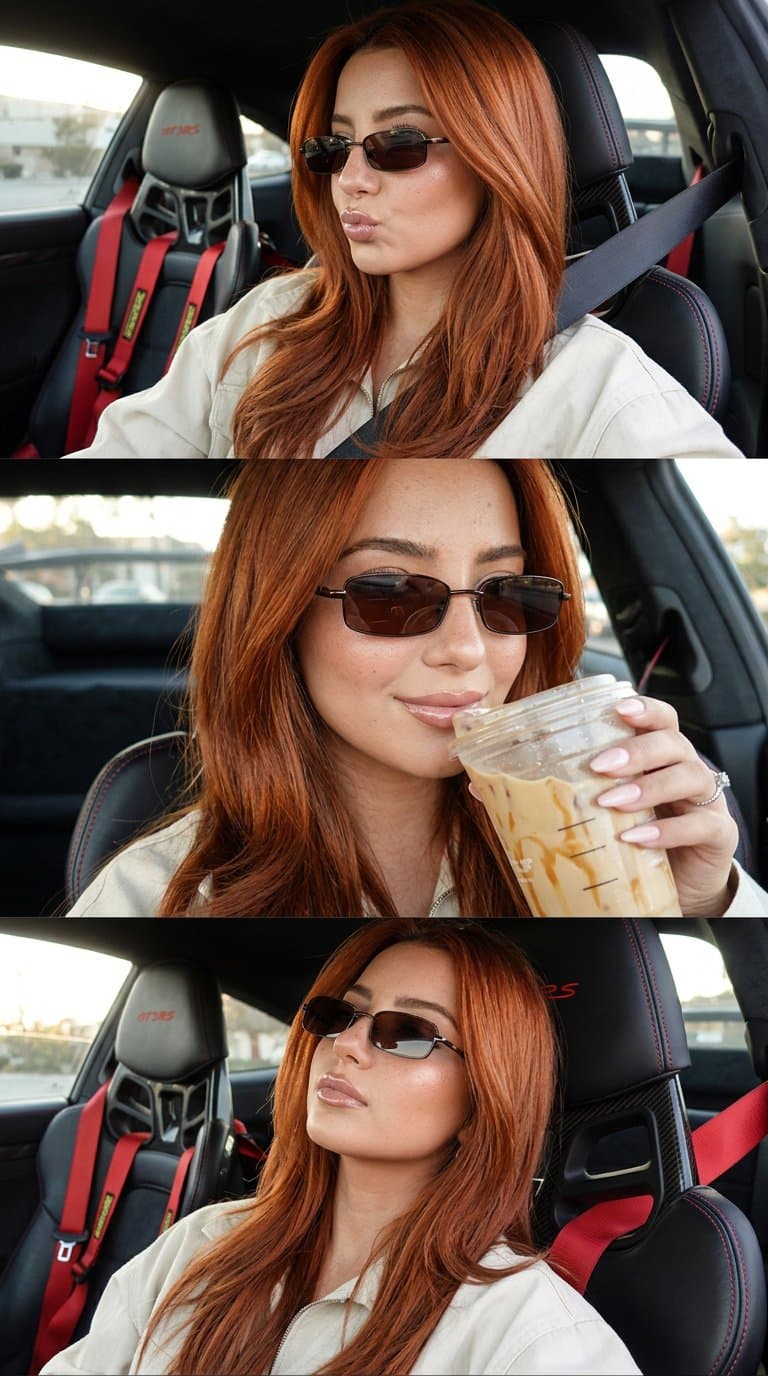
Redhead model sips iced coffee in luxury Porsche selfie collage
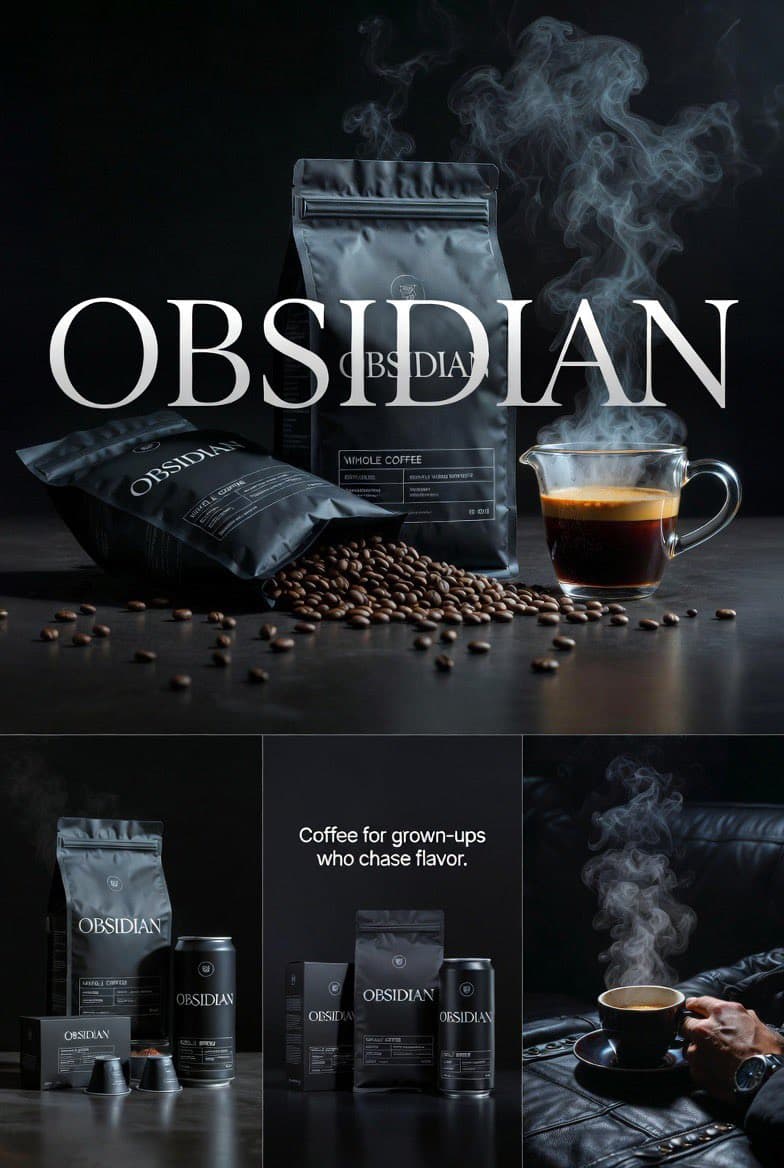
Obsidian Coffee Brand Campaign
Macro Coffee-to-Fluid Transition
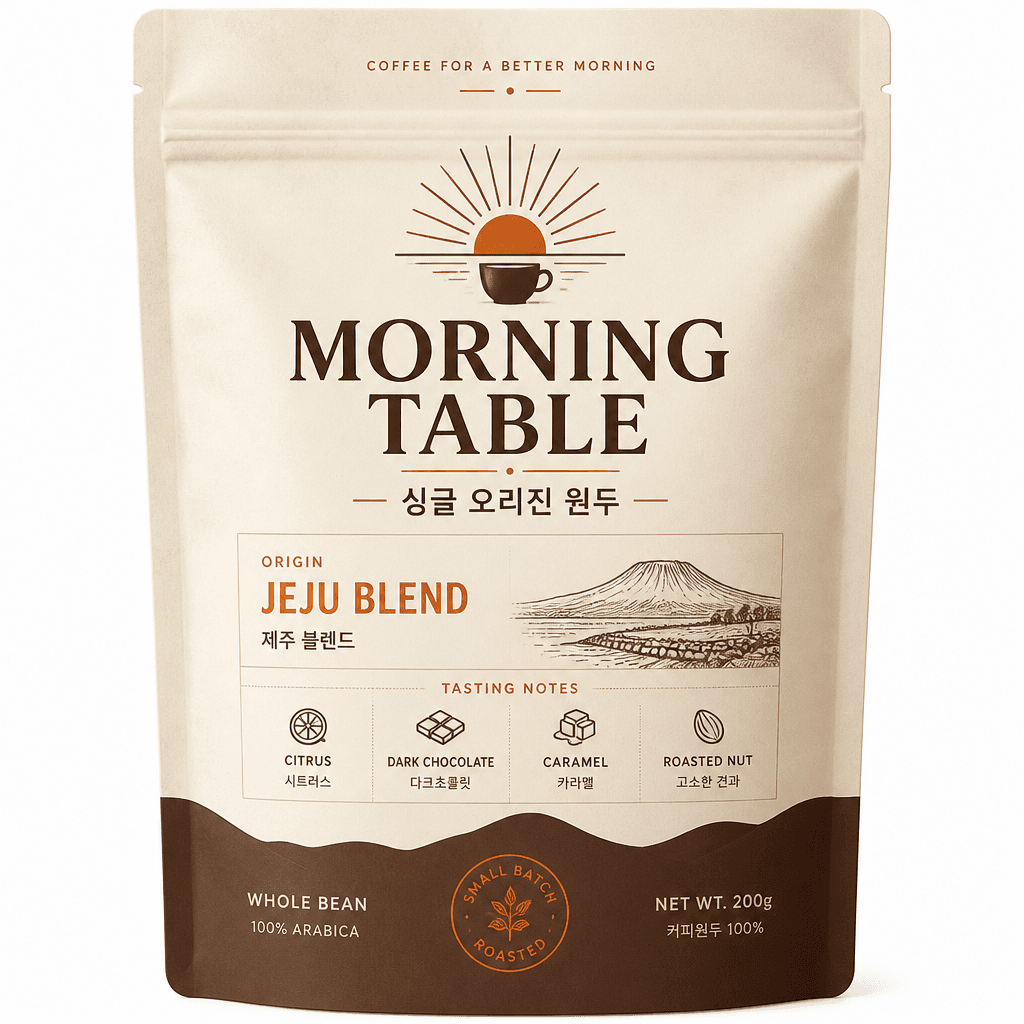
Premium Coffee Bean Package Label for a Korean Cafe Brand Named 'MORNING TABLE'
What are Coffee Brand AI prompts?
Coffee Brand prompts guide you to produce a precise image framework including specific subject placement, close-focus details, material textures, environment props, lighting dynamics, and direct channel aspect ratio. The main purpose is not just to gather simple style guidelines, but to outline a predictable environment that can be deployed into actual campaigns, product listings, banners, or editing pipelines without unexpected drift. A high-quality prompt defines what the primary focus should be and what must stay in the background margin.
Main use cases
- 사무실 탕비실 커피 한 잔
- 옵시디언 커피 브랜드 캠페인
- 포르쉐 아이스커피 셀카 콜라주
- 원두 커피 패키지 디자인
Why this tag is useful
Coffee Brand creations often require strict control over framing to be useful. By standardizing the parameters of your prompt (such as background density, camera lenses, finishing colors, and light distribution) you ensure the generated results can actually be formatted for multi-channel usage without awkward visual cropping. It also allows developers and designers to evaluate multiple stylistic variations safely while preserving the core composition. Rather than relying on random adjective combinations, a structured approach helps the generative model make intentional design choices.
When optimizing a prompt, iterate stepwise by updating one specific key-value parameter at a time. This establishes a clean path for evaluating improvements. For motion-based assets, remember to integrate timing, target movement, camera speed, transition hooks, and ending states to make sure the clip fits nicely into modern social channels. Specific cinematic and visual directives remain the most powerful mechanism for getting the perfect Coffee Brand output on the first try.
Related prompts to explore
Prompt building tips
- Set the exact layout ratio from the beginning to match the target social channel or printing frame.
- State the central subject with clear details, then build around it with specific environmental objects, key lights, and background colors.
- Add negative parameters to secure your composition and prevent unwanted details such as text distortion, awkward crops, or confusing shapes.
- Keep your base sentence and replace only one specific component per test run. This guarantees a safe path toward production-ready Coffee Brand assets.
Preguntas frecuentes
They are used to create structured coffee brand assets for campaigns, social posts, thumbnails, product pages, and concept drafts.
Yes, but you should replace the subject, brand cues, color palette, and aspect ratio to match your project.
Use 1:1 for feeds, 9:16 for shortform video, and 16:9 for banners, thumbnails, or cinematic layouts.
They are useful for drafts and creative direction, but final assets should be reviewed for text, logos, likeness, and detail quality.
Use the prompt type that matches the tag, and add motion, timing, and camera direction when adapting an image idea to video.
You can reference and adapt the prompt text, while generation itself follows the pricing and credit rules of the tool you use.
Change one variable at a time such as lighting, lens, background, texture, or motion so you can see what improves the output.